Description
Pricing
Features
Specification
Review
Compare
FAQs
Alternatives


 View Gallery
Brand: Topaz Labs
Topaz Photo Editing Software is a leading choice for photographers and digital artists seeking a powerful and versatile tool to enhance and transform their images. ...Read more

Get Free Expert Consultation
Let us know your business needs clearly

Verified & Trusted
Vendors

Safe & Secure
Payment

Personalized
Experts Support
$ 199.00 /Quantity
Features
 Photo Editing Image Library Photo Enhancement Sharpening Noise Removal
 See all 
We make it happen! Get your hands on the best solution based on your needs.
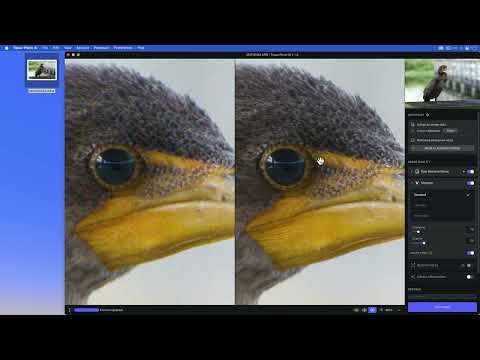

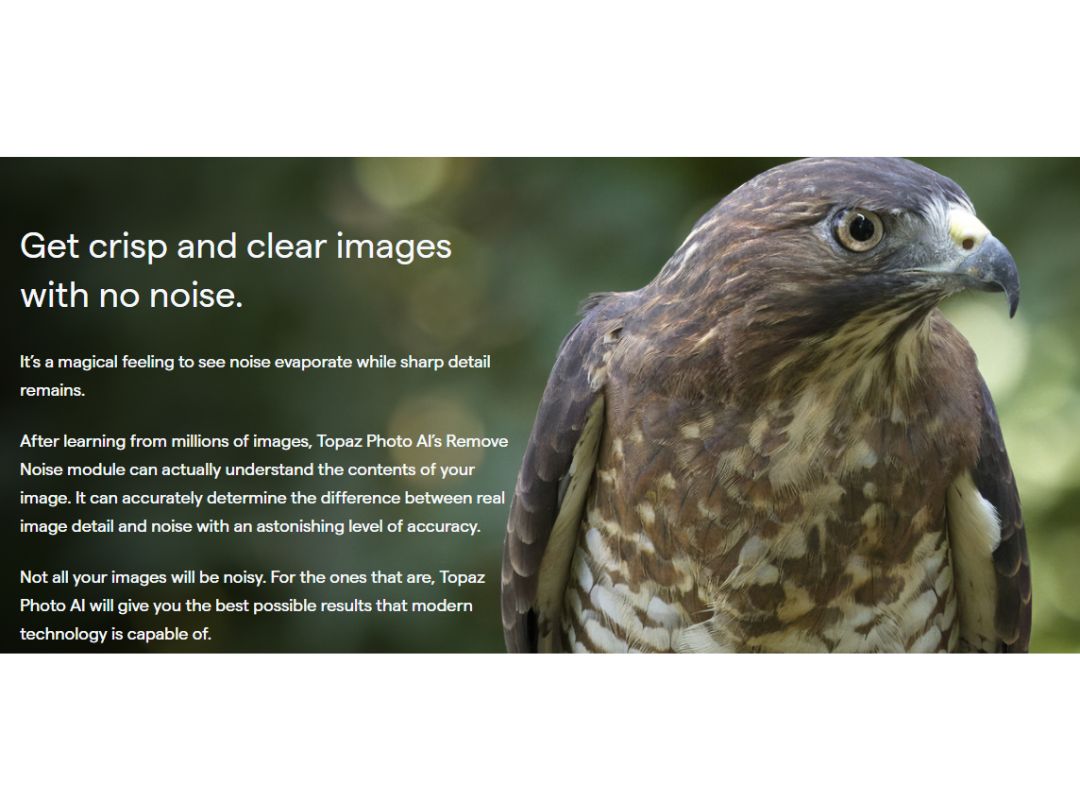
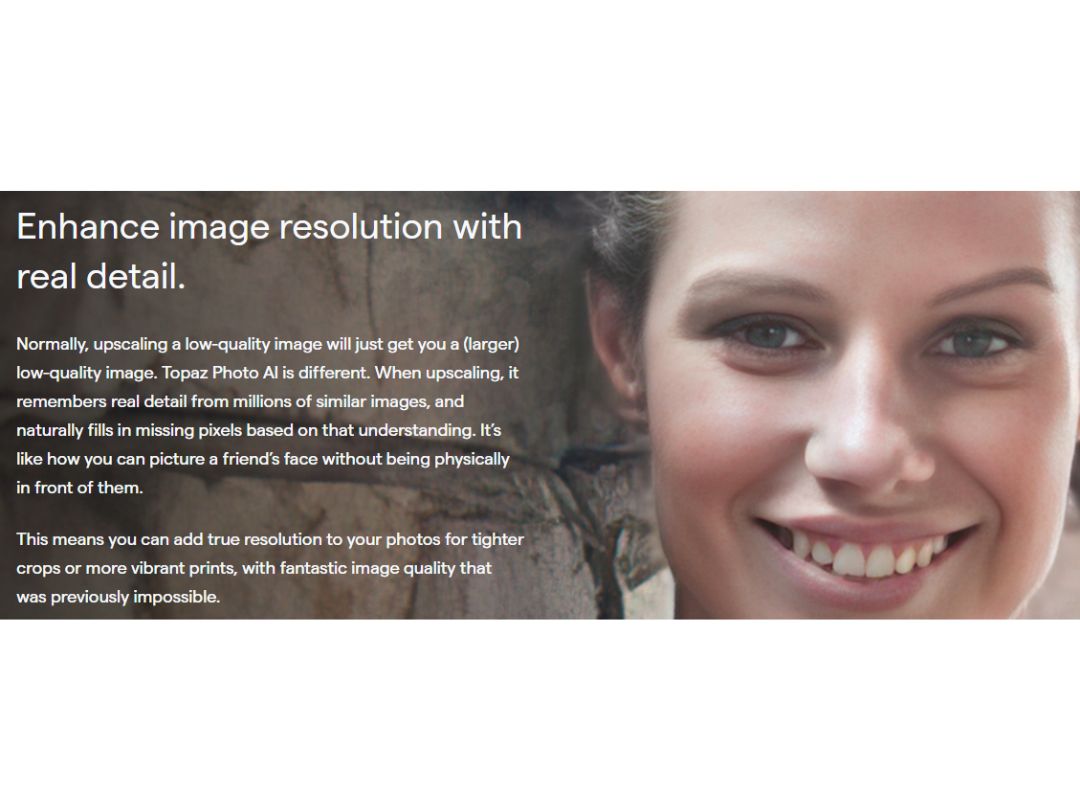
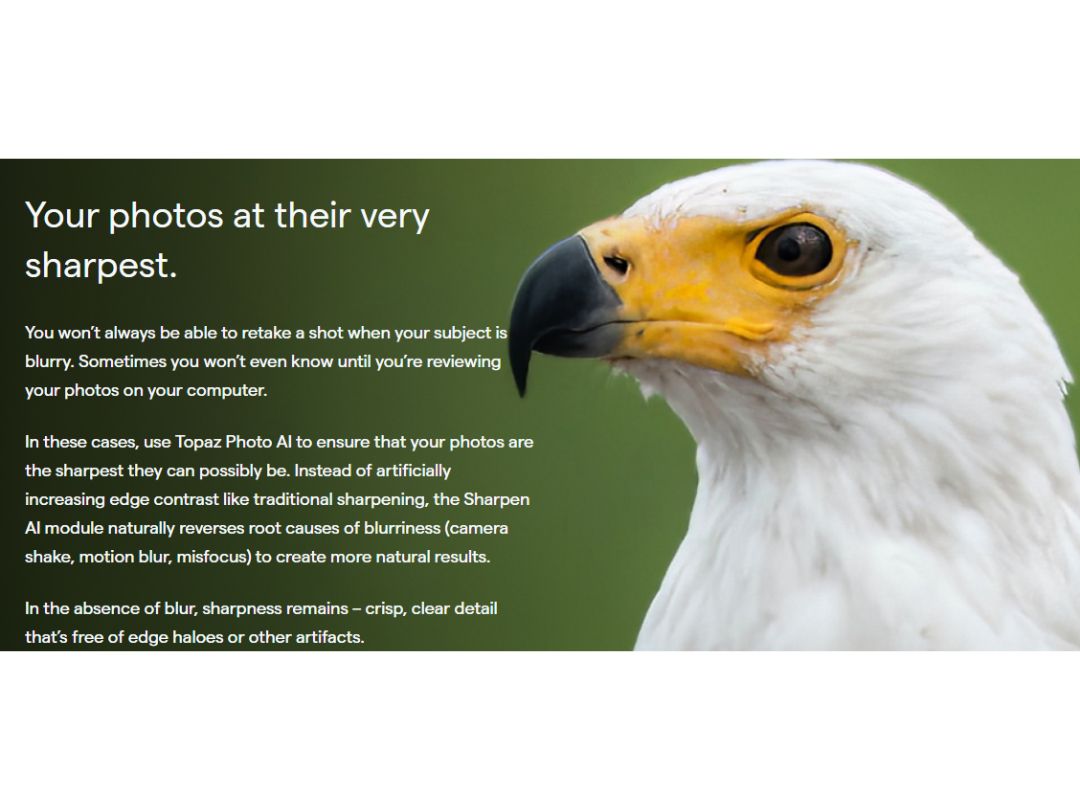
 Photo Editing This software offers tools like DeNoise, Gigapixel and Sharpen AI to edit photos for the best outcome. Image Library The library can import and export raw images without losing the actual qualities. Photo Enhancement Supercharge photos and enhance the quality .by removing noise, sharpening, and increasing image resolution with AI features. Sharpening This AI-powered image sharpening feature rescues blurred photos, reduces shaky view, and corrects focus. Noise Removal Recover the original details of high ISO and low light photos by eliminating the noise and high-quality results. Resolution increase Increase the resolution of low-quality photos with complex AI algorithms and calculations. Image Upscaling Insert additional detail into the enlarged image using the Image Upscaling feature for superior results. Batch Processing Apply image enhancements to multiple photographs in a workflow, helping process large collections more efficiently. Image Exporting Export enhanced photographs after applying AI models, adjustments, crops, and other image processing operations. Plugin Integration Use Topaz Photo as a plugin with applications such as Photoshop, Lightroom Classic, Capture One, and Apple Photos. Image Cropping Crop and reframe photographs to focus on important subjects while preparing images for different output requirements. Object Removal Remove unwanted objects, distractions, and obstructions from photographs using context-aware AI processing. Color Correction Automatically analyze and adjust brightness, contrast, and color balance to create more vivid and natural images.
Have recommended this product
Overall Score
Review this product
Your valuable feedback helps others like you make a better decision.
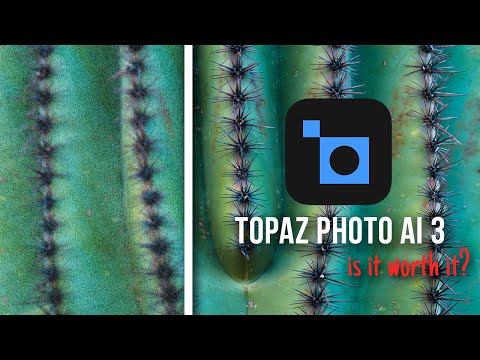
“Topaz Photo AI 3 Review - Is it Worth it?”
4.3
Review by: Austin James Jackson
| Brand Name | Topaz Labs |
| Information | Topaz Labs provides photo enhancer software solutions. |
| Founded Year | 2005 |
| Director/Founders | Albert Yang, Eric Yang |
| Company Size | 1-100 Employees |
| Other Products | Topaz Video AI |

 20,000+ Software Listed
 Unbiased Comparison
 Read Authentic Reviews
 500,000+ Monthly Users
 USA
USA India
India