
Description
Pricing
Features
Specification
Review
Compare
Alternatives


 View Gallery
Brand: VideoCom Inc

Get Free Expert Consultation
Let us know your business needs clearly

Verified & Trusted
Vendors

Safe & Secure
Payment

Personalized
Experts Support
$ 6.00 /Month
Features
 Background Removal Virtual Backgrounds Background Blur Auto Framing Video Enhancement
 See all 
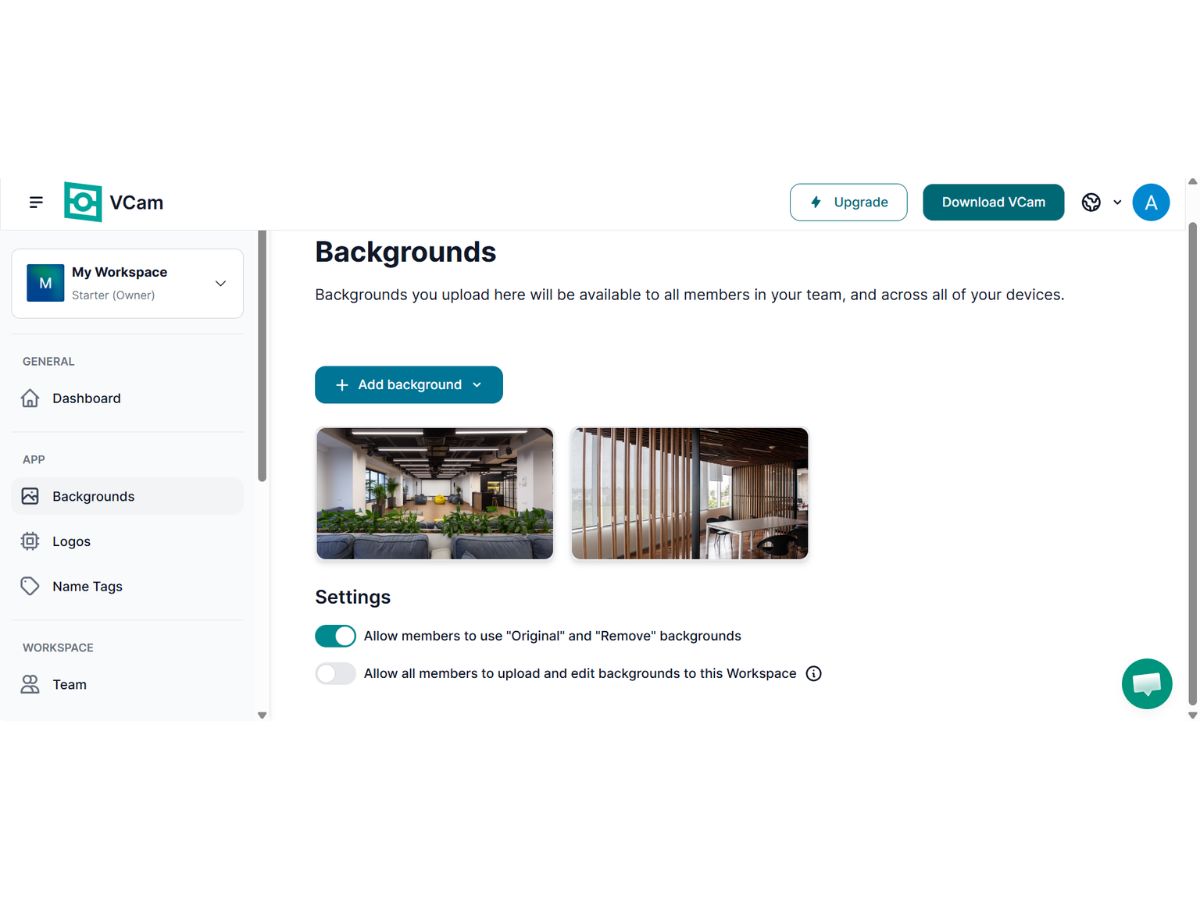
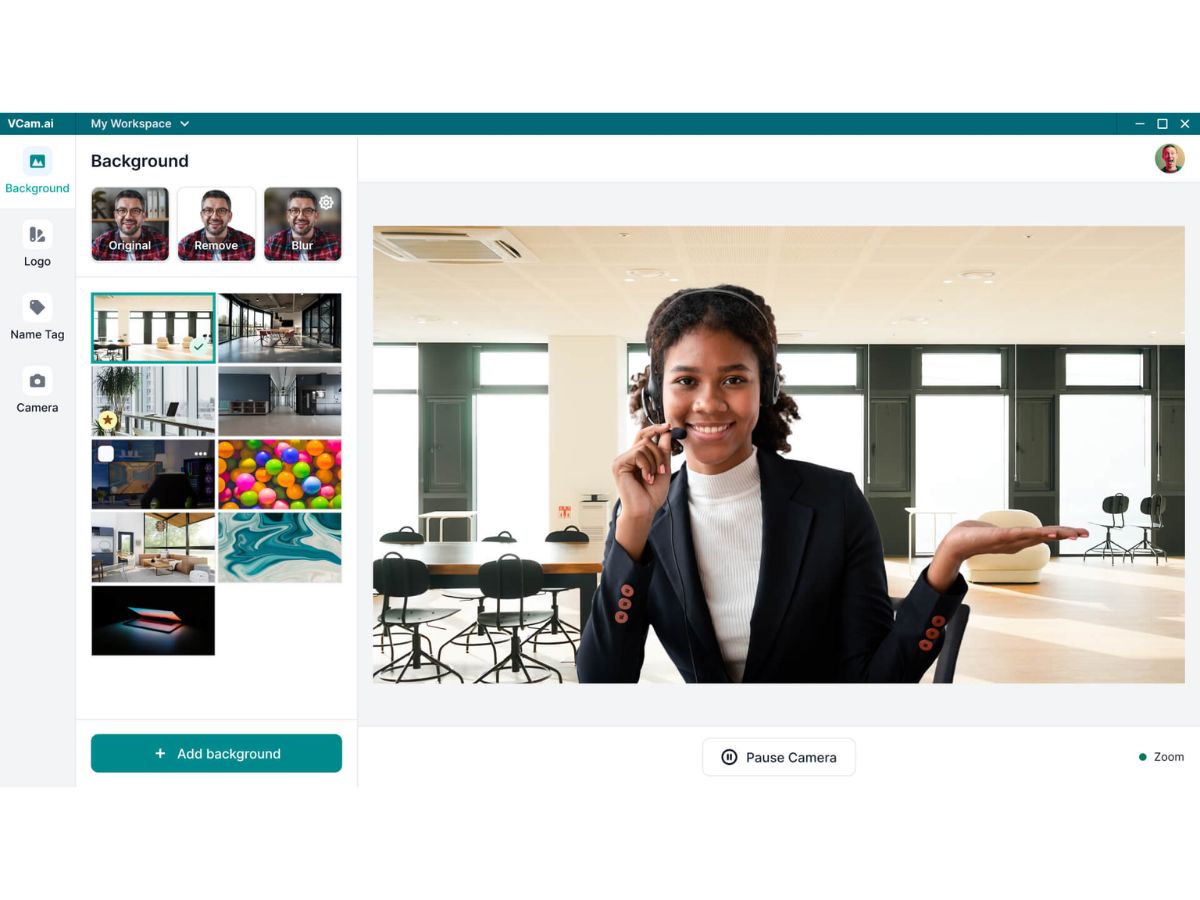
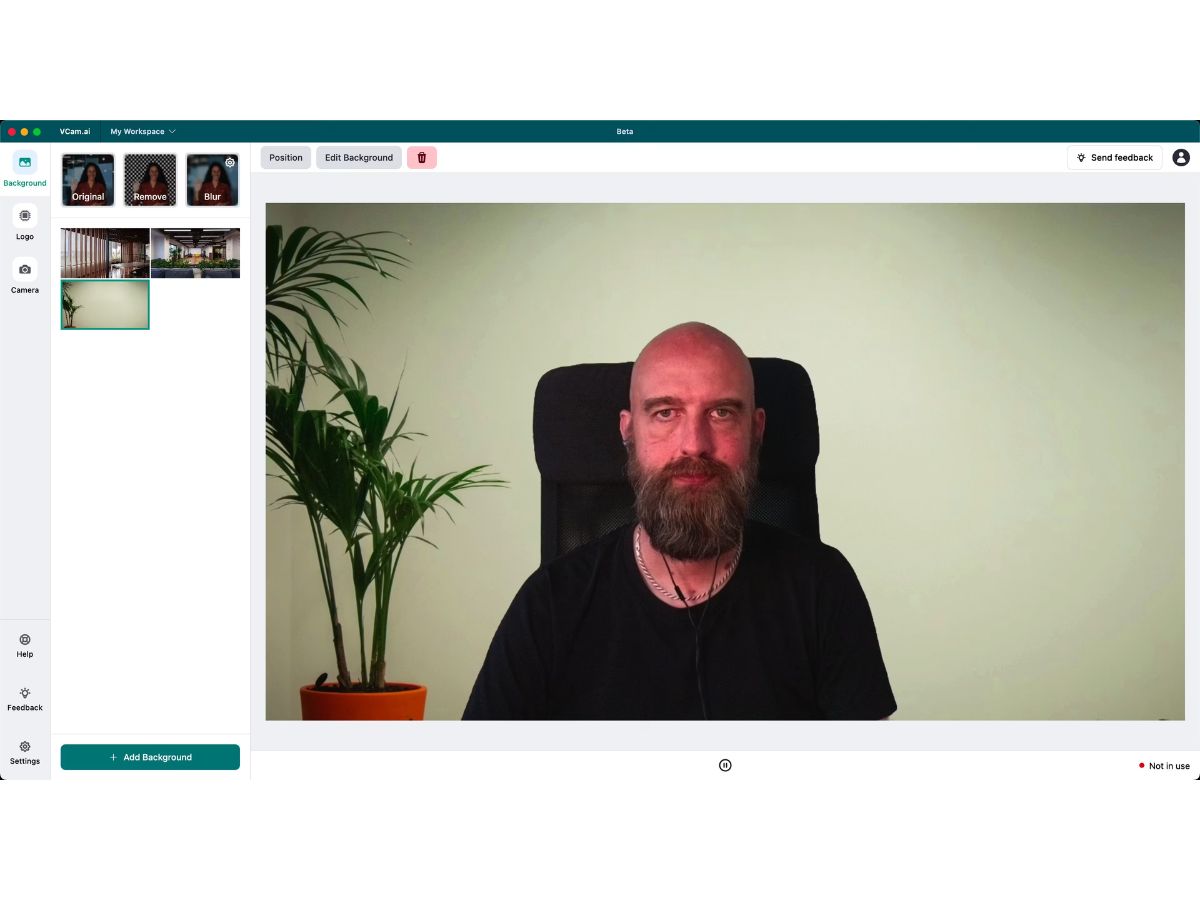
 Background Removal Automatically removes backgrounds in real time without requiring a green screen. Virtual Backgrounds Replace your surroundings with custom images or professional virtual scenes. Background Blur Blur backgrounds instantly to maintain privacy and reduce distractions. Auto Framing Keeps users centered in the frame by adjusting the camera view automatically. Video Enhancement Improves video quality using AI-powered image processing and optimization. Lighting Correction Enhances lighting conditions for clearer and more professional video output. Noise Reduction Minimizes visual noise and grain in low-light video environments. Custom Branding Add company logos and branding elements to live video streams and meetings. Multi-Platform Support Works seamlessly with major video conferencing and streaming platforms. Privacy Protection Processes video locally on the device without uploading content to servers. Custom Background Uploads Upload and use personalized images as virtual meeting backgrounds. Virtual Camera Output Creates a virtual camera feed compatible with conferencing applications. High-Definition Supports HD video output for sharper and more professional visual quality.
  20,000+ Software Listed
 Unbiased Comparison
 Read Authentic Reviews
 500,000+ Monthly Users
 USA
USA India
India

 Write a Review
