 USA
USA UAE
UAE
AONMeetings
Whats great - AONMeetings is easy to use, affordable, and straightforward for regular online meetings. Its simple interface makes joining a... read more

Brand: VideoCom Inc
Have you used VCam before?
Share your insights for better experience
Brand: VideoCom Inc
Founded Year: 2022
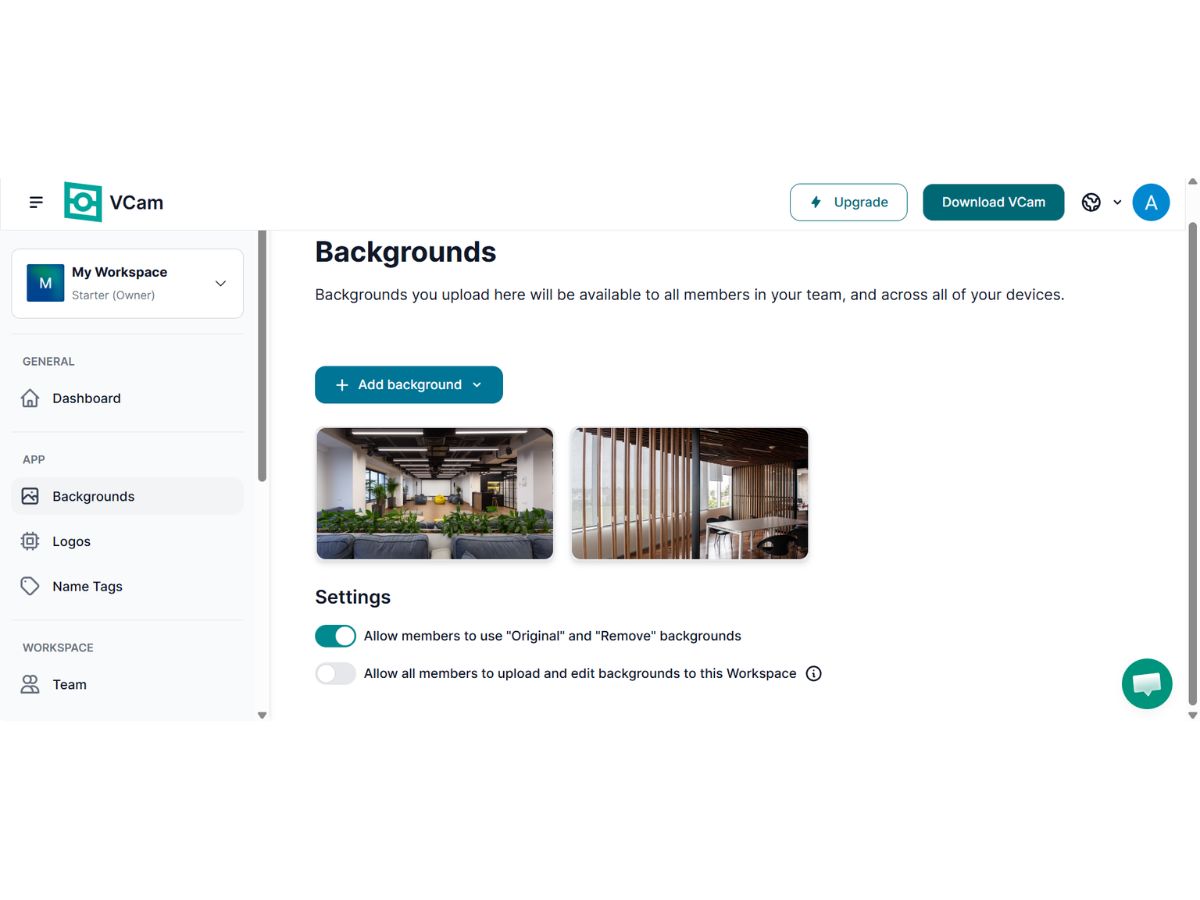
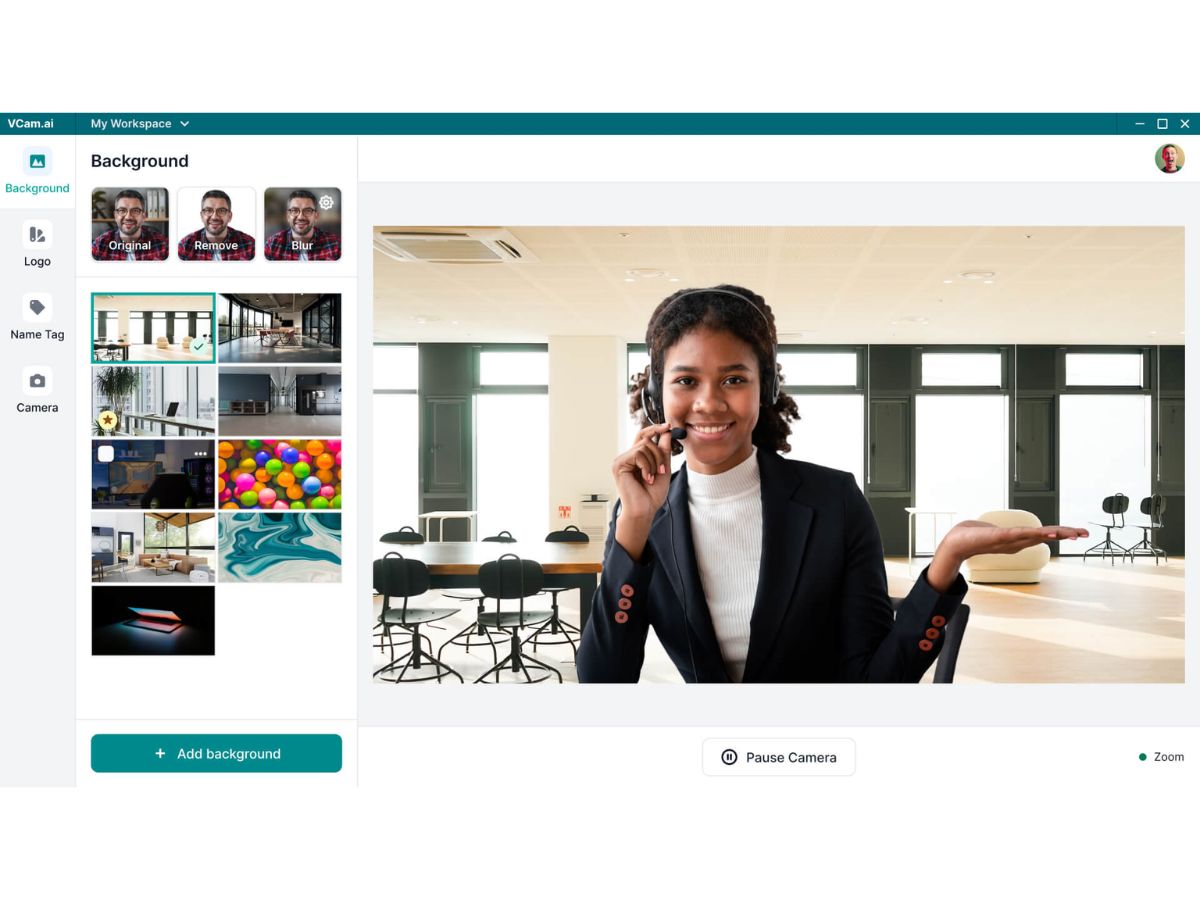
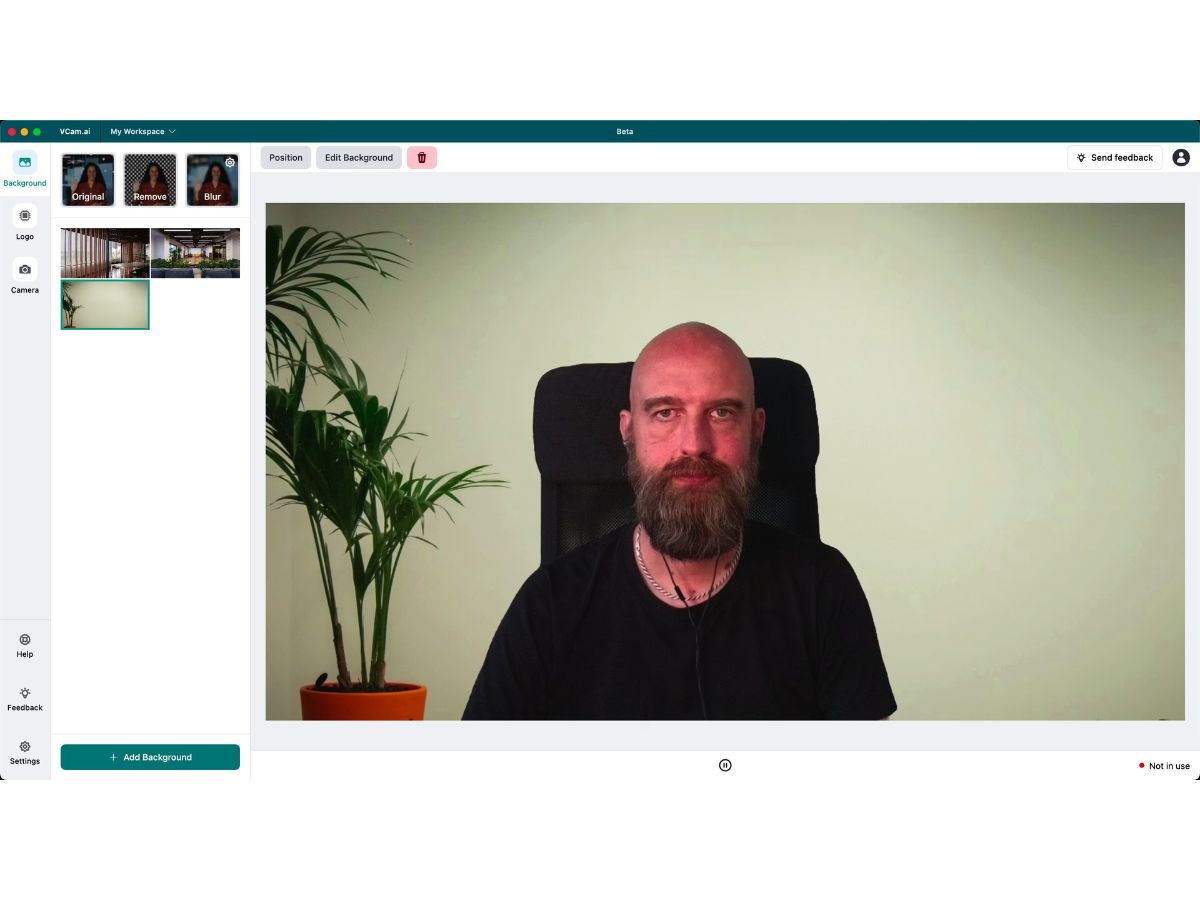
Create Stunning AI Assisted Screen Recordings. No Editing Skills Needed.
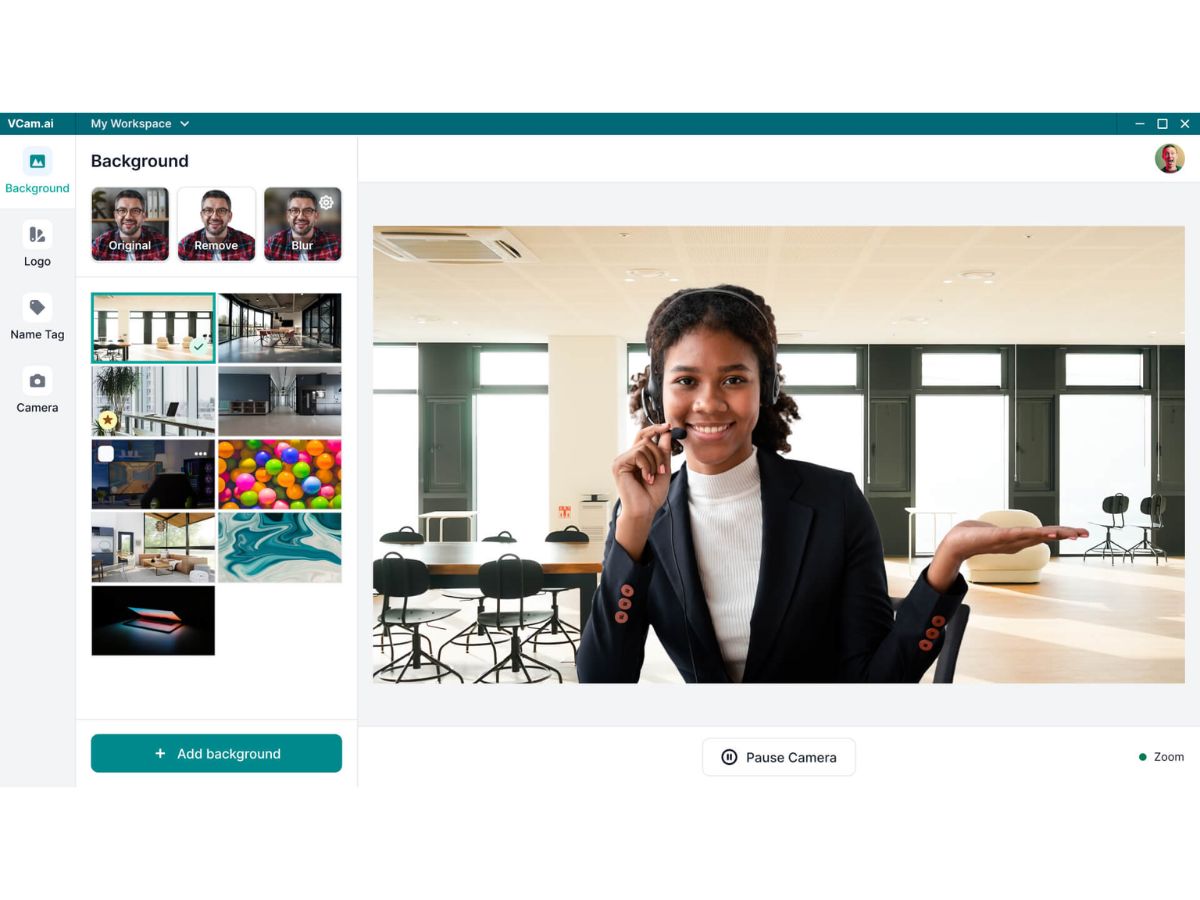
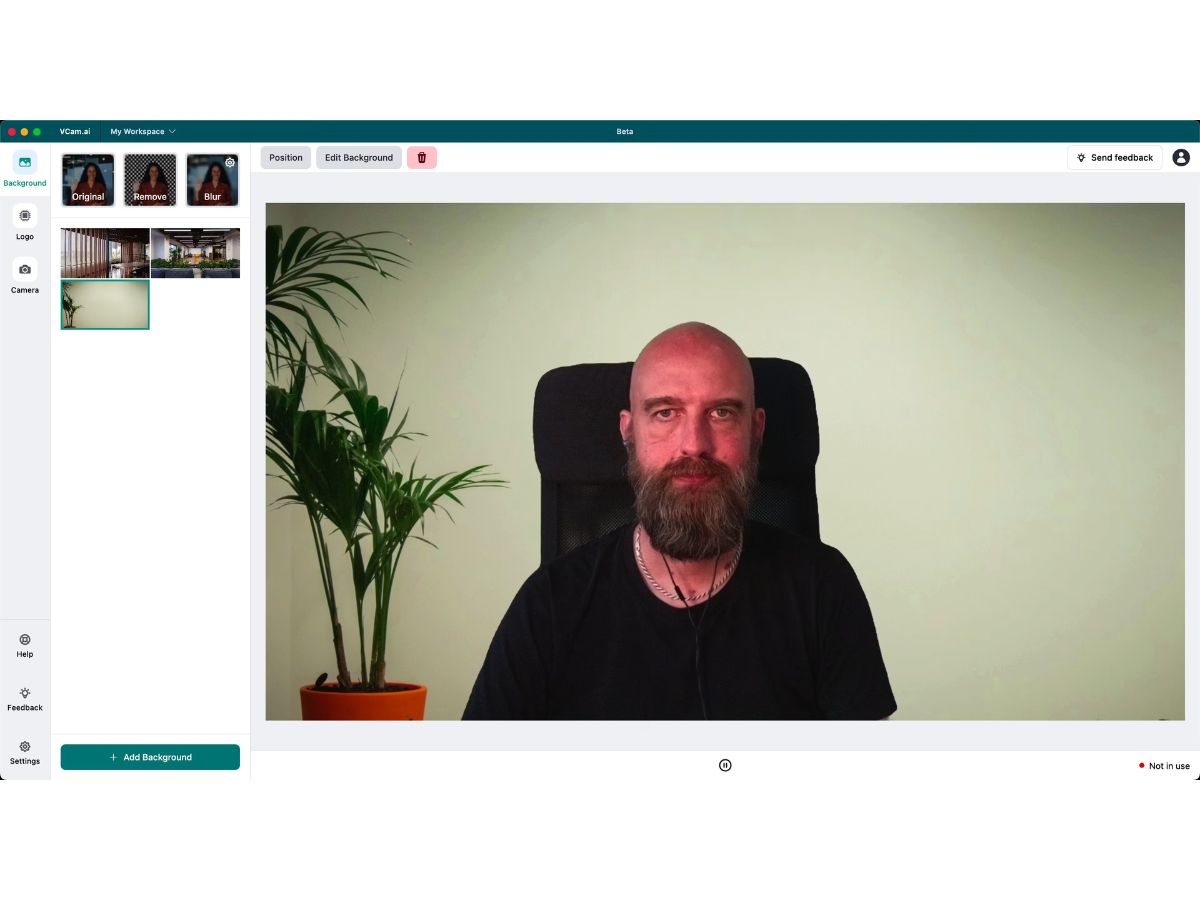
 Background Removal Virtual Backgrounds Background Blur Auto Framing Video Enhancement Lighting Correction Noise Reduction Custom Branding Multi-Platform Support Privacy Protection Custom Background Uploads Virtual Camera Output High-Definition
  Windows
  MacOS
MacOS  Desktop
  Cloud-Based
  Perpetual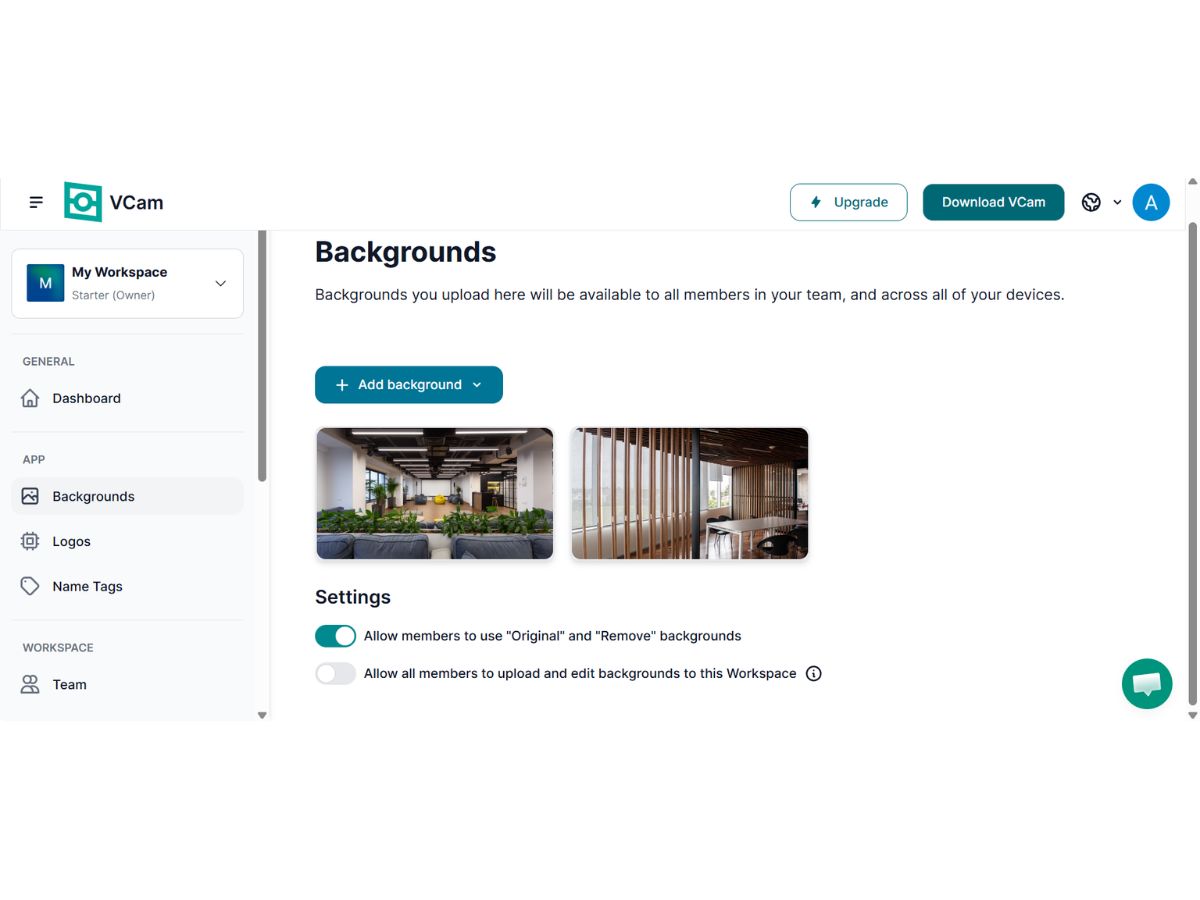
Techjockey Trusted Reviews from Verified Users
No reviews are currently available for VCam. Discover similar Video Conferencing Software reviews
AONMeetings
Whats great - AONMeetings is easy to use, affordable, and straightforward for regular online meetings. Its simple interface makes joining a... read more
Bluejeans Network
Whats great - Overall, the experience with this software is superb. As a frequent user of the program myself, I’ve found that it actually m... read more

Uberconference
Whats great - I love the software as it comes with a friendly user interface. It supports both audio and video calling. UberConference is c... read more




20,000+ Software Listed
Best Price Guranteed
Free Expert Consultation
2M+ Happy Customers
Terms and Condtions

Users with registered businesses can purchase goods from merchants on the platform to satisfy their business needs. Users are not permitted to utilize any products acquired through the platform for resale, advertising, business, or further distribution.
For each purchase made, users will receive a Tax Invoice (or 'GST invoice') that includes specific details such as:
the GSTIN of the user associated with their registered business, and
the specified Entity Name for their business.
It should be noted that not all products are eligible for GST Invoice. Only the products displayed by participating sellers with the 'GST-based Invoice Available' callout on the product description page would qualify.
Certain goods and services are not eligible to get a GST Invoice, including items with VAS, i.e., Value Added Services (e.g., Total Mobile Protection/Assured Buyback) and those involving an exchange offer at the time of purchase.
Users must ensure the accuracy of the GSTIN, and business entity name provided for the GST Invoice. Requests for corrections into GST Invoice would not be accommodated by Techjockey.com or any Seller, and any issues arising from user-provided information are the sole responsibility of users.
Techjockey.com is not liable for the GST Invoice or any associated input tax credit. To efficiently claim an input tax credit, users should select the registered place of business address as per the GST authority's data and follow the provisions of the GST Act and rules.
To claim an input tax credit, the delivery and billing addresses must match. Furthermore, input tax credits will not be granted if the delivery address and GSTIN on the invoice are from different states. In case of incorrect GST details provided during the order placement, the order will be canceled automatically.