linkedin
WizTree logo
WizTree-dashboard
WizTree-overview
WizTree-storage

WizTree

Brand: Antibody Software Limited

  • 4.3

  • 5 Ratings

Have you used WizTree before?

Share your insights for better experience

Add a Review
Starting Price
$25

View plans

100% Genuine
Products
Best Price
Guaranteed
Safe & Secure
Payment
  • Description

  • Pricing

  • Features

  • Specification

  • Review

Starting at $25.00

WizTree Software Overview

Antibody Software Limited Company Details

Founded Year:  2007

Antibody Software has produced some of the Internet's most popular software applications, such as WizTree, Bulk Image Downloader and WizFile.

Director/Founders Jean dominic De Chasteigner Dumee
Company Size 1-100 Employees

WizTree Pricing & Plans

Individual
Key Features
  • Disk Space Analysis
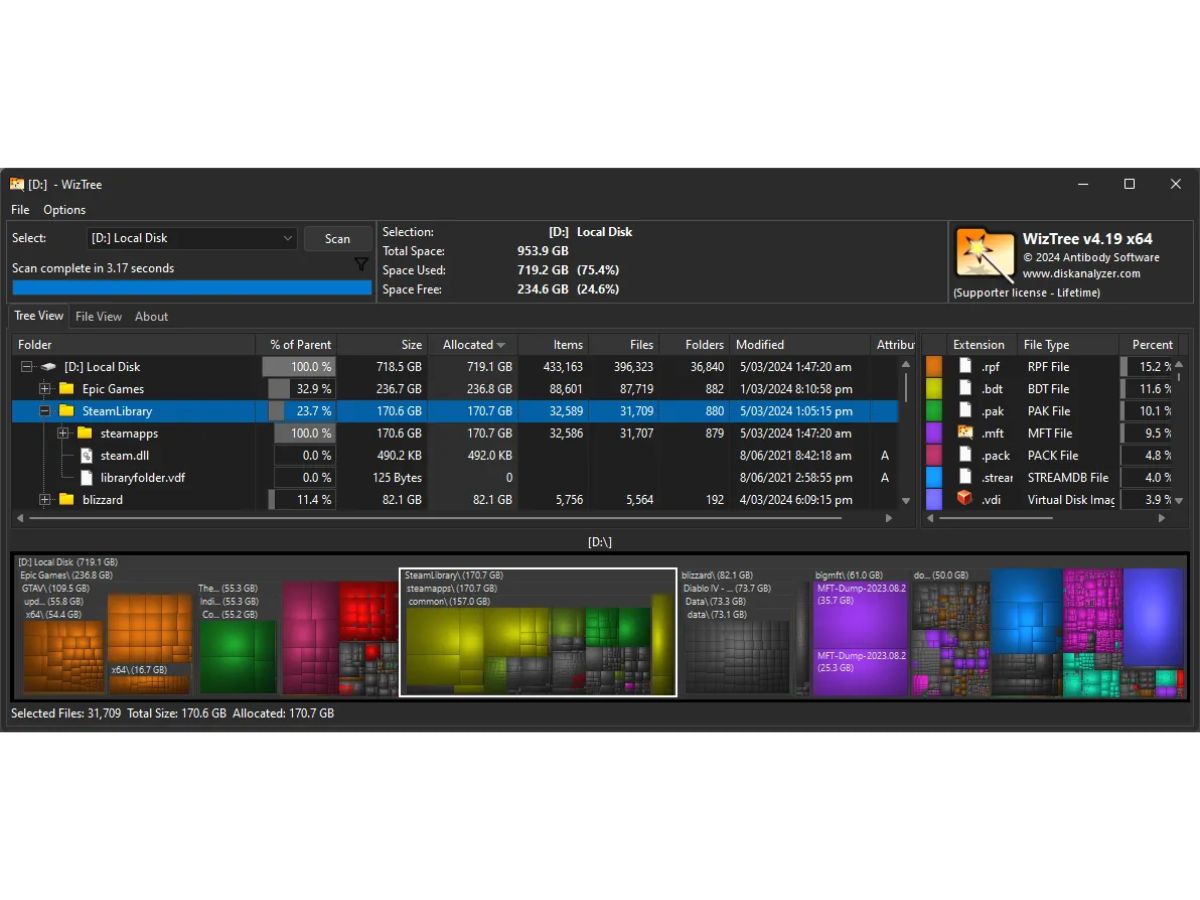
  • Treemap Visualization
  • Master File Table Scanning
  • File Size Ranking
  • Search Functionality
  • Duplicate File Finder
Starting at $25
    • Quantity

      Quantity
      Quantity

Key Features

  • Disk Space Analysis

  • Treemap Visualization

  • Master File Table Scanning

  • File Size Ranking

  • Search Functionality

  • Duplicate File Finder

WizTree Features

  • icon_check Disk Space Analysis
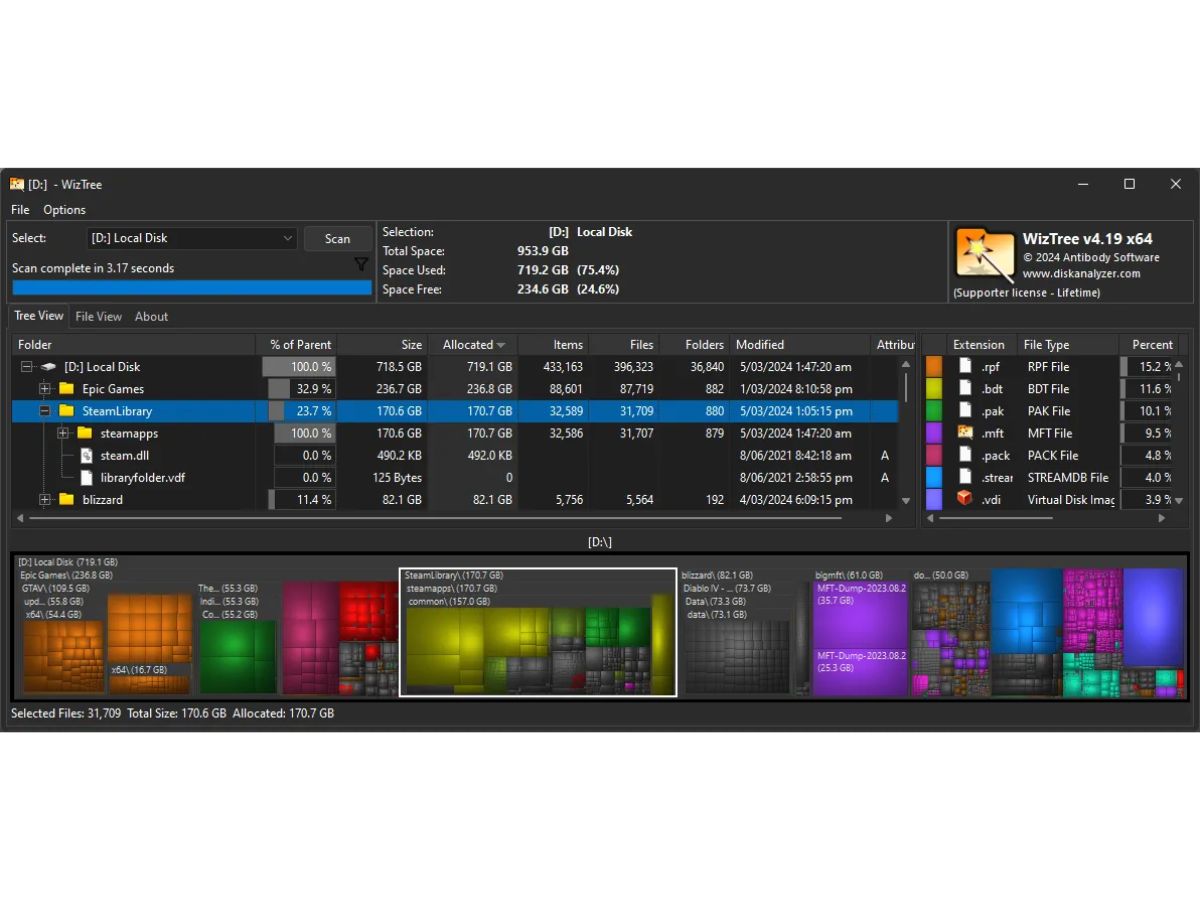
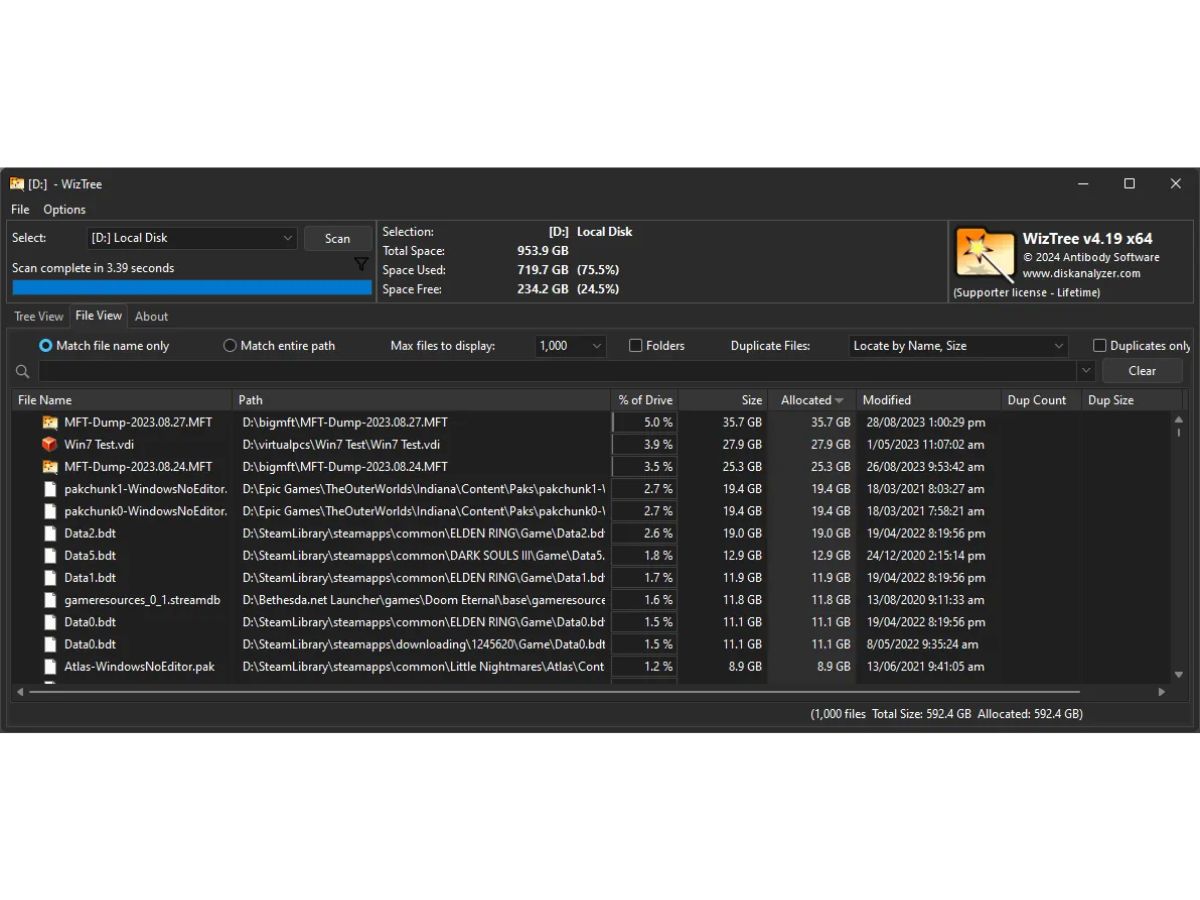
    Scans drives at ultra-high speed to identify how space is used, helping users instantly find the largest files and folders.
  • icon_check Treemap Visualization
    Displays a color-coded treemap of file sizes to visually compare folders and quickly understand disk usage patterns.
  • icon_check Master File Table Scanning
    Reads the NTFS Master File Table directly, delivering lightning-fast disk scans much quicker than traditional methods.
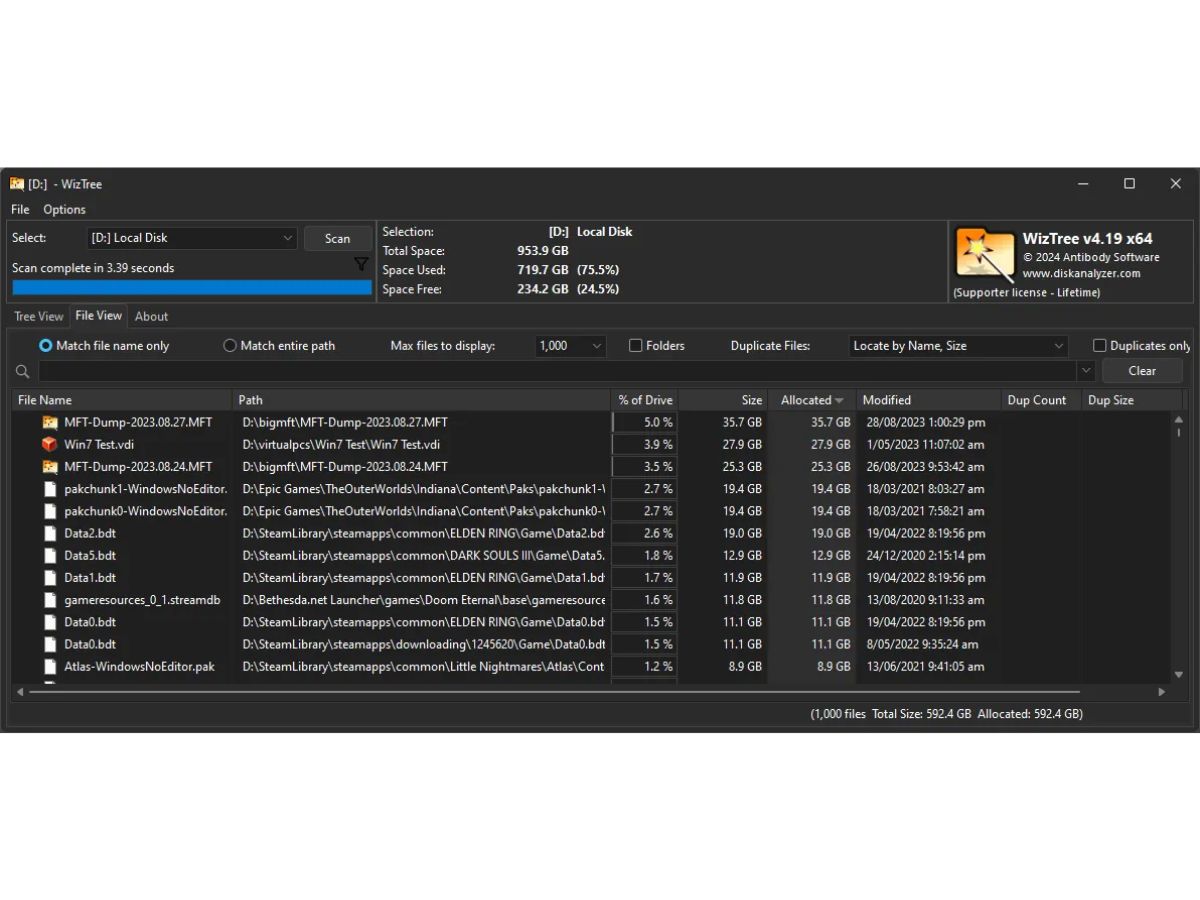
  • icon_check File Size Ranking
    Sorts all files by size to show the largest items on your drive, making cleanup and space recovery easier and faster.
  • icon_check Search Functionality
    Includes fast search filters that instantly locate files by name, extension, size, or attributes across all scanned data.
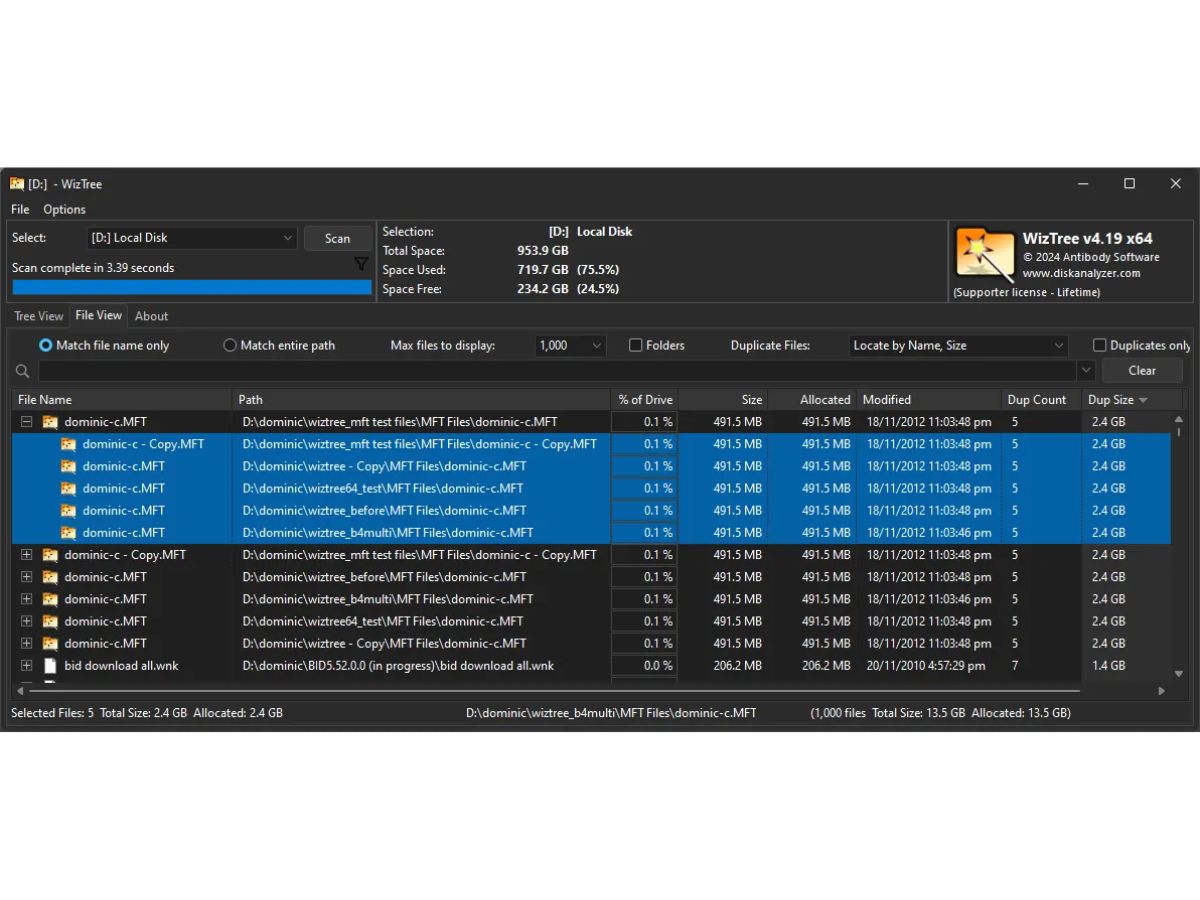
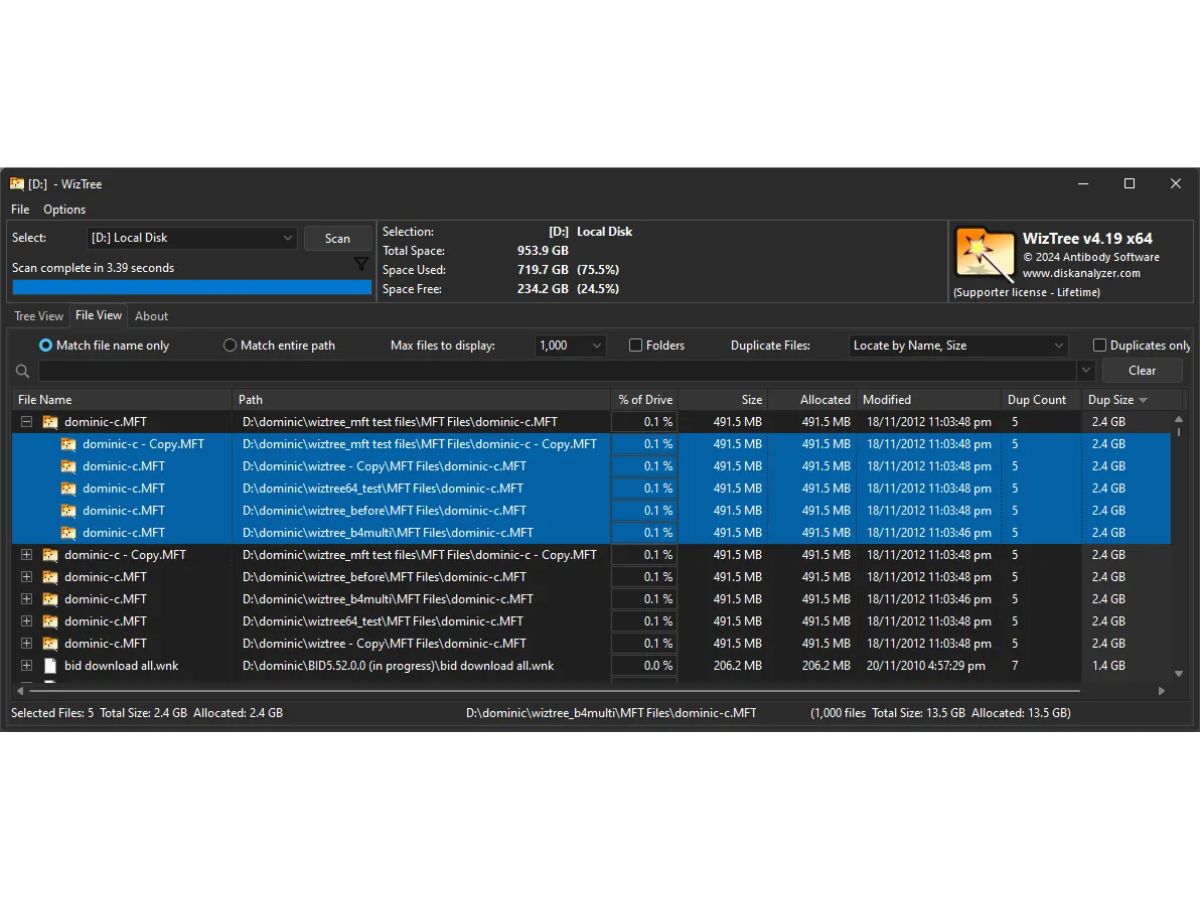
  • icon_check Duplicate File Finder
    Identifies duplicate files using size and checksum comparisons to help remove redundant data and free up space.
  • icon_check Export Reporting Tools
    Allows exporting disk analysis results to CSV or other formats for audits, documentation, and further data processing.
  • icon_check Real-Time Updates
    Automatically refreshes data when file system changes occur so displayed information stays accurate and up to date.
  • icon_check Multiple Drive Support
    Scans internal drives, external disks, SSDs, HDDs, USBs, and network shares for complete storage visibility.
  • icon_check Context Menu Integration
    Adds right-click shortcuts for quick file actions like opening folders, deleting items, or viewing properties instantly.
  • icon_check Custom Filter
    Offers configurable filters to show or hide files based on size, type, age, or attributes for targeted analysis.
  • icon_check Portable Application Mode
    Runs without installation, making it easy to carry on USB drives for technicians and users managing multiple systems.
  • icon_check File Type Categorization
    Groups files by extension or type to reveal which categories, like videos or backups, occupy the most disk capacity.
  • icon_check Folder Size Breakdown
    Provides instant calculations of folder sizes so users can see which directories consume the most disk storage.

WizTree Specifications

Supported Platforms
Windows Windows
Devices
Desktop Desktop
Deployment
Perpetual Perpetual
Suitable For
All Industries
Business Specific
All Businesses
Business Size
Individual Small Business Startups Medium Business Enterprises
Customer Support
Email
Language
English

WizTree Review

4.3

Out of 5

img

Overall Rating

Based on
5 Verified Ratings

Rating Breakdown

  • Features 4.5
  • Value for Money 4.1
  • Ease of Use 4.3
  • Customer Support 4.3

80% Recommend this Product

Add Review

Be the First to Review

This product has no reviews yet. Be the first to leave your feedback.

Add Review

Terms and Condtions

close

Users with registered businesses can purchase goods from merchants on the platform to satisfy their business needs. Users are not permitted to utilize any products acquired through the platform for resale, advertising, business, or further distribution.

For each purchase made, users will receive a Tax Invoice (or 'GST invoice') that includes specific details such as:

  • the GSTIN of the user associated with their registered business, and

  • the specified Entity Name for their business.

It should be noted that not all products are eligible for GST Invoice. Only the products displayed by participating sellers with the 'GST-based Invoice Available' callout on the product description page would qualify.

Certain goods and services are not eligible to get a GST Invoice, including items with VAS, i.e., Value Added Services (e.g., Total Mobile Protection/Assured Buyback) and those involving an exchange offer at the time of purchase.

Users must ensure the accuracy of the GSTIN, and business entity name provided for the GST Invoice. Requests for corrections into GST Invoice would not be accommodated by Techjockey.com or any Seller, and any issues arising from user-provided information are the sole responsibility of users.

Techjockey.com is not liable for the GST Invoice or any associated input tax credit. To efficiently claim an input tax credit, users should select the registered place of business address as per the GST authority's data and follow the provisions of the GST Act and rules.

To claim an input tax credit, the delivery and billing addresses must match. Furthermore, input tax credits will not be granted if the delivery address and GSTIN on the invoice are from different states. In case of incorrect GST details provided during the order placement, the order will be canceled automatically.

20,000+ Software Listed 20,000+ Software Listed

Best Price Guaranteed Unbiased Comparison

Free Expert Consultation Read Authentic Reviews

2M+ Happy Customers 500,000+ Monthly Users