USA
 India
Small Business
Designed for startups and growing businesses

See More




Brand: Wondershare
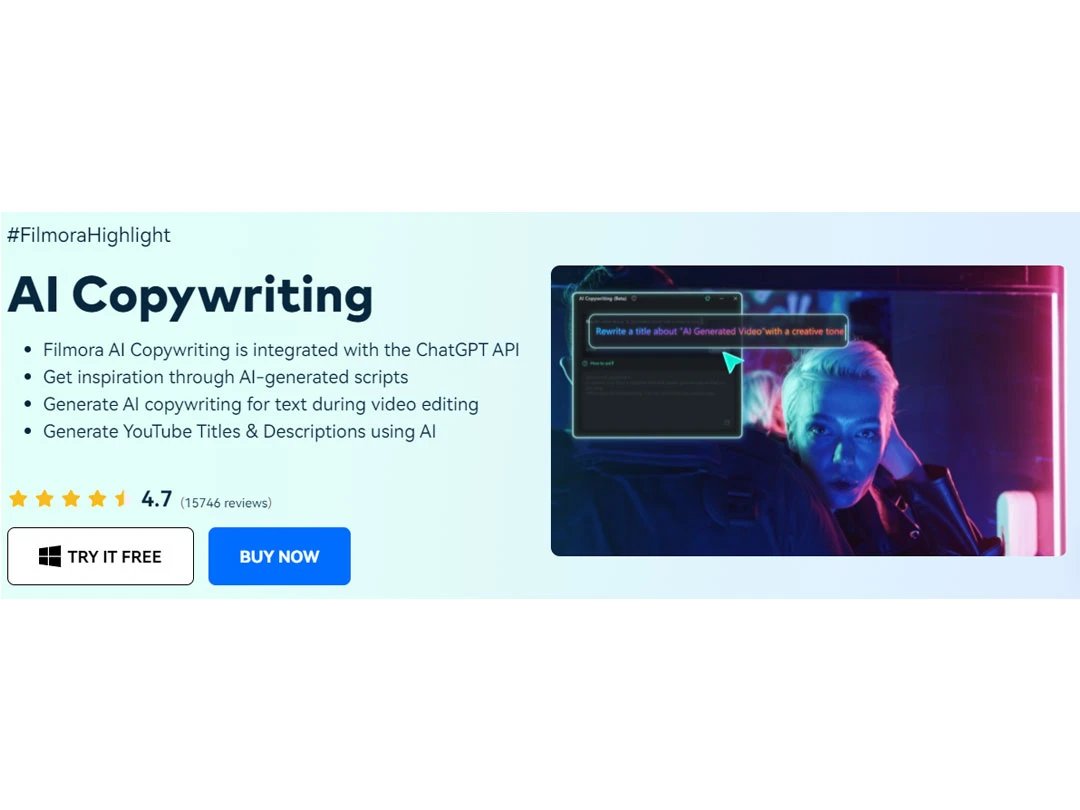
Filmora is a desktop and mobile video editing app with preset effects, transitions, and simple timeline editing features for casual users.
See MoreHave you used Filmora before?
Share your insights for better experience
Brand: Wondershare
Founded Year: 2003
Wondershare creates integrated lifestyle technology solutions for users across 150 countries. Making people’s lives easier through innovative technology and delighting them along the way is what drives us.
Basic Editing Tools / Timeline Editing
 Non-Linear Editing (NLE) Split & Merge Trim, Crop & Resize Drag and Drop Functionality Transition Effects Video Masking Video Overlays Preview Functionality Speed Ramping and Speed Changing Scene Cut Detection
Color Correction & Enhancement
Color Grading and Correction Color Blending and Filters Color LUTs Video Enhancer Advanced Editing Tools
Video Stabilization Auto Reframe Key Frames and Animations Object Motion Tracking Background Removal Screen / Camera Recording 3D Animations Proxy Tools Duplicate Detection Visual Effects & Motion Graphics
Content Library and Elements Green Screen and Chroma Key / Luma Key VFX SFX Audio Editing Tools
Voiceovers, Subtitles and Transcripts Audio Waveforms Silence Remover Audio Denoise Audio Stretching Auto Synchronization Audio Mixing Beat Synchronization Image Editing Tools
Image Stabilization Noise Removal File Storage and Management
File Rendering Automatic Project Backup 4K and HD Export Audio / Video Conversion AI Video Creator / Editor
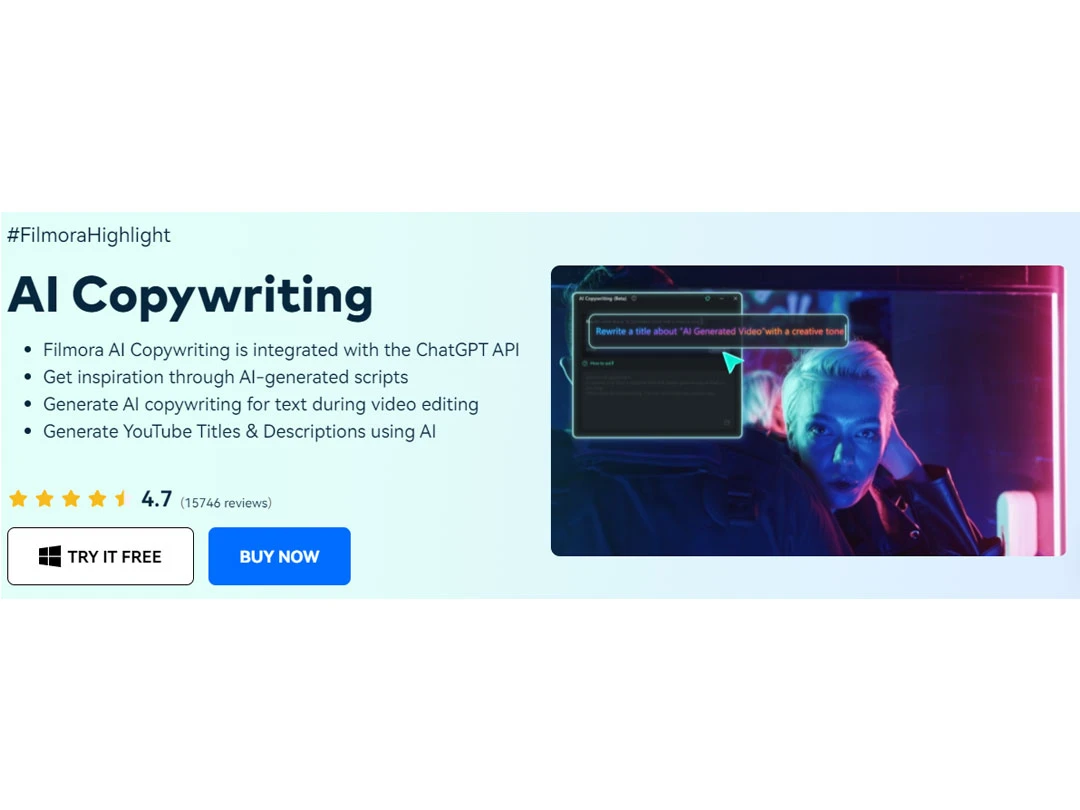
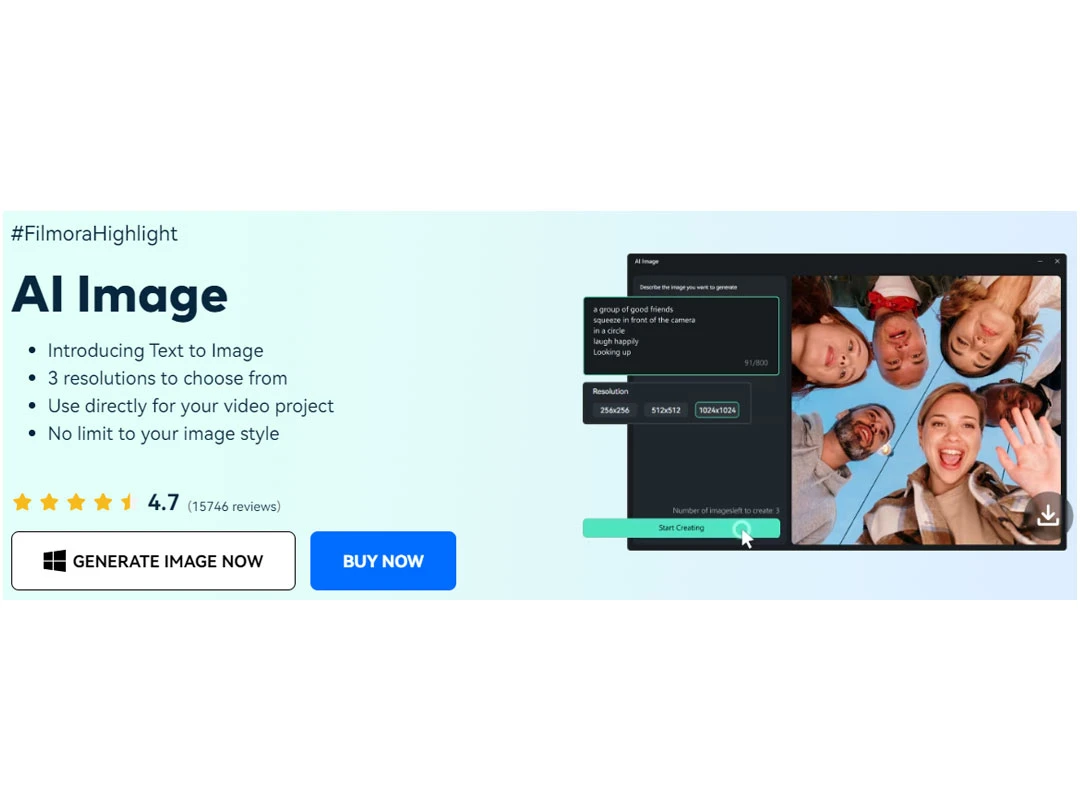
AI Co-Pilot Editing AI Text to Speech AI Voice Changer AI Text-To-Video AI Auto Face Blur AI Speech / Dialogue Enhancer AI Text-Based Editing Collaboration & Sharing
Third-Party Integrations Multi Device Compatibility Multi Format Compatibility Real Time Collaboration Social Media Integration Video Brand Kit Others
Magnetic Timeline Multicamera Editing Audio Ducking 

Watch the demo video to explore key features, real workflows, and how the software fits your business needs.
 Windows
 iOS
 Android MacOS
 Desktop
 Mobile
 iPad
 Perpetual

Small Business
Designed for startups and growing businesses
Medium Business
Built for business growth and flexibility
Enterprises
Designed for complex and large-scale business needs
4.3
Out of 5

Overall Rating
Based on
32 Verified Reviews
Rating Breakdown
88% Recommend this Product
Add ReviewOverall, users appreciate Filmora for its user-friendly interface and ease of use, making it suitable for both beginners and professionals. Many highlight its affordability and the variety of features available for video editing, including effects and transitions. However, some users express concerns regarding the limitations of advanced features and the need for a subscription to access certain tools. Complaints about the watermark in the free version and performance issues with higher resolutions are also noted, indicating areas for improvement.
Pros
"Easy UI, easy to learn and it provides you with a lot of features. Its AI tools are a great help in editing videos."
"The best video editing software till date.... i've been using this software for the past 6 month's... this software has many different features and is easy 2 use."
"I Like the Sounds effects And Ready Made GIFs In The App. Easy to use an user friendly software."
Cons
"It's very bad. When I try to export the video I purchased for the annual plan last week, it asks me to purchase it again, and I can't finish my work. Do I need my refund?"
"There Are More Effects And Sounds But They Are Not Famous, Did Not Find What I Want"
"Although it is good but it has some less features which makes it somewhat less productive and effective"


Jan 13, 2020
Techjockey Verified
“Great editor with many features, interface, versat”
Pros
It seemed to me all so familiar and straightforward, I easily processed various video files and made interesting titles and effects.
Cons
The video stabilization system does not suit me; otherwise everything is at a decent level
Apr 16, 2020
Techjockey Verified
“This is the best video editing software till now. I am happy and satisfied.”
Pros
Filmora’s timeline allows you to add up to 100 video tracks and 100 audio tracks. That gives you the ability to create complex projects. Simple videos probably won’t require more than two or three tracks, but if you’re editing a feature film, music video or other complicated product, it’s great to have the flexibility.
Cons
There is a bit of a learning curve, if they make it even easier to use It'd be great.
Mar 17, 2020
Techjockey Verified
“Filmora is the best video editing software I have used so far. Happy and content with the platform.”
Pros
Filmora gives you the ability to create from complex projects to Simple videos that probably won’t require more than two or three tracks with great flexibility.
Cons
Tutorials will be needed to know how to use the software so if you master all the functional aspects of the application, you would be enjoying it.

Filmora
$ 49.99 excl. GST
Desktop
Mobile
Web based
On Premises
Windows
Mac OS

Adobe Premiere Pro
Price On Request
Desktop
Mobile
Web based
On Premises
Windows
Mac OS

VideoPad
Price On Request
Desktop
Mobile
Web based
On Premises
Windows
Mac OS

DaVinci Resolve
Price On Request
Desktop
Mobile
Web based
On Premises
Windows
Mac OS
Avid Media Composer
Price On Request
Desktop
Mobile
Web based
On Premises
Windows
Mac OS

FlexClip
Price On Request
Desktop
Mobile
Web based
On Premises
Windows
Mac OS

Vizard AI
Price On Request
Desktop
Mobile
Web based
On Premises
Windows
Mac OS
Lightworks
Price On Request
Desktop
Mobile
Web based
On Premises
Windows
Mac OS
Adobe Premiere Pro CC for teams
Price On Request
Desktop
Mobile
Web based
On Premises
Windows
Mac OS

Minvo
Price On Request
Desktop
Mobile
Web based
On Premises
Windows
Mac OS

PowerDirector 365
Price On Request
Desktop
Mobile
Web based
On Premises
Windows
Mac OS
(0) Product(s) selected
Starting Price:
$69.95 /License $99.00
Starting Price:
$29.00 /Month
Starting Price:
$14.49 /Month

Starting Price:
$15.00 /Month

Starting Price:
$7.99 /Month

Starting Price:
$12.99 /Month

Starting Price:
AED110.01 /LifeTime

Starting Price:
$24.00 /Month

Starting Price:
$49.99 /Year

Available
Price on Request
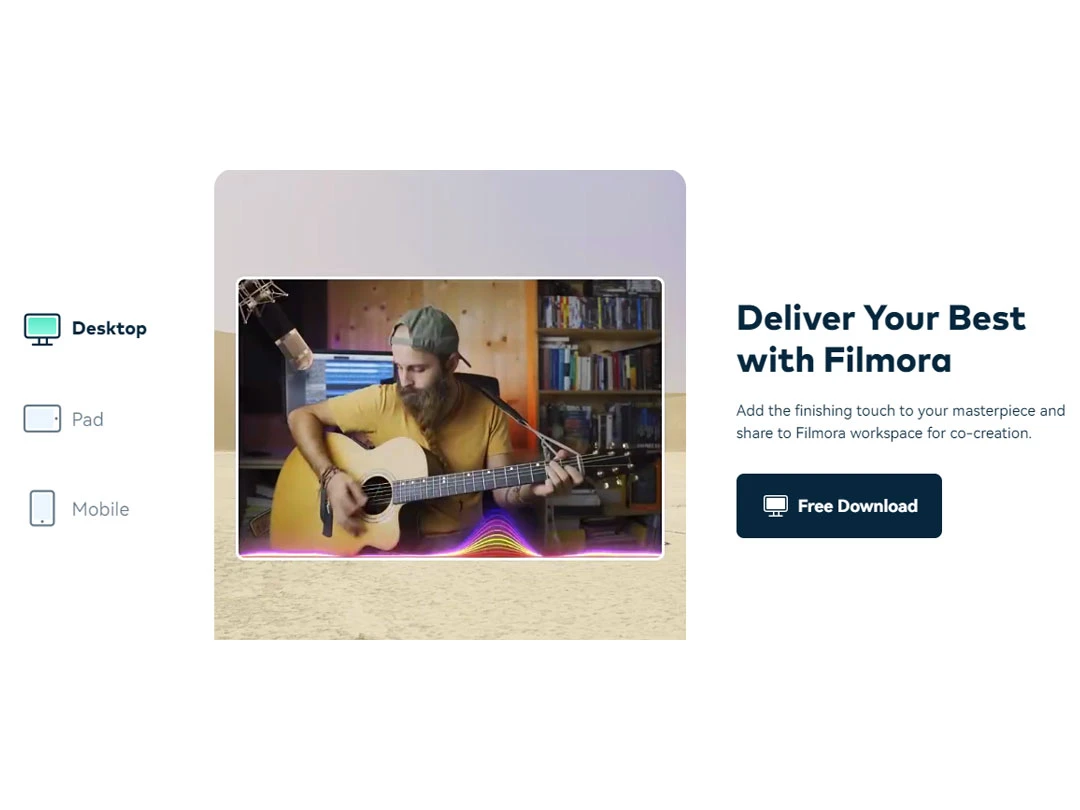
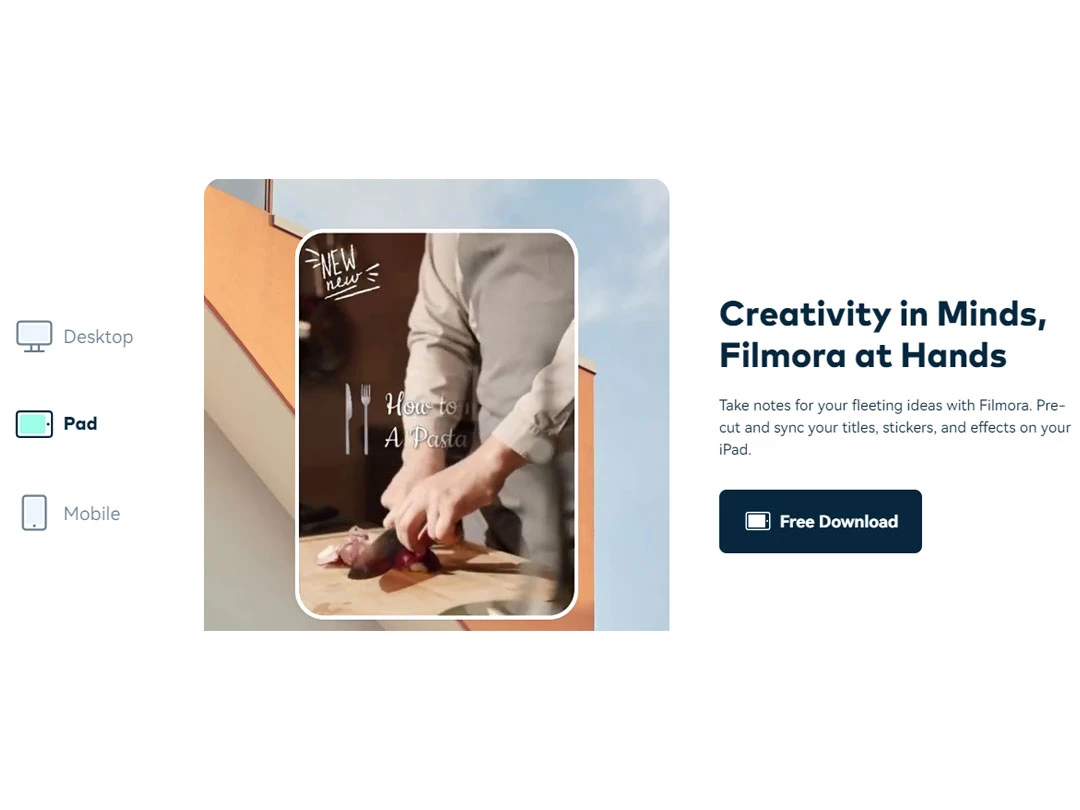
Filmora supports Windows, iOS, Android, and MacOS and is available on Desktop, Mobile, and iPad platforms.
A Filmora app is available on Android or iOS. For more details, please get in touch with Techjockey.
Filmora is a desktop-based application that is installed and runs directly on a user's computer rather than being accessed through a web browser. Users must download and install the software on their desktop or laptop for video editing.
Filmora pricing starts at $49.99 at techjockey.com.
Filmora suits all businesses, including tech startups, marketing firms, SMBs, SMEs, MSMBs, and MSMEs.
Filmora subscription plans start at $$49.99 For information about a free trial or demo for Filmora, please get in touch with Techjockey.
A free trial is available for Filmora, and subscription plans start at $7.99 per month. For more details, please get in touch with Techjockey.
You can download Filmora from their website from the Windows PC, App Store, or Google Play Store.
Filmora is a user-friendly video editing software. Users import media files, arrange them on a timeline, and add effects, transitions, and audio. The software provides various editing tools and features for creative video production.
Terms and Condtions

Users with registered businesses can purchase goods from merchants on the platform to satisfy their business needs. Users are not permitted to utilize any products acquired through the platform for resale, advertising, business, or further distribution.
For each purchase made, users will receive a Tax Invoice (or 'GST invoice') that includes specific details such as:
the GSTIN of the user associated with their registered business, and
the specified Entity Name for their business.
It should be noted that not all products are eligible for GST Invoice. Only the products displayed by participating sellers with the 'GST-based Invoice Available' callout on the product description page would qualify.
Certain goods and services are not eligible to get a GST Invoice, including items with VAS, i.e., Value Added Services (e.g., Total Mobile Protection/Assured Buyback) and those involving an exchange offer at the time of purchase.
Users must ensure the accuracy of the GSTIN, and business entity name provided for the GST Invoice. Requests for corrections into GST Invoice would not be accommodated by Techjockey.com or any Seller, and any issues arising from user-provided information are the sole responsibility of users.
Techjockey.com is not liable for the GST Invoice or any associated input tax credit. To efficiently claim an input tax credit, users should select the registered place of business address as per the GST authority's data and follow the provisions of the GST Act and rules.
To claim an input tax credit, the delivery and billing addresses must match. Furthermore, input tax credits will not be granted if the delivery address and GSTIN on the invoice are from different states. In case of incorrect GST details provided during the order placement, the order will be canceled automatically.
 20,000+ Software Listed
 Unbiased Comparison
 Read Authentic Reviews
 500,000+ Monthly Users