linkedin
Woodpecker logo
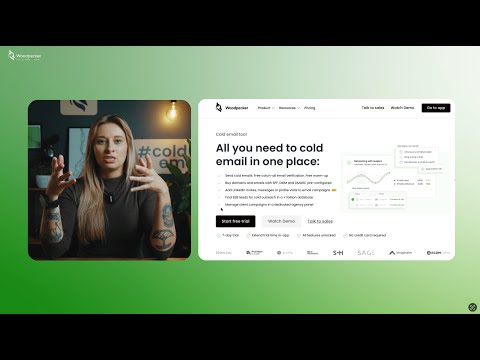
play Woodpecker Cold Email Tool
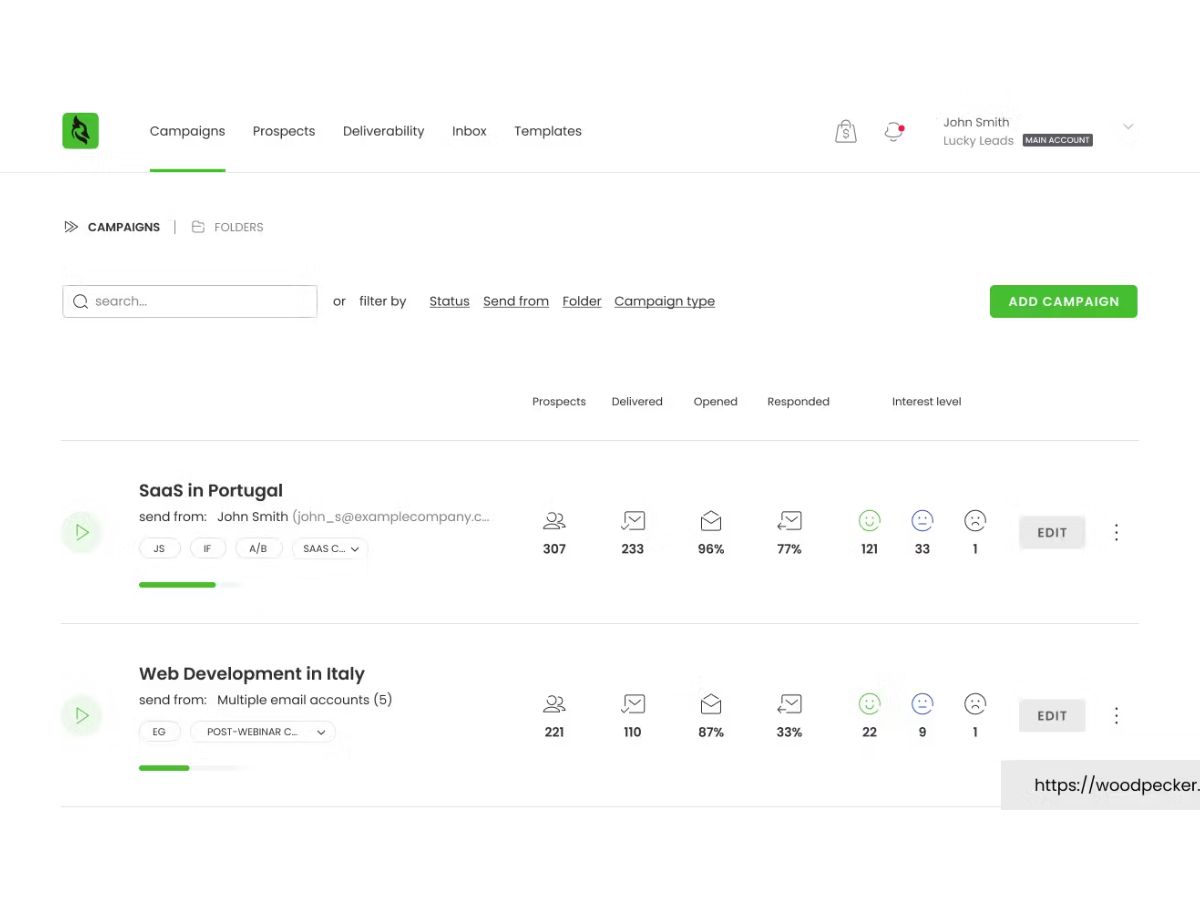
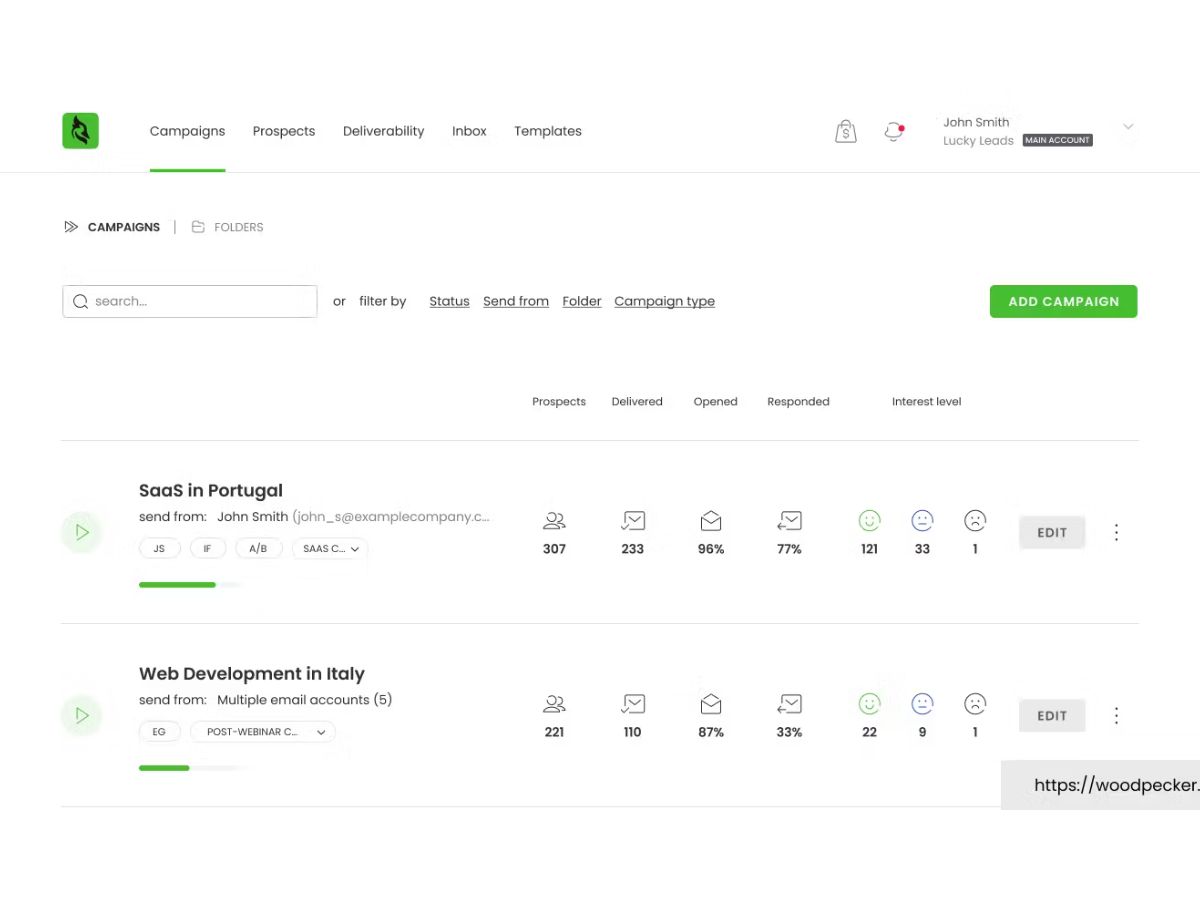
woodpecker-campaigns
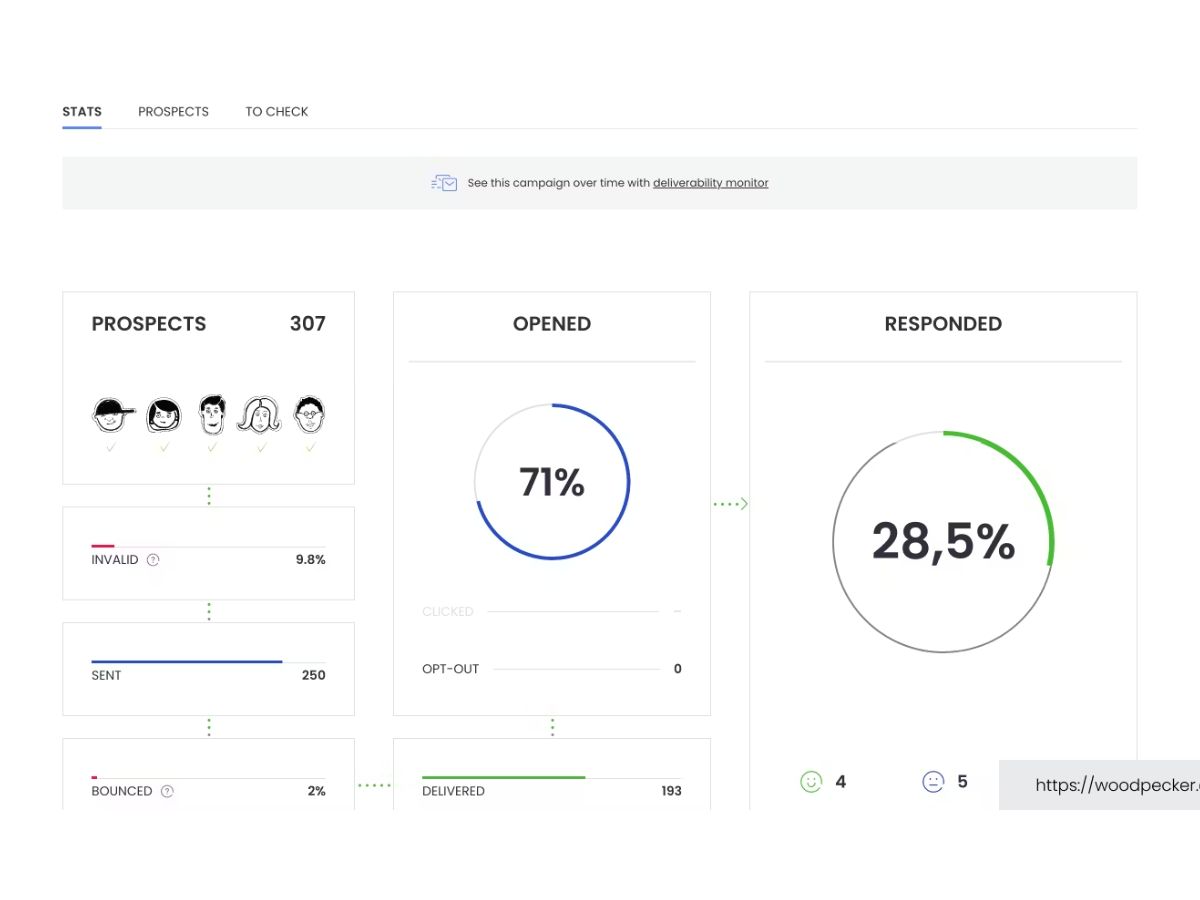
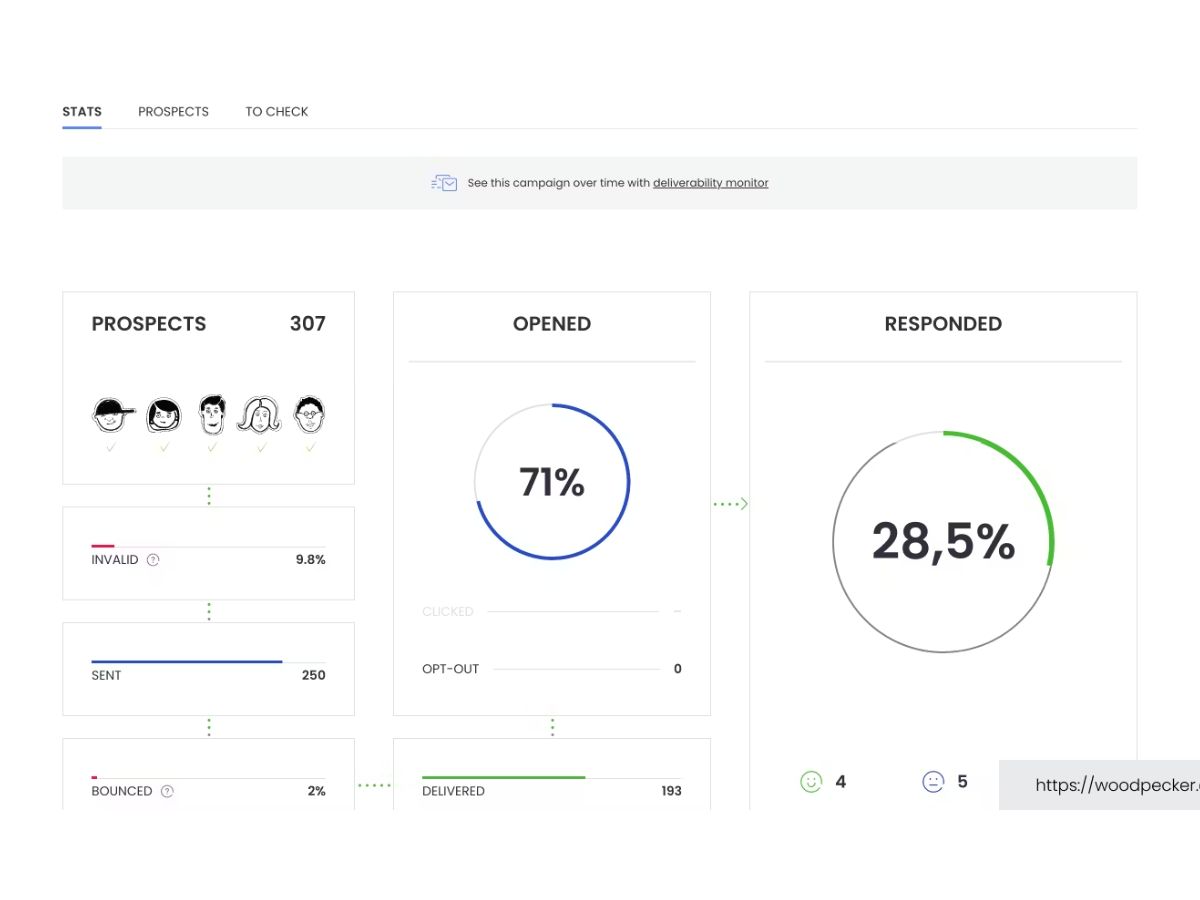
woodpecker-statistics

Woodpecker

Brand: Woodpecker

  • 4.2

  • 4 Ratings

Have you used Woodpecker before?

Share your insights for better experience

Add a Review
Starting Price
$35

View plans

100% Genuine
Products
Best Price
Guaranteed
Safe & Secure
Payment
  • Description

  • Pricing

  • Features

  • Specification

  • Review

Starting at $35.00

Woodpecker Software Overview

Woodpecker Company Details

Founded Year:  2015

Woodpecker is a cold email tool that helps B2B businesses get new customers.

Director/Founders Maciek Ciesla, Matt Tarczynski
Company Size 101-500 Employees

Woodpecker Pricing & Plans

Starter
Starting at $35
    • Licenses

      Licenses
      Licenses
    • Monthly

      Monthly
      Monthly

Key Features

  • Contacted Prospects-500

  • Emails per month-6000

  • Stored prospects-2000

  • Free Warm-ups-2

  • Live chat and email support

Growth
Starting at $188
    • Licenses

      Licenses
      Licenses
    • Monthly

      Monthly
      Monthly

Key Features

  • Contacted Prospects-10,000

  • Emails per month-120000

  • Stored prospects-40000

  • Free Warm-ups-20

  • Live chat and email support

Scale
Starting at $1354
    • Licenses

      Licenses
      Licenses
    • Monthly

      Monthly
      Monthly

Key Features

  • Contacted Prospects-100,000

  • Emails per month-1200000

  • Stored prospects-400000

  • Free Warm-ups-135

  • Live chat and email support

  • Customer success

Max
Starting at $9999
    • Licenses

      Licenses
      Licenses
    • Monthly

      Monthly
      Monthly

Key Features

  • Contacted Prospects-Unlimited

  • Emails per month-Unlimited

  • Stored prospects-Unlimited

  • Free Warm-ups-Unlimited

  • Live chat and email support

  • Dedicated account manager

Woodpecker Features

  • icon_check Email Verification
    Validates recipient addresses in real-time before sending to reduce bounce rates and protect the sender's domain reputation.
  • icon_check Inbox Rotation
    Distributes a single campaign's volume across multiple email accounts to stay within provider daily sending limitations.
  • icon_check Adaptive Sending
    Throttles outgoing email frequency and randomizes intervals to mimic human behavior and avoid automated spam detection.
  • icon_check Reply Detection
    Automatically identifies incoming prospect emails and halts further automated follow-up sequences for that specific lead.
  • icon_check Condition based Logic
    Creates branching campaign paths that trigger specific follow-up actions based on prospect opens, clicks, or manual tasks.
  • icon_check Deliverability Monitor
    Tracks real-time health metrics of connected domains and provides alerts if technical sending issues are identified.
  • icon_check Time Zone Scheduling
    Coordinates message delivery based on the prospect's geographic location to ensure emails arrive during local work hours.
  • icon_check In thread Follow ups
    Appends subsequent messages to the original email thread to maintain conversation context and improve prospect engagement.
  • icon_check A/B Testing
    Enables simultaneous testing of up to five email variations per step to determine which content generates higher response.
  • icon_check Snippet Customization
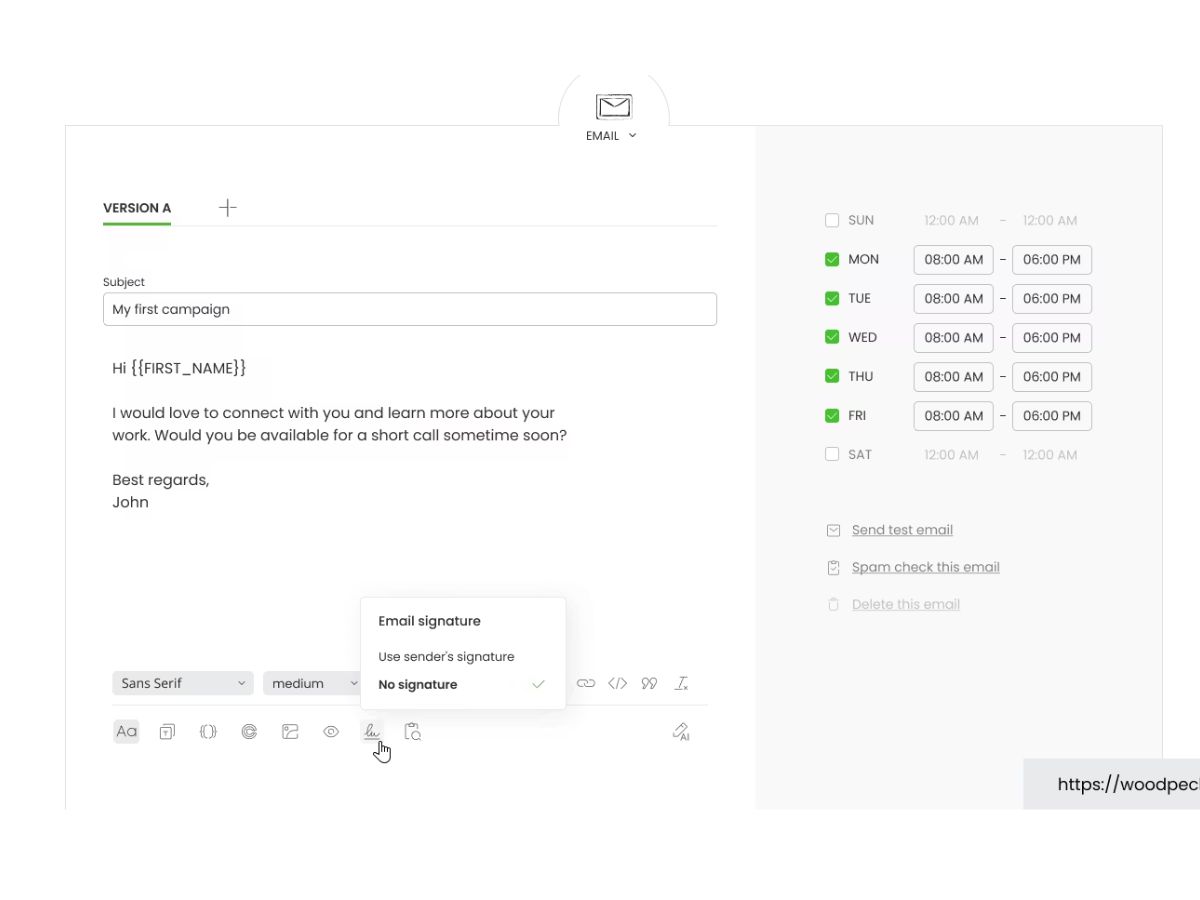
    Utilizes custom data fields to dynamically insert prospect-specific information into the body or subject line of emails.
  • icon_check Domain Audit
    Periodically checks DNS records including SPF, DKIM, and DMARC to ensure technical configurations remain valid for delivery.
  • icon_check Interest Level Detection
    Employs an AI-driven algorithm to categorize prospect replies as positive, neutral, or negative based on text analysis.
  • icon_check LinkedIn Integration
    Incorporates automated profile visits and connection requests as native steps within a multi-channel outreach sequence.
  • icon_check Task Management
    Inserts non-email steps like phone calls or social media touches into workflows with automated reminders for the user.
  • icon_check Lead Finder Database
    Connects to a searchable B2B database of verified contacts for direct import into active email marketing campaigns.
  • icon_check Bounce Shield
    Monitors account activity and automatically pauses campaigns if bounce rates exceed safe thresholds to prevent blacklisting.
Woodpecker Demo Video play icon

Get Woodpecker Demo

Watch the demo video to explore key features, real workflows, and how the software fits your business needs.

Understand
Key Features
Personal
Demo Insights
Interactive
Demo Support

Woodpecker Specifications

Supported Platforms
Ubuntu Ubuntu Windows Windows MacOS MacOS Linux Linux
Devices
Desktop Desktop
Deployment
Cloud-Based Cloud-Based
Suitable For
All Industries
Business Specific
All Businesses
Business Size
Small Business Startups Medium Business Enterprises
Customer Support
Email Communities
Language
English
Integration
API Integration
Training Resources
Webinars Videos
AI Features
AI Integrated
Compliance Regulation
CCPA

Woodpecker Review

4.2

Out of 5

img

Overall Rating

Based on
4 Verified Ratings

Rating Breakdown

  • Features 4.5
  • Value for Money 3.6
  • Ease of Use 4.5
  • Customer Support 4.3

80% Recommend this Product

Add Review

Be the First to Review

This product has no reviews yet. Be the first to leave your feedback.

Add Review

Terms and Condtions

close

Users with registered businesses can purchase goods from merchants on the platform to satisfy their business needs. Users are not permitted to utilize any products acquired through the platform for resale, advertising, business, or further distribution.

For each purchase made, users will receive a Tax Invoice (or 'GST invoice') that includes specific details such as:

  • the GSTIN of the user associated with their registered business, and

  • the specified Entity Name for their business.

It should be noted that not all products are eligible for GST Invoice. Only the products displayed by participating sellers with the 'GST-based Invoice Available' callout on the product description page would qualify.

Certain goods and services are not eligible to get a GST Invoice, including items with VAS, i.e., Value Added Services (e.g., Total Mobile Protection/Assured Buyback) and those involving an exchange offer at the time of purchase.

Users must ensure the accuracy of the GSTIN, and business entity name provided for the GST Invoice. Requests for corrections into GST Invoice would not be accommodated by Techjockey.com or any Seller, and any issues arising from user-provided information are the sole responsibility of users.

Techjockey.com is not liable for the GST Invoice or any associated input tax credit. To efficiently claim an input tax credit, users should select the registered place of business address as per the GST authority's data and follow the provisions of the GST Act and rules.

To claim an input tax credit, the delivery and billing addresses must match. Furthermore, input tax credits will not be granted if the delivery address and GSTIN on the invoice are from different states. In case of incorrect GST details provided during the order placement, the order will be canceled automatically.

20,000+ Software Listed 20,000+ Software Listed

Best Price Guaranteed Unbiased Comparison

Free Expert Consultation Read Authentic Reviews

2M+ Happy Customers 500,000+ Monthly Users