7 Best Feature Flag Tools for Safer Software Development

June 24, 2026

7 Best Feature Flag Tools for Safer Software Development-feature image

Developing new software should not feel like a shot in the dark, where all the time and effort you put in still doesn’t guarantee success. One minute, you are excited about a rollout, and the next, something breaks in production.

This is exactly where feature flag tools come in (and timely so). By letting you release features safely, test with real users, and turn things on or off whenever needed, these tools, also known as flippers, simplify software engineering and shipping without needing to recode anything.

If the developer in you too is looking to timely dodge all the oops moments and have a smooth release for your applications and tools, you have landed in the right place. Keep reading to explore our thoroughly researched feature flag tools list, where each tool is meant to make tech creation a lot more easy and little less scary.

What are Feature Flag Tools?

Feature flag tools, also called feature toggles, are software solutions that let developers or engineers turn specific features in an application on or off without requiring new code. These do not reflect all the changes thus made at once and instead let the teams handle feature visibility using configuration settings.

In essence, these tools work just like switches, switching certain features on/off for a certain group of users or certain environments like testing or production without making any changes to the code. This, so new features can be tested in real-time and user feedback on the same can be attained before a full release, reducing the risk of bugs or failures affecting everyone.

7 Best Feature Flag Tools to Watch Out for in 2026

Some of the most renowned feature flag tools are listed below for your convenience. You can pick one that fits your needs in the best manner and let software shipping be a cakewalk for your tech brand today and forever.

Feature ToggleTypeKey Strength
LaunchDarklyManaged SaaSMature platform, strong governance
Optimizely Feature ExperimentationSaaSAdvanced A/B testing
UnleashOpen-source feature flag managementSelf-hosting, privacy control
FlagsmithOpen-source feature flags & SaaSFlexible deployment options
StatsigSaaSBuilt-in analytics & experiments
HarnessSaaSCI/CD integration
GrowthBookOpen-source feature flagsBayesian stats, SQL metrics

1. LaunchDarkly

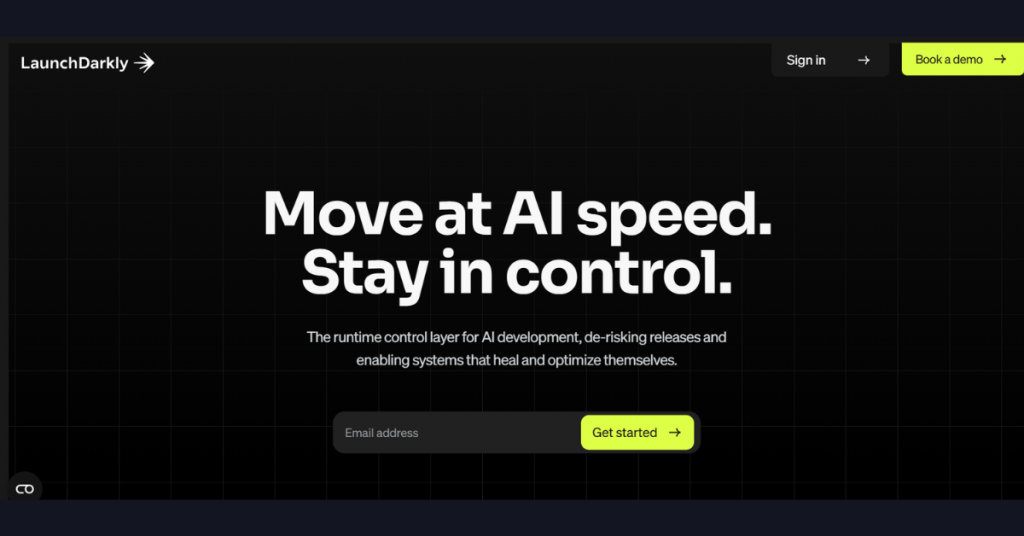
LaunchDarkly feature flag platform interface highlighting AI-driven release management, feature control, software deployment monitoring, and risk mitigation capabilities.

LaunchDarkly is a feature management and feature flagging platform that helps software teams control how and when new features are released. It allows developers to turn features on or off without changing code, making it easier to test updates, fix issues, and release changes gradually.

The software is best suited for development teams that want safer deployments, faster releases, and more control over the user experience.

Key Features of LaunchDarkly:

  • Enables feature flagging to control feature releases without code deployment
  • Supports gradual rollouts, canary releases, and A/B testing
  • Targets specific users or segments with dynamic feature delivery
  • Decouples deployment from release for safer software delivery
  • Offers real‑time feature toggling across applications
  • Provides experiment frameworks for product testing and optimization
  • Includes dashboards for feature monitoring and performance tracking
  • Integrates with CI/CD pipelines and developer tools
  • Supports multiple environments (dev, staging, production)
  • Maintains audit logs and governance controls
  • Handles large‑scale deployments with low‑latency infrastructure
  • Offers SDKs for multiple languages and platforms

Pro and cons of LaunchDarkly:

Pros

  • Reduces risk by enabling controlled feature releases
  • Improves deployment flexibility and rollback capability
  • Supports advanced targeting and experimentation
  • Enhances developer productivity in CI/CD environments
  • Fits large engineering teams and enterprise workflows

Cons

  • Requires setup and integration into development workflows
  • May feel complex for small teams or basic use cases
  • Needs governance to manage large numbers of feature flags
  • Costs can scale with feature usage and team size

LaunchDarkly Pricing & Plans:

PlanPrice
Developer0
Foundation Code Control:
10/Service Connection/month
8.33 USD/1k client-side MAU/month

Agent Control:
5 USD/1k AI runs past 5K/month
EnterprisePrice on request
GuardianPrice on request

2. Optimizely Feature Experimentation

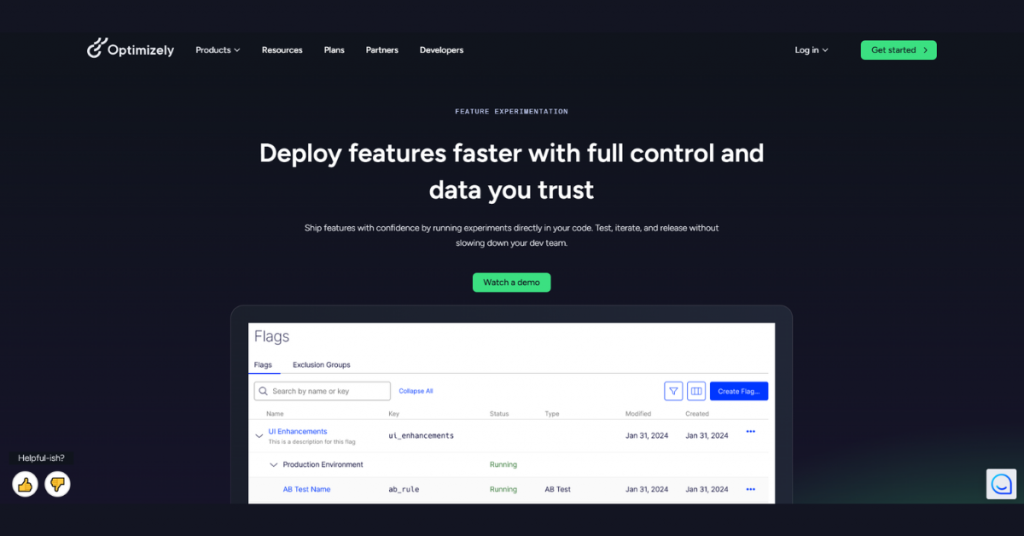
Optimizely feature experimentation platform featuring feature flag management, A/B testing controls, release monitoring, and deployment optimization tools.

Optimizely Feature Experimentation is a feature flag tool designed for teams that want to test ideas before fully launching them. What sets it apart is its strong focus on controlled experiments; owing to which, teams can release a feature to a small group of users, measure how it performs, and compare results before rolling it out widely.

The said flipper acts as an ideal fit for product teams that rely on data and user behavior to guide product decisions.

Key Features of Optimizely Feature Experimentation:

  • Runs feature flags and experiments directly in application code
  • Supports frontend, backend, mobile, and edge experimentation
  • Enables gradual rollouts by user segment, % traffic, or ID
  • Allows instant rollback or pause without redeployment
  • Uses a built‑in statistical engine for accurate experiment results
  • Provides A/B testing and multi‑armed bandit optimization
  • Includes AI‑driven experimentation and personalization
  • Tracks metrics and user behavior with integrated analytics
  • Offers SDKs and APIs for integration into dev workflows
  • Supports centralized flag management and governance
  • Maintains low‑latency performance across environments

Pro and cons of Optimizely Feature Experimentation:

Pros

  • Combines feature flags and experimentation in one platform
  • Improves decision‑making with statistically reliable results
  • Reduces risk with controlled rollout strategies
  • Scales across teams, systems, and environments
  • Accelerates product iteration with AI‑driven optimization

Cons

  • Requires technical setup and developer involvement
  • May feel complex for basic feature flag use cases
  • Needs governance to manage experiments and flags
  • Better suited for mid‑market to enterprise teams

Optimizely Feature Experimentation Pricing & Plans: Price on request
3. Unleash

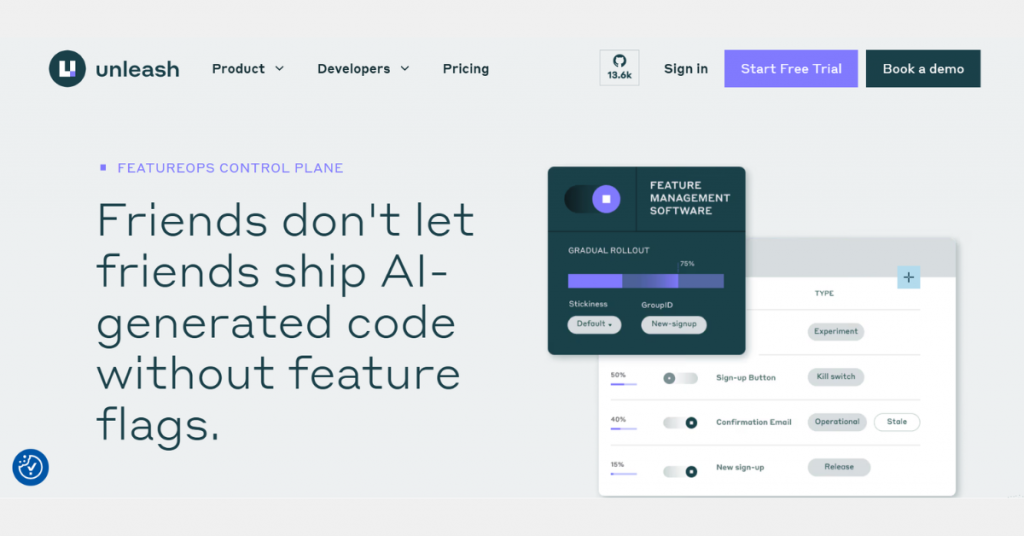
Unleash feature management software platform displaying feature flag controls, gradual rollout settings, user segmentation, and release management capabilities.

Unleash is an open‑source feature flag management platform that gives teams full control over feature releases while keeping everything on their own servers. Its main strength is that it is open-source and self‑hosted, so companies do not have to rely on a third‑party cloud. This makes Unleash a good choice for organizations that care about data privacy, security, and control over their deployment setup.

Key Features of Unleash:

  • Provides feature flags with advanced rollout strategies and kill switches
  • Supports gradual rollouts based on user segments, environments, and conditions
  • Offers self‑hosted and managed deployment options (full control over data)
  • Delivers FeatureOps control plane for managing releases at scale
  • Includes role‑based access control (RBAC) and audit logs for governance
  • Enables instant rollback to minimize downtime and release risk
  • Supports experimentation and feature testing in production
  • Runs reliably across distributed systems and microservices
  • Integrates with CI/CD pipelines and developer workflows
  • Works in high‑security environments (air‑gapped, FedRAMP‑ready setups)
  • Built as open‑source with strong community and extensibility

Pro and cons of Unleash:

Pros

  • Gives full data control with self‑hosting option
  • Scales well for complex, multi‑service architectures
  • Balances speed and governance with strong compliance features
  • Supports continuous delivery without risky big‑bang releases
  • Appeals to engineering teams with open‑source flexibility
  • Offers a 14-day free trial

Cons

  • Requires setup and infrastructure management for self‑hosting
  • Less plug‑and‑play than fully managed SaaS tools
  • Requires managing feature flags carefully
  • May feel heavy for small teams or simple use cases

Unleash Pricing & Plans:

PlanPrice
Open-Source0
Pay-As-You-Go75 USD/seat/month
Custom EnterprisePrice on request

4. Flagsmith

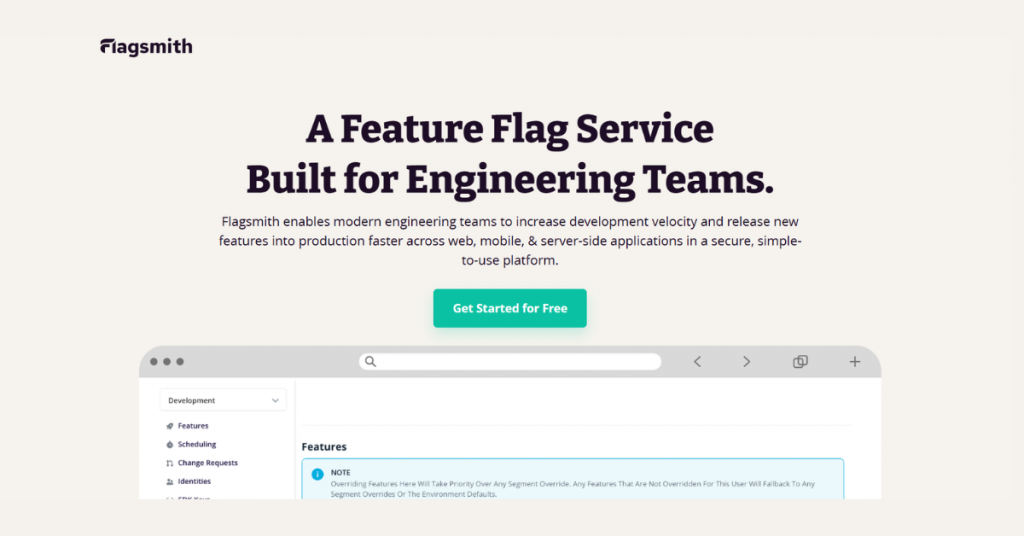
Flagsmith feature flag service dashboard designed for engineering teams to manage feature releases, control deployments, and accelerate software development workflows.

A feature flagging and remote configuration tool, Flagsmith lets teams control how features behave across different users, environments, and devices. The tool is known for its deployment flexibility, that is to say, it can be used in the cloud or self‑hosted, depending on company needs.

It also combines feature flags with remote configuration, so teams can change app behavior without releasing new code, making updates faster and more controlled.

Key Features of Flagsmith:

  • Controls feature releases across web, mobile, and backend systems
  • Supports both hosted (cloud) and self‑hosted deployments
  • Applies segmentation rules for targeting users and environments
  • Offers remote config alongside feature flags
  • Enables gradual rollouts, percentage releases, and instant toggling
  • Provides SDKs for multiple languages and platforms
  • Includes dashboards for managing flags and environments
  • Tracks feature usage with analytics and metrics
  • Supports A/B testing through flag variations
  • Integrates with CI/CD pipelines for continuous delivery workflows
  • Maintains audit logs and role‑based permissions

Pro and cons of Flagsmith:

Pros

  • Gives flexibility with both cloud and self‑hosted options
  • Supports open‑source usage for customization
  • Fits teams that want control over infrastructure and data
  • Works well across different environments and tech stacks
  • Simplifies rollout strategies without needing redeployments
  • Offers a 14-day free trial

Cons

  • Requires setup effort for self‑hosted deployments
  • Needs process discipline for managing flags over time
  • May feel less advanced for experimentation vs premium tools
  • Scaling can require careful planning for governance

Flagsmith Pricing & Plans:

PlanPrice
Free0
Start-Up45 USD/month
Scale-Up300 USD/month
EnterprisePrice on request

5. Statsig

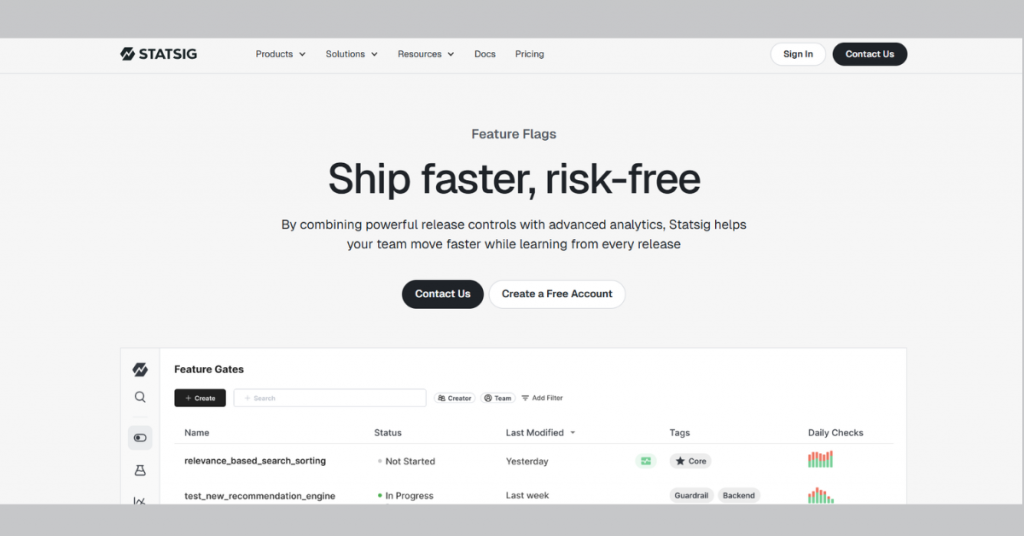
Statsig feature flag management platform showcasing release controls, feature gates, experimentation tools, and analytics for risk-free software deployments.

Statsig focuses on helping teams make product decisions based on real user data. Instead of guessing whether a feature works, it lets teams measure how changes affect user behavior and business metrics. The feature toggle tool is largely known for its strong emphasis on experimentation and analytics built directly into feature rollouts, so teams can learn what works while the product is live, not after the fact.

Key Features of Statsig:

  • Combines feature flags with built‑in analytics for every release
  • Attaches metrics to features to measure impact automatically
  • Supports controlled rollouts, scheduling, and staged releases
  • Triggers automatic rollback when performance drops
  • Offers advanced targeting based on user attributes and environments
  • Provides real‑time diagnostics for monitoring feature health
  • Runs lightweight A/B tests using feature flags
  • Includes 30 plus open‑source SDKs for multiple platforms
  • Integrates with data warehouses and observability tools
  • Handles large‑scale traffic with high‑performance infrastructure

Pro and cons of Statsig:

Pros

  • Reduces risk with automated rollback and monitoring
  • Links feature releases directly to business metrics
  • Speeds up experimentation without extra tooling
  • Scales for high‑volume applications and large user bases
  • Delivers strong value with cost‑efficient infrastructure positioning

Cons

  • Requires setup to integrate metrics and data pipelines
  • May feel analytics‑heavy for simple flagging needs
  • Needs thoughtful metric design for meaningful insights
  • Less ideal for teams wanting purely basic feature toggling

Statsig Pricing & Plans:

PlanPrice
Developer0
Pro150 USD/month
EnterprisePrice on request

6. Harness

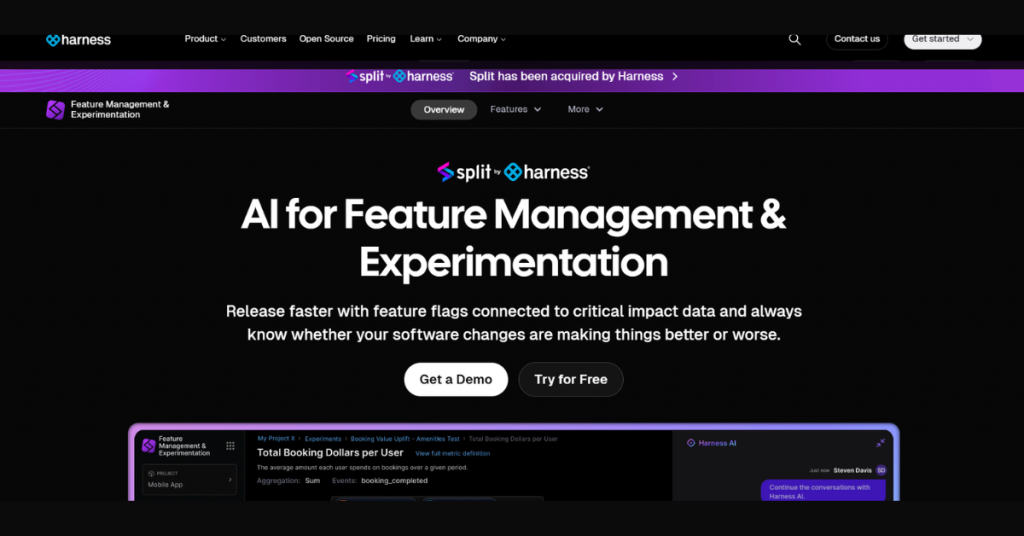
Split by Harness feature management and experimentation software interface displaying AI-powered feature flags, controlled rollouts, and software release testing dashboards.

Harness, as a feature management and experimentation tool, focuses on speed and control in software delivery by giving teams the ability to release features and run experiments without slowing down deployments.

Its automation and built‑in safeguards help teams reduce risk when shipping changes and make it stand out from the rest. Because it tightly connects feature control with deployment pipelines, it works best for engineering teams that want faster releases without losing stability.

Key Features of Harness:

  • Embeds feature flagging directly into CI/CD pipelines for release control
  • Supports progressive delivery with canary and staged rollouts
  • Enables feature control per environment (dev, staging, prod)
  • Automates rollbacks when issues are detected during releases
  • Uses GitOps workflows to manage flags as code
  • Provides dashboards to monitor flag usage and deployments
  • Includes policy‑based governance and approval workflows
  • Allows A/B testing and experimentation for new features
  • Integrates deeply with the broader Harness platform (CI, CD, security, cloud)
  • Handles large‑scale usage with high MAU limits and performance infrastructure

Pro and cons of Harness:

Pros

  • Aligns feature flags closely with deployment pipelines
  • Improves release safety with automated verification and rollback
  • Centralizes DevOps workflows in a single platform
  • Supports strong governance through policies and controls
  • Scales well for teams already using CI/CD automation

Cons

  • Depends on the broader Harness ecosystem for full value
  • May feel heavy for teams needing only standalone flagging
  • Requires DevOps maturity to use effectively
  • Setup complexity higher than lightweight feature flag tools

Harness Pricing & Plans:

PlanPrice
Free Plan0
Essentials PlanPrice on request
Enterprise PlanPrice on request

7. GrowthBook

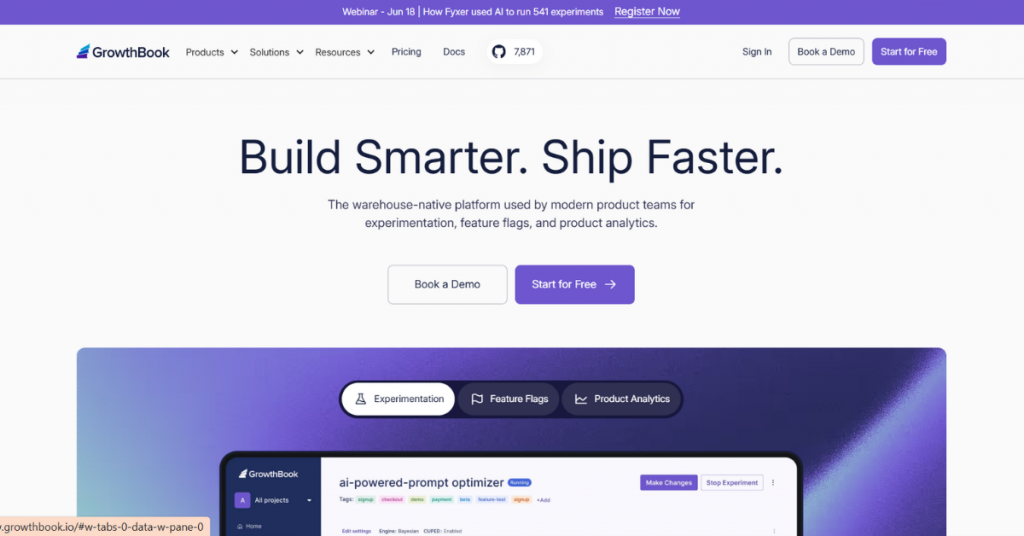
GrowthBook feature flag and experimentation platform dashboard showing product analytics, A/B testing capabilities, feature releases, and AI-powered experimentation tools for product teams.

GrowthBook is a tool built for teams that want to experiment and test product changes using their own data. Instead of storing data inside the tool, it connects to existing data warehouses, so companies keep full control over their data. As a result, GrowthBook acts as a perfect fit for teams that care about data ownership and want flexibility in how experiments are run.

Key Features of GrowthBook:

  • Runs feature flags and experiments on top of your existing data warehouse
  • Analyzes experiments using your own data (no data export required)
  • Supports A/B, multivariate, and sequential testing
  • Applies advanced stats methods (CUPED, Bayesian, bandits)
  • Uses lightweight SDKs for fast, local flag evaluation
  • Offers visual editor for launching experiments without code
  • Enables granular targeting with rules and user attributes
  • Works across web, backend, and mobile environments
  • Integrates with tools like Snowflake, BigQuery, Redshift
  • Supports both cloud and fully self‑hosted deployments
  • Combines feature flags, experimentation, and analytics in one platform

Pro and cons of GrowthBook:

Pros

  • Keeps full data ownership by using your warehouse
  • Combines flags, experimentation, and analytics in one stack
  • Offers open‑source flexibility and self‑hosting option
  • Runs with minimal latency due to local evaluation
  • Affordable compared to traditional enterprise tools

Cons

  • Requires a data warehouse for full functionality
  • Needs technical setup for best results
  • Advanced features limited to paid tiers
  • Less plug‑and‑play than fully managed SaaS tools

GrowthBook Pricing & Plans:

PlanPrice
Cloud
Starter0
Pro40 USD/seat/month
EnterprisePrice on request
Self-Hosted
Open-Source0
EnterprisePrice on request

Conclusion

Feature flag tools, as such, act as a crucial bridge between new software and users. By timely pulling the plug on problematic features, these help engineering teams safely release new tech without the need for fresh deployments.

If you thus happen to look out for a flipper for your business, the list of enterprise solutions and open‑source platforms detailed above is your best bet. Choose the right one depending on your team size, budget, and overall focus. Don’t forget to call the Techjockey product team if you need any help while at it!

Explore Topics

Consult with Our Techjockey Expert

Connect for fast and scalable software delivery, corporation plans, advanced security, and much more.

Talk To Tech Expert