
Description
Pricing
Features
Specification
Review
Compare
FAQs
Alternatives

 View Gallery
Brand: BeFunky
BeFunky software is a photo editing and graphic designing tool that enables the users to express themselves creatively without the need to have advanced technical expertise. With a user-friendly interface, BeFunky photo editor caters to various sectors like media, packaging and manufacturing, advertising, ecommerce, and many more. BeFunky digital art software is web-based and can work on desktop and mobile devices. With a simple image editing and collage making capab...Read more

Get Free Expert Consultation
Let us know your business needs clearly

Verified & Trusted
Vendors

Safe & Secure
Payment

Personalized
Experts Support
$ 14.99 /Month
Features
 Photo Editing Background Removal Object Removal Image Upscaling Photo Enhancement
 See all 
We make it happen! Get your hands on the best solution based on your needs.


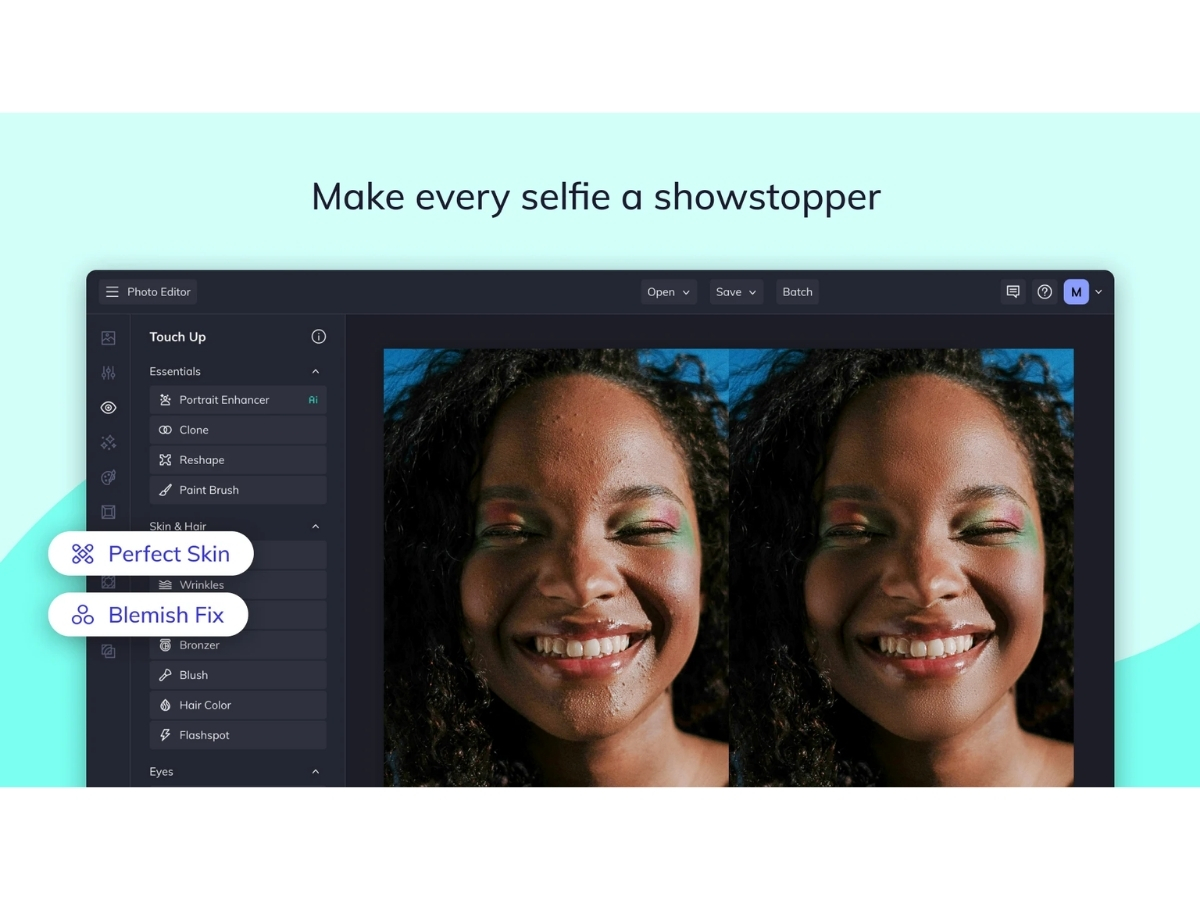
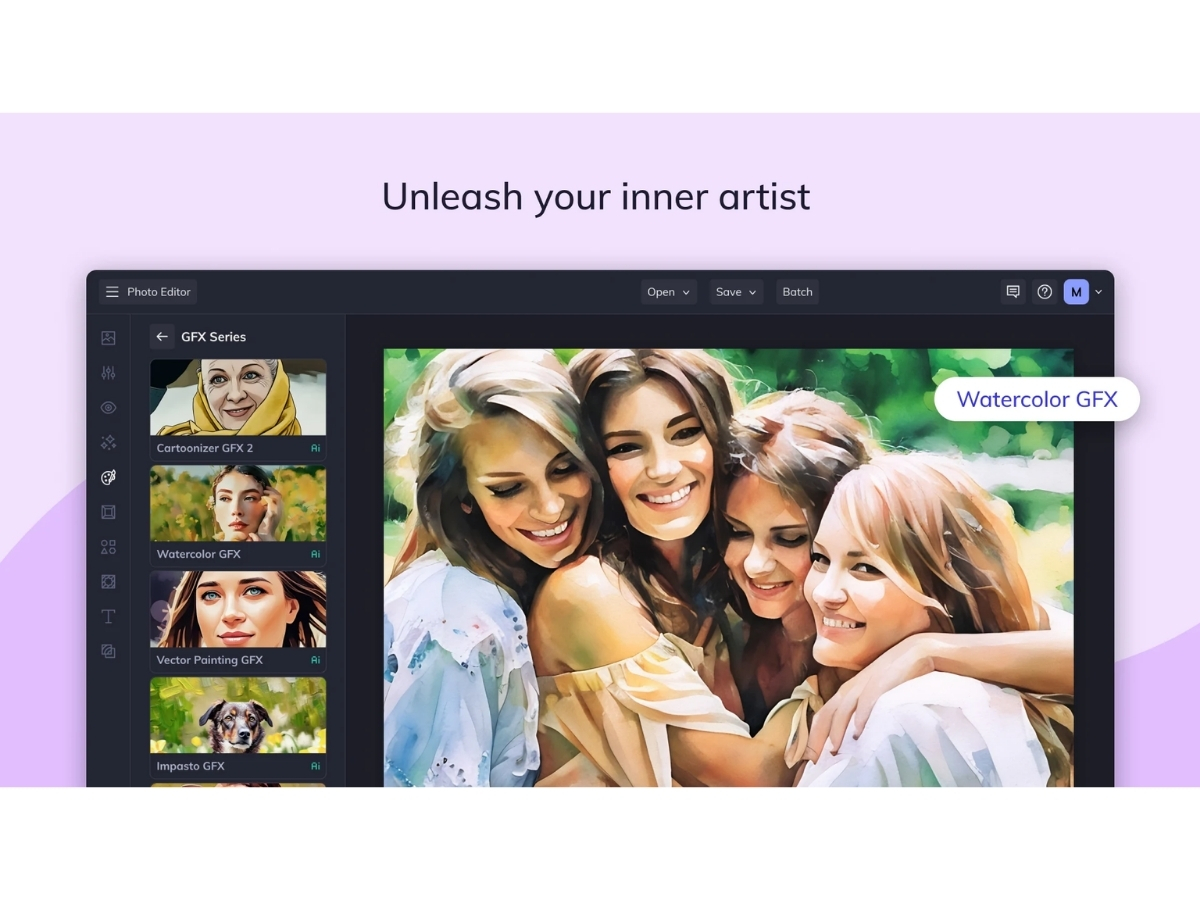
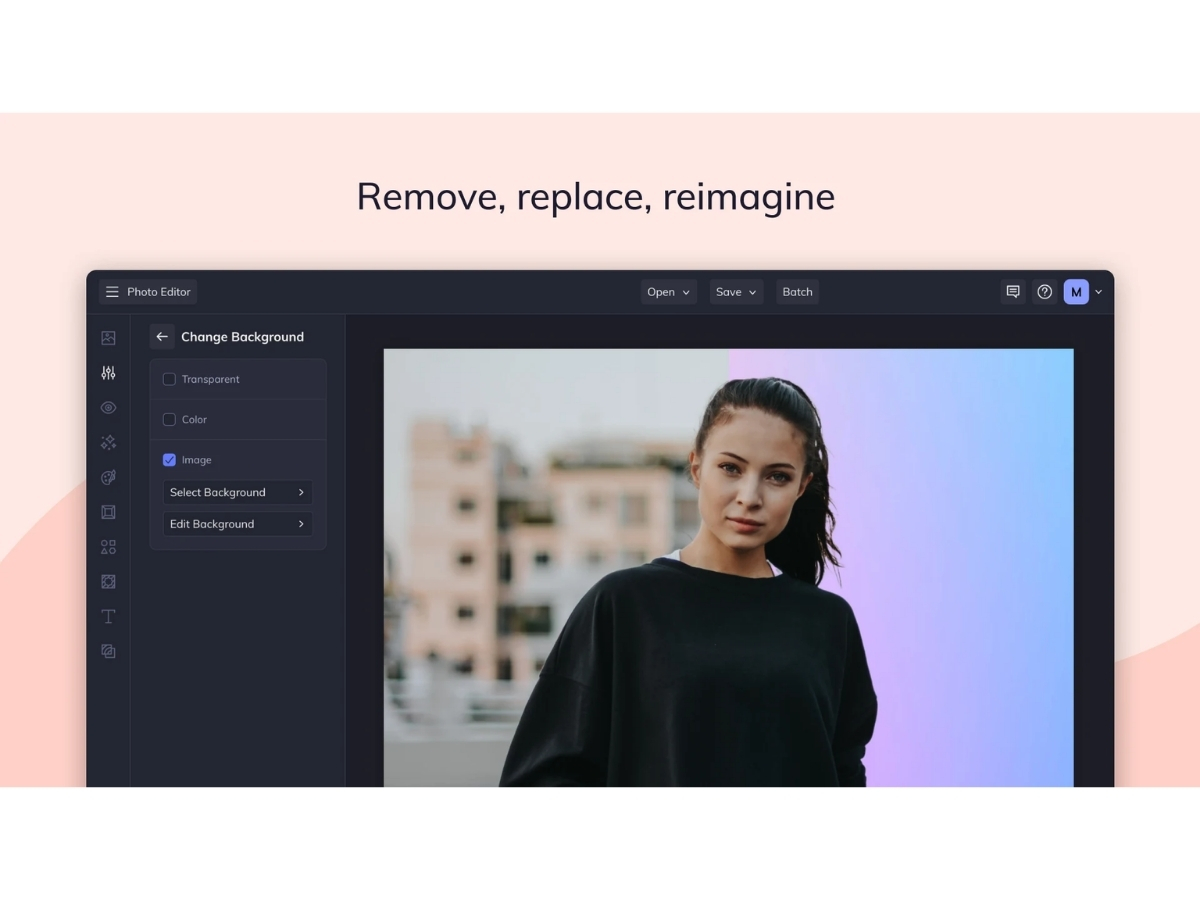
 Photo Editing Edit and enhance photos using tools for cropping, resizing, colors, effects, retouching, and image adjustments. Background Removal Automatically remove image backgrounds to isolate subjects and create transparent or customized backgrounds. Object Removal Remove unwanted people, objects, and distractions from photos using AI-powered object erasing tools. Image Upscaling Increase image size up to 4x while enhancing fine details and maintaining improved visual quality. Photo Enhancement Automatically improve exposure, highlights, shadows, colors, sharpness, and overall photo appearance. Image Expansion Extend image dimensions and generate additional content to create new aspect ratios without unwanted cropping. Photo Retouching Enhance portraits by smoothing skin, removing blemishes, whitening teeth, and improving facial appearance. Image Deblurring Reduce different types of photo blur, including motion and lens blur, to create sharper and clearer images. Noise Reduction Remove grain and unwanted image noise to produce cleaner and smoother photographs with improved details. Photo Restoration Restore old photographs by removing scratches, reducing grain, enhancing clarity, and recovering facial details. Sky Replacement Replace the sky in photographs with alternative scenes while allowing adjustments to the foreground and new sky. Photo Resizing Resize images while maintaining quality for websites, printing, social media, and other digital applications. Watermarking Add customized watermarks to photos with consistent placement and settings across multiple images. Templates Create collages using ready-made layouts that can be customized with photos, text, graphics, colors, and patterns. Graphic Design Create social graphics, invitations, business cards, postcards, infographics, banners, and other visual designs.
 | Brand Name | BeFunky |
| Information | BeFunky is a photo editing application enabling users to edit, save and share photos in social networks. |
| Founded Year | 2007 |
| Director/Founders | Kemal Ozisikcilar, Tekin Tatar, Tolga Birdal |
| Company Size | 1-100 Employees |

 UAE
UAE India
India
 Write a Review
