
Description
Pricing
Features
Specification
Review
Compare
Alternatives

 View Gallery
Brand: VideoCom Inc

Get Free Expert Consultation
Let us know your business needs clearly

Verified & Trusted
Vendors

Safe & Secure
Payment

Personalized
Experts Support
$ 19.00 /Month
Features
 Screen Recording Video Editing Audio Recording Noise Reduction Webcam Recording
 See all 
We make it happen! Get your hands on the best solution based on your needs.
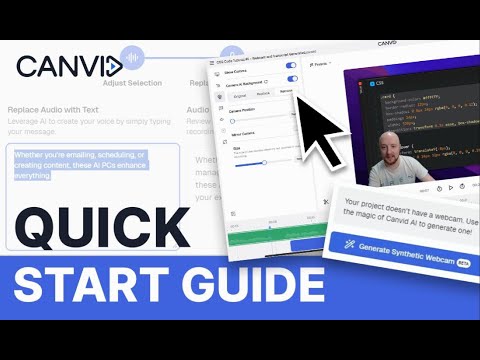

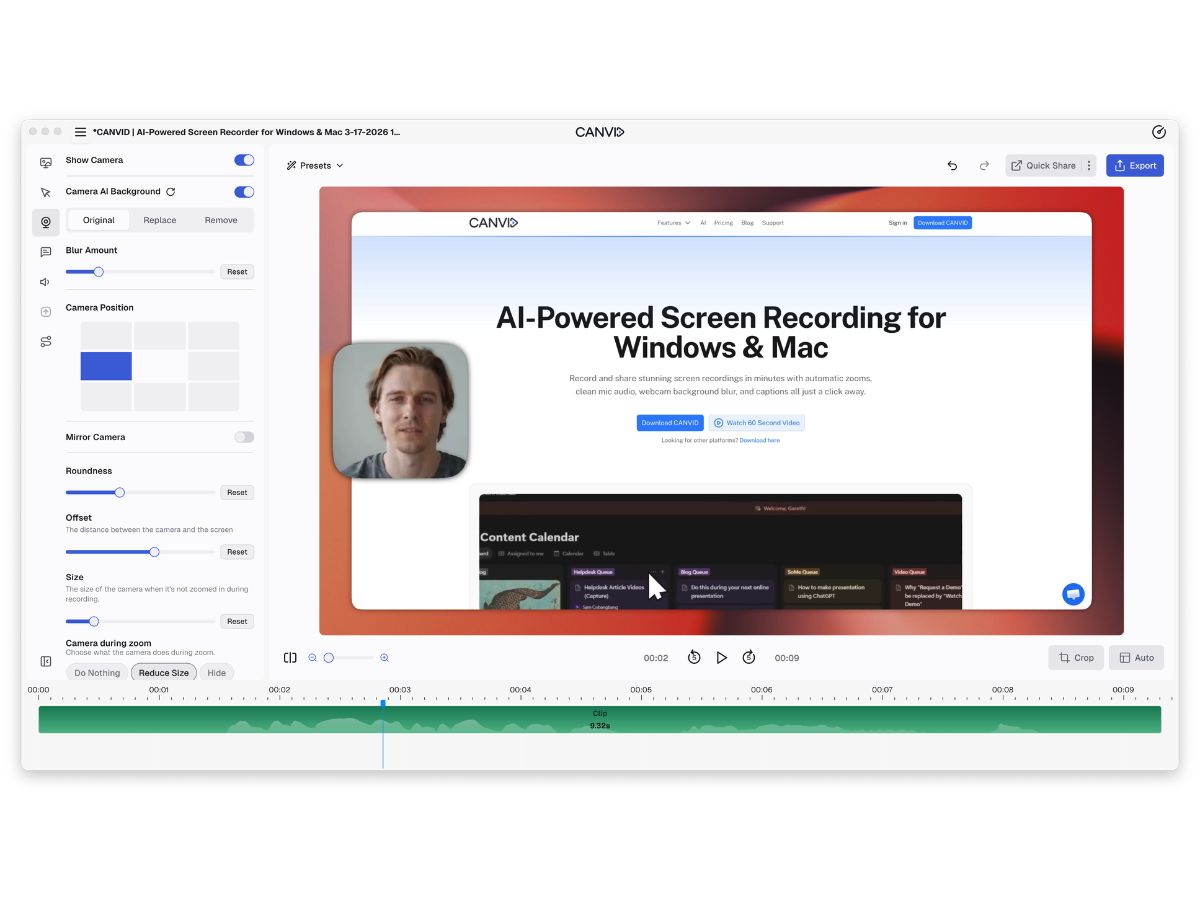
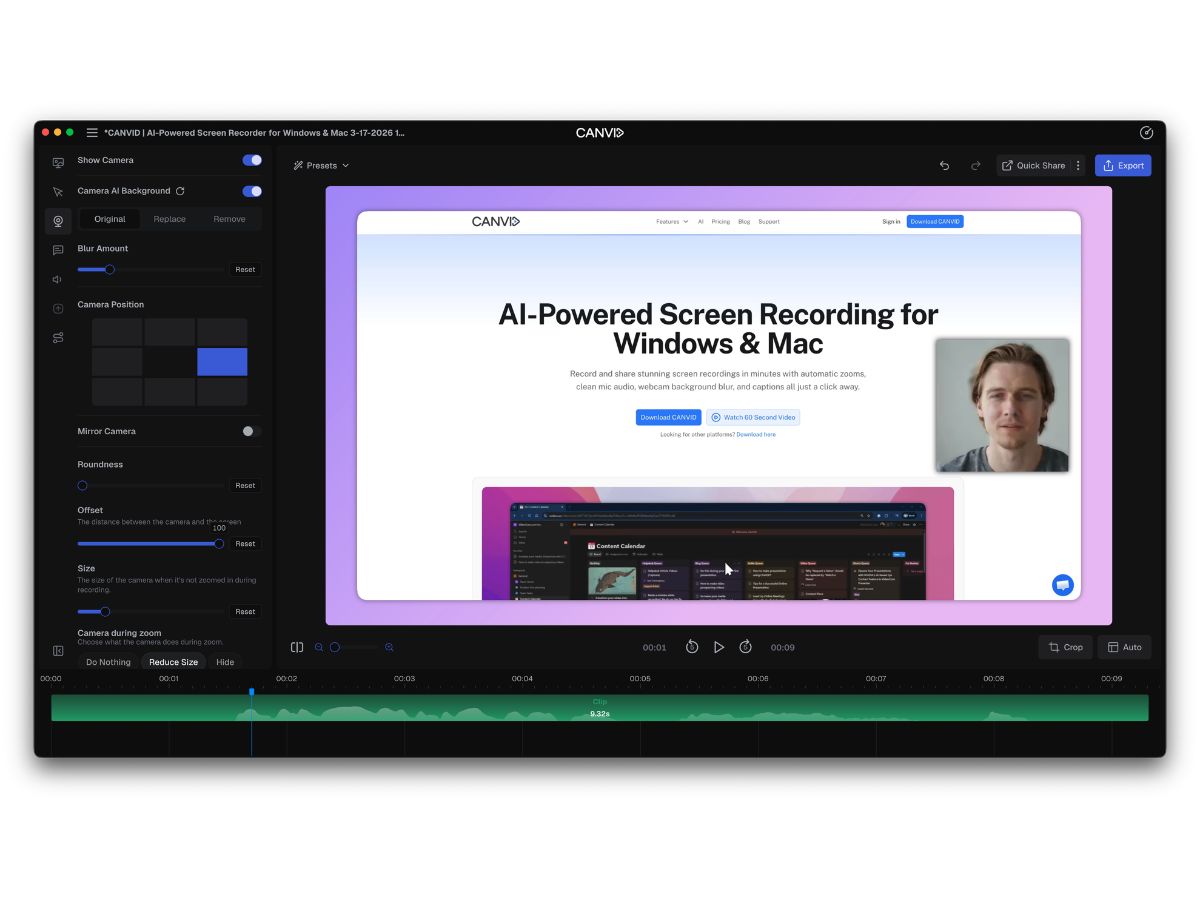

 Screen Recording Capture full screen, selected windows, or custom areas in high-quality video for tutorials and demos. Video Editing Trim, cut, and refine recordings with built-in editing tools to create polished video content. Audio Recording Record system audio and microphone input simultaneously for complete video presentations. Noise Reduction Enhance voice quality by reducing background noise and unwanted audio distractions automatically. Webcam Recording Add webcam overlays to recordings for personalized tutorials, demonstrations, and presentations. Automatic Captions Generate accurate captions automatically to improve accessibility and audience engagement. Transcription Convert spoken audio into editable text transcripts for documentation and content reuse. Annotations Highlight key information with text, arrows, and visual markers during or after recording. Multi-Format Export Export videos in multiple formats and resolutions for sharing across different platforms. Cloud Sharing Share recordings instantly through cloud-hosted links for easy collaboration and distribution. Custom Branding Apply logos, colors, and branding elements to maintain a consistent professional appearance. Cursor Effects Enhance cursor visibility with clicks, highlights, and animations to improve instructional videos. Timeline Editing Organize and edit video segments precisely using a simple and intuitive timeline interface. High-Resolution Output Create sharp recordings in HD and 4K quality for professional presentations and tutorials.
  UAE
UAE India
India
 Write a Review
