
Description
Pricing
Features
Specification
Review
Compare
Alternatives


 View Gallery
Brand: VideoCom Inc

Get Free Expert Consultation
Let us know your business needs clearly

Verified & Trusted
Vendors

Safe & Secure
Payment

Personalized
Experts Support
Price On Request
Features
 Screen Recording Audio Recording Webcam Recording Video Editing Annotations
 See all 
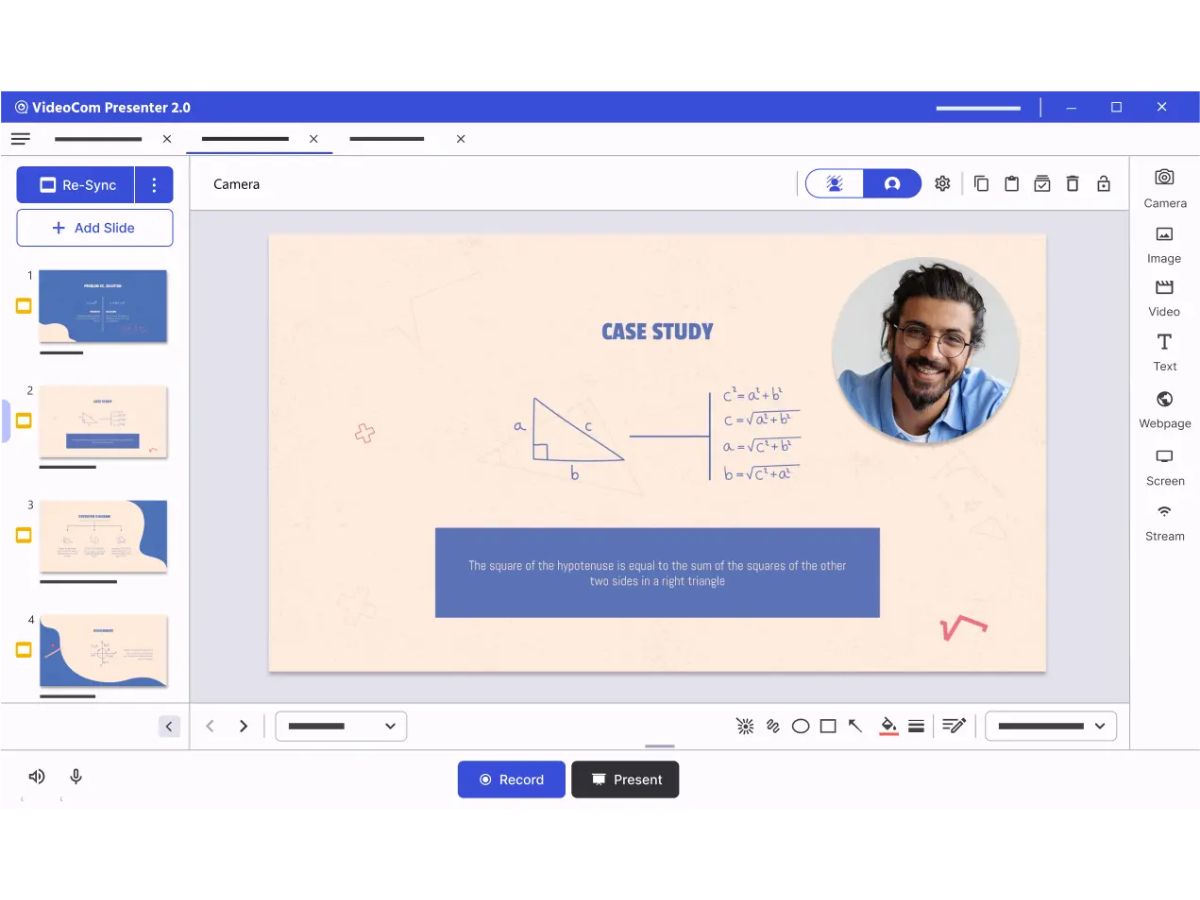
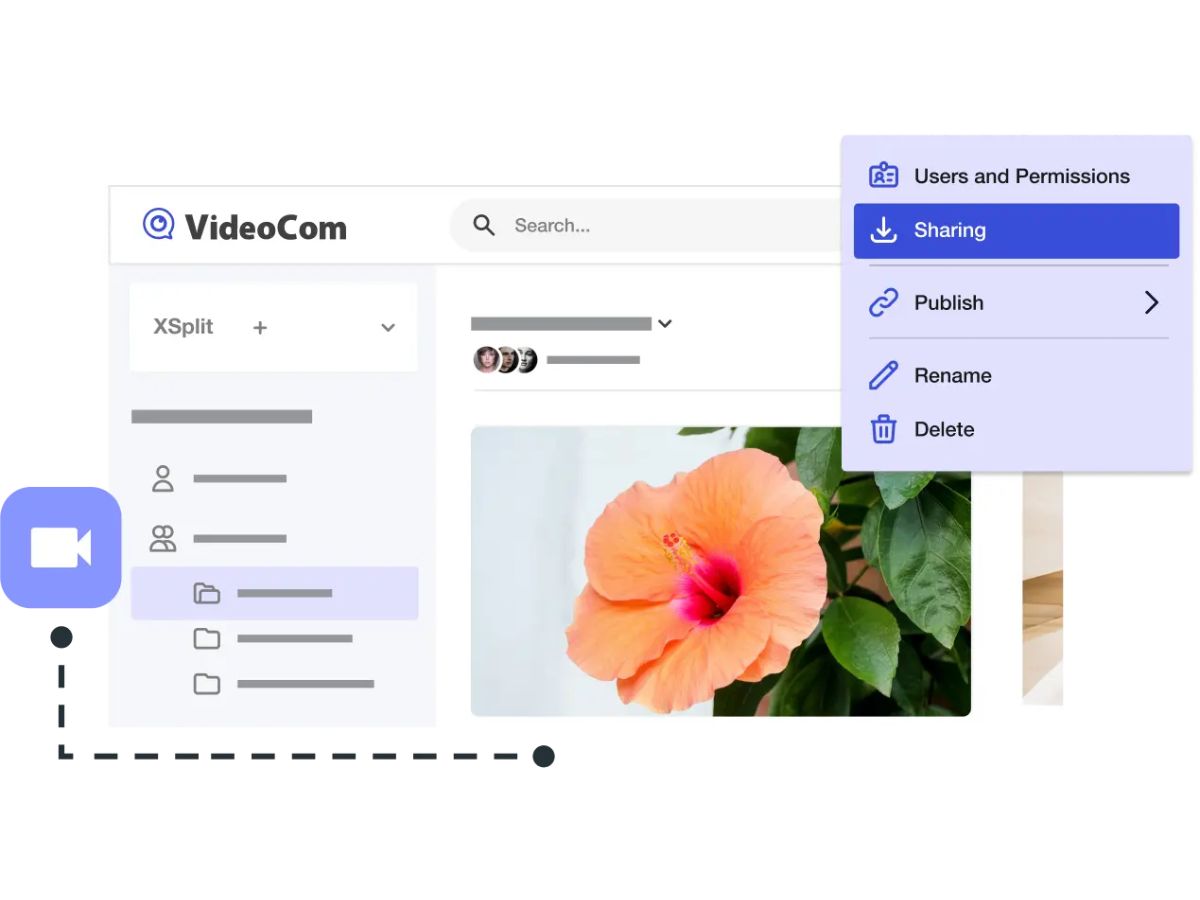
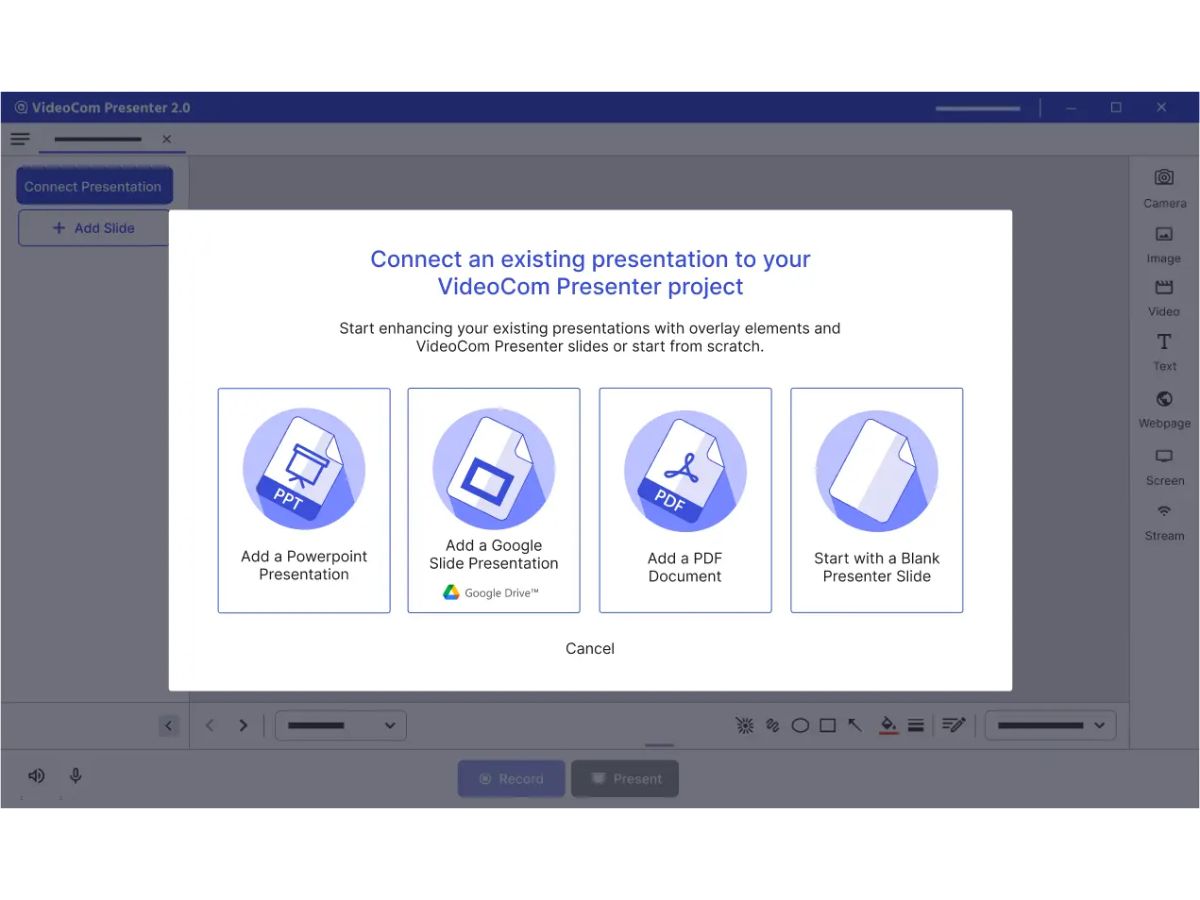
 Screen Recording Capture full screen, selected area, or specific windows with smooth, high-quality video output. Audio Recording Record system audio and microphone input simultaneously for clear presentations and tutorials. Webcam Recording Add webcam footage alongside screen recordings to create engaging and personalized content. Video Editing Trim, cut, and refine recordings quickly without requiring advanced editing expertise. Annotations Highlight important information using arrows, shapes, text, and drawing tools during recording. AI Enhancement Improve video quality automatically with AI-powered adjustments and visual optimizations. Background Removal Remove or replace webcam backgrounds for a cleaner and more professional appearance. Custom Branding Add logos, colors, and brand elements to maintain a consistent business identity. Instant Sharing Share recordings through links or supported platforms without lengthy upload processes. Multi-Format Export Save videos in multiple file formats for compatibility across devices and platforms. Cloud Storage Integration Connect with cloud platforms to store, access, and manage recordings securely online. Keyboard Shortcuts Control recording actions efficiently using customizable shortcut key combinations. Recording Scheduler Schedule recordings in advance to automatically capture meetings, sessions, or presentations. Privacy Control Protect sensitive information with access controls and secure sharing permissions.
  UAE
UAE India
India

 Write a Review
