
Description
Pricing
Features
Specification
Review
Compare
Alternatives

 View Gallery
Brand: Gains AI Labs Private Limited

Get Free Expert Consultation
Let us know your business needs clearly

Verified & Trusted
Vendors

Safe & Secure
Payment

Personalized
Experts Support
$ 6.00 /Month
Features
 Core Features Advanced Features Editing Tools & Effects Collaboration & Workflow Integration & Automation
 See all 
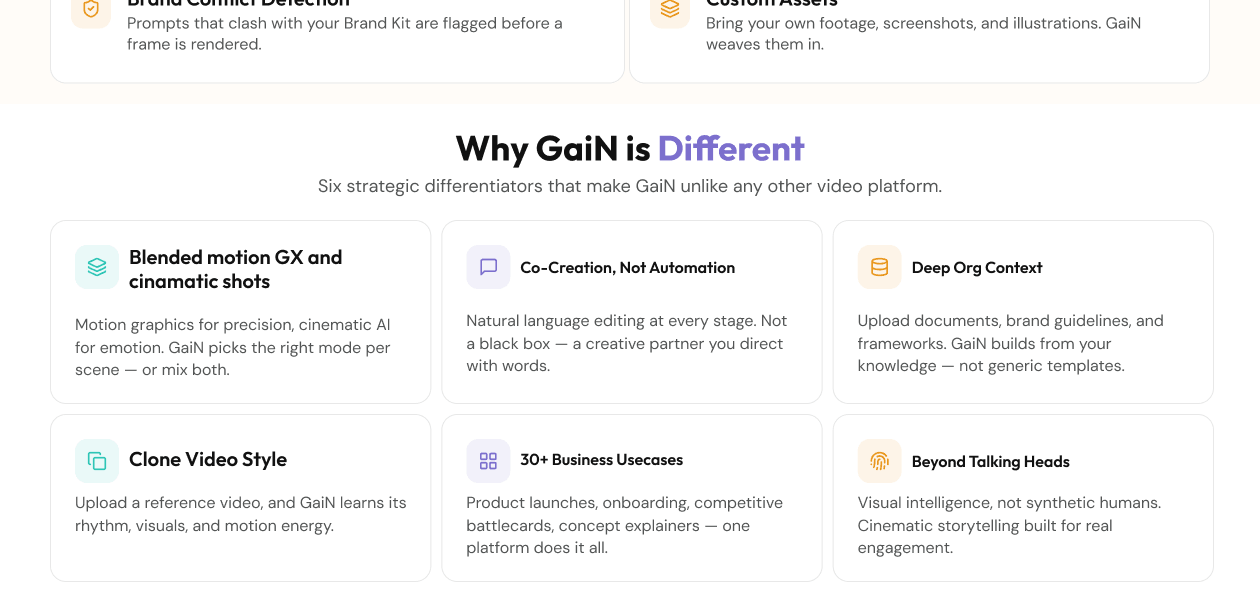
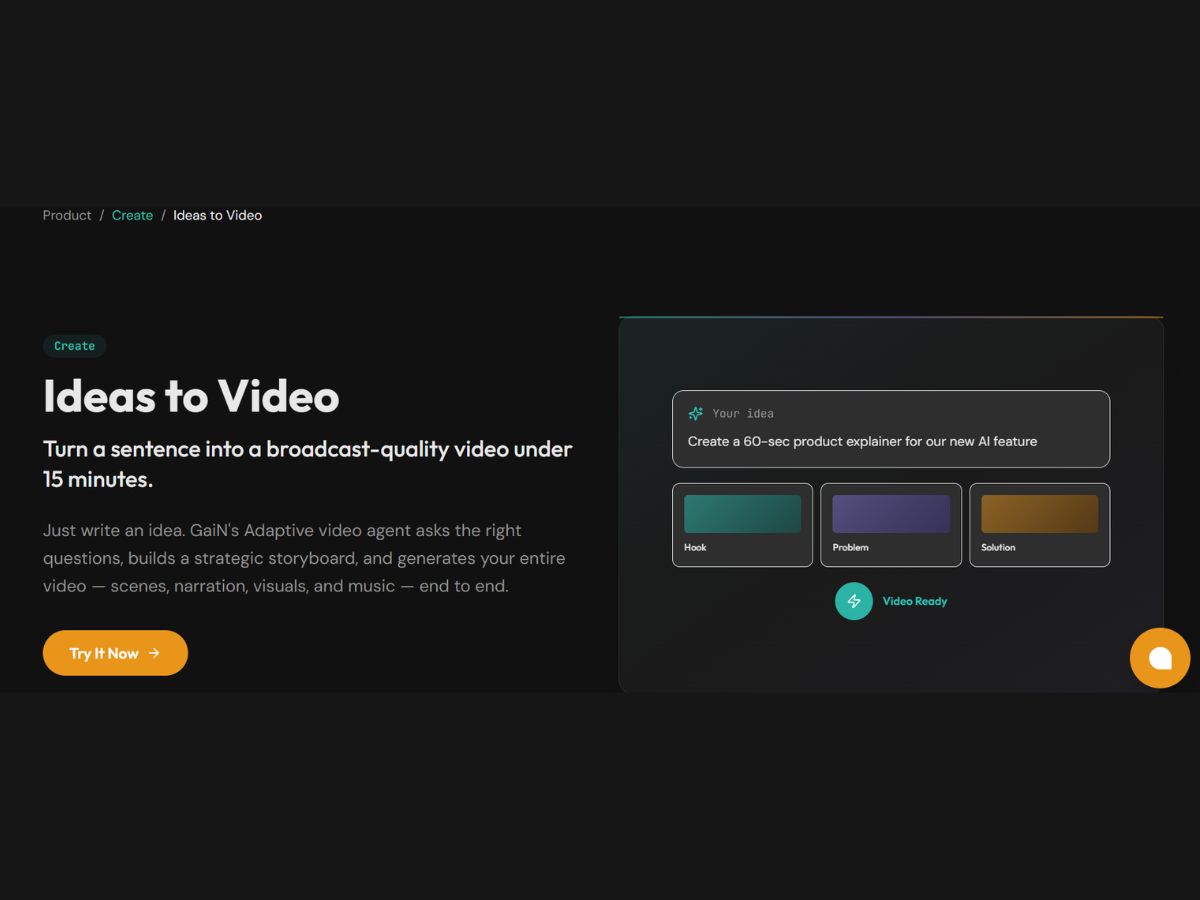
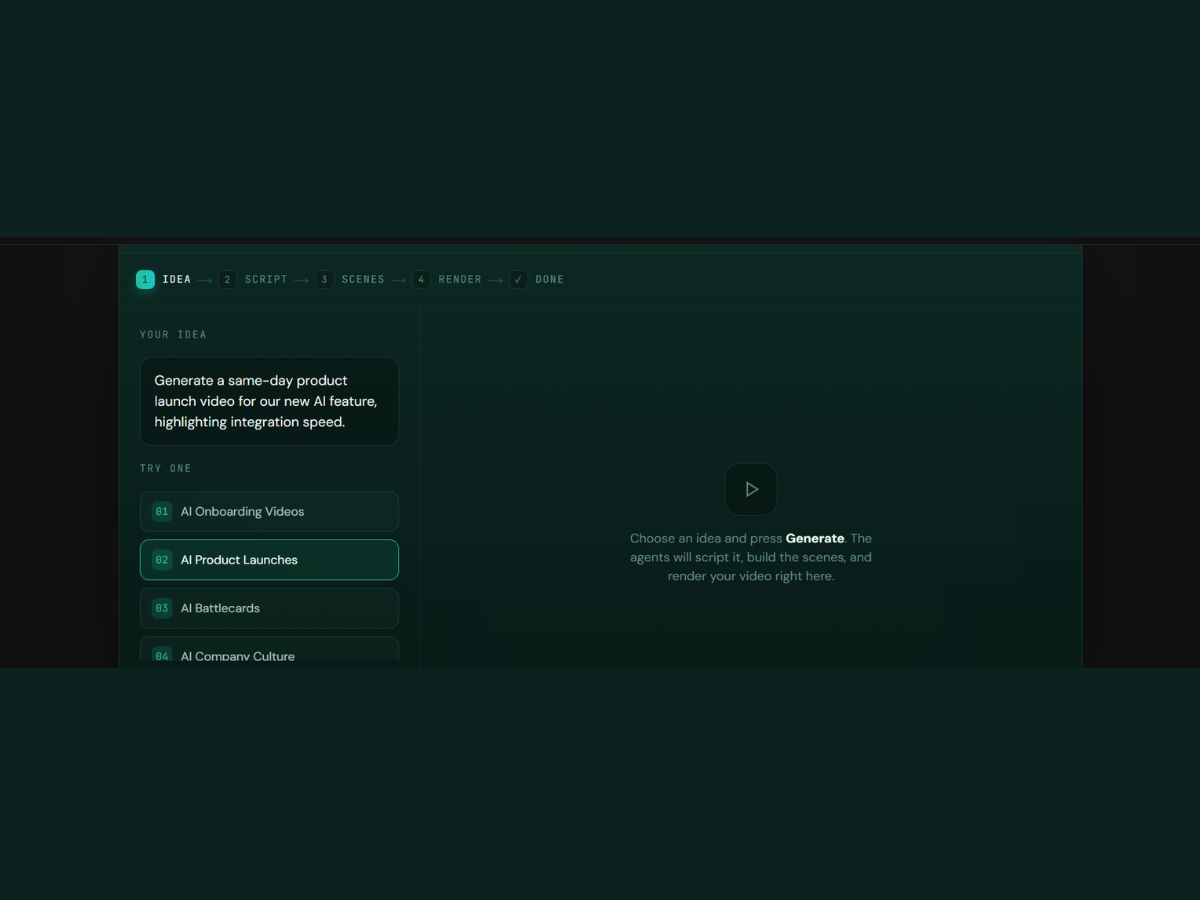
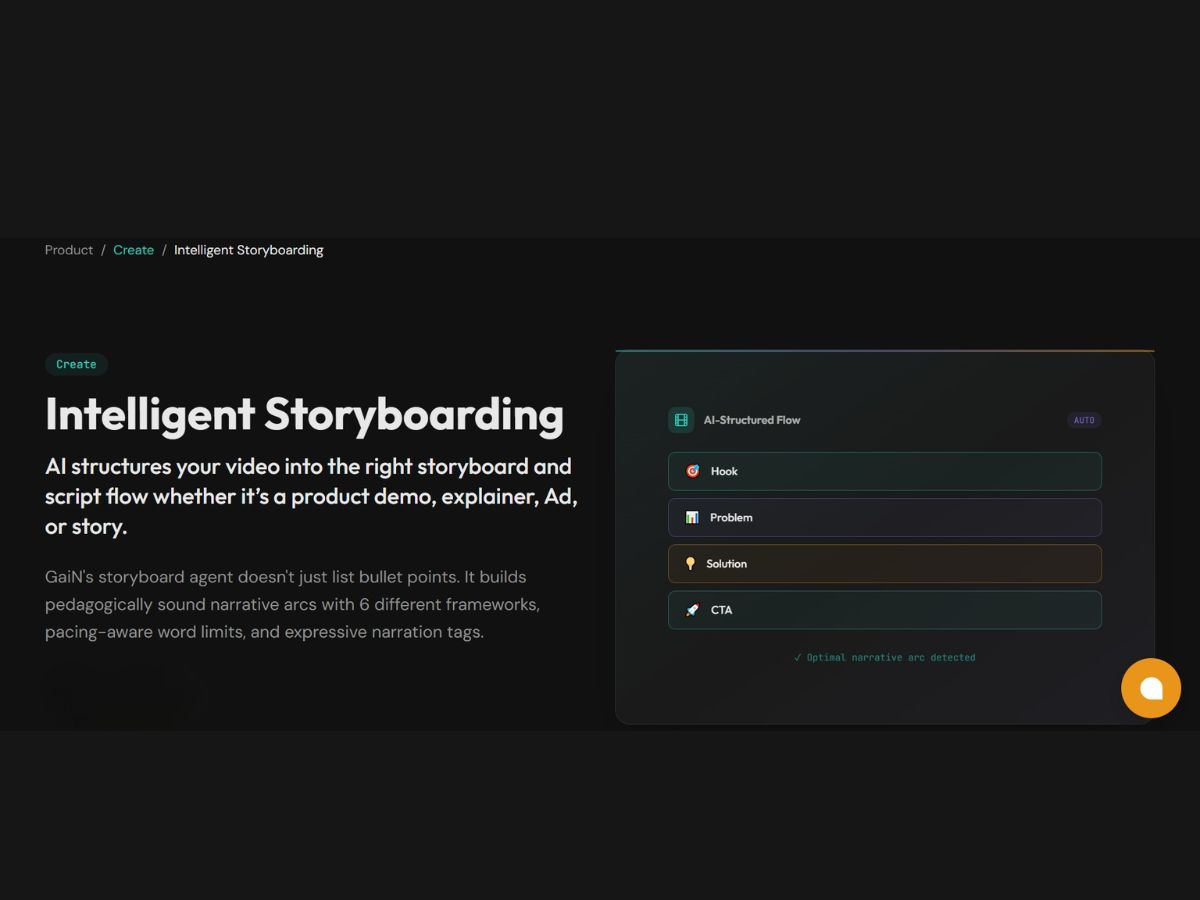
Core Features
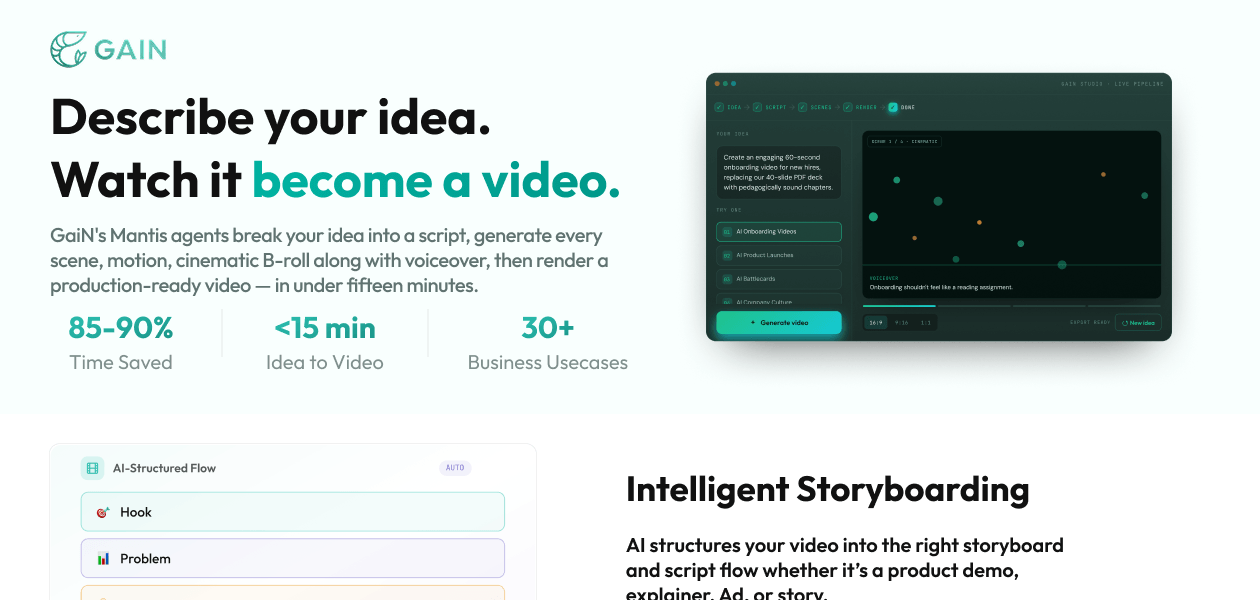
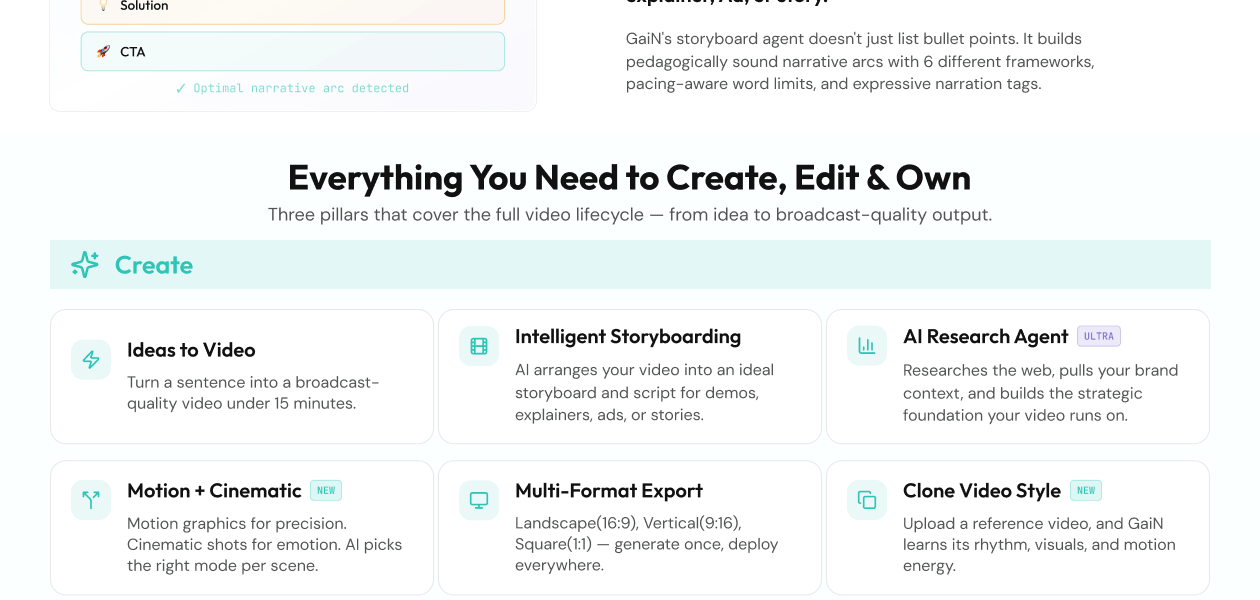
 Background Removal Detects and removes background without for easy replacements. Text-to-Video Generation Convert text input into video output using NLP automatically. AI Scene Detection Automatically detects scenes and cuts based on changes in content or context. Auto Color Correction AI-driven colour grading and correction for consistent visuals across scenes. Object Detection Tracks and isolates objects or people for targeted effects and overlays. AI Audio Enhancement Noise reduction, audio levelling, and clarity improvements in dialogue and music. Voiceover Generation AI voice generation with customizable tone, pitch, and speed. Subtitle Generation Automatic generation of subtitles with customizable fonts, colours, and styles. Template-Based Editing Ready-made templates for intro, outro, and transitions, easily customizable.
 Advanced Features
Dynamic Background Replacement Auto-detects and changes backgrounds for scenes without needing a green screen. Emotion Recognition Detects emotions in faces or voices to adjust visuals and audio accordingly. Scene Reframing Auto reframes shots for different aspect ratios, optimized for social media. Video Summarization Auto-generate highlight reels from longer footage. AI Avatar Generation Create digital avatars for narrations and presentations. AI Voice Cloning Clone real voices for voiceovers. AI Motion Tracking Precise motion tracking for applying effects to moving objects or text. Deepfake Detection Ensure responsible AI video creation with detection tools. Editing Tools & Effects
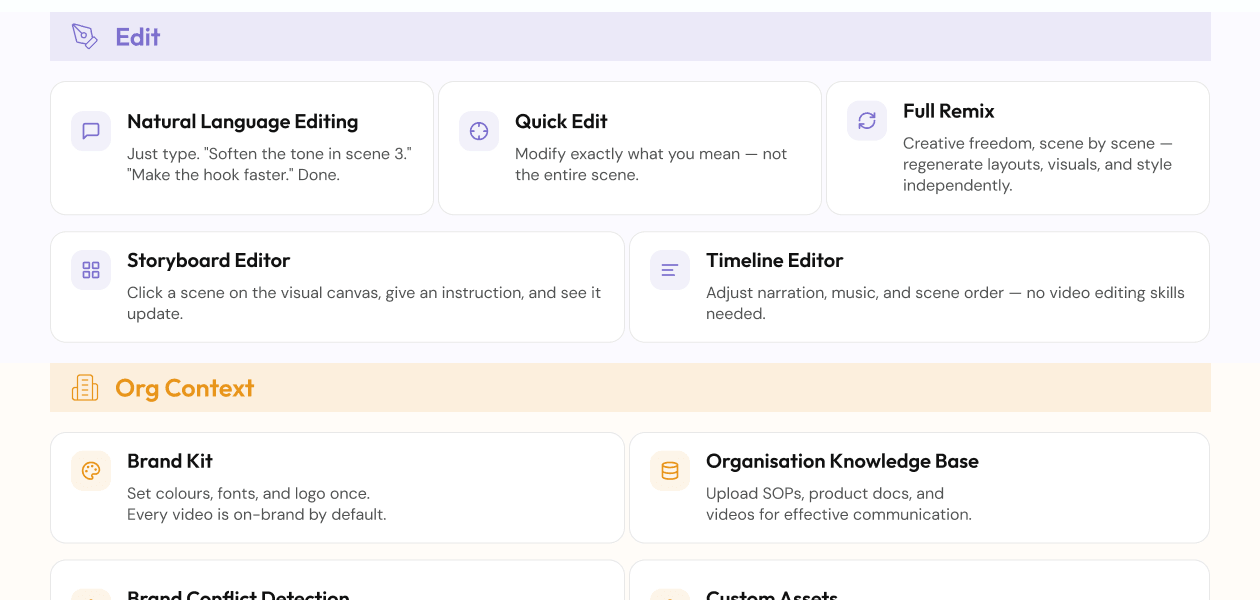
Transition Effects Basic transitions like fades, slides, and cuts with customizable speed and direction. Basic Editing Tools Timeline-based editing with Cut, Trim, Split, Merge operations for timeline control. Visual and Sound Effects Add overlays, animations, and sound effects. Overlays and Animations Add and animate text with a variety of font, colour, and animation choices. Split-Screen Effect Combines multiple video sources in split-screen or picture-in-picture format. Speed Adjustments Speed Control and Slow Motion to adjust video playback speed. Multi-Layered Editing The fundamental editor architecture allowing complex, professional editing Real-Time Previews Previews of effects and transitions in real-time for faster adjustments. Video Stabilization Smooth out shaky footage automatically. Keyframe Animations Fine-tune animations and motion effects. Chroma Key Support Replace green screen backgrounds in editing. Collaboration & Workflow
Version control Track edits and changes across teams. Cloud Storage Projects and assets stored securely in the cloud. Project Sharing Share projects with teams or clients with permissions. Real-Time Collaboration Multiple users edit and comment simultaneously. Role-Based Access Control (RBAC) Define user roles and access permissions. Export Options Support for various formats and resolutions (e.g., 1080p, 4K). Batch Processing Process multiple videos at once. Direct Social Media Sharing Directly to social media accounts. Performance Insights Analyze video performance, including engagement and viewer retention. Integration & Automation
Social Media Integration Integration with social platforms Third Party Integrations Connect with marketing, analytics, and CRM tools. Automated Video Creation & Scheduling Auto-generate and schedule publishing to platforms. API Publishing Automate bulk publishing via API. | Brand Name | Gains AI Labs Private Limited |
| Information | Gain is an AI-native video creation platform that turns your ideas, documents, websites, and product information into high-quality, information-rich videos in minutes. |
| Founded Year | 2026 |
| Director/Founders | Arindam Mukherjee and Arijit Mukherjee |
| Company Size | 1-100 Employees |
 UAE
UAE India
India
 Write a Review
