Description
Pricing
Features
Specification
Review
Compare
FAQs
Alternatives

 View Gallery
Brand: GIMP
GIMP is a free and open-source raster graphics editor used for tasks such as photo retouching, image composition, and graphic design....Read more

Get Free Expert Consultation
Let us know your business needs clearly

Verified & Trusted
Vendors

Safe & Secure
Payment

Personalized
Experts Support
FREE
Features
 Photo Retouching Color Correction Image Transformation Batch Processing Image Format Conversion
 See all 
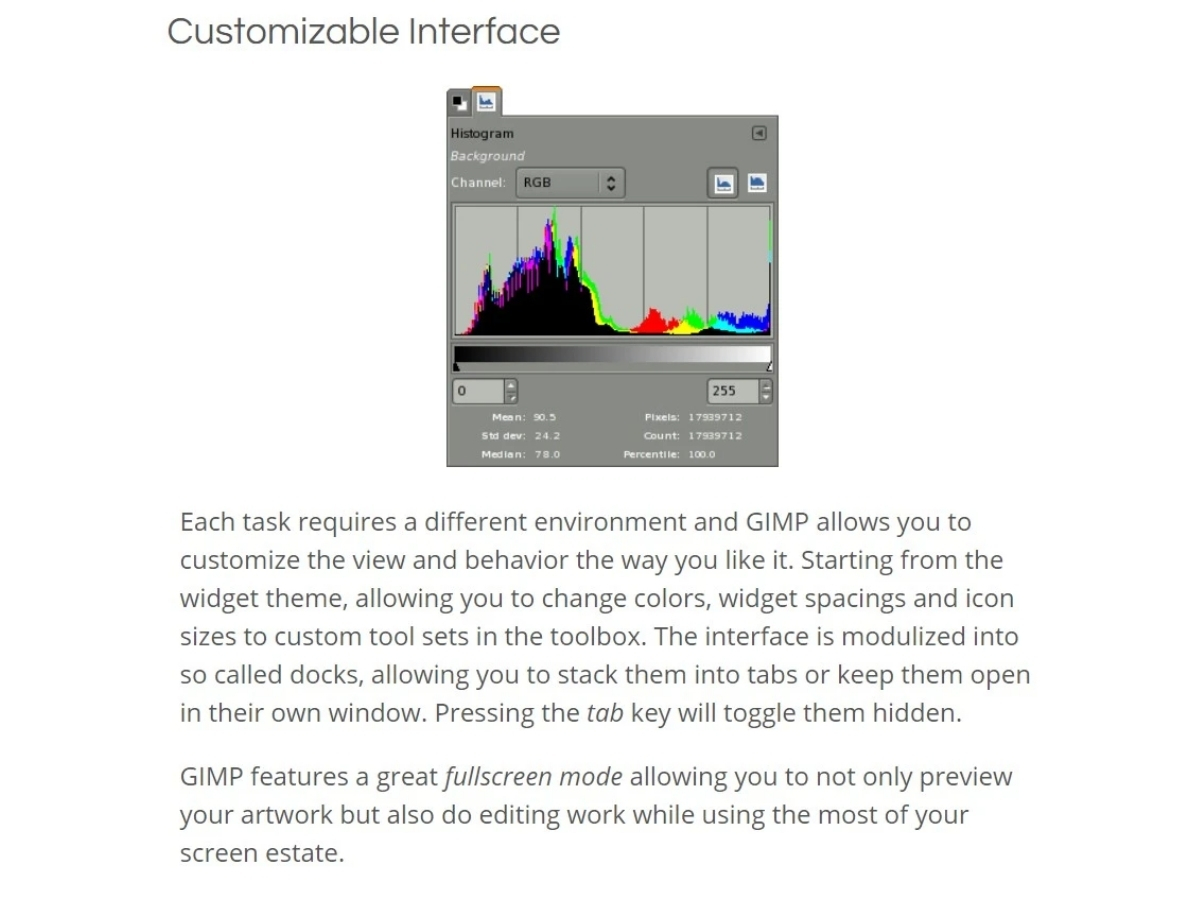
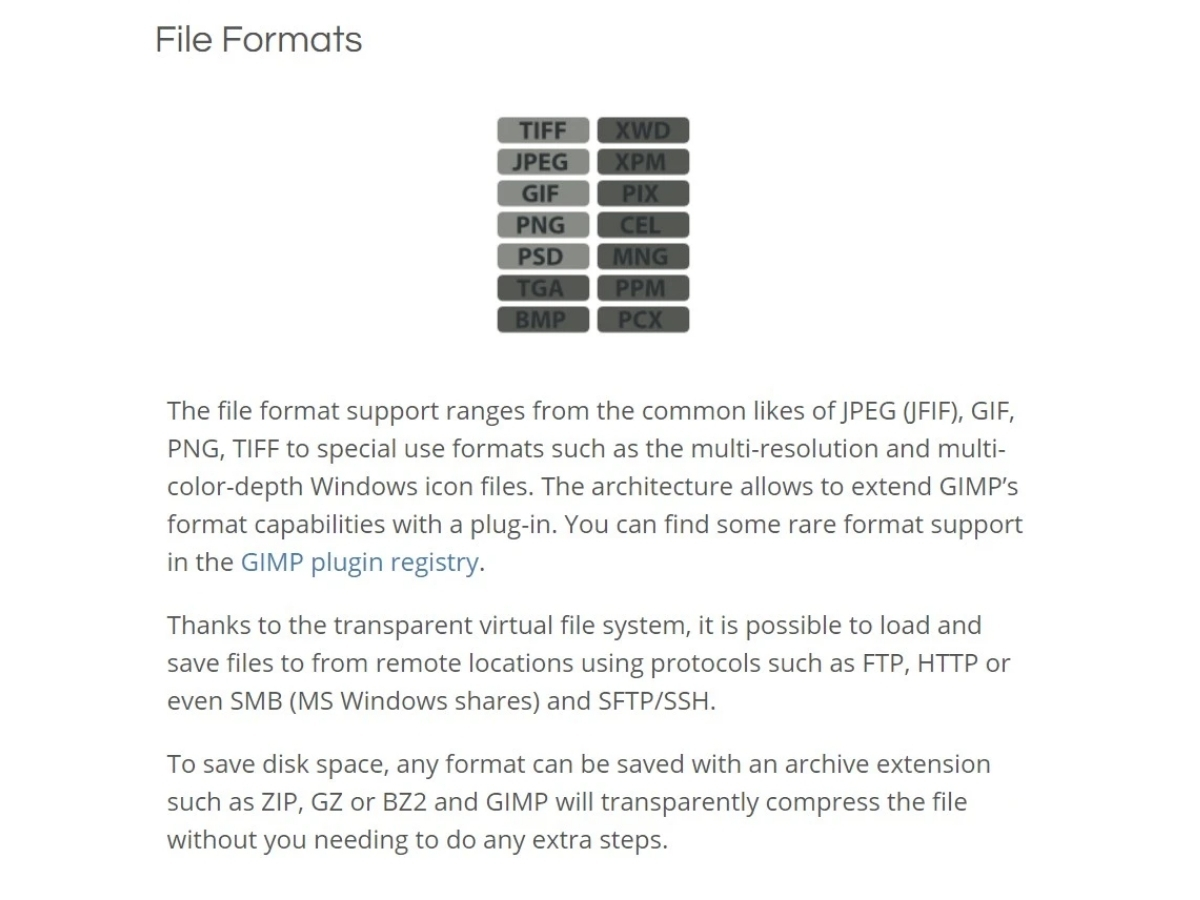
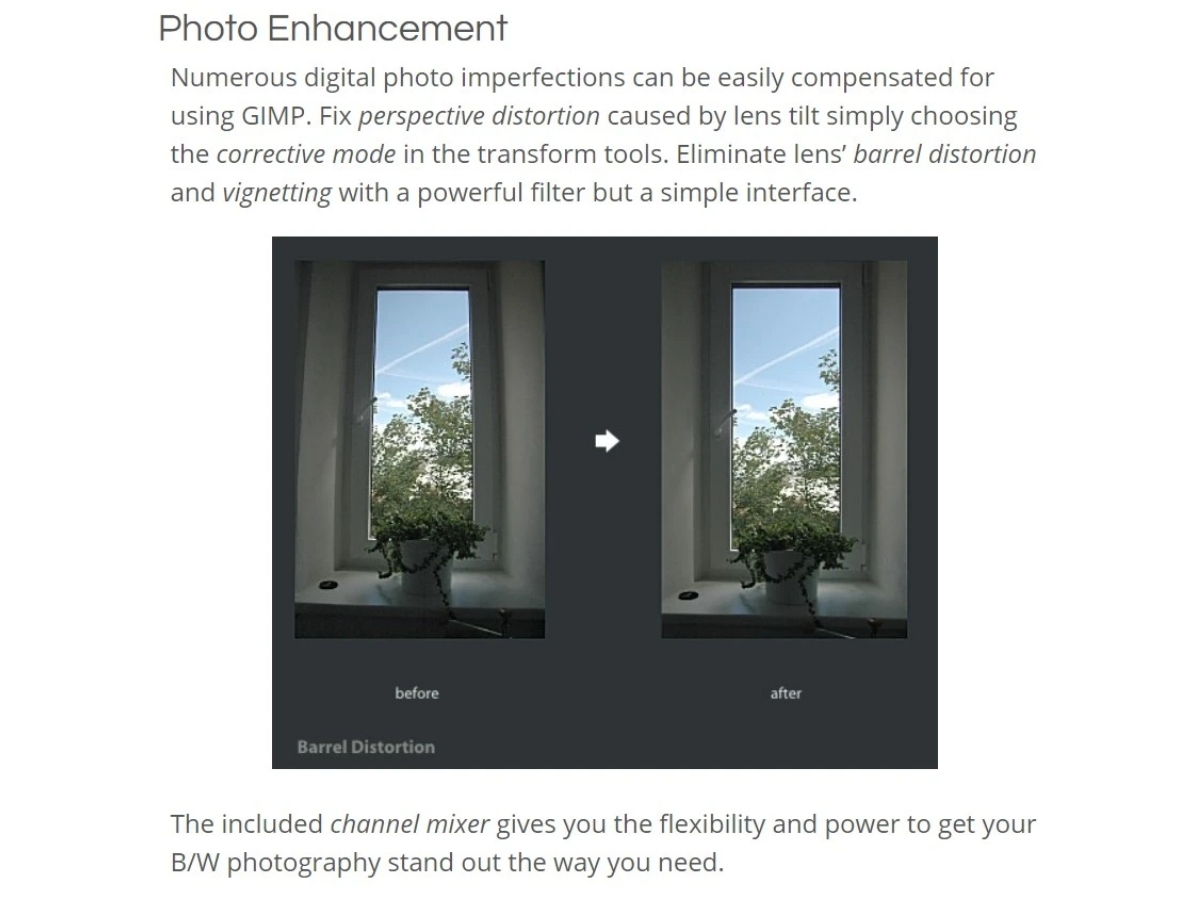
 Photo Retouching Remove imperfections and enhance photographs using cloning, healing, blur, sharpen, smudge, and other editing tools. Color Correction Adjust image colors, brightness, contrast, exposure, saturation, curves, and other tonal properties for better results. Image Transformation Rotate, scale, shear, flip, crop, and transform image elements to achieve the required composition and dimensions. Batch Processing Process multiple images through scripted workflows for repetitive editing, conversion, rendering, and image manipulation tasks. Image Format Conversion Import and export images in numerous formats, allowing files to be converted between common graphics formats. Undo & Redo Reverse or restore editing actions with multiple undo and redo operations to safely experiment with image changes. Color Management Manage color reproduction for digital and print workflows using color profiles and high-fidelity color management tools. Cross-Platform Support Use GIMP across GNU/Linux, Windows, macOS, and other supported operating systems with a consistent editing workflow. Customizable Interface It allows users to tailor the interface to their preferences, optimizing the workspace for efficient workflow. Photo Enhancement Offers tools and filters for enhancing photos, including color correction, exposure adjustment, and noise reduction. Digital Retouching Provides tools like cloning and healing for the precise removal of imperfections from images. Hardware Support Supports graphics tablets and styluses for improved digital drawing and painting. Supports a variety of file formats Supports various file formats like JPEG, PNG, TIFF, and PSD for seamless import and export. Photo Editing Edit and enhance photos using professional tools for retouching, color correction, composition, and image manipulation.
Have recommended this product
Overall Score
Review this product
Your valuable feedback helps others like you make a better decision.

“I Tried GIMP for 30 Days and what i found while using it”
4.3
Review by: dekeNow
| Brand Name | GIMP |
| Information | GIMP is a cross-platform image editor. |
| Founded Year | 1996 |
| Director/Founders | GIMP |
| Company Size | 101-500 Employees |

 UAE
UAE India
India