
Description
Pricing
Features
Specification
Review
Alternatives

 View Gallery
Brand: iBoysoft

Get Free Expert Consultation
Let us know your business needs clearly

Verified & Trusted
Vendors

Safe & Secure
Payment

Personalized
Experts Support
$ 29.95 /License
Features
 Junk File Cleanup Storage Optimization Volume Restoration External Drive Management Disk Maintenance
 See all 
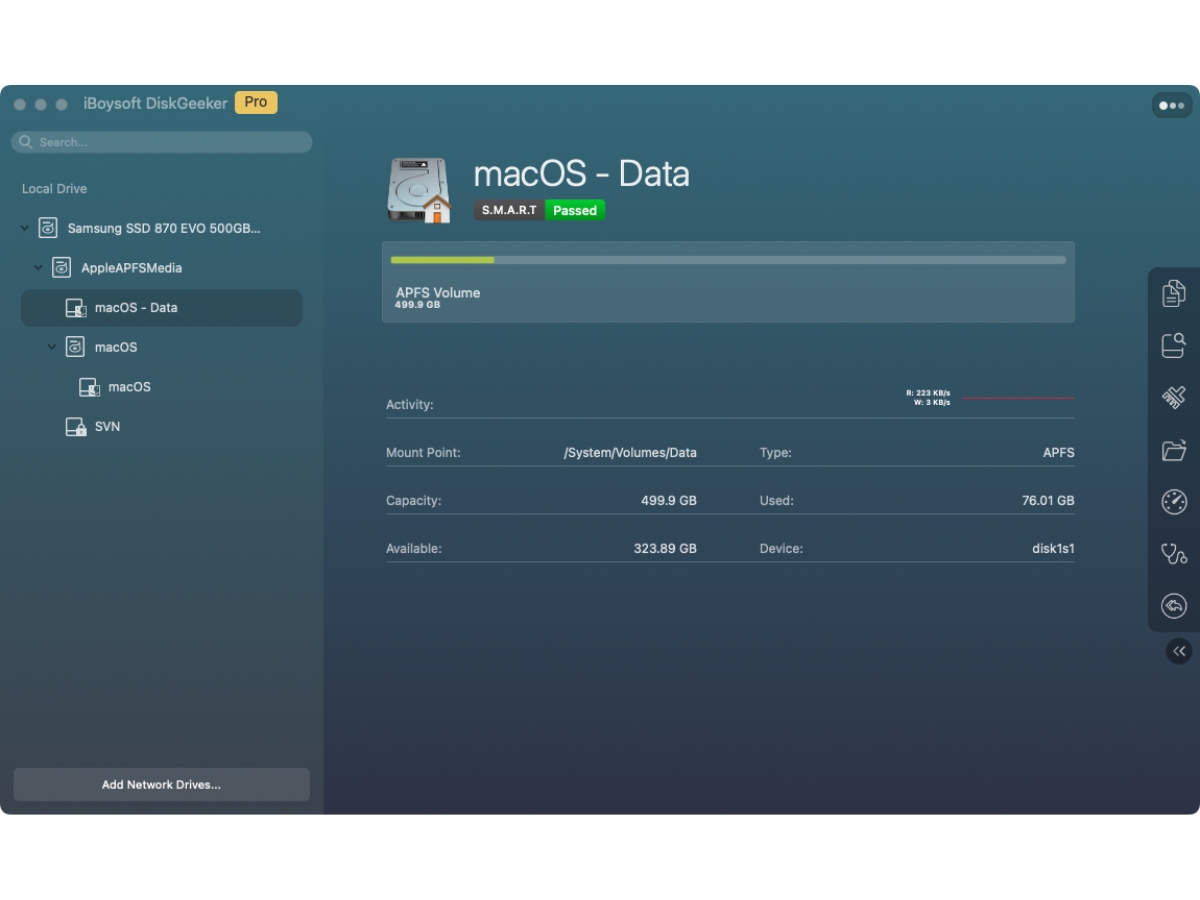
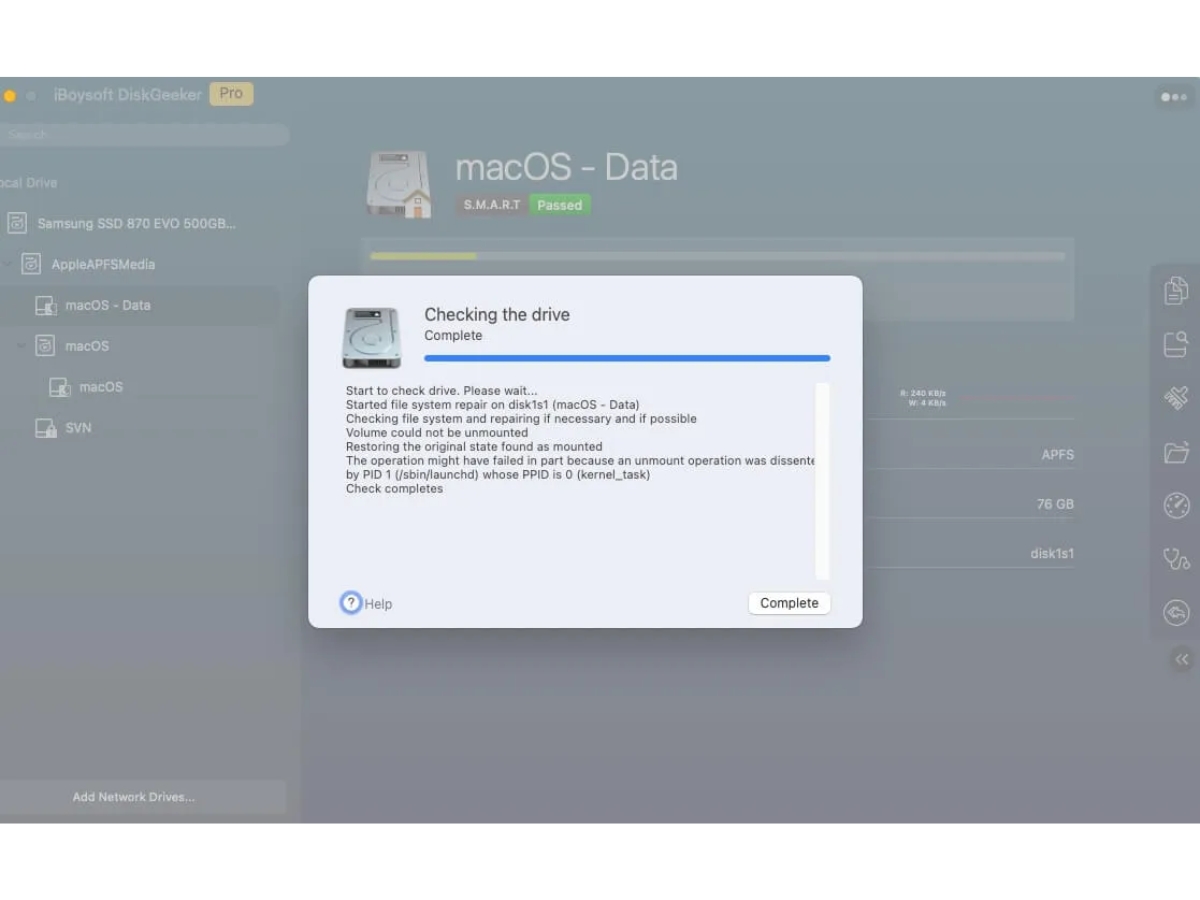
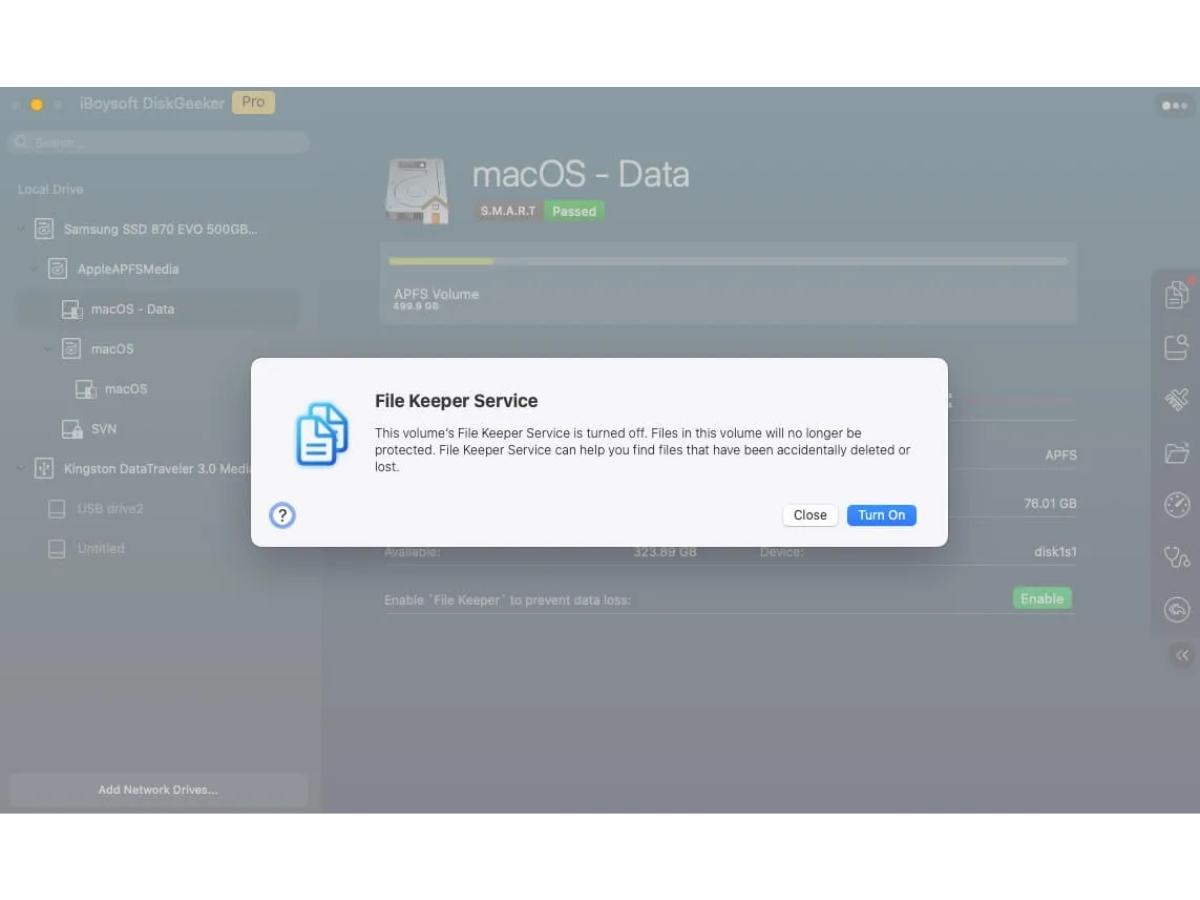
 Junk File Cleanup Removes supported unnecessary system files to help free up storage space and keep the Mac's storage environment organized. Storage Optimization Helps users manage available disk space through storage analysis and cleanup tools for more efficient storage utilization. Volume Restoration Restores data from supported backed-up volumes, helping users recover saved information when restoration is required. External Drive Management Supports workflows involving external storage devices, helping users manage connected drives and perform supported disk Disk Maintenance Combines supported disk inspection, cloning, backup, and cleanup utilities to simplify routine storage maintenance tasks. Disk Space Management Helps users review storage consumption and remove unnecessary files to improve the availability of disk space. Disk Cloning Creates copies of disks or partitions to help users migrate data, upgrade storage devices, and maintain duplicate copies. Partition Cloning Copies selected partitions to another storage location, helping preserve data and simplify storage migration tasks. Data Backup Backs up supported disk volumes to help protect important files and system data against unexpected data loss. Data Restoration Restores backed-up volume data when needed, helping users recover their files and return to a previous storage state. Disk Management Provides tools to manage internal and external drives, helping users organize storage and perform disk-related tasks. Disk Monitoring Helps users inspect connected drives and review storage-related information for routine maintenance and troubleshooting.
  UAE
UAE India
India