linkedin
background
iZotope RX 11 logo

iZotope RX 11

Brand: iZotope

Be the first to Reviews

Write a Review

Have Questions?

iZotope RX 11 audio repair and noise reduction software is designed to work as an essential toolbox for repairing and cleaning audio files. This technologically advanced software enables users to remove all types of buzz, hiss, and crackles, and repairs all types of distortions and gaps within the audio files. The software has the most advanced spectrogram embedded within it. It also has a convenient workflow feature that is designed to make all the processings related to ...Read more

img

Get Free Expert Consultation

Let us know your business needs clearly

Advice

Verified & Trusted
Vendors

Payment

Safe & Secure
Payment

Guaranteed

Personalized
Experts Support

Starting at

$ 99.00

Features

  • check_icon Audio Editing
  • check_icon Audio Recording
  • check_icon Mixing
  • check_icon Effects
  • check_icon Soundtracks
  • See all img

iZotope RX 11 Software Pricing, Features & Reviews

What is iZotope RX 11?

iZotope RX 11 audio repair and noise reduction software is designed to work as an essential toolbox for repairing and cleaning audio files. This technologically advanced software enables users to remove all types of buzz, hiss, and crackles, and repairs all types of distortions and gaps within the audio files. The software has the most advanced spectrogram embedded within it. It also has a convenient workflow feature that is designed to make all the processings related to audio restoration easier. The sophisticated tools and techniques offered by iZotope RX 11 make it ideal for any tasks that require spotless and efficient audio editing.

What is Spectral Repair in iZotope RX 11?

The Spectral Repairing module of iZotope RX 11 enables users to identify and select the unwanted sounds within their audio files by using familiar drawing tools. Users can salvage unusable materials by filling in gaps within their audio files. You can get closer to your audio files with the help of a variety of selection tools offered by the software. Finally, by using Spectral Repair, users get a chance to use a hands-on approach in repairing and enhancing the quality of their audio files.

Pricing of iZotope RX 11

iZotope RX 11 is available in three different versions:

  1. RX 11 Elements- This version charges $ 99/-
  2. RX 11 Standards- It costs $ 399/-
  3. RX 11 Advanced- This version costs $ 1199/-

If you want to get a more customized quote, you can request us for a callback. 

Latest Version of iZotope RX 11

The latest version7.0.1n of iZotope RX 11 was launched on 23rd December 2019.

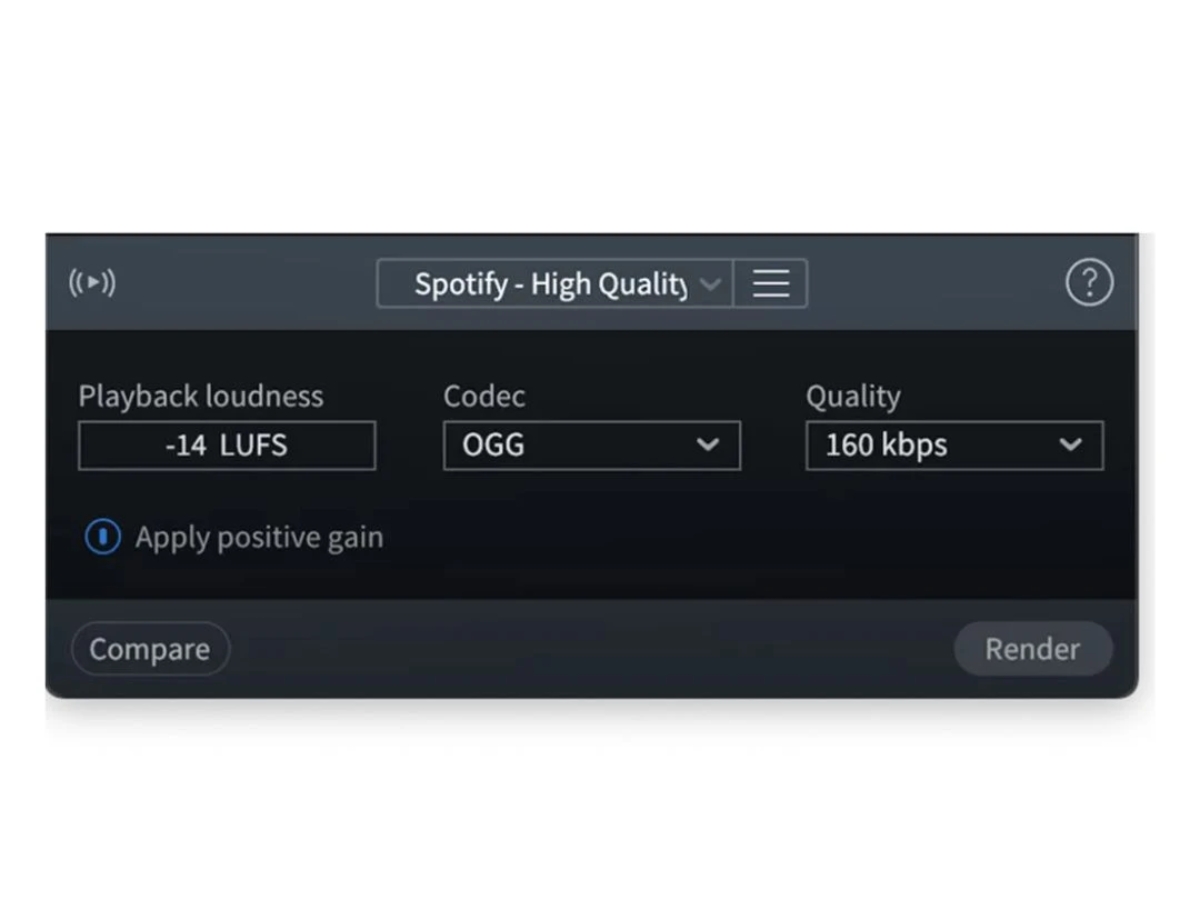
  1. Prevent Clipping Export- This version has an all-new ‘Prevent Clipping’ export option. It predicts and prevents clipping when users are exporting audio files to OGG and MP3 file formats.
  2. Mouth De-click Processing- It provides improvised Mouth De-click results for Japanese languages.
  3. Erroneous Clipping Detection- The latest version of iZotope RX 11 has a fixed erroneous clipping detection feature within the Repair Assistant Module.
  4. Hassle-free encoding and decoding- The makers of the software have fixed all the discrepancies that occurred in the file length while encoding or decoding mp3 files in the previous versions.

Compatible Platforms of iZotope RX 11

iZotope RX 11 can be used in -

  1. Mac: Starting from Mac OS X 10.8.5 Mountain Lion to Mac OS 10.15 Catalina.
  2. Windows: Starting from Windows 7 to Windows 10.

Alternatives of iZotope RX 11

In case you are not satisfied with the services offered by iZotope RX 11, we have alternatives for you. Check out the features of Ardour, Logic X Pro and Audacity.

What are the benefits of using iZotope RX 11?

The software offers various advanced features which are beneficial for the user.

  1. Easy Vocal Reshaping- Users can reshape the intonation of their audio files in order to improve the sound quality. This way, users can easily change the intonation of speakers and even naturalize any dialogue edit that was stitched together from multiple takes.
  2. De-rustle- The De-rustle feature allows users to remove the extremest microphone rustle with a single click.
  3. Audio Suite Plugin- The Audio Suite Plugin of iZotope RX 11 has made the audio repairing process faster.
  4. Audio Repair and Reset- The software allows users to process multiple files with ease. It also enables you to preview and select various audios from the audio editor. This enables you to view and repair the problems, which are appearing across multiple audio files.

iZotope RX 11 Pricing & Plans

RX 11 Elements
  • Repair Assistant plugin
  • De-reverb plugin & De-click plugin
  • De-clip plugin
  • Voice De-noise plugin
  • De-hum plugin
    • Quantity
Starting at $ 99.00
RX 11 Standard
  • Dialogue Isolate & Music Rebalance
  • Streaming Preview
  • Spectral Editor ARA & Repair Assistant
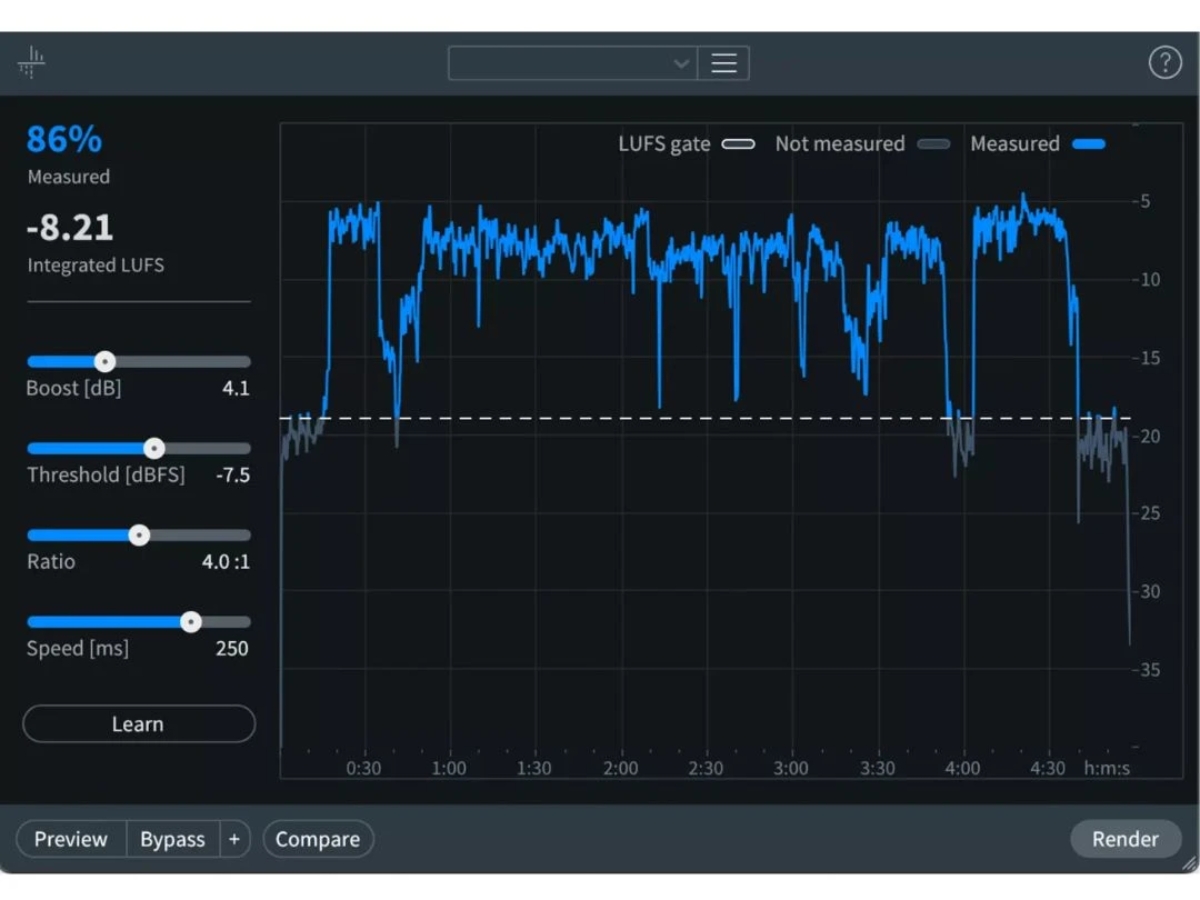
  • Mid/Side mode & Loudness Optimize
  • Standalone audio editor
    • Quantity
Starting at $ 399.00
RX 11 Advanced
  • Music Rebalance
  • Dialogue Isolate w/ multi-band (4) processing
  • Streaming Preview & Loudness Optimize
  • Dialogue Contour & Repair Assistant
  • Mid/Side mode
    • Quantity
Starting at $ 1199.00

Get iZotope RX 11 Demo

We make it happen! Get your hands on the best solution based on your needs.
Interacted

iZotope RX 11 Features

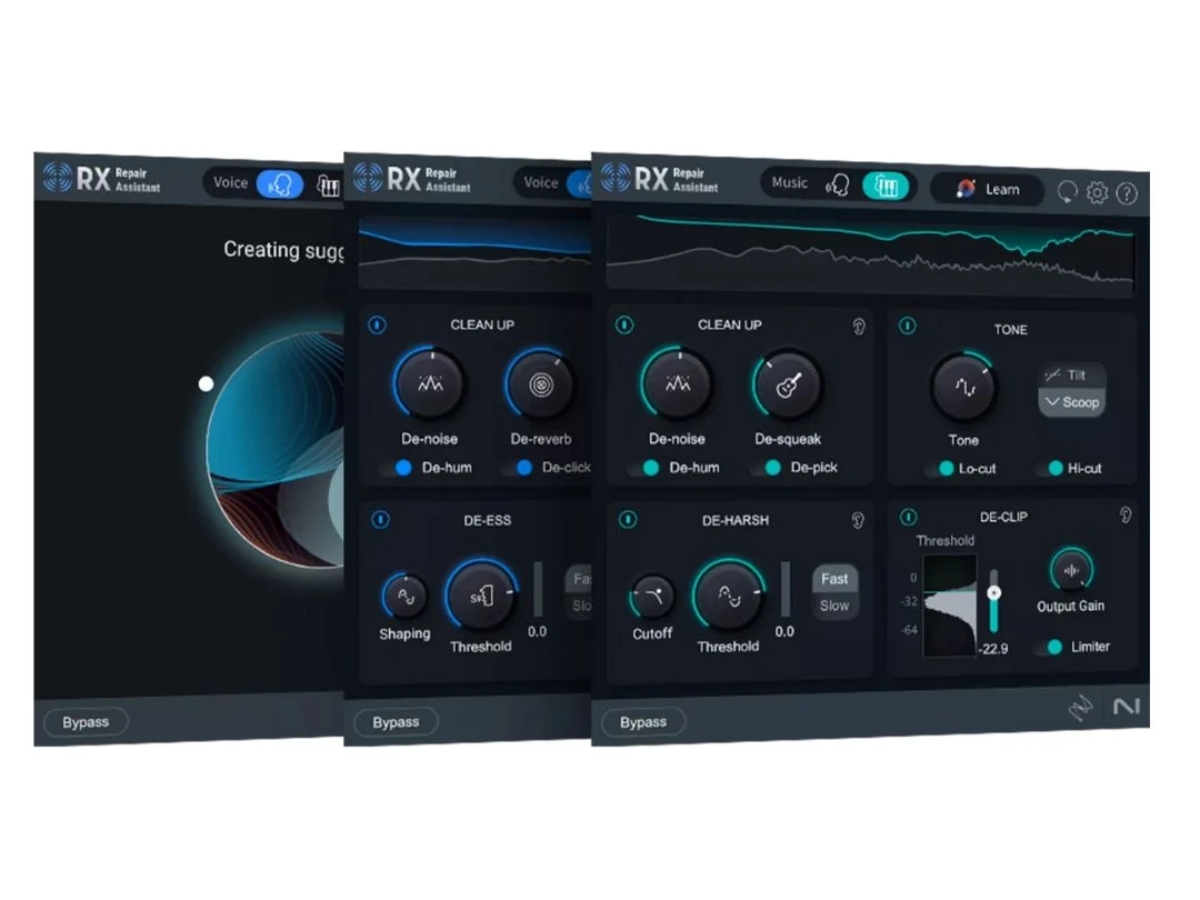
  • icon_check Audio Editing The software has an in-built tool known as the repair assistant. It helps users to detect noise and clippings within the audio
  • icon_check Audio Recording iZotope RX 7 provides professional-quality audio recording tools, in order to make the whole process simple and relaxed at the
  • icon_check Mixing By using this feature, you can downmix any stereo material into mono or invert wave frames. You can even transcode left or right
  • icon_check Effects The various advanced tools provided by the software allow users to add new sounds or adjust the sound effects within their
  • icon_check Soundtracks The de-crackle, de-reverb, de-plosive and de-ess modules present within the software allow users to create top-class
  • icon_check Music Rebalance Separates vocals, bass, drums, and instruments to adjust levels or create isolated and instrumental tracks.
  • icon_check Spectral Repair Selects unwanted frequencies or sounds in the spectrogram and repairs them for cleaner audio results.
  • icon_check Dialogue Contour Adjusts vocal character and expressivity while smoothing pitch and tonal changes across edited dialogue recordings.
  • icon_check Spectral Recovery Restores missing high-frequency content in compressed recordings to improve clarity and speech intelligibility.
  • icon_check Time & Pitch Independently adjusts audio duration and pitch to fit recordings into mixes, tempos, or timecode requirements.

iZotope RX 11 Specifications

  • Supported Platforms :
  • Device:
  • Deployment :
  • Suitable For :
  • Business Specific:
  • Language:
  • Windows
  • Desktop
  • Cloud-Based
  • Media House
  • Media
  • English

iZotope RX 11 Reviews and Ratings

banner

Would you like to review this product?

Submit Reviews

iZotope RX 11 FAQ

A A De-wind module is used for removing any distracting wind noise from one’s audio files. It efficiently removes all low-frequency rumbles that occur when an intermittent burst of wind suddenly comes into contact with any microphone diaphragm.
A By using Ambience Match, users can easily create a match between noise floors of two different recordings. They can fill in the consistent ambience beds under the ADR lines and construct sentences by using AudioSuite of Pro Tools.
A Techjockey provides live demos to our customers. You can send in a demo request as per your convenient time and date.
A The De-Rustle module is used to eliminate the noise that gets created when a microphone is continuously rubbed against a person’s clothes while recording.
A As of now, the software is not available for mobile versions.