Description
Pricing
Features
Specification
Review
Compare
FAQs
Alternatives


 View Gallery
Brand: Jitter
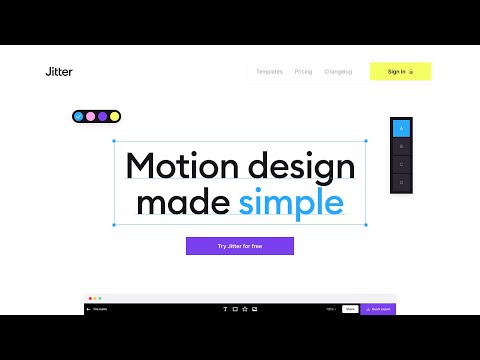
This animation software helps users create animations for social media, websites, and videos by offering templates, easy-to-use features, and customization options directly in a web browser. ...Read more

Get Free Expert Consultation
Let us know your business needs clearly

Verified & Trusted
Vendors

Safe & Secure
Payment

Personalized
Experts Support
$ 19.00 /Month
Features
 Animation & Motions Video Editing Remove Watermarks Real-Time Collaboration Data Import/Export
 See all 
We make it happen! Get your hands on the best solution based on your needs.

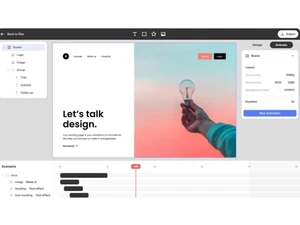
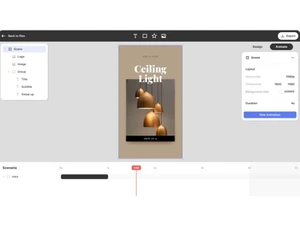
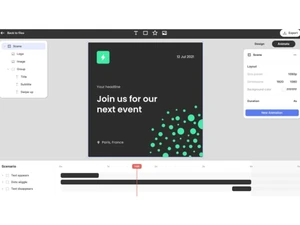
 Animation & Motions Provides one-click customizable animation presets for quick and easy motion design. Video Editing Allows instant preview and efficient editing of animations for a seamless workflow. Remove Watermarks Enables users to export animations without watermarks for a professional look. Real-Time Collaboration Teams can collaborate, with marketers editing content and engineers inspecting animations. Data Import/Export Supports exporting animations in 4K, GIF, or Lottie formats for various platforms. Admin Tools Lets admins manage team roles, permissions, and access for efficient collaboration. Template Library Offers free customizable motion design templates for quick and easy animation creation. Infinite Canvas Workspace Lets you manage multiple scenes/versions on one broad canvas - scale animations for different formats easily. Figma Integration & Sync Import designs from Figma; layers stay editable and synced when animating in Jitter. Editable Layers & Design Tools Supports editable layers, custom fonts, vector shapes, SVG import, and typical design-tool features. Vector & SVG Support Import vector graphics/SVGs - ideal for scalable and crisp animations across sizes. Masks, Gradients, Blur & Effects Offers masks, gradients (linear/radial), blurs, shadows and effects to create rich visuals. Custom & nReusable Easings Built-in easing options (bounce, elastic, overshoot etc.) and ability to define custom easing curves. High-Quality Export Supports high-resolution video export (4K, up to 120 fps) for professional-grade output. Fast Performance Designed for speed - animations render quickly, and the interface responds smoothly even with many layers.
 | Brand Name | Jitter |
| Information | A simple motion design tool on the web |
| Founded Year | 2010 |
| Director/Founders | Etienne Albert, Sebastien Robaszkiewicz |
| Company Size | 1-100 Employees |

 UAE
UAE India
India