Description
Pricing
Features
Specification
Review
Compare
FAQs
Alternatives

 View Gallery
Brand: Adobe
A smart photo editing software that helps you easily enhance, organize, and share photos and videos across all your devices. ...Read more

Get Free Expert Consultation
Let us know your business needs clearly

Verified & Trusted
Vendors

Safe & Secure
Payment

Personalized
Experts Support
$ 17.99 /Month
Features
 Anywhere editing Smarter organization Worry-free storage Easy sharing Composition capture facility
 See all 
We make it happen! Get your hands on the best solution based on your needs.


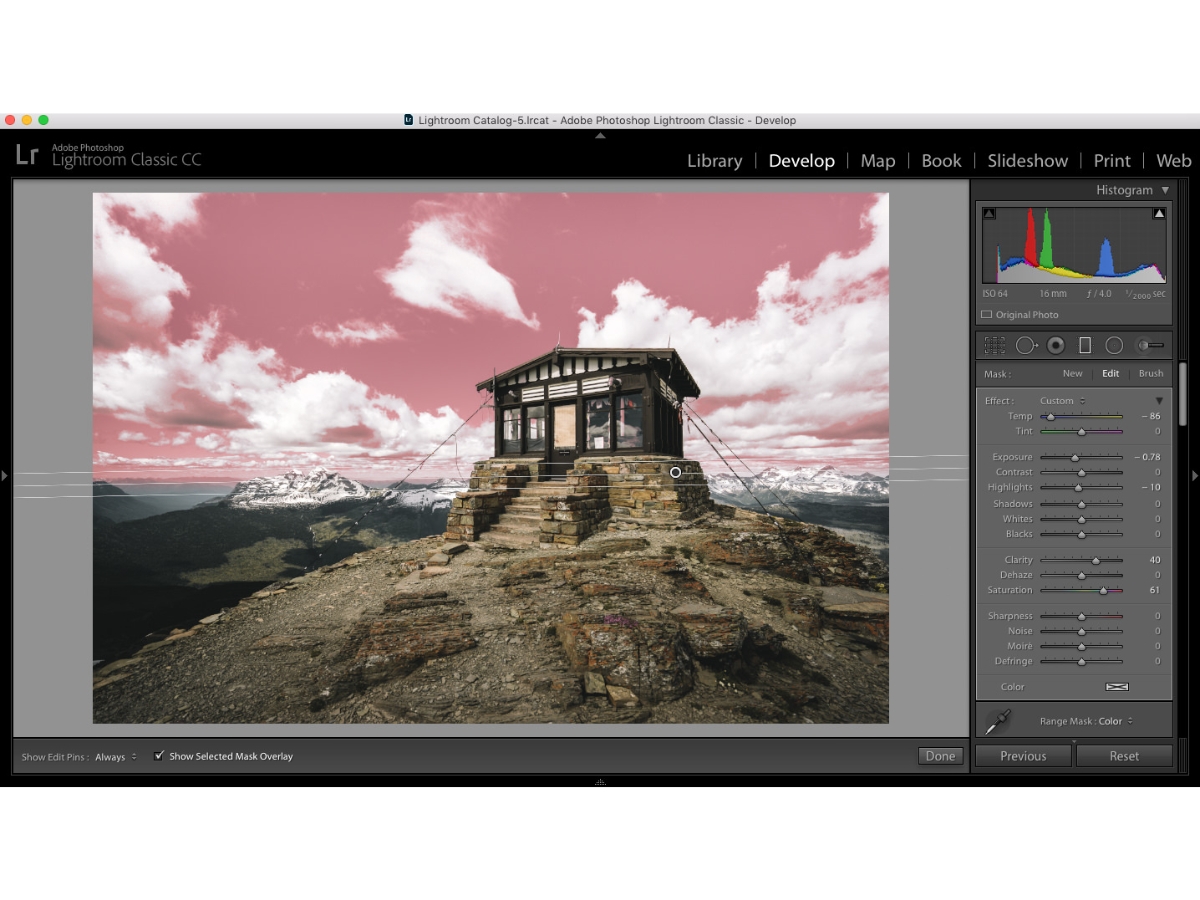
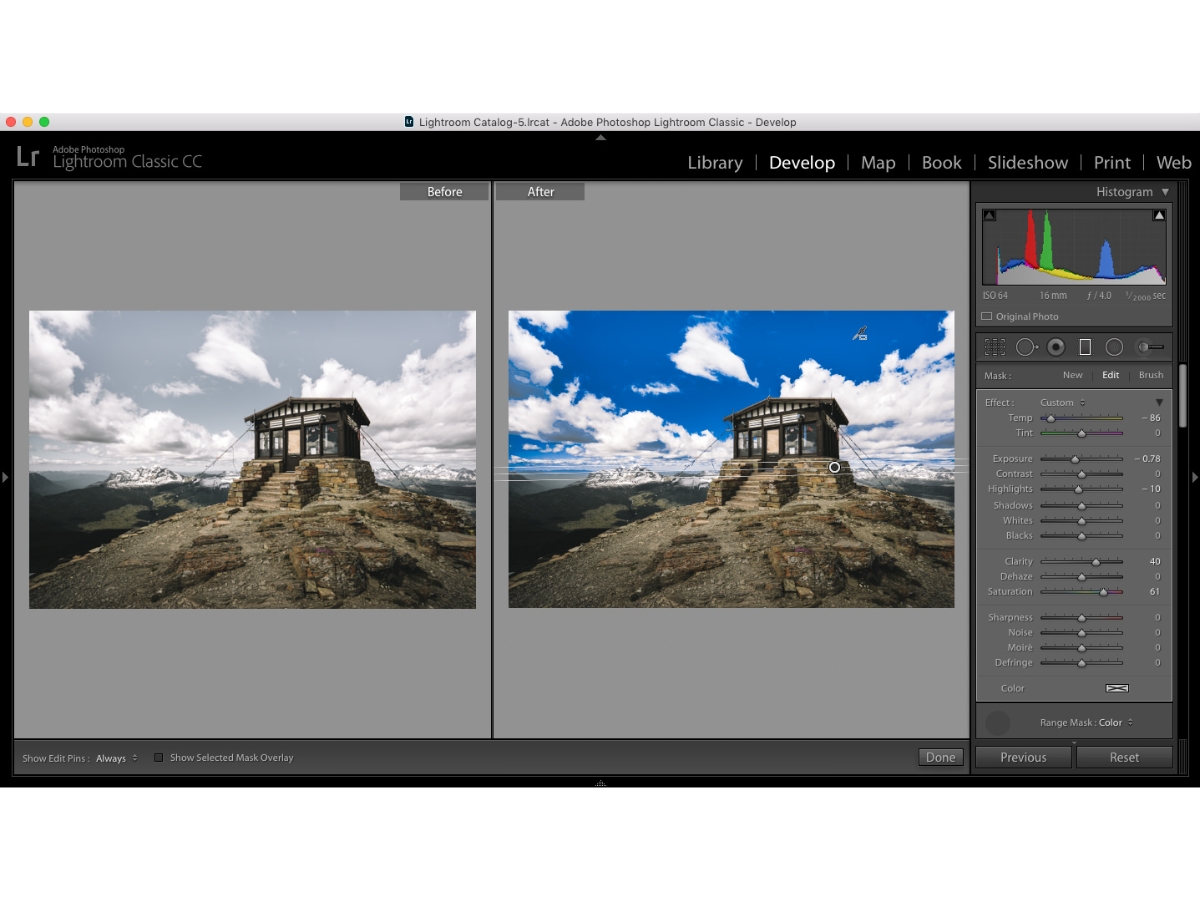
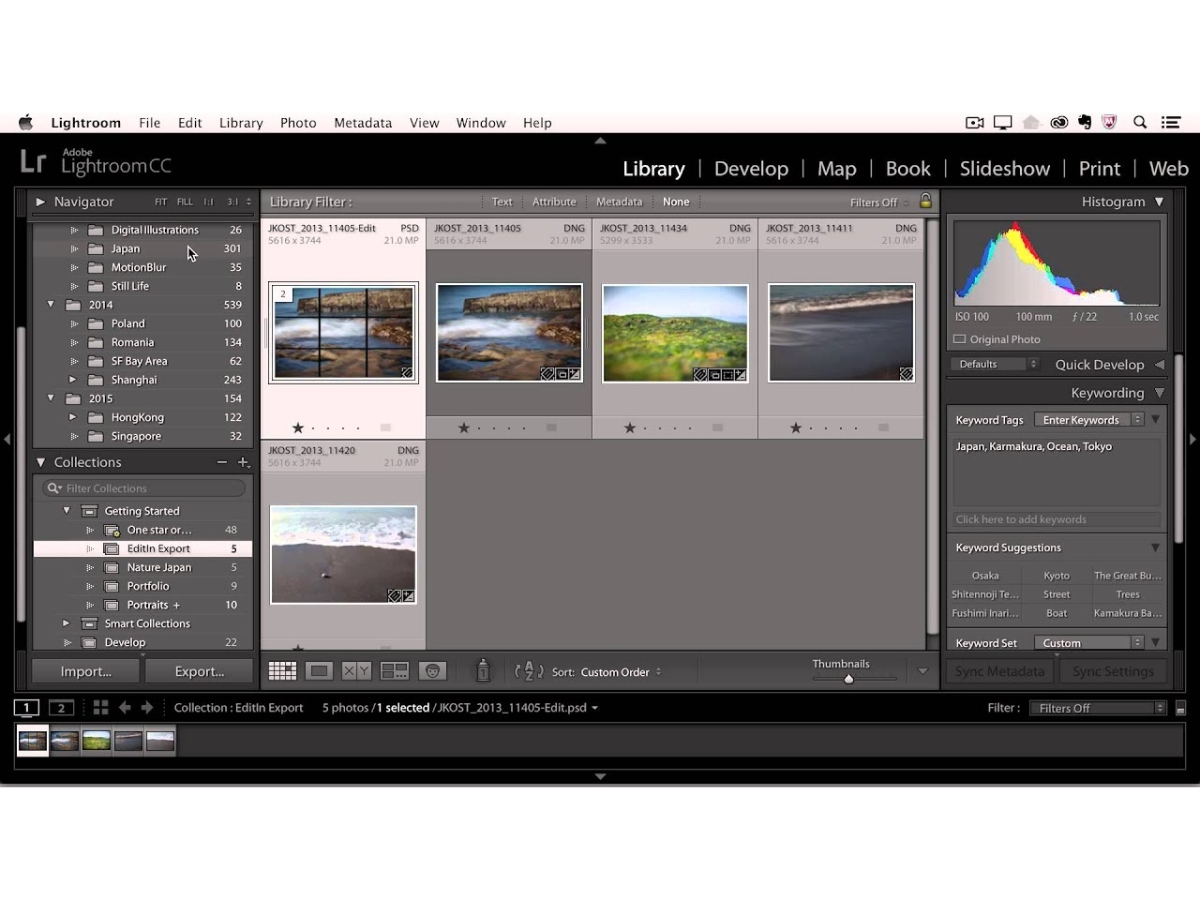
 Anywhere editing You can edit your photos at any time on any device with automatic sync, and multi-login devices support. Smarter organization Photos are auto-sorted based on location, date, or subject so you find them faster and easier. Worry-free storage Your photos will be stored in Adobe Cloud and auto-backed or you can access them anytime without any worries. Easy sharing Share your edits immediately with others through links, previews or social media integration to get immediate feedback. Composition capture facility With integrated gridlines and composition tools, it helps you capture well-balanced images easily to achieve better framing. Design tools You can use the simple sliders and presets to apply professional levels of filters and effects to your photos. Geometry Tools Rectify angled photos and straighten lines using angles and just a few clicks. Healing Brush Delete unwanted spots or objects on photos with ease without leaving any sign on photos. AI Generative Remove Uses powerful artificial intelligence to seamlessly remove complex distractions from your photos with realistic texture fills. Cloud-Based Workflow Syncs all your edits, presets, and high-resolution photos across mobile, desktop, and web platforms for seamless creativity. Advanced Lens Blur AI Adds a professional bokeh effect to any image by automatically mapping depth and blurring the background with a single click. Raw Image Processing Extracts maximum detail and dynamic range from raw files to give photographers complete control over shadows and highlights. Smart Subject Selection Automatically identifies people, animals, or skies to apply precise local adjustments without any manual masking required. Global Light Refinement Adjusts exposure, contrast, and whites across the entire image to create a balanced look before moving to detailed editing.
Have recommended this product
Overall Score
Review this product
Your valuable feedback helps others like you make a better decision.
Verified reviewer:
Manager, E-commerce
2-100 Employees
Reviewed on: Jul 23, 2022
Verified reviewer:
, IT
2-100 Employees
Reviewed on: Jul 24, 2022
| Brand Name | Adobe |
| Information | Adobe is a software company that provides its users with digital marketing and media solutions. |
| Founded Year | 1982 |
| Director/Founders | Charles Geschke, Jason Lemkin |
| Company Size | 1000+ Employees |
| Other Products | Adobe Premiere Pro, Adobe Firefly, Workfront, Adobe Premiere Rush, Adobe Marketo Engage |


 UAE
UAE India
India