
Description
Pricing
Features
Specification
Review
Compare
FAQs
Alternatives


 View Gallery
Brand: Phot AI
A smart photo editing software that uses AI to enhance, fix, and transform images easily with no design skills needed. ...Read more

Get Free Expert Consultation
Let us know your business needs clearly

Verified & Trusted
Vendors

Safe & Secure
Payment

Personalized
Experts Support
Price On Request
Features
 AI Photo Editor AI Art Generator Object Replacer Background Generator Text to Image
 See all 
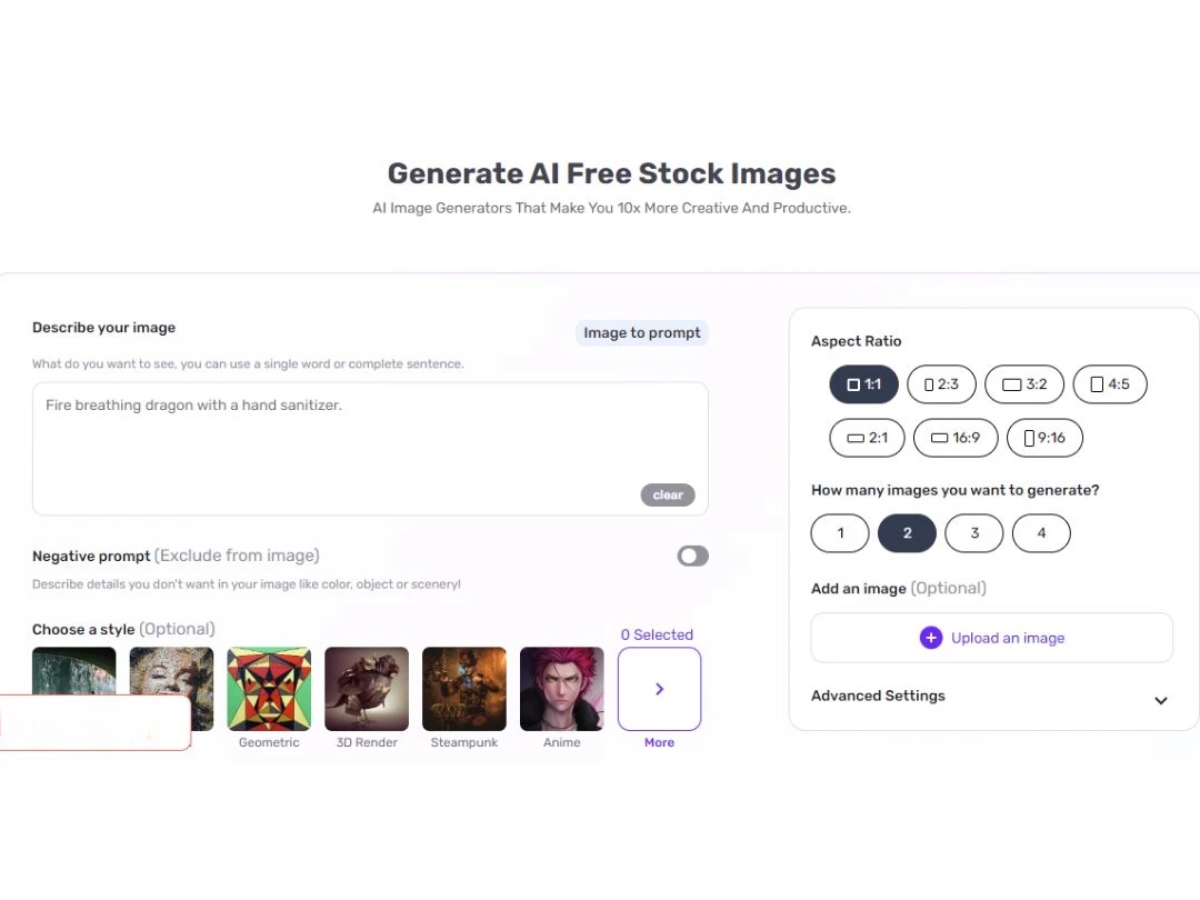
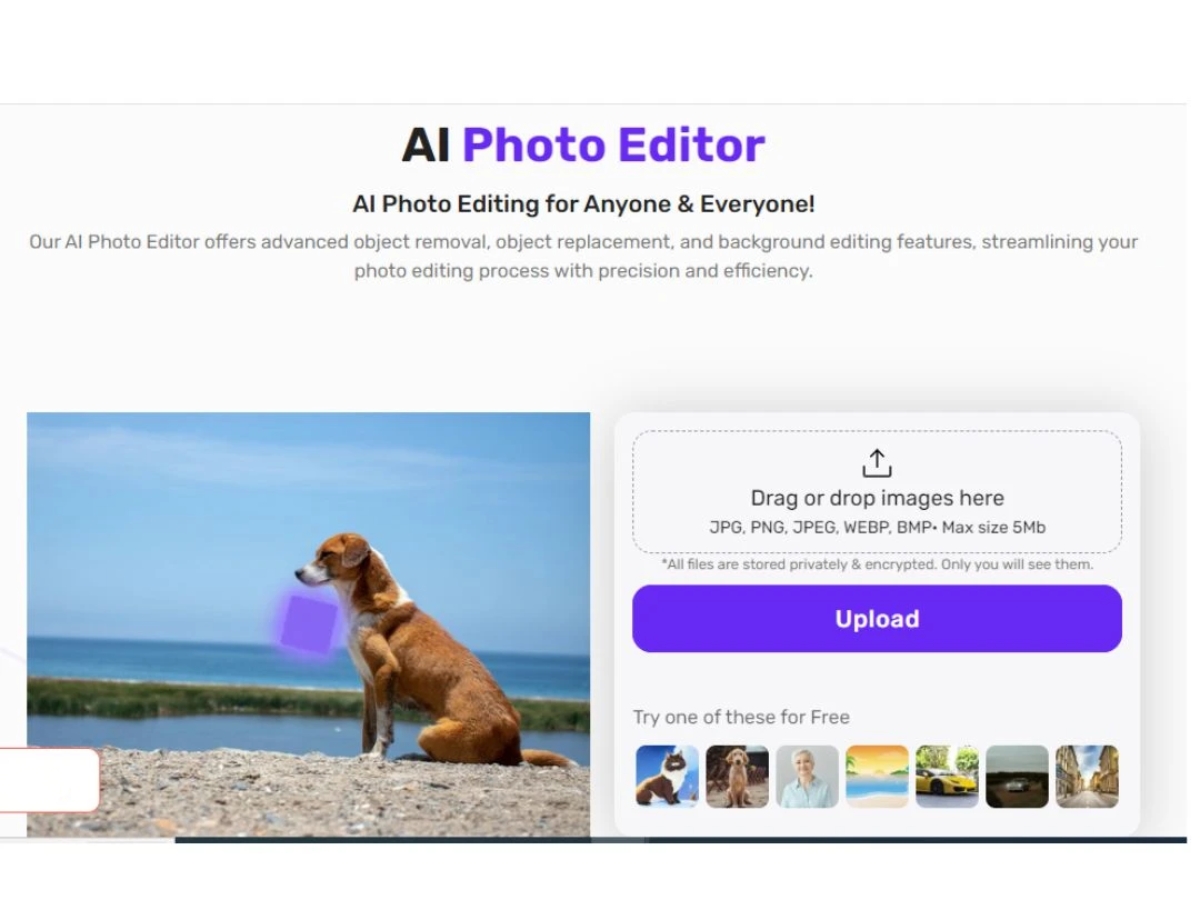
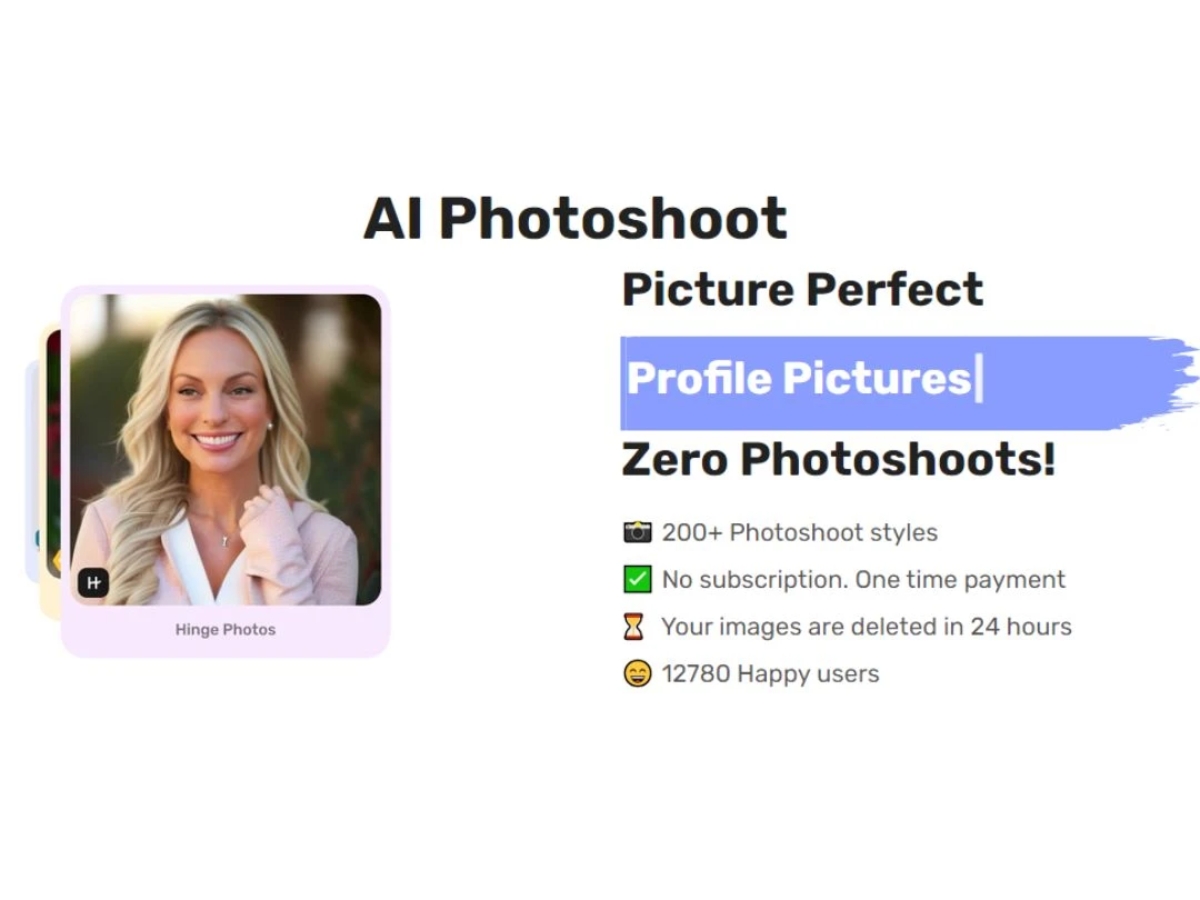
 AI Photo Editor Utilizes artificial intelligence to enhance and edit photos, offering advanced editing capabilities. AI Art Generator Generates artistic creations from photos using AI algorithms, providing unique and creative outputs. Object Replacer Seamlessly replaces objects in images, allowing users to effortlessly modify and customize their photos. Background Generator Automatically generates backgrounds for images, enhancing visual appeal and creativity. Text to Image Converts text into images, enabling users to incorporate text-based elements into their photos. Reverse Image Prompt Provides suggestions and prompts based on uploaded images, inspiring creativity and exploration. Image Upscaler Increases the resolution and quality of images using AI technology, allowing for better enlargement and printing. Object Remover Removes unwanted objects or elements from photos, providing clean and polished final images. Photo Restoration Restores old or damaged photos to their original quality, preserving precious memories for future generations. Image Colorizer Adds colour to black and white or grayscale images, bringing them to life with vibrant hues and tones. Background Removal Automatically removes image backgrounds and creates clean subject cutouts with transparent or custom backgrounds. AI Image Generator Creates original images from text prompts or reference images with selectable styles, ratios, and output variations. Video Enhancement Upscales and sharpens video footage while reducing blur and improving overall video quality up to higher resolutions.
 UAE
UAE India
India

 Write a Review
