PicResize Software Pricing, Features & Reviews
What is PicResize?
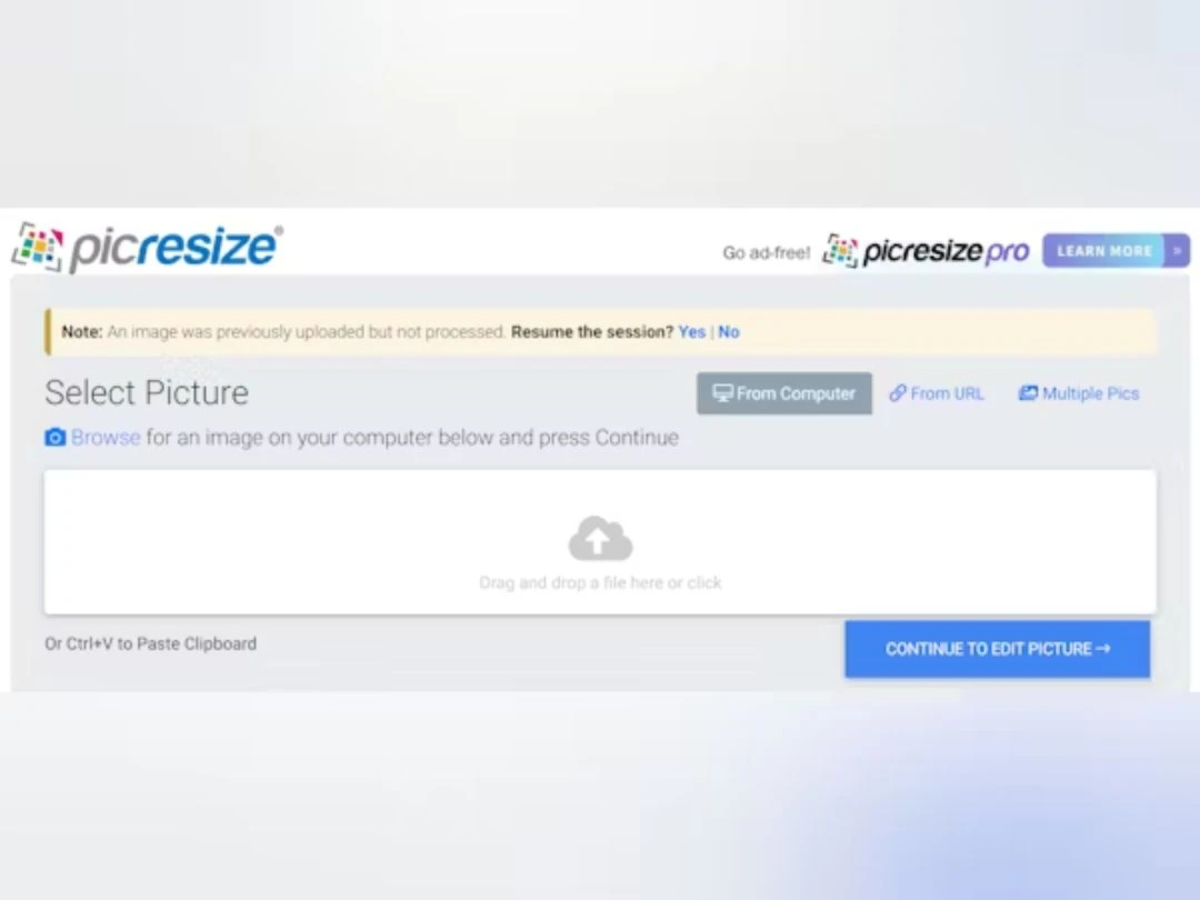
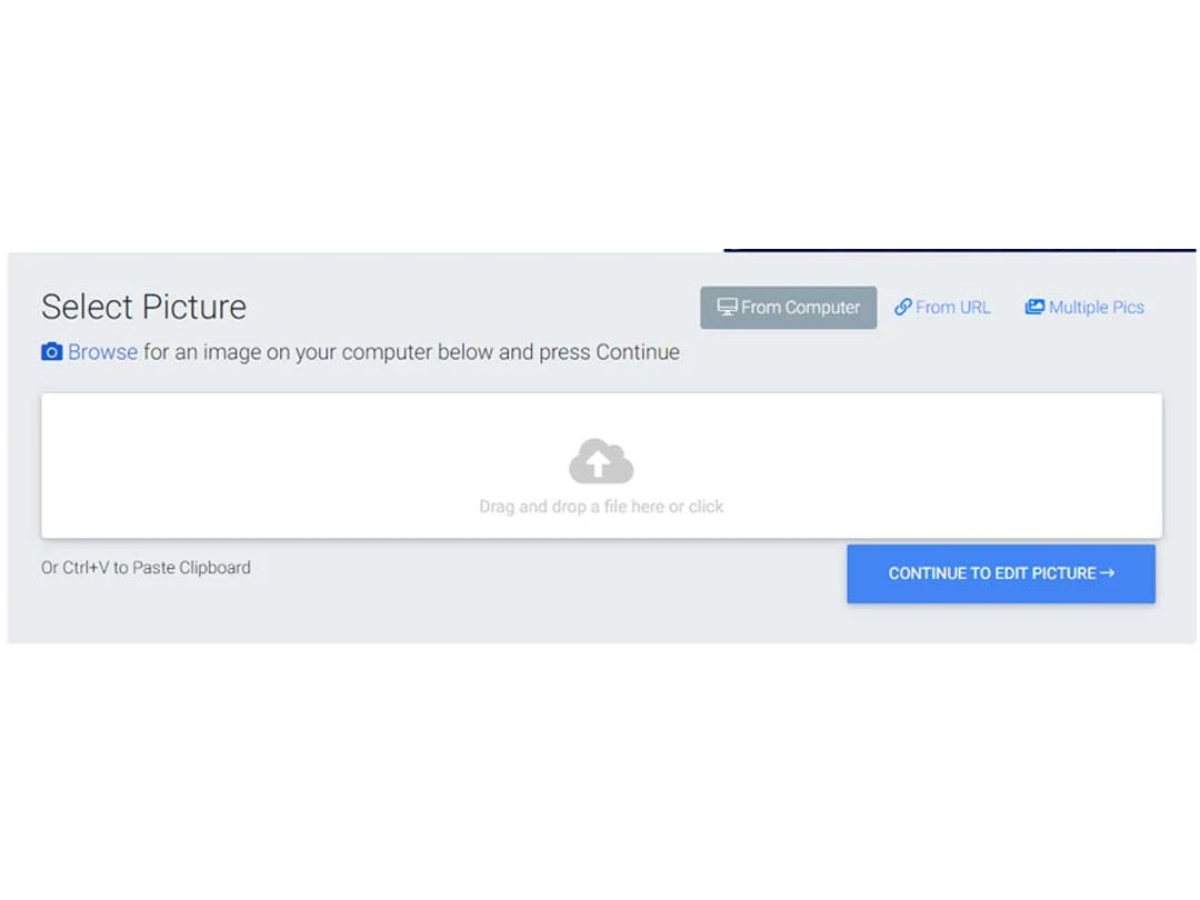
PicResize is the internet's premier picture resizing tool, offering users a seamless experience to crop, resize, and edit images online, completely free of charge. With over 280 million pictures served, PicResize simplifies the process of editing photos directly within your browser. Whether you need to resize images for social media platforms like Facebook, LinkedIn, Twitter, or YouTube, or prepare them for printing, PicResize provides an intuitive platform to achieve your desired transformations.
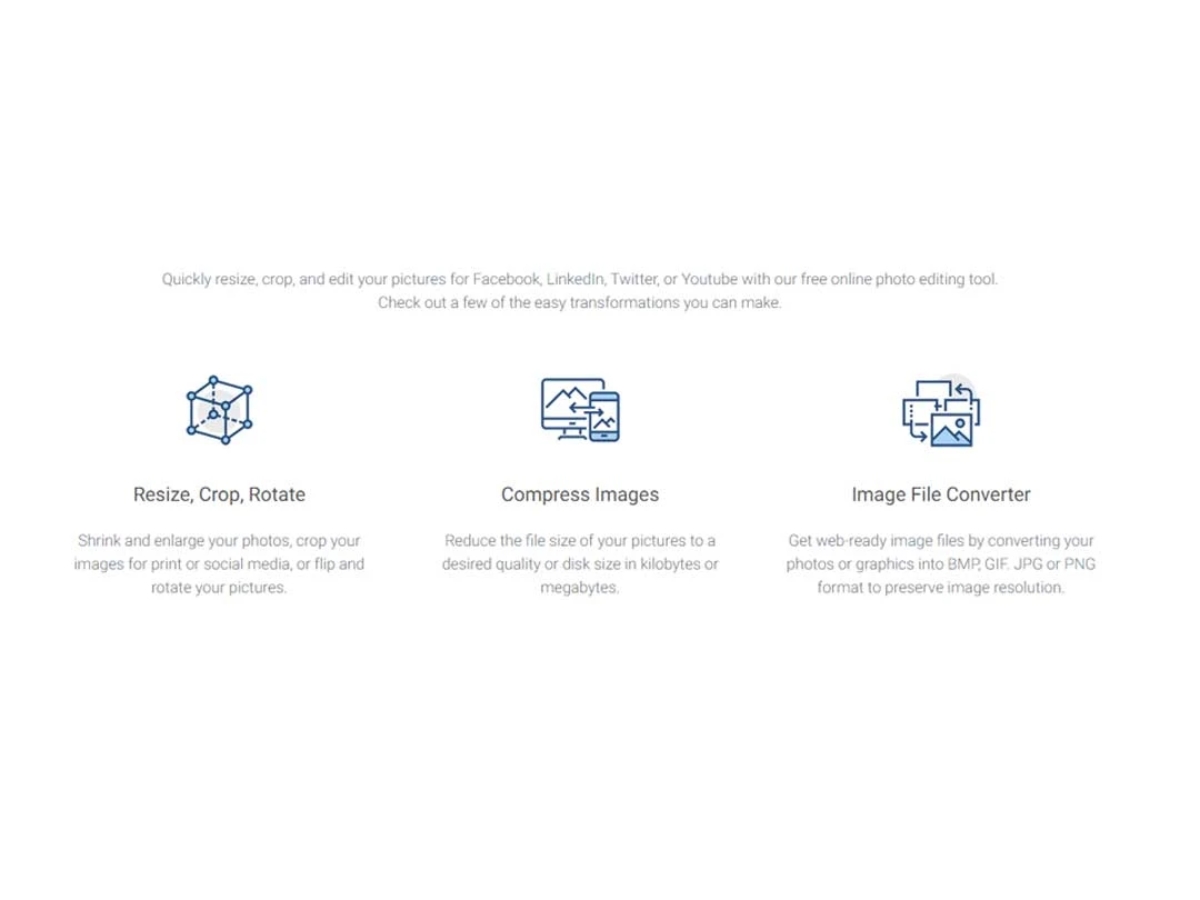
With PicResize, users can quickly resize, crop, rotate, and edit their images to perfection. Whether it's shrinking or enlarging photos, cropping images for print or social media, or applying filters and converting file formats, PicResize offers a comprehensive suite of tools to cater to diverse image editing needs. Additionally, users can compress images to reduce file sizes while preserving quality, ensuring optimal web-ready image files for various purposes.
PicResize also serves as an image file converter, enabling users to convert photos or graphics into BMP, GIF, JPG, or PNG formats, all while maintaining image resolution. With its user-friendly interface and versatile functionalities, PicResize empowers users to unleash their creativity and achieve professional-quality image editing results without the need for complex software installations or paid subscriptions.
Why Choose PicResize Software?
- Simplified Image Editing: Streamline the process of editing images with intuitive tools for resizing, cropping, and applying filters.
- Cost-Free Solution: Access powerful editing features without any subscription fees or software downloads, saving both time and money.
- Professional-Quality Results: Achieve professional-level image editing results with user-friendly tools and versatile functionalities.
- Web Optimization: Prepare images for online use by compressing file sizes and converting formats to enhance web performance.
- Social Media Enhancement: Optimize images for social media platforms with tailored resizing options for Facebook, LinkedIn, Twitter, and more.
- Time-Efficient Workflow: Speed up your editing workflow with bulk editing capabilities, allowing you to resize, crop, and compress multiple images simultaneously.
Benefits of using PicResize Platform
- Effortless Image Editing: Easily resize, crop, rotate, and apply filters to your images for social media or printing purposes.
- Free Online Photo Editing: Access powerful editing tools directly within your browser at no cost, eliminating the need for expensive software.
- Web-Ready Image Compression: Reduce file sizes while preserving image quality for optimized web performance.
- Versatile File Conversion: Convert images into various formats such as BMP, GIF, JPG, or PNG to suit your specific requirements.
- Social Media Optimization: Resize images effortlessly for Facebook, LinkedIn, Twitter, and other social media platforms to enhance your online presence.
- Convenient Bulk Editing: Enjoy the convenience of multiple resizing, bulk cropping, and image compression to streamline your editing workflow.
Pricing of PicResize Photo Editing Software
The pricing of PicResize is available on request on techjockey.com. techjockey.com.
The pricing model is based on different parameters, including extra features, deployment type, and total users. For further queries related to the PicResize, you can contact our PicResize team and learn more about the pricing and offers.


 View Gallery


 Crop Image
 Crop Image Precisely trim and adjust images to focus on specific elements or remove unwanted areas.
 UAE
UAE India
India
 Write a Review
