Description
Pricing
Features
Specification
Review
Compare
Alternatives

 View Gallery
Brand: SelfCAD

Get Free Expert Consultation
Let us know your business needs clearly

Verified & Trusted
Vendors

Safe & Secure
Payment

Personalized
Experts Support
$ 14.99 /Month
Features
 Polygon Mesh Editor Boolean Operations Edge Loop Selection In built STL Slicer Non Manifold Repair
 See all 
We make it happen! Get your hands on the best solution based on your needs.

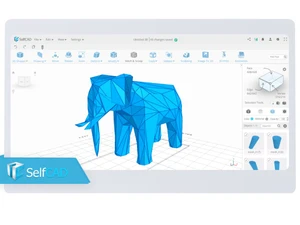
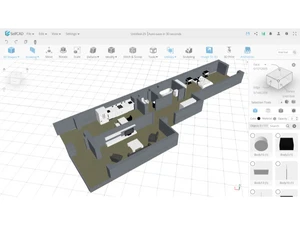
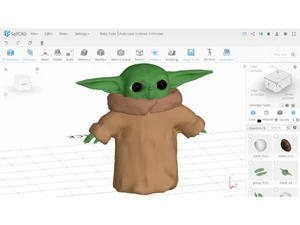
 Polygon Mesh Editor Provides tools to manipulate vertices, edges, and faces directly to modify the underlying geometric structure of 3D objects. Boolean Operations Executes union, difference, and intersection functions on mesh volumes to construct complex shapes from multiple primitives. Edge Loop Selection Identifies and selects contiguous sequences of edges across a mesh to facilitate uniform transformations or detailing tasks. In built STL Slicer Converts 3D manifold geometry into G-code instructions by calculating layer paths and infill patterns for FDM 3D printing. Non Manifold Repair Scans and fixes topological errors such as holes or overlapping faces to ensure the model is watertight for manufacturing. Sculpting Brushes Employs digital clay-like displacement tools to pull, push, and smooth mesh surfaces for organic and freeform model creation. Spline Drawing Creates two-dimensional vector paths and closed profiles using linear or curved segments as a basis for 3D volume generation. Extrusion Tool Projects a selected face or profile along its normal vector to add volume or create protruding features on a 3D solid body. Deformation Tools Applies mathematical transformations such as tapering, twisting, and bending to modify the global curvature of mesh objects. Image to 3D Tool Analyzes the grayscale values of 2D image pixels to generate 3D relief maps and embossed surfaces based on light intensity. Measurement Tool Provides precise digital calipers to calculate linear distances, angles, and volumes between specific points or entities. Face Inset Tool Offsets the perimeter of a selected face toward its center, creating a new concentric boundary for detailed surface modeling. Mesh Smoothing Utilizes subdivision algorithms to average the positions of vertices, reducing sharp angles and creating fluid transitions.
  UAE
UAE India
India
 Write a Review