
linkedin
prod_img

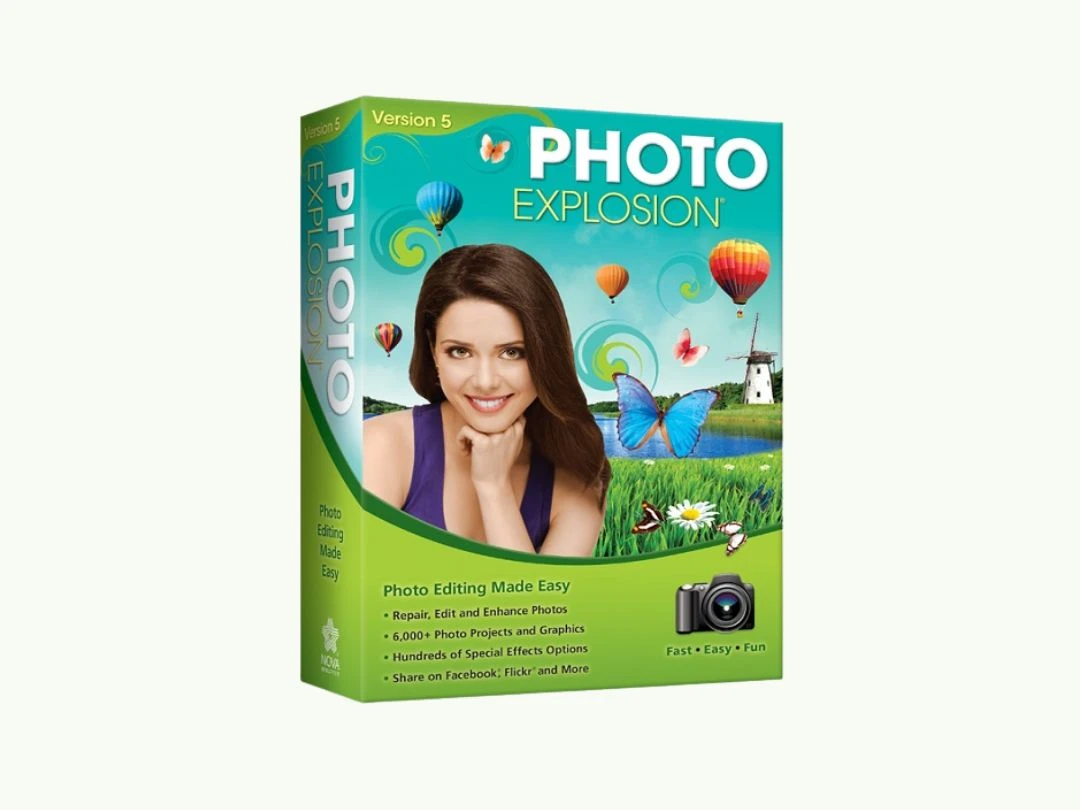
Photo Explosion 5.0 opicon

By : Avanquest Software

4.3 ( 10 reviews )
Write a Review
  • All Ratings

  • Pros & Cons

  • User Reviews

  • Alternatives

Photo Explosion 5.0 Reviews & Ratings

Check out Photo Explosion 5.0 reviews by verified users. Discover what businesses are saying about Photo Explosion 5.0 on Techjockey.


86%

Have recommended this product

Overall Score

4.3/5
Based on 10 Reviews

We love to hear from our buyers!

If you have used the solution already, why not share your thoughts and help others make the right purchase.

Photo Explosion 5.0 Pros and Cons

Pros

pros_icon “Combines photo editing, text design, and special effects in one program.” Haseeb - Sep 16, 2026

pros_icon “Excellent for posters, cards, and photo layouts. Many ready-made templates.” Kevin Heuninck - Sep 12, 2026

pros_icon “Large library of filters, frames, and text effects. Supports layers and advanced image editing.” Jonathan Galletta - Mar 25, 2026

Cons

cons_icon “At first, the interface felt cluttered and overwhelming. There are many menus and tools to learn.” Neville - Mar 11, 2026

Photo Explosion 5.0 User Reviews ( 10 )

VM

Victor Manuel Rocha Sierra

Verified reviewer:linkedin_verify

Reviewed on: May 15, 2025

4.6/5

“Good Value for Creative Design Software”

For the price, Photo Explosion 5.0 offers a lot. I used it for photo effects, greeting cards, and banners. It’s not modern, but it works well.

Pros :

Cons :

Switched from : Adobe Express

Reason to switch : Adobe Express depended on subscriptions and online access, while Photo Explosion was a one-time purchase.

Features

4.5/5

Value for Money

4.5/5

Customer Support

4.5/5

Ease of Use

5/5

Likely to Recommend

9/10
MR

Mijanur Rahman

Verified reviewer:linkedin_verify

Reviewed on: Sep 11, 2025

4.6/5

“Strong Desktop Design Tool with Old Look”

Photo Explosion 5.0 feels like old-school software, but it’s powerful. I used it for detailed photo designs and printing projects.

Pros :

Cons :

Reason to switch : Publisher was more business-focused, while Photo Explosion allowed more creative freedom.

Features

4.5/5

Value for Money

5/5

Customer Support

4.5/5

Ease of Use

4.5/5

Likely to Recommend

9/10
JG

Jonathan Galletta

Verified reviewer:linkedin_verify

Reviewed on: Mar 25, 2026

4.5/5

“Feature-Rich but Takes Time to Learn”

Photo Explosion 5.0 gave me more tools than I expected. I could create photo collages, posters, and banners. It took time to understand everything, but the flexibility was worth it.

Pros :

Cons :

Switched from : GIMP

Reason to switch : GIMP felt too technical and complicated, while Photo Explosion felt more creative and design-focused.

Features

4/5

Value for Money

4.5/5

Customer Support

4.5/5

Ease of Use

5/5

Likely to Recommend

9/10
KH

Kevin Heuninck

Verified reviewer:linkedin_verify

Reviewed on: Sep 12, 2026

4.5/5

“Great for Creative Posters and Photo Projects”

I mainly used Photo Explosion to create posters and event graphics. The templates saved time, and I liked the ability to customize everything. It’s more than just a photo editor.

Pros :

Cons :

Switched from : Canva

Reason to switch : Canva required internet access and limited features unless paid, while Photo Explosion worked offline with full control.

Features

4/5

Value for Money

5/5

Customer Support

4.5/5

Ease of Use

4.5/5

Likely to Recommend

9/10
H

Haseeb

Verified reviewer:linkedin_verify

Reviewed on: Sep 16, 2026

4.5/5

“All-in-One Design Tool for Home Users”

I liked having everything in one place. I didn’t need separate tools for text, images, or effects. It’s best for users who enjoy experimenting with designs.

Pros :

Cons :

Switched from : Corel PaintShop

Reason to switch : PaintShop Pro focused more on photo correction, while Photo Explosion offered more creative design tools.

Features

4.5/5

Value for Money

5/5

Customer Support

4.5/5

Ease of Use

4/5

Likely to Recommend

9/10
BK

Blake Killen

Verified reviewer:linkedin_verify

Reviewed on: Nov 14, 2025

4.5/5

“Powerful Effects but Cluttered Interface”

The biggest strength of Photo Explosion is the number of effects. The downside is finding them. After learning the layout, I could create detailed designs.

Pros :

Cons :

Switched from : Affinity Photo

Reason to switch : Affinity Photo focused more on professional photo editing, while Photo Explosion was better for creative designs.

Features

4.5/5

Value for Money

5/5

Customer Support

4.5/5

Ease of Use

4/5

Likely to Recommend

8/10
E

Elizabeth

Verified reviewer:linkedin_verify

Reviewed on: May 23, 2025

4.5/5

“Not Modern, but Still Very Capable”

Even though Photo Explosion 5.0 looks old, it still does a lot. I use it when I want full control over creative photo projects without subscriptions.

Pros :

Cons :

Reason to switch : Canva Pro became costly over time, while Photo Explosion gave me permanent access.

Features

4.5/5

Value for Money

5/5

Customer Support

4.5/5

Ease of Use

4/5

Likely to Recommend

9/10
TL

Tyler Levandoski

Verified reviewer:linkedin_verify

Reviewed on: Mar 25, 2026

4.3/5

“Creative Software but Not Beginner-Friendly”

Photo Explosion 5.0 is powerful but not simple. I had to spend time learning where things were. Once learned, it became a solid creative tool.

Pros :

Cons :

Switched from : Crayo

Reason to switch : Crayo was easier but limited, while Photo Explosion gave me more creative freedom.

Features

4.5/5

Value for Money

5/5

Customer Support

4/5

Ease of Use

4/5

Likely to Recommend

9/10
N

Neville

Verified reviewer:linkedin_verify

Reviewed on: Mar 11, 2026

4.2/5

“Powerful Photo Editing with Lots of Effects”

I used Photo Explosion 5.0 for editing personal photos and creating posters. It has tools for photo editing, text effects, layering, and special effects. Once I got used to it, I could do a lot without needing extra software.

Pros :

Cons :

Switched from : Adobe Express

Reason to switch : I switched because Photoshop Elements was more expensive and still felt complex, while Photo Explosion offered many creative tools at a lower cost.

Features

4/5

Value for Money

4/5

Customer Support

5/5

Ease of Use

4/5

Likely to Recommend

9/10
JG

Jimmy Gouin

Verified reviewer:linkedin_verify

Reviewed on: Apr 18, 2025

4.2/5

“Best for Users Who Like Experimenting”

This software is best for users who enjoy experimenting. I spent time playing with effects and layouts. It’s not fast, but it’s flexible.

Pros :

Cons :

Switched from : Pixlr

Reason to switch : Pixlr relied heavily on web tools and ads, while Photo Explosion gave me offline control.

Features

4.5/5

Value for Money

4/5

Customer Support

4.5/5

Ease of Use

4/5

Likely to Recommend

9/10

Similar Products

inPixio Photo Maximizer Pro

inPixio Photo Maximizer Pro

Photo Editing Software

Starting at

$ 199.99

Key Features
  • Quality Management
  • Access Controls
  • Optical Zoom
  • Encryption Algorithms
  • Batch Processing
View 7 more
inPixio Photo Editor Premium Edition

inPixio Photo Editor Premium Edition

Photo Editing Software

Starting at

$ 59.99

Key Features

  • Filters
  • Filters and Overlays
  • Photo Frames
  • Blur
  • Salary Adjustment
View 5 more
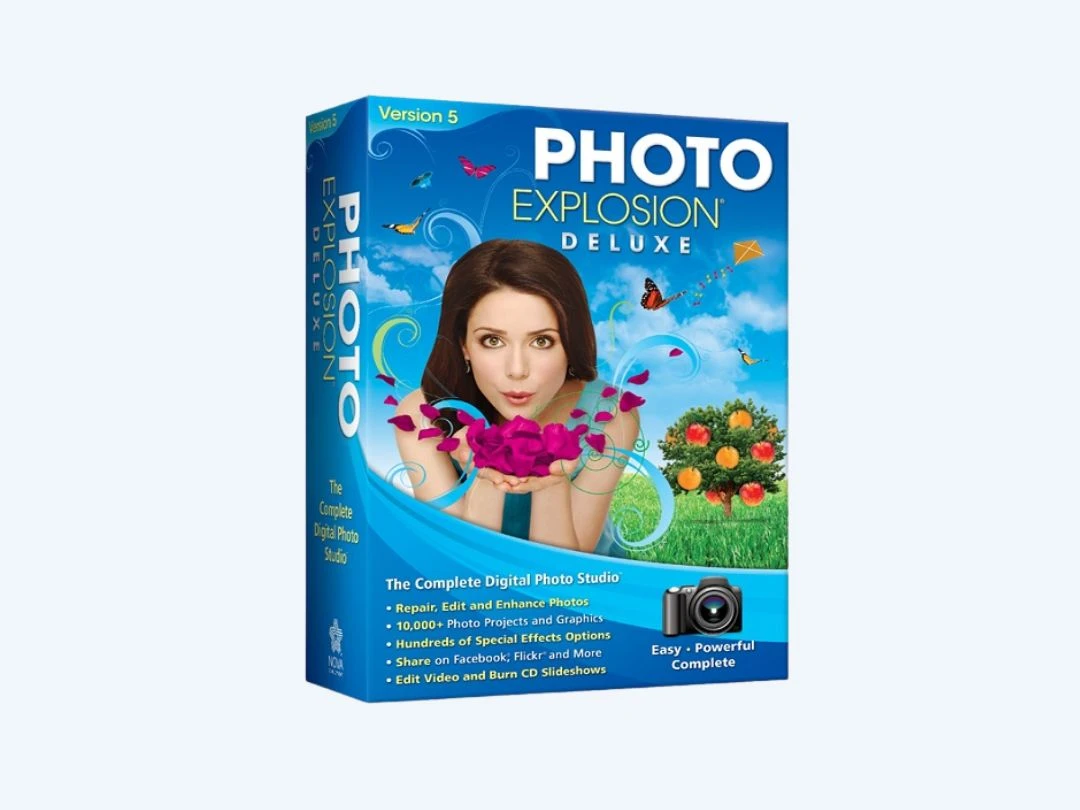
Photo Explosion 5.0 Deluxe

Photo Explosion 5.0 Deluxe

Photo Editing Software

Starting at

$ 49.99

Key Features
  • Panorama Pictures
  • Templates
  • Magic Keyframe
  • Photo Editing
  • Slideshow creation
View 5 more
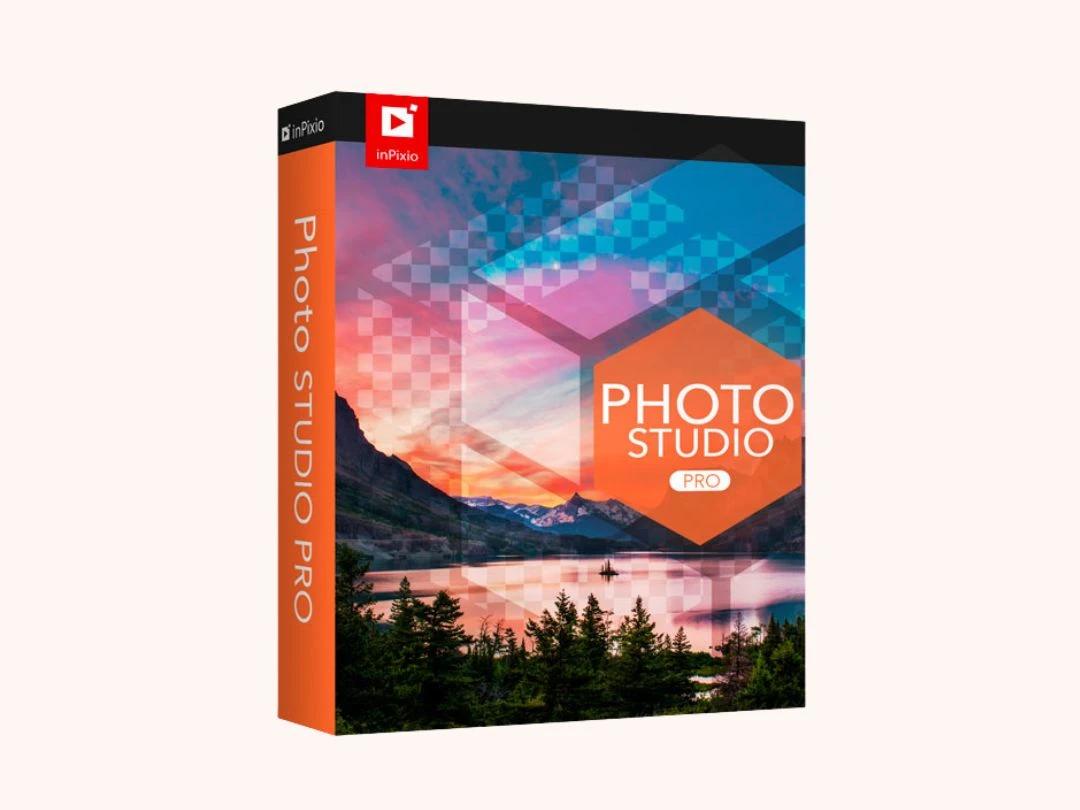
inPixio Photo Studio 12 Pro

inPixio Photo Studio 12 Pro

Photo Editing Software

Starting at

$ 79.99

Key Features
  • Repair and Replacement facility
  • Background Removal
  • Auto Correction
  • Object Removal
  • Creation of Users
View 5 more
inPixio Photo Studio 12 Standard

inPixio Photo Studio 12 Standard

Photo Editing Software

Starting at

$ 49.99

Key Features

  • Object Removal
  • Photo Editing
  • Image Library
  • Color Adjustment
  • Filters
View 3 more
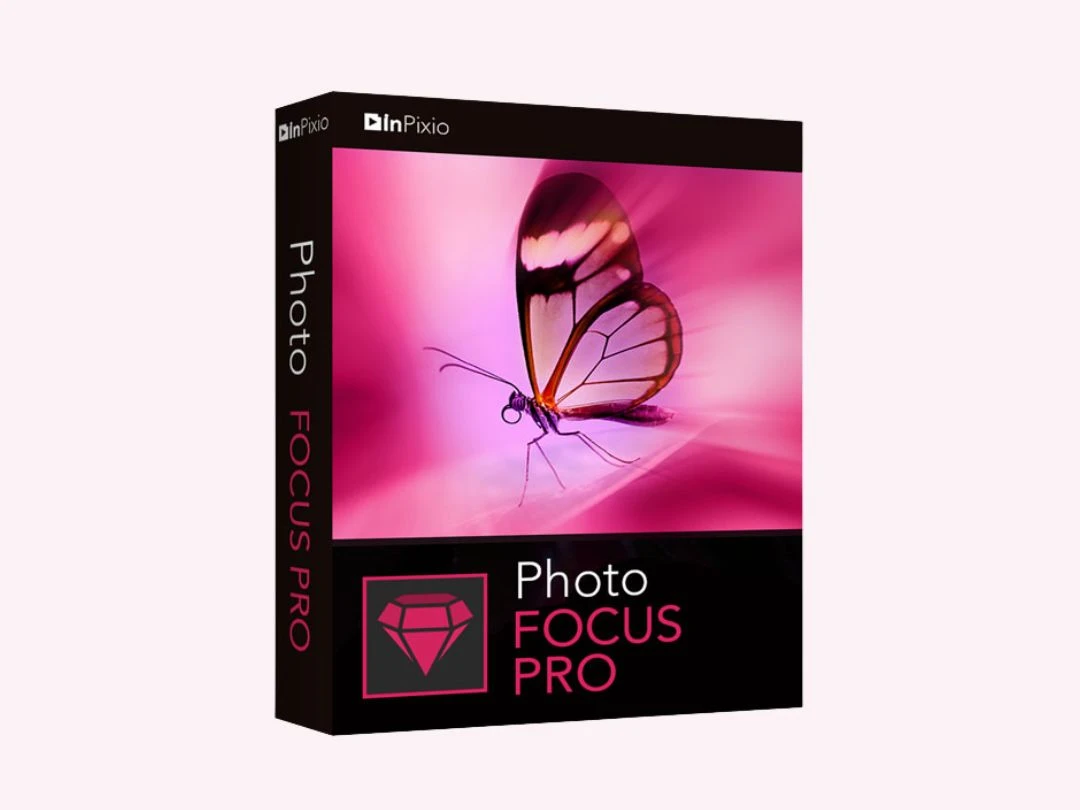
inPixio Photo Focus Professional

inPixio Photo Focus Professional

Photo Editing Software

Starting at

$ 75.99

Key Features
  • Sharpening and Detail Enhancement
  • Photo Enhancement
  • Effective batch sizing and scaling
  • Blur
  • Vignette
View 3 more
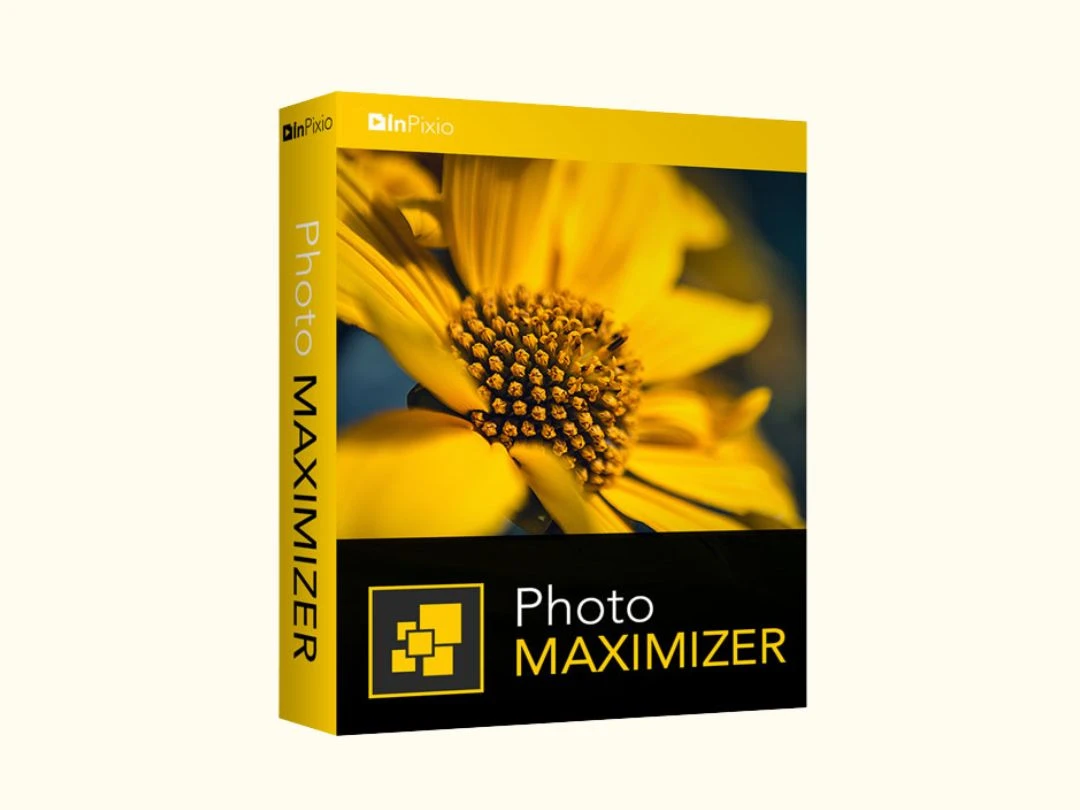
InPixio Photo Maximizer

InPixio Photo Maximizer

Photo Editing Software

Starting at

$ 79.99

Key Features

  • Ultra-accurate location
  • True Tone
  • Multi-cropping
  • Printing
  • User-Friendly Interface
View 3 more
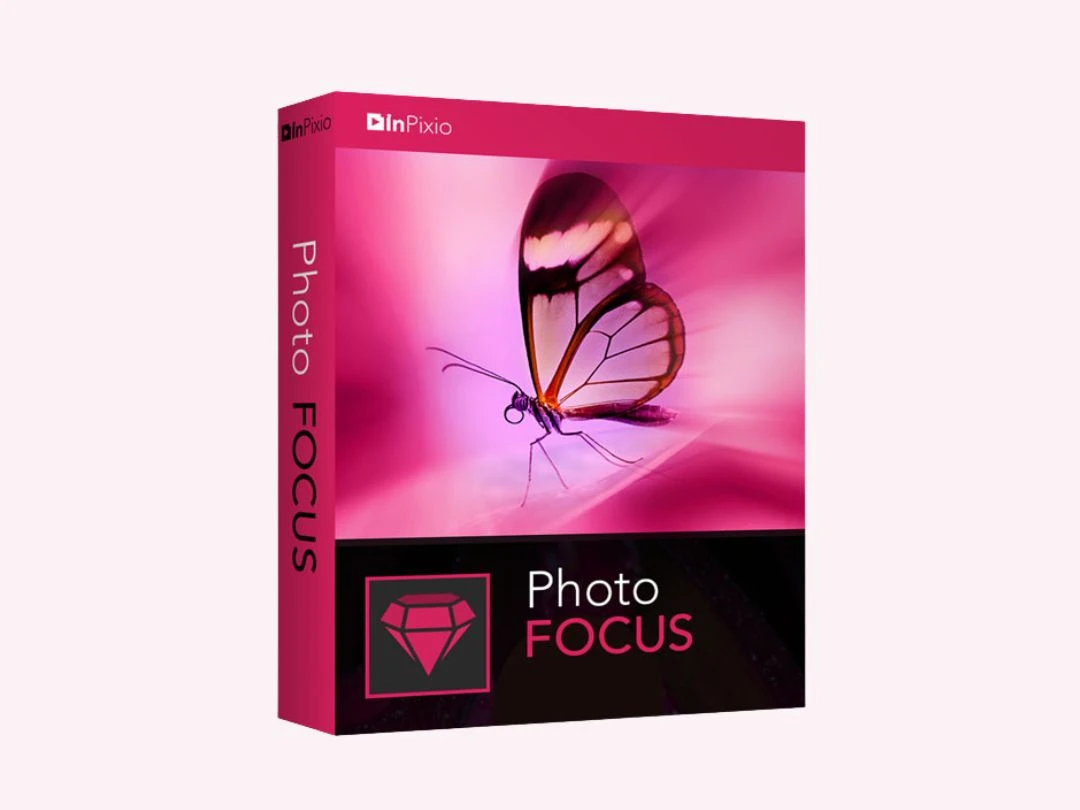
inPixio Photo Focus

inPixio Photo Focus

Photo Editing Software

(10 reviews)

Starting at

$ 59.99

Key Features

  • Sharpening and Detail Enhancement
  • Audio effects
  • Blur
  • Stock Adjustments.
  • Access Control
View 2 more
inPixio Photo Editor Home Edition

inPixio Photo Editor Home Edition

Photo Editing Software

Starting at

$ 39.99

Key Features
  • Photo Enhancement
  • Filters
  • Crop Management
  • Color Adjustment
  • Sharpening and Detail Enhancement
View 2 more
darktable

darktable

Photo Editing Software

Price On Request

Key Features

  • Real Time Editing
  • Order Processing
  • GPU Acceleration
  • Make amazing watercolors
  • Cross-Platform Support
View 11 more