
linkedin
prod_img

inPixio Photo Focus opicon

By : Avanquest Software

4.3 ( 10 reviews )
Write a Review
  • All Ratings

  • Pros & Cons

  • User Reviews

  • Alternatives

inPixio Photo Focus Reviews & Ratings

Check out inPixio Photo Focus reviews by verified users. Discover what businesses are saying about inPixio Photo Focus on Techjockey.


84%

Have recommended this product

Overall Score

4.3/5
Based on 10 Reviews

We love to hear from our buyers!

If you have used the solution already, why not share your thoughts and help others make the right purchase.

inPixio Photo Focus Pros and Cons

Pros

pros_icon “inPixio Photo Focus is very easy to use. The focus and blur tools are simple, and I can highlight the main subject in just a few clicks.” Yasir Osam - Oct 17, 2025

pros_icon “Easy background blur. Makes photos look professional. Simple sharing workflow.” Andrew - Aug 29, 2025

pros_icon “Good background blur effects. Easy subject highlighting. Fast performance.” Christie Kim - Aug 6, 2025

Cons

cons_icon “Not suitable for professional photographers. Few advanced filters.” Jesse Letendre - Dec 22, 2025

cons_icon “The editing tools are limited compared to professional photo editors. It’s mainly focused on blur effects.” Yasir Osam - Oct 17, 2025

cons_icon “Limited export options. Not many advanced adjustment controls.” Christie Kim - Aug 6, 2025

inPixio Photo Focus User Reviews ( 10 )

K

Kelly

Verified reviewer:linkedin_verify

Reviewed on: Jun 27, 2025

4.6/5

“Simple Tool for Clean Photo Enhancements”

inPixio Photo Focus is a simple tool that helps improve photos without stress. I still use it when I want fast and clean focus effects without opening heavy software.

Pros :

Cons :

Switched from : PicMonkey

Reason to switch : PicMonkey relied heavily on online tools and ads, while inPixio offered a smoother desktop experience.

Features

4.5/5

Value for Money

5/5

Customer Support

4.5/5

Ease of Use

4.5/5

Likely to Recommend

9/10
H

hgfghh

Verified reviewer:linkedin_verify

Reviewed on: Dec 30, 2025

4.6/5

“Focused Software with Limited Scope”

This software is best if you know exactly what you want. I use it only for focus effects, and for that, it works really well.

Pros :

Cons :

Switched from : FastStone

Reason to switch : FastStone felt more web-based and limited unless paid, while inPixio gave better offline control.

Features

4.5/5

Value for Money

4.5/5

Customer Support

5/5

Ease of Use

4.5/5

Likely to Recommend

8/10
YO

Yasir Osam

Verified reviewer:linkedin_verify

Reviewed on: Oct 17, 2025

4.5/5

“inPixio Photo Focus”

I use inPixio Photo Focus to make my photos look more professional by blurring backgrounds. I don’t need complex tools, and this software keeps things simple. It’s great for social media photos and personal edits.

Pros :

Cons :

Switched from : Adobe Express

Reason to switch : I switched because Photoshop was too complex and expensive for basic focus and blur edits, while inPixio Photo Focus was faster and easier.

Features

4.5/5

Value for Money

5/5

Customer Support

4/5

Ease of Use

4.5/5

Likely to Recommend

8/10
AC

Aniruddha Chaturvedi

Verified reviewer:linkedin_verify

Reviewed on: May 15, 2025

4.5/5

“Beginner-Friendly Photo Focus Software”

I don’t have much photo editing experience, so inPixio Photo Focus was perfect for me. I was able to improve my photos without watching tutorials. The results looked clean and natural.

Pros :

Cons :

Switched from : Crayo

Reason to switch : I switched because Crayo felt too technical and confusing, while inPixio Photo Focus was simple and beginner-friendly.

Features

4.5/5

Value for Money

4.5/5

Customer Support

5/5

Ease of Use

4/5

Likely to Recommend

8/10
CK

Christie Kim

Verified reviewer:linkedin_verify

Reviewed on: Aug 6, 2025

4.5/5

“Great for Highlighting Subjects in Photos”

I mainly use this software to make my subjects stand out in photos. The blur effects are smooth, and I like how quickly I can finish edits. It’s very focused on one job, and it does it well.

Pros :

Cons :

Switched from : PicMonkey

Reason to switch : PicMonkey had many tools I didn’t need, while inPixio Photo Focus gave me quicker results for focus effects.

Features

4.5/5

Value for Money

5/5

Customer Support

4.5/5

Ease of Use

4/5

Likely to Recommend

9/10
A

Andrew

Verified reviewer:linkedin_verify

Reviewed on: Aug 29, 2025

4.5/5

“Good Tool for Social Media Photos”

I mostly use inPixio Photo Focus for social media photos. The blur effect makes my pictures look cleaner and more polished. It’s easy to use and doesn’t take much time.

Pros :

Cons :

Switched from : ChatPic

Reason to switch : ChatPic required internet access and limited photo editing controls, while inPixio worked offline and gave better blur results.

Features

4.5/5

Value for Money

5/5

Customer Support

4.5/5

Ease of Use

4/5

Likely to Recommend

9/10
H

Heajung

Verified reviewer:linkedin_verify

Reviewed on: Apr 7, 2025

4.5/5

“Straightforward Photo Focus Tool”

The software does exactly what it promises. I don’t need advanced tools, just good focus effects. inPixio Photo Focus fits that need perfectly.

Pros :

Cons :

Switched from : PhotoRoom

Reason to switch : Photoroom had too many unrelated tools, while inPixio focused specifically on blur and focus effects.

Features

4.5/5

Value for Money

4.5/5

Customer Support

4.5/5

Ease of Use

4.5/5

Likely to Recommend

9/10
JL

Jesse Letendre

Verified reviewer:linkedin_verify

Reviewed on: Dec 22, 2025

4.3/5

“Simple Software for Casual Photo Editing”

I edit photos mostly for personal use. inPixio Photo Focus helped me improve my pictures without overwhelming me. It feels made for casual users who want quick improvements.

Pros :

Cons :

Switched from : Affinity Photo

Reason to switch : Affinity Photo was powerful but felt too advanced for my needs, while inPixio was more straightforward.

Features

4.5/5

Value for Money

4.5/5

Customer Support

4.5/5

Ease of Use

4/5

Likely to Recommend

9/10
B

Beatriz

Verified reviewer:linkedin_verify

Reviewed on: Sep 17, 2025

4.3/5

“Affordable Alternative to Advanced Editors”

I wanted a low-cost solution to improve my photos. inPixio Photo Focus was affordable and didn’t require a subscription. It’s good value for basic editing.

Pros :

Cons :

Switched from : Adobe Express

Reason to switch : Photoshop Elements still felt more complex than I needed, while inPixio stayed simple.

Features

4.5/5

Value for Money

5/5

Customer Support

4/5

Ease of Use

4/5

Likely to Recommend

9/10
JS

JUMASIH SUKIR

Verified reviewer:linkedin_verify

Reviewed on: Jul 24, 2025

4.2/5

“Fast and Simple Focus Effects”

I like how fast I can apply focus effects in inPixio Photo Focus. The software doesn’t slow me down with extra features. It’s ideal for quick edits.

Pros :

Cons :

Switched from : Adobe Express

Reason to switch : Lightroom focused more on color correction and cataloging, while inPixio was better for creative focus effects.

Features

4.5/5

Value for Money

4.5/5

Customer Support

4/5

Ease of Use

4/5

Likely to Recommend

8/10

Similar Products

inPixio Photo Maximizer Pro

inPixio Photo Maximizer Pro

Photo Editing Software

Starting at

$ 199.99

Key Features

  • Quality Management
  • Access Controls
  • Optical Zoom
  • Encryption Algorithms
  • Batch Processing
View 7 more
Photo Explosion 5.0

Photo Explosion 5.0

Photo Editing Software

(10 reviews)

Starting at

$ 29.99

Key Features

  • Artboard enhancements
  • Batch Processing
  • Creative Design
  • Photo Editing
  • Attractive Interface
View 6 more
inPixio Photo Editor Premium Edition

inPixio Photo Editor Premium Edition

Photo Editing Software

Starting at

$ 59.99

Key Features

  • Filters
  • Filters and Overlays
  • Photo Frames
  • Blur
  • Salary Adjustment
View 5 more
Photo Explosion 5.0 Deluxe

Photo Explosion 5.0 Deluxe

Photo Editing Software

Starting at

$ 49.99

Key Features
  • Panorama Pictures
  • Templates
  • Magic Keyframe
  • Photo Editing
  • Slideshow creation
View 5 more
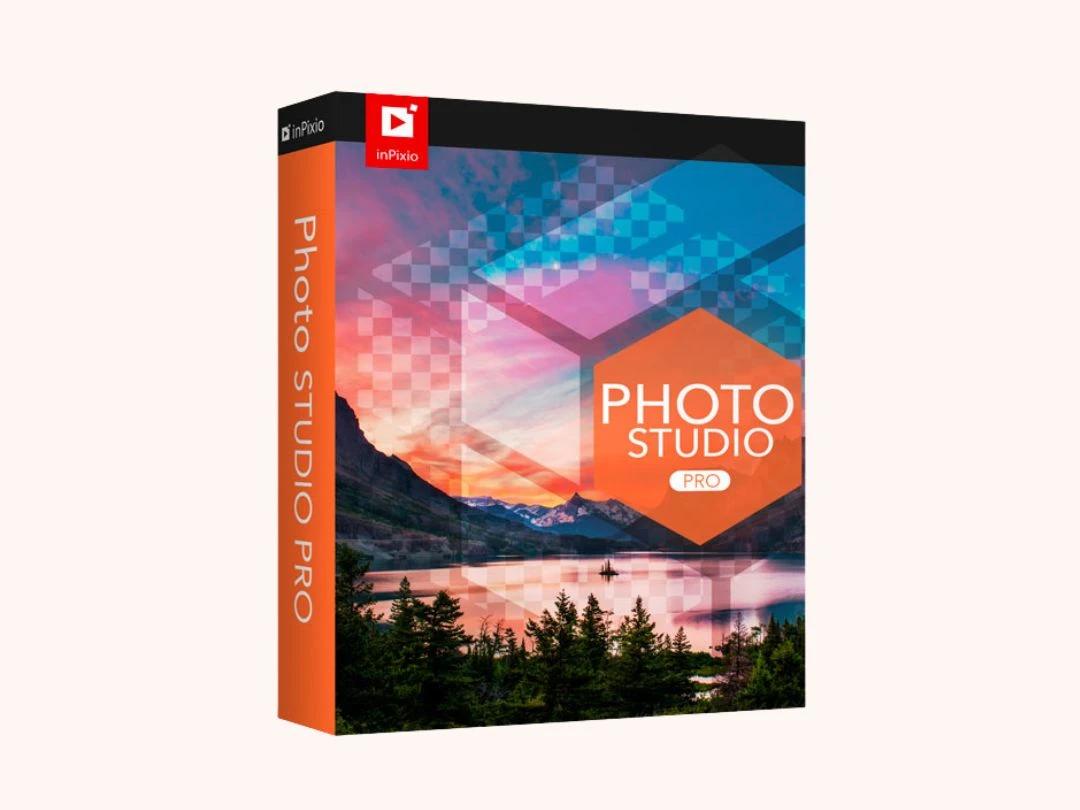
inPixio Photo Studio 12 Pro

inPixio Photo Studio 12 Pro

Photo Editing Software

Starting at

$ 79.99

Key Features
  • Repair and Replacement facility
  • Background Removal
  • Auto Correction
  • Object Removal
  • Creation of Users
View 5 more
inPixio Photo Studio 12 Standard

inPixio Photo Studio 12 Standard

Photo Editing Software

Starting at

$ 49.99

Key Features

  • Object Removal
  • Photo Editing
  • Image Library
  • Color Adjustment
  • Filters
View 3 more
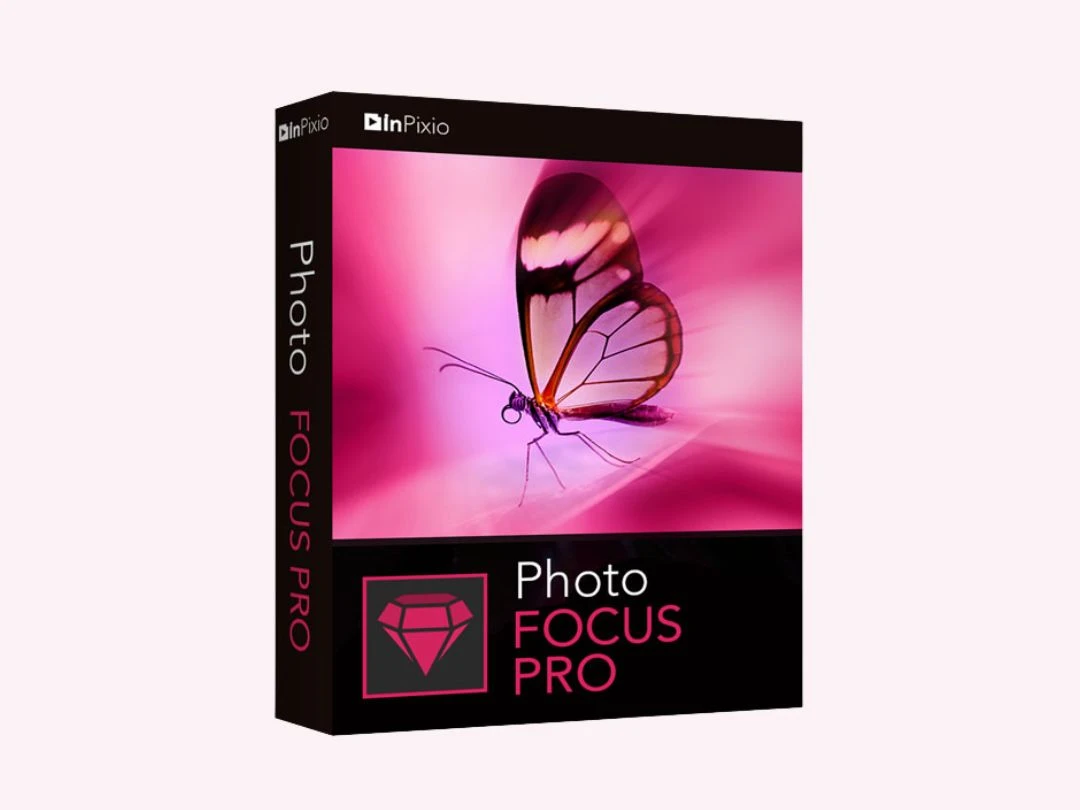
inPixio Photo Focus Professional

inPixio Photo Focus Professional

Photo Editing Software

Starting at

$ 75.99

Key Features
  • Sharpening and Detail Enhancement
  • Photo Enhancement
  • Effective batch sizing and scaling
  • Blur
  • Vignette
View 3 more
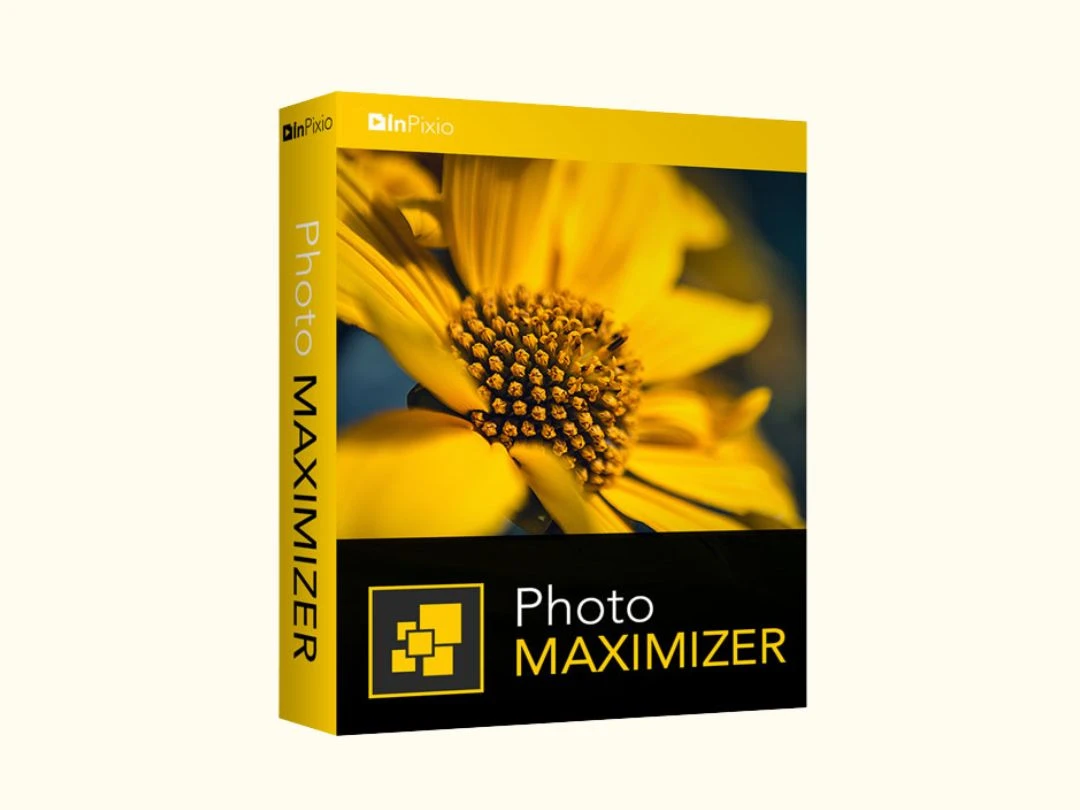
InPixio Photo Maximizer

InPixio Photo Maximizer

Photo Editing Software

Starting at

$ 79.99

Key Features

  • Ultra-accurate location
  • True Tone
  • Multi-cropping
  • Printing
  • User-Friendly Interface
View 3 more
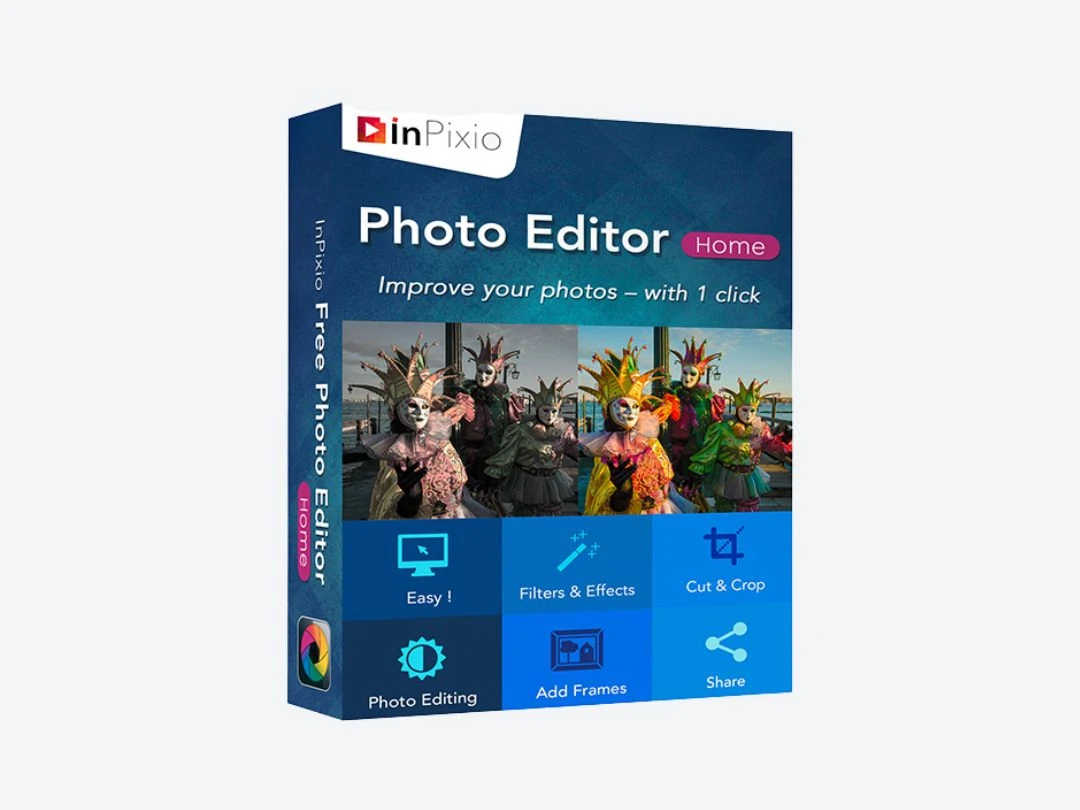
inPixio Photo Editor Home Edition

inPixio Photo Editor Home Edition

Photo Editing Software

Starting at

$ 39.99

Key Features
  • Photo Enhancement
  • Filters
  • Crop Management
  • Color Adjustment
  • Sharpening and Detail Enhancement
View 2 more
darktable

darktable

Photo Editing Software

Price On Request

Key Features

  • Real Time Editing
  • Order Processing
  • GPU Acceleration
  • Make amazing watercolors
  • Cross-Platform Support
View 11 more