linkedin
prod_img

WebEasy Professional 10 opicon

By : Avanquest Software

4.3 ( 10 reviews )
Write a Review
  • All Ratings

  • Pros & Cons

  • User Reviews

  • Alternatives

WebEasy Professional 10 Reviews & Ratings

Check out WebEasy Professional 10 reviews by verified users. Discover what businesses are saying about WebEasy Professional 10 on Techjockey.


84%

Have recommended this product

Overall Score

4.3/5
Based on 10 Reviews

We love to hear from our buyers!

If you have used the solution already, why not share your thoughts and help others make the right purchase.

WebEasy Professional 10 Pros and Cons

Pros

pros_icon “No coding required. Easy text and image placement. FTP publishing included.” Nikit Shah - Sep 16, 2026

pros_icon “Works fully offline. Simple layout tools. Built-in publishing options.” Scott Douglas - Sep 16, 2026

pros_icon “WebEasy Professional 10 is very easy to use. The drag-and-drop editor made it simple to place text, images, and buttons exactly where I wanted.” Heather - Aug 10, 2026

Cons

cons_icon “The interface looks outdated, and the templates don’t feel modern.” Heather - Aug 10, 2026

cons_icon “Not scalable for growing businesses. Limited dynamic content.” Brent - Oct 23, 2025

WebEasy Professional 10 User Reviews ( 10 )

SD

Scott Douglas

Verified reviewer:linkedin_verify

Reviewed on: Sep 16, 2026

4.6/5

“Good Offline Website Builder with Basic Features”

I liked being able to design my site without being online. WebEasy Professional 10 felt reliable for static websites and small projects. It’s not flashy, but it works.

Pros :

Cons :

Switched from : Squarespace

Reason to switch : Squarespace forced me into fixed layouts and monthly fees, while WebEasy gave me full layout control without subscriptions.

Features

4.5/5

Value for Money

5/5

Customer Support

5/5

Ease of Use

4/5

Likely to Recommend

8/10
B

Brent

Verified reviewer:linkedin_verify

Reviewed on: Oct 23, 2025

4.6/5

“Beginner-Friendly but Not Scalable”

I learned WebEasy quickly and built my first website in days. However, as my needs grew, I noticed its limitations.

Pros :

Cons :

Switched from : Joomla

Reason to switch : Joomla was more powerful but complex, while WebEasy was easier for beginners.

Features

4.5/5

Value for Money

5/5

Customer Support

4.5/5

Ease of Use

4.5/5

Likely to Recommend

9/10
RS

Richie Stegall

Verified reviewer:linkedin_verify

Reviewed on: Aug 11, 2025

4.6/5

“Affordable Website Builder for Simple Projects”

I wanted a low-cost solution to build a basic website. WebEasy Professional 10 gave me everything I needed without monthly payments.

Pros :

Cons :

Switched from : GoDaddy

Reason to switch : GoDaddy locked features behind subscriptions, while WebEasy offered permanent ownership.

Features

4.5/5

Value for Money

5/5

Customer Support

5/5

Ease of Use

4/5

Likely to Recommend

9/10
RO

Rob Olson

Verified reviewer:linkedin_verify

Reviewed on: Sep 17, 2025

4.6/5

“Easy Layout Control but Limited Modern Features”

I liked how I could place elements exactly where I wanted. However, making the site mobile-friendly required extra effort. It’s best for desktop-focused websites.

Pros :

Cons :

Switched from : Adobe Dreamweaver

Reason to switch : Dreamweaver required coding skills, while WebEasy allowed visual editing without technical knowledge.

Features

4.5/5

Value for Money

4.5/5

Customer Support

5/5

Ease of Use

4.5/5

Likely to Recommend

9/10
JW

jane will

Verified reviewer:linkedin_verify

Reviewed on: Jul 30, 2025

4.5/5

“Works Well but Feels Old-School”

WebEasy Professional 10 feels like older desktop software. It still works well for basic websites, but it doesn’t match modern web standards.

Pros :

Cons :

Switched from : Elementor

Reason to switch : Elementor required WordPress setup and plugins, while WebEasy was simpler and standalone.

Features

4.5/5

Value for Money

5/5

Customer Support

4.5/5

Ease of Use

4/5

Likely to Recommend

8/10
PU

pratap upadhyay

Verified reviewer:linkedin_verify

Reviewed on: Oct 6, 2026

4.5/5

“Mobirise focused heavily on mobile blocks, while WebEasy gave more manual layout control.”

WebEasy Professional 10 is not modern, but it works. I still use it for simple static websites where I don’t need advanced features or subscriptions.

Pros :

Cons :

Switched from : Canva Websites

Reason to switch : Canva Websites required online access and limited customization, while WebEasy offered full offline control.

Features

4.5/5

Value for Money

5/5

Customer Support

4.5/5

Ease of Use

4/5

Likely to Recommend

9/10
H

Heather

Verified reviewer:linkedin_verify

Reviewed on: Aug 10, 2026

4.3/5

“Easy Website Builder for Beginners but Looks Dated”

I used WebEasy Professional 10 to build a small business website without coding. I liked that it works offline and lets me publish via FTP. It was easy to understand, but visually it feels old compared to newer tools.

Pros :

Cons :

Switched from : Wix

Reason to switch : I switched because Wix was subscription-based and required internet access, while WebEasy let me build and host my site independently.

Features

4/5

Value for Money

4.5/5

Customer Support

4/5

Ease of Use

5/5

Likely to Recommend

8/10
AR

Alexandre Roy

Verified reviewer:linkedin_verify

Reviewed on: Sep 26, 2025

4.3/5

“Good for Small Business Static Websites”

I used WebEasy Professional 10 for a small service business website. It handled pages like Home, About, and Contact well. It’s not built for blogs or e-commerce.

Pros :

Cons :

Switched from : Weebly

Reason to switch : Weebly limited customization unless upgraded, while WebEasy allowed more layout freedom.

Features

4/5

Value for Money

5/5

Customer Support

4/5

Ease of Use

4.5/5

Likely to Recommend

9/10
TM

Terri M. Villarreal VER3Qnoew1 2 1yvohg,loajnnjhgm

Verified reviewer:linkedin_verify

Reviewed on: Apr 24, 2026

4.3/5

“Reliable Desktop Website Builder”

I liked having full control over files and hosting. WebEasy Professional 10 felt stable and predictable for small websites.

Pros :

Cons :

Switched from : Mobirise

Reason to switch : Mobirise focused heavily on mobile blocks, while WebEasy gave more manual layout control.

Features

4.5/5

Value for Money

5/5

Customer Support

4/5

Ease of Use

4/5

Likely to Recommend

9/10
NS

Nikit shah

Verified reviewer:linkedin_verify

Reviewed on: Sep 16, 2026

4.2/5

“Simple Website Creation Without Coding”

I built a basic personal website using WebEasy Professional 10. I didn’t need HTML or CSS knowledge. It’s good for beginners who want control without complexity.

Pros :

Cons :

Switched from : WordPress

Reason to switch : WordPress.com had limits unless I paid more, while WebEasy let me design freely and host wherever I wanted.

Features

4.5/5

Value for Money

4/5

Customer Support

4/5

Ease of Use

4.5/5

Likely to Recommend

9/10

Similar Products

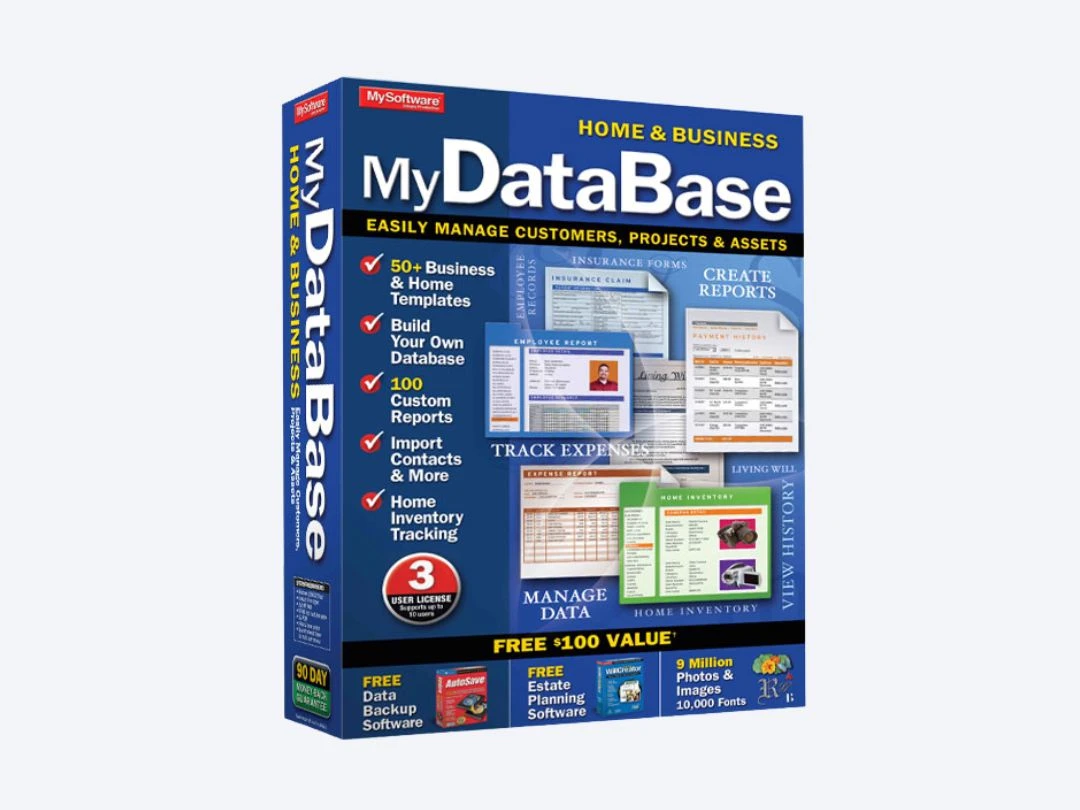
MyDatabase Home and Business

MyDatabase Home and Business

Utility Software

Starting at

$ 39.95

Key Features
  • Templates
  • Database Management
  • Data Import/Export
  • Asset Tracking
  • Email merge
View 7 more

Starting Price

$ 36.00 /Year 36% OFF ViewPlans

Key Features
  • Startup Manager
  • Distribution-Routing Optimization
  • Security
  • Event Monitoring
  • Cloud Intelligence
View 6 more
Audials Movie 2025

Audials Movie 2025

Utility Software

Starting at

$ 39.90

Key Features
  • Record Streaming Audio
  • Batch revision
  • AI Video Generator
  • Capture Leads from Twitter/Facebook
  • Online video editor
View 3 more

Starting at

$ 29.95

Key Features

  • Contact Management
  • Custom label Design
  • Bulk Emails
  • Template Library
  • Data Import/Export
View 3 more

Starting at

$ 29.00

Key Features

  • Browser Privacy Tools
  • Activity Management
  • Secure
  • Stealth Mode
  • chat history
View 3 more

Starting at

$ 29.95

Key Features

  • Background Screening
  • Book Stationery Management
  • RGB Vertical Stripe Pixel Arrangement
  • Templates
  • Text Formatting
View 2 more
PowerDesk Pro 9

PowerDesk Pro 9

Utility Software

(10 reviews)

Starting at

$ 39.95

Key Features

  • File Manager
  • Access Control
  • File Compatibility
  • Data Synchronization
  • Real Time File Preview
View 3 more

Starting at

$ 59.99

Key Features

  • Backup & Restore
  • Disk Cleanup
  • SSD Trimming
  • Scheduling
  • Alerting
View 2 more
Audials One 2025

Audials One 2025

Utility Software

Starting at

$ 59.90

Key Features

  • Multi-Track Recording
  • High-Quality Recordings
  • AI-Powered Expense Capture
  • Capture Leads from Twitter/Facebook
  • Fast, versatile artboards.
View 2 more
Audials Radio 2025

Audials Radio 2025

Utility Software

Starting at

$ 29.90

Key Features

  • Audio Podcast/Lecture
  • Video Call Recording
  • Customizable Dashboard
  • Bulk Marketing
  • Multi-Device Support
View 1 more