USA
 India
Small Business
Designed for startups and growing businesses
See More


Brand: The GnuCash
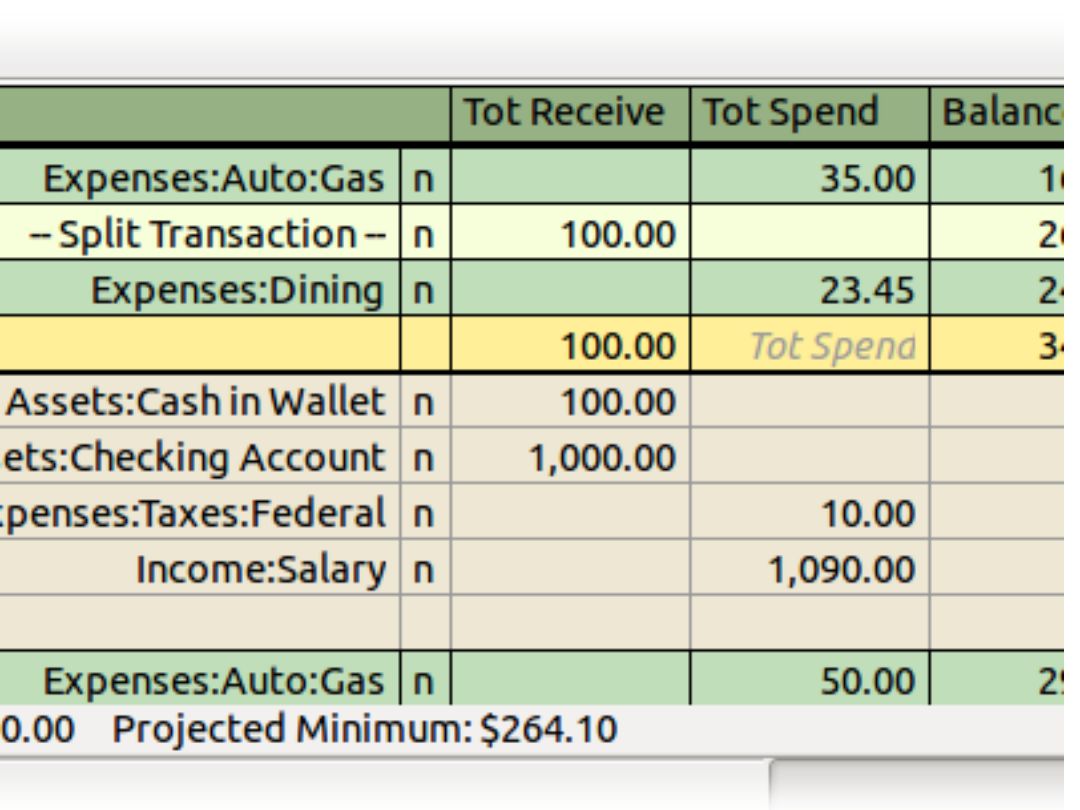
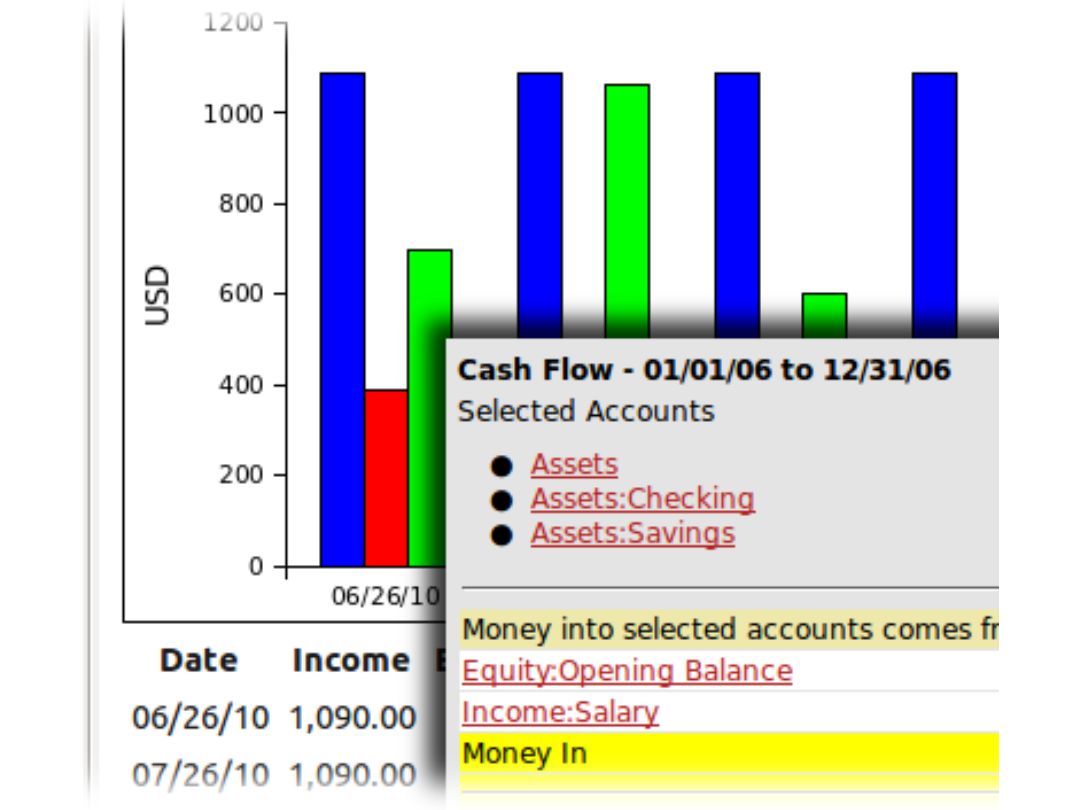
LGnuCash is an open-source accounting software that allows users to track bank accounts, stocks, income, and expenses.
See MoreHave you used GnuCash before?
Share your insights for better experience
This Product is Available Free Forever.
Start instantly with no fees, no subscriptions, and no commitments.
Free Forever Plan
Get started immediately at no cost. Upgrade anytime if your business demand more.
Free Forever Double Entry Checkbook-Style Register Scheduled Transactions Reports Reconciliation Multiple Currencies Experimental database support QIF and OFX Import Multi-Platform Support

Watch the demo video to explore key features, real workflows, and how the software fits your business needs.
 Ubuntu
 Windows
 MacOS
 Linux
 Desktop
 Perpetual
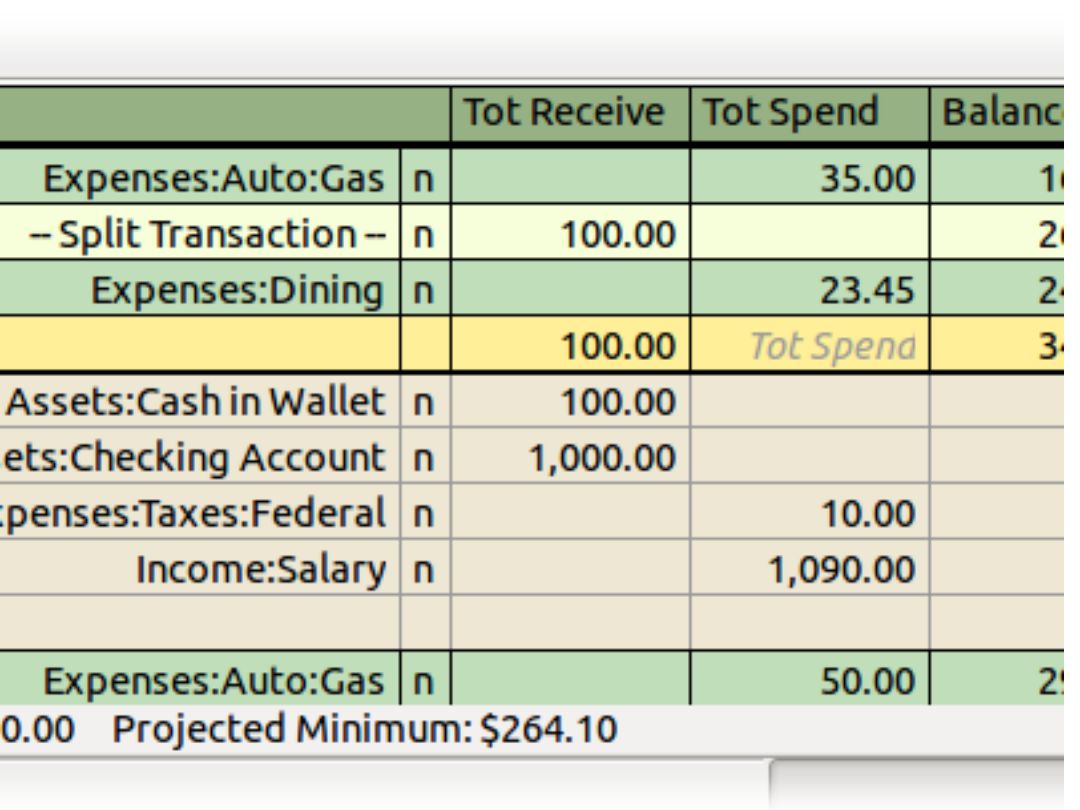
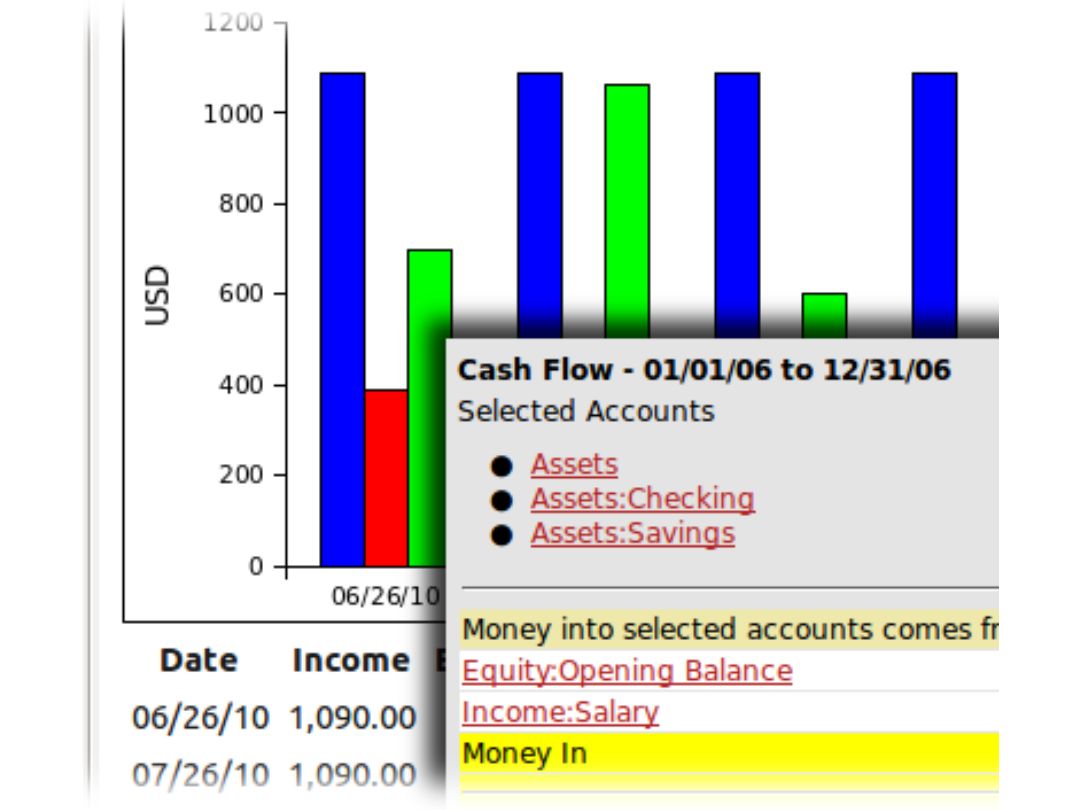
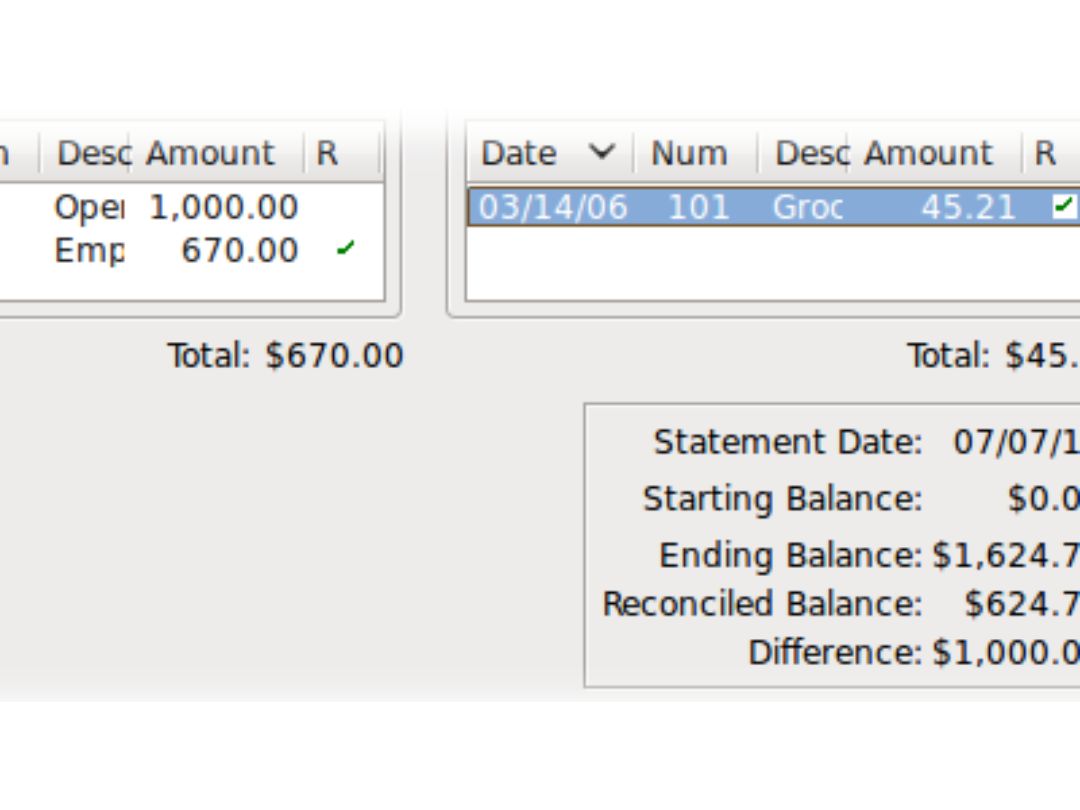
Small Business
Designed for startups and growing businesses
Medium Business
Built for business growth and flexibility
Enterprises
Designed for complex and large-scale business needs
3.5
Out of 5

Overall Rating
Based on
10 Verified Reviews
Rating Breakdown
74% Recommend this Product
Add ReviewUsers generally appreciate GnuCash for its comprehensive financial management capabilities, particularly its support for multiple account types, double-entry accounting, and the ability to import transactions. The software is praised for being free and open-source, making it accessible for both personal and small business use. However, common complaints include its outdated interface, initial setup complexity, and a learning curve associated with its features. While many find it reliable and effective, some users express a desire for more modern design and immediate customer support.
Pros
"GnuCash has been a great addition to my financial management routine."
"GnuCash is a great tool for small business accounting. I also like the invoicing and vendor tracking features, which help me stay organized."
Cons
"The user interface could also use some modernization, as it feels a bit outdated compared to some newer financial tools."
"The user interface is functional but not very modern, which can be a bit off-putting if you’re used to more polished tools."

Aug 12, 2024
Techjockey Verified
“GnuCash: A Versatile and Free Solution for Comprehensive Financial Management”
GnuCash offers a comprehensive suite of features for managing personal and small business finances. The free software supports multiple account types and currencies, making it versatile for various financial needs. Automated transaction scheduling and customizable reports add to its functionality. Despite its outdated interface and initial setup challenges, GnuCash provides powerful tools for effective financial management.
Pros
I really like the support for various account types, including investment accounts, and the ability to handle multiple currencies is a big plus. The scheduled transactions and financial calculations tools make it easy to stay organized and plan for the future. The reporting capabilities are also highly customizable, allowing me to generate reports that fit my needs.
Cons
The software’s interface is dated, and learning all its features can be challenging. Setting up and configuring GnuCash took some time and patience. Additionally, while community support is generally helpful, it might not be as immediate as professional support services.
Reason to switch
I needed a more feature-rich and cost-effective solution for detailed financial management. FreshBooks was limited in some aspects, and GnuCash offered the advanced features I required without any cost.
Aug 21, 2024
Techjockey Verified
“GnuCash: Ideal for Detailed Personal and Business Financial Tracking”
GnuCash is a robust and cost-effective tool for managing both personal and business finances. The free software includes features like double-entry accounting, investment tracking, and automated transaction scheduling. The financial calculations tools are useful for budgeting and planning.
Pros
GnuCash has been a game-changer for my personal and business finances. I particularly appreciate the ability to manage and track investments like stocks and bonds. The automated transaction scheduling feature is incredibly helpful for managing regular payments and income. The financial calculations tools are also handy for budgeting and planning.
Cons
I haven’t faced any issues so far
Reason to switch
I wanted a more advanced and free solution with features like double-entry accounting and investment tracking. Microsoft Money was limited in these areas, so GnuCash provided the depth and functionality I needed.
Aug 21, 2024
Techjockey Verified
“GnuCash: A Reliable Free Solution for Comprehensive Financial Management”
GnuCash is an excellent choice for managing a wide range of financial activities. The software’s support for multiple currencies and detailed reporting features make it ideal for handling complex financial situations. The double-entry system ensures accuracy, and the ability to import data saves time. Although the interface is a bit dated and setup can be challenging, the software’s comprehensive features make it a great free tool.
Pros
GnuCash has been a reliable tool for managing all aspects of my finances. The free and open-source nature of the software means I’m not paying for features I don’t need. It offers excellent support for multiple currencies, which is perfect for managing international transactions.
Cons
No cons
Reason to switch
I needed a more cost-effective solution that provided detailed accounting features without the high price tag of Sage 50. GnuCash offered the functionality I required at no cost.

GnuCash
FREE
Desktop
Mobile
Web based
On Premises
Windows
Mac OS

DualEntry
Price On Request
Desktop
Mobile
Web based
On Premises
Windows
Mac OS

Rillet
Price On Request
Desktop
Mobile
Web based
On Premises
Windows
Mac OS

QuickBooks
Price On Request
Desktop
Mobile
Web based
On Premises
Windows
Mac OS

Zoho Books
Price On Request
Desktop
Mobile
Web based
On Premises
Windows
Mac OS

Xero Accounting Software
Price On Request
Desktop
Mobile
Web based
On Premises
Windows
Mac OS
Digits
Price On Request
Desktop
Mobile
Web based
On Premises
Windows
Mac OS
Bookkeep
Price On Request
Desktop
Mobile
Web based
On Premises
Windows
Mac OS

Financio
Price On Request
Desktop
Mobile
Web based
On Premises
Windows
Mac OS

EasyBooks
Price On Request
Desktop
Mobile
Web based
On Premises
Windows
Mac OS

Inkle
Price On Request
Desktop
Mobile
Web based
On Premises
Windows
Mac OS
(0) Product(s) selected
Available
Price on Request
Available
Price on Request
Starting Price:
$29.00 /Month
Starting Price:
$19.00 /Month
Starting Price:
£13.00 /Month
Available
Price on Request
Available
Price on Request
Starting Price:
$16.00 /Month

Starting Price:
AED350.00 /Year

Starting Price:
$8.40 /Month
Starting Price:
$12.00 /Month
GnuCash is compatible with Windows and MacOS operating systems.
GnuCash is available for android and iOS app users.
GnuCash supports web-based deployment.
GnuCash is available for free on techjockey.com.
GnuCash is suitable for businesses looking to create invoices, track their net worth, and generate reports.
GnuCash free trial is available at techjockey.com.
GnuCash is free.
GnuCash software is a web-based platform. So, installation is not required. Just open the Setup Wizard to get started.
GnuCash is an accounting software that allows users to enter and track bank accounts, stocks, income, and expenses.
Terms and Condtions

Users with registered businesses can purchase goods from merchants on the platform to satisfy their business needs. Users are not permitted to utilize any products acquired through the platform for resale, advertising, business, or further distribution.
For each purchase made, users will receive a Tax Invoice (or 'GST invoice') that includes specific details such as:
the GSTIN of the user associated with their registered business, and
the specified Entity Name for their business.
It should be noted that not all products are eligible for GST Invoice. Only the products displayed by participating sellers with the 'GST-based Invoice Available' callout on the product description page would qualify.
Certain goods and services are not eligible to get a GST Invoice, including items with VAS, i.e., Value Added Services (e.g., Total Mobile Protection/Assured Buyback) and those involving an exchange offer at the time of purchase.
Users must ensure the accuracy of the GSTIN, and business entity name provided for the GST Invoice. Requests for corrections into GST Invoice would not be accommodated by Techjockey.com or any Seller, and any issues arising from user-provided information are the sole responsibility of users.
Techjockey.com is not liable for the GST Invoice or any associated input tax credit. To efficiently claim an input tax credit, users should select the registered place of business address as per the GST authority's data and follow the provisions of the GST Act and rules.
To claim an input tax credit, the delivery and billing addresses must match. Furthermore, input tax credits will not be granted if the delivery address and GSTIN on the invoice are from different states. In case of incorrect GST details provided during the order placement, the order will be canceled automatically.
 20,000+ Software Listed
 Unbiased Comparison
 Read Authentic Reviews
 500,000+ Monthly Users