USA
USA India
IndiaSmall Business
Designed for startups and growing businesses
See More

Brand: Kdenlive
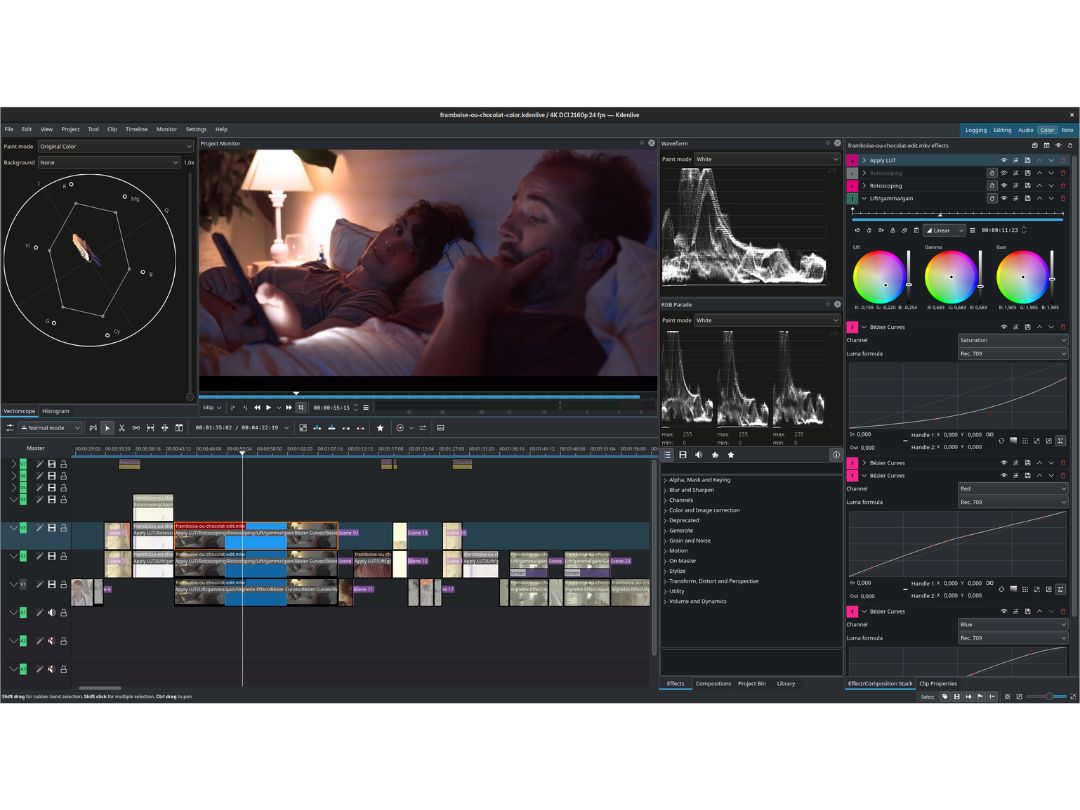
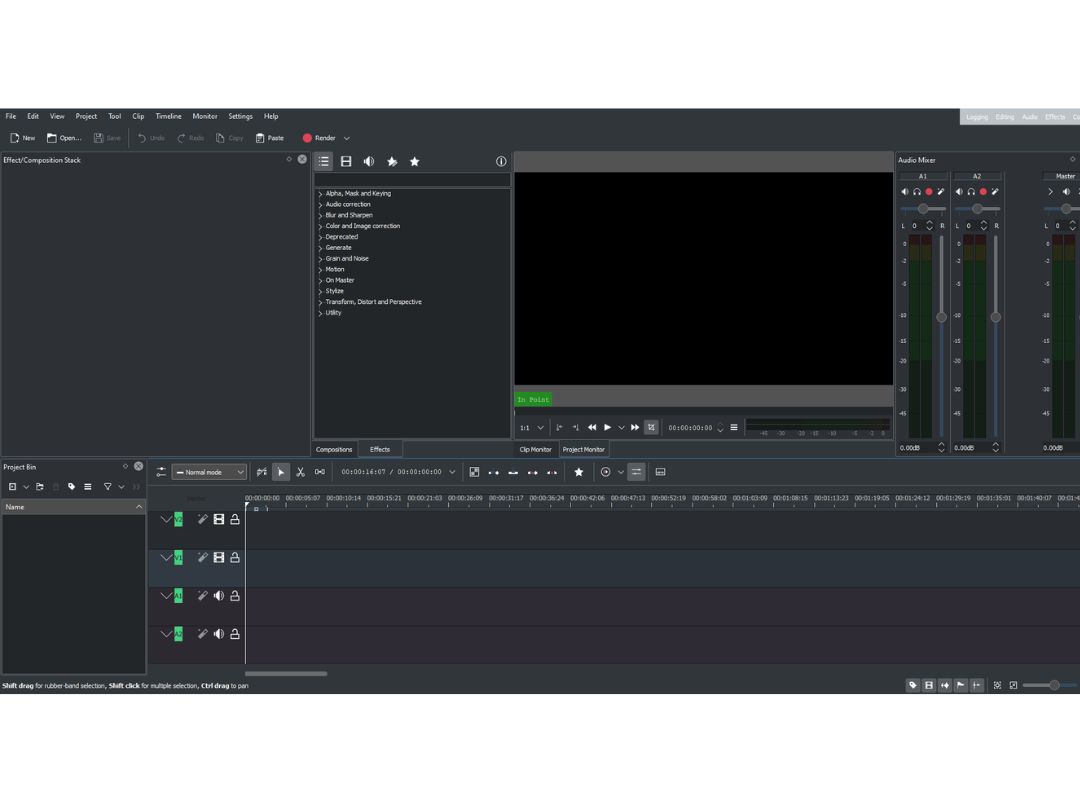
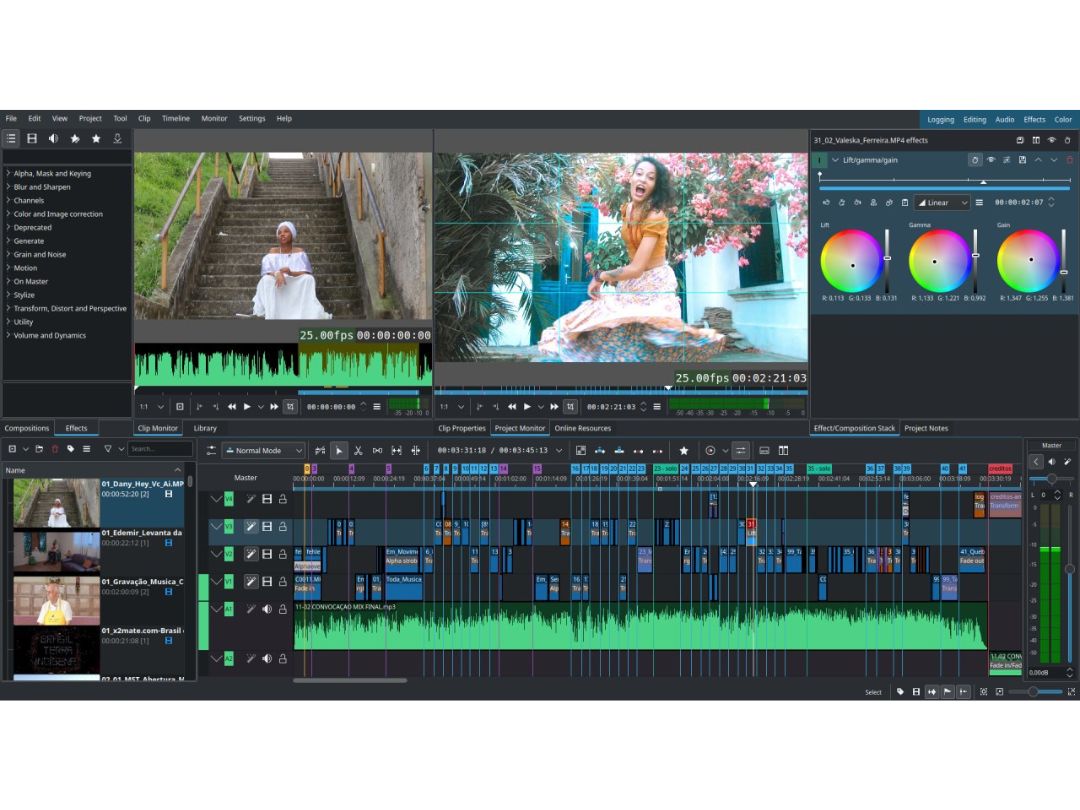
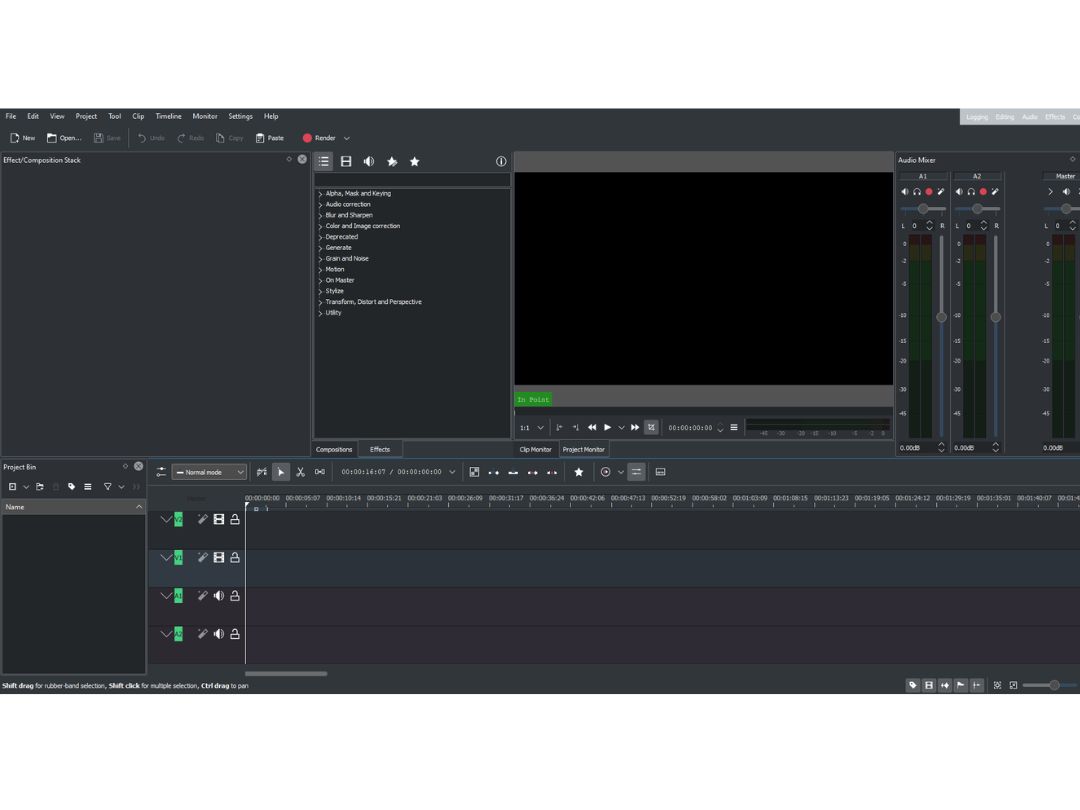
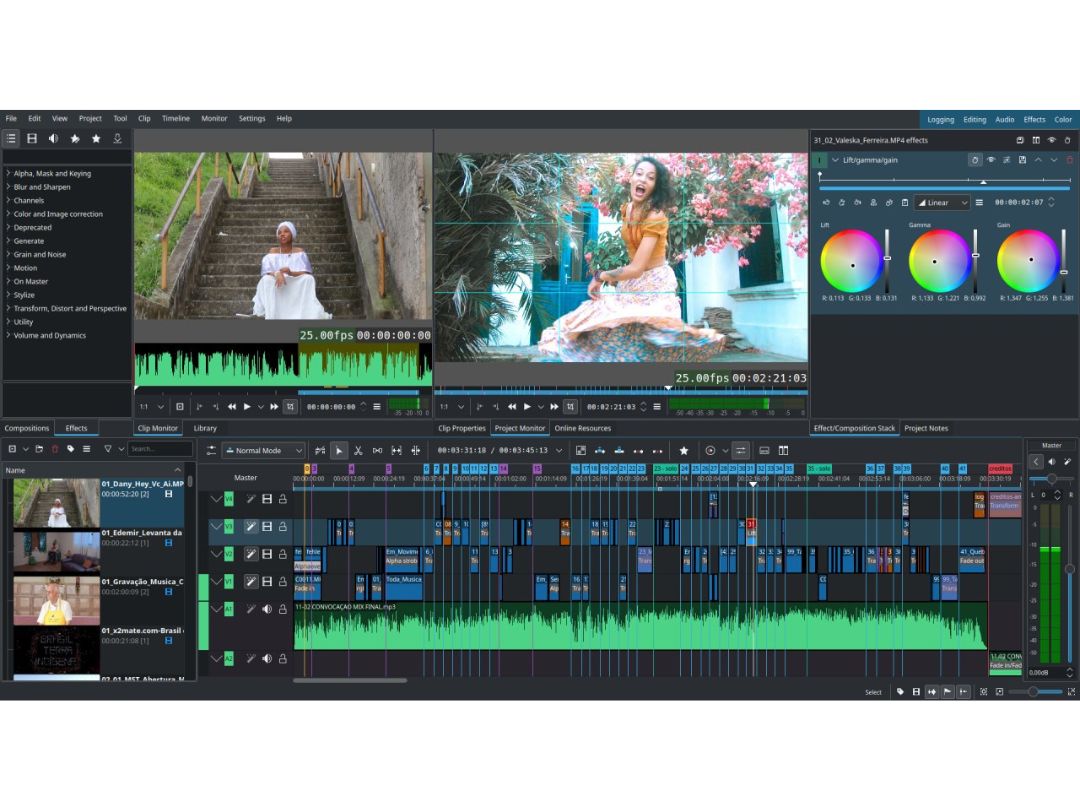
Kdenlive is an open-source non-linear video editing software for Mac, Windows, and Linux featuring multi-track timelines and extensive effects.
See MoreHave you used Kdenlive before?
Share your insights for better experience
This Product is Available Free Forever.
Start instantly with no fees, no subscriptions, and no commitments.
Free Forever Plan
Get started immediately at no cost. Upgrade anytime if your business demand more.
Free ForeverBasic Editing Tools / Timeline Editing
 Non-Linear Editing (NLE) Split & Merge Trim, Crop & Resize Drag and Drop Functionality Transition Effects Video Masking Preview Functionality Video Overlays Scene Cut Detection Speed Ramping and Speed Changing
 Color Correction & Enhancement
Color Grading and Correction Color Blending and Filters Color LUTs Video Enhancer Advanced Editing Tools
Proxy Tools Object Motion Tracking Auto Reframe Key Frames and Animations 3D Animations Background Removal Video Stabilization Screen / Camera Recording Duplicate Detection Visual Effects & Motion Graphics
Content Library and Elements Green Screen and Chroma Key / Luma Key VFX SFX Audio Editing Tools
Audio Waveforms Audio Denoise Audio Mixing Voiceovers, Subtitles and Transcripts Silence Remover Audio Stretching Auto Synchronization Beat Synchronization Image Editing Tools
Image Stabilization Noise Removal File Storage and Management
File Rendering Automatic Project Backup Audio / Video Conversion 4K and HD Export AI Video Creator / Editor
AI Co-Pilot Editing AI Text to Speech AI Voice Changer AI Auto Face Blur AI Speech / Dialogue Enhancer AI Text-To-Video AI Text-Based Editing Collaboration & Sharing
Multi Format Compatibility Real Time Collaboration Social Media Integration Multi Device Compatibility Video Brand Kit Third-Party Integrations Others
Multicamera Editing Stereoscopic Workflow  Ubuntu
  Windows
  MacOS
MacOS  Linux
Linux  Desktop
  Cloud-Based
Small Business
Designed for startups and growing businesses
Medium Business
Built for business growth and flexibility
Enterprises
Designed for complex and large-scale business needs
4.3
Out of 5

Overall Rating
Based on
6 Verified Ratings
Rating Breakdown
85% Recommend this Product
Add ReviewTechjockey Trusted Reviews from Verified Users
No reviews are currently available for Kdenlive. Discover similar Video Editing Software reviews

Filmora
Whats great - It seemed to me all so familiar and straightforward, I easily processed various video files and made interesting titles and e... read more

Wisecut
Whats great - Wisecut AI is an AI video editing tool that works in a way where you just upload the video and it edits it for you. read more

KineMaster
Whats great - KineMaster is an excellent video editing application that has been developed with the user in mind. The application enables u... read more

Kdenlive
FREE
Desktop
Mobile
Web based
On Premises
Windows
Mac OS

Adobe Premiere Pro
Price On Request
Desktop
Mobile
Web based
On Premises
Windows
Mac OS

VideoPad
Price On Request
Desktop
Mobile
Web based
On Premises
Windows
Mac OS

DaVinci Resolve
Price On Request
Desktop
Mobile
Web based
On Premises
Windows
Mac OS

FlexClip
Price On Request
Desktop
Mobile
Web based
On Premises
Windows
Mac OS
Avid Media Composer
Price On Request
Desktop
Mobile
Web based
On Premises
Windows
Mac OS

Vizard AI
Price On Request
Desktop
Mobile
Web based
On Premises
Windows
Mac OS

Lightworks
Price On Request
Desktop
Mobile
Web based
On Premises
Windows
Mac OS

Adobe Premiere Pro CC for teams
Price On Request
Desktop
Mobile
Web based
On Premises
Windows
Mac OS
Filmora
Price On Request
Desktop
Mobile
Web based
On Premises
Windows
Mac OS

Minvo
Price On Request
Desktop
Mobile
Web based
On Premises
Windows
Mac OS
(0) Product(s) selected
Starting Price:
$69.95 /License $99.00
Starting Price:
$29.00 /Month
Starting Price:
$14.49 /Month
Starting Price:
$15.00 /Month
Starting Price:
$7.99 /Month

Starting Price:
$12.99 /Month

Starting Price:
AED110.01 /LifeTime

Starting Price:
$24.00 /Month

Starting Price:
$49.99 /Year

Available
Price on Request
Kdenlive is a versatile open-source video editor that works on three major desktop platforms - Windows, MacOS, and Linux. The community project makes the editing software widely accessible.
It is currently a desktop application without a dedicated mobile app. However, TechJockey provides detailed system requirements to run Kdenlive smoothly.
Kdenlive is an open-source, downloadable executable and installable on machines.
Kdenlive appeals to beginners, students, video bloggers, marketers, and semi-pro editors looking for free non-linear editing tools. TechJockey recommends system specs to suit different users.
As a free open-source tool, users can download Kdenlive from TechJockey or the official site and start using the full editor without limitations.
Kdenlive is licensed under GNU GPL v2.1 by the open-source community sponsoring the project. Users never pay for the application.
Simple download links for the latest Kdenlive app version for Windows, Mac, and Linux are featured prominently on TechJockey's software page.
It shares a familiar non-linear video editing paradigm, allowing multi-track timeline editing by arranging multimedia clips with transitions, effects, overlays, and tools to output quality video.
Terms and Condtions

Users with registered businesses can purchase goods from merchants on the platform to satisfy their business needs. Users are not permitted to utilize any products acquired through the platform for resale, advertising, business, or further distribution.
For each purchase made, users will receive a Tax Invoice (or 'GST invoice') that includes specific details such as:
the GSTIN of the user associated with their registered business, and
the specified Entity Name for their business.
It should be noted that not all products are eligible for GST Invoice. Only the products displayed by participating sellers with the 'GST-based Invoice Available' callout on the product description page would qualify.
Certain goods and services are not eligible to get a GST Invoice, including items with VAS, i.e., Value Added Services (e.g., Total Mobile Protection/Assured Buyback) and those involving an exchange offer at the time of purchase.
Users must ensure the accuracy of the GSTIN, and business entity name provided for the GST Invoice. Requests for corrections into GST Invoice would not be accommodated by Techjockey.com or any Seller, and any issues arising from user-provided information are the sole responsibility of users.
Techjockey.com is not liable for the GST Invoice or any associated input tax credit. To efficiently claim an input tax credit, users should select the registered place of business address as per the GST authority's data and follow the provisions of the GST Act and rules.
To claim an input tax credit, the delivery and billing addresses must match. Furthermore, input tax credits will not be granted if the delivery address and GSTIN on the invoice are from different states. In case of incorrect GST details provided during the order placement, the order will be canceled automatically.
 20,000+ Software Listed
 Unbiased Comparison
 Read Authentic Reviews
 500,000+ Monthly Users