linkedin
TallyPrime logo
play Introducing TallyPrime! | TallyPrime Walkthrough
2967_Frame78
2967_Frame79

TallyPrime

Brand: Tally Solutions

  • 4.4

  • 136 Ratings & 116 Reviews

Boost your business with smart accounting software. Manage invoices, taxes and reports effortlessly with a fast, simple and hassle free solution.

See More

Have you used TallyPrime before?

Share your insights for better experience

Add a Review
Starting Price
AED78

View plans

100% Genuine
Products
Best Price
Guaranteed
Safe & Secure
Payment
  • Description

  • Pricing

  • Features

  • Specification

  • Review

  • Compare

  • Alternatives

  • FAQ

Starting at AED78.00

TallyPrime Software Overview

What is TallyPrime?

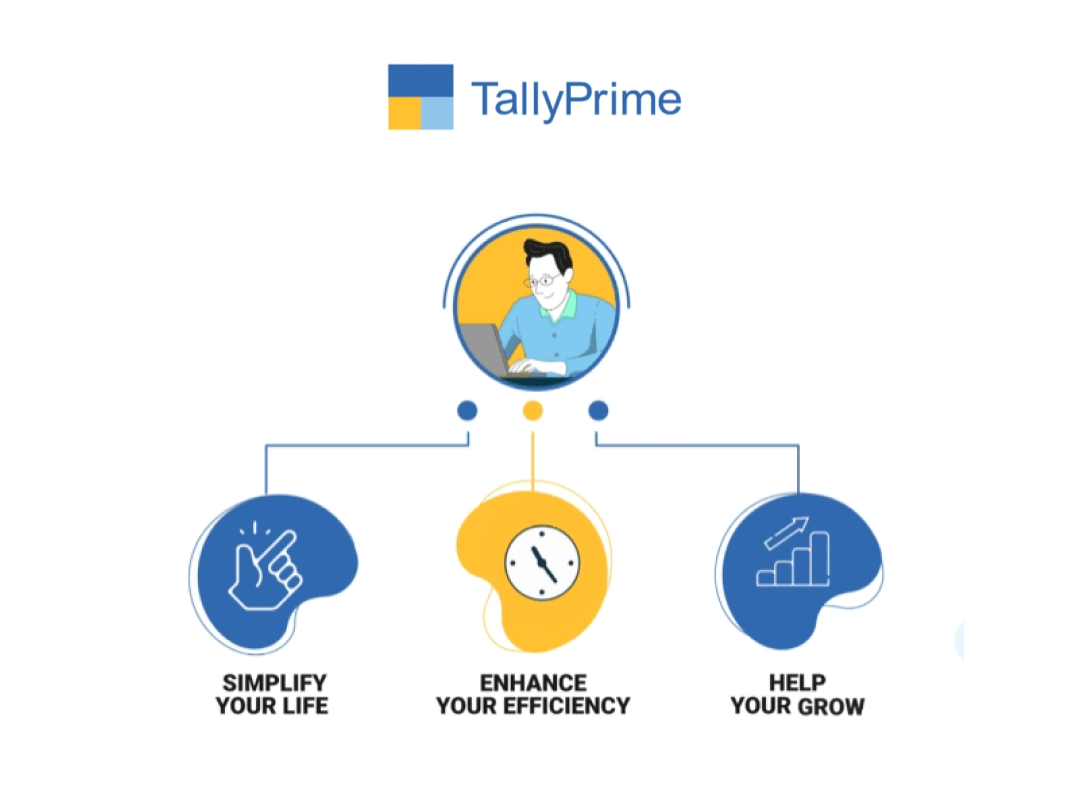
TallyPrime is comprehensive accounting software, designed for small and medium-sized businesses to manage their finances easily. At its core, TallyPrime serves as advanced accounting software, efficiently handling crucial functions such as invoicing and inventory management with authorised data control and management.

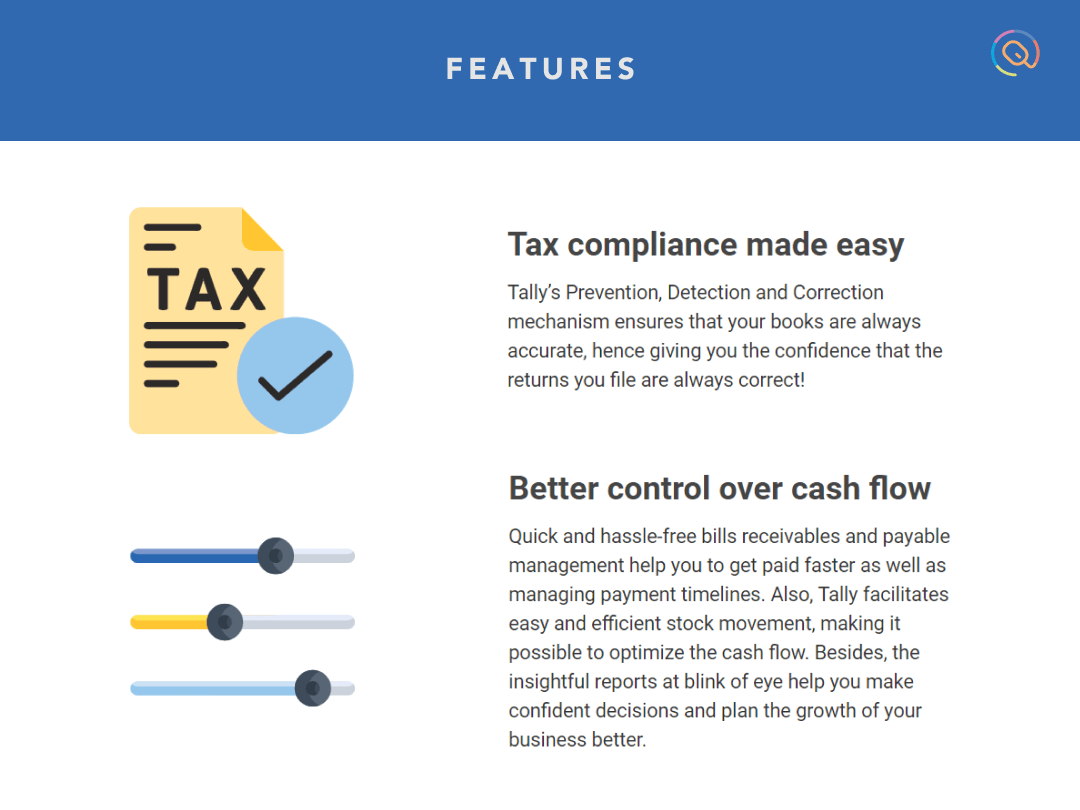
Furthermore, the software goes the extra mile by providing comprehensive solutions that streamline various aspects of business management. From cash flow management to GST filing and taxation, this software covers it all.

Additionally, it offers a range of features including cash flow management, inventory management, online banking, secured data, payroll management, and more.

What Is TallyPrime Used For?

TallyPrime is versatile accounting software primarily utilized by small and medium enterprises to streamline their financial operations. It serves as a comprehensive platform for tasks such as generating invoices, managing inventory, handling taxes like GST, and monitoring cash flows. TallyPrime's advanced reporting capabilities provide valuable insights into an organization's financial health.

Tally Prime Release Date

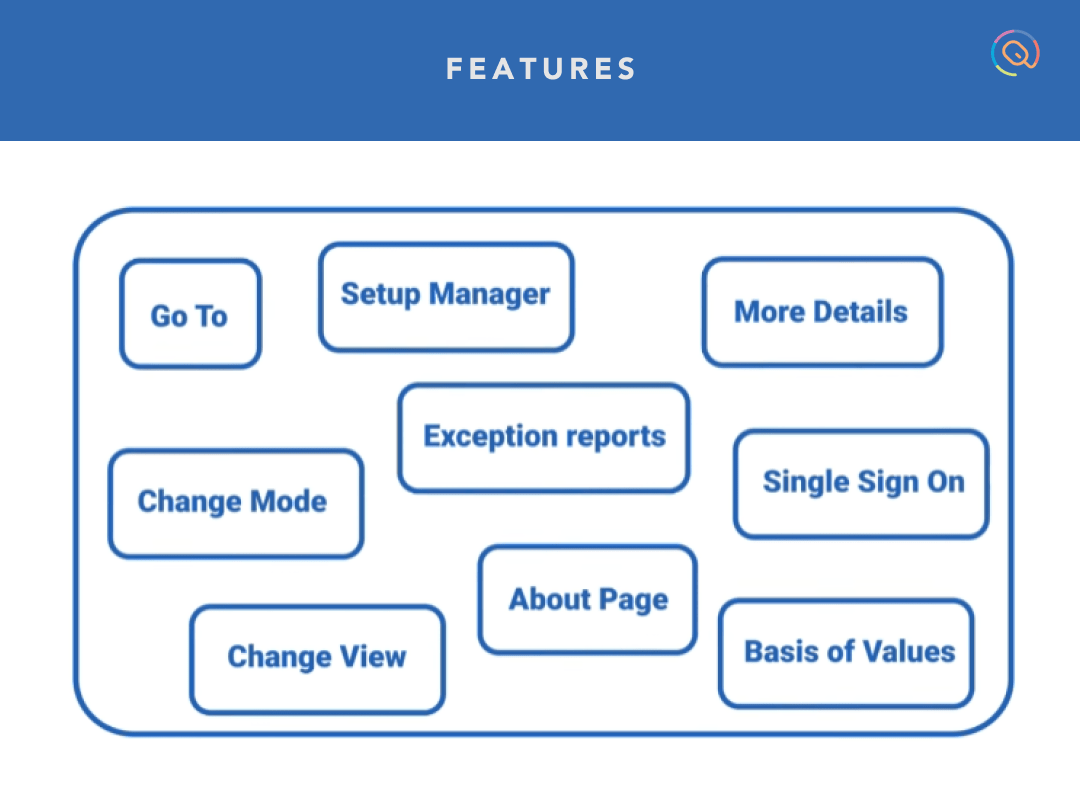
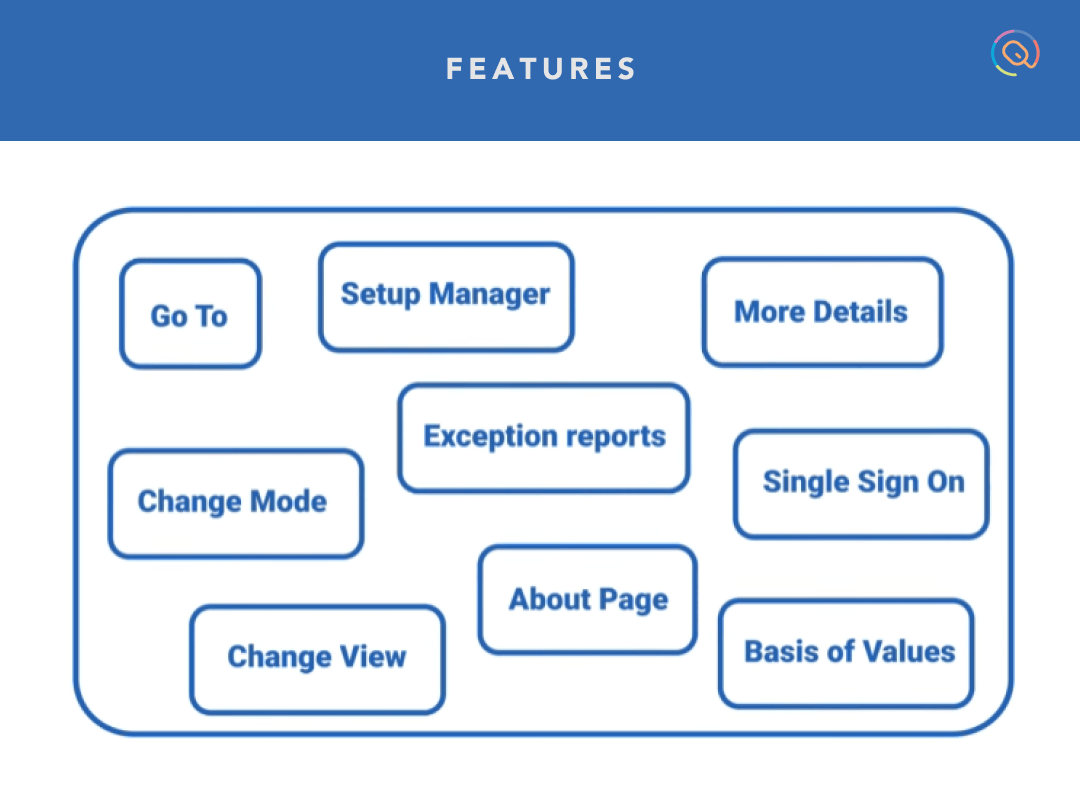
TallyPrime launch date was 9th November 2020. On this date, Tally ERP 9 was upgraded as TallyPrime to address the needs of SMBs and mid-sized businesses. The latest version is TallyPrime 1.1 and has upgraded features like insightful business reports, multitasking capabilities, go to features, etc.

How to Upgrade from Tally ERP 9 to TallyPrime

Upgrade from Tally ERP 9 to TallyPrime software in just a few minutes. Follow these simple steps and start using TallyPrime features for your business:

  1. Step 1: Download TallyPrime setup file
  2. Step2: Install TallyPrime in minutes
  3. Step 3: Activate TallyPrime license
  4. Step 4: Start managing your transactions

Existing Tally ERP 9 users can upgrade directly to TallyPrime. You just have to ensure that your TSS is in active state. In a single click, you can migrate all your data from tally ERP 9 to TallyPrime.

What is TallyPrime latest version?

3.0 is the latest version of Tally Prime. TallyPrime 3.0 comes with new features such as GST reconciliation, digital payment requests, and e-invoicing.

Does TallyPrime have an app?

TallyPrime does not have any app for mobile devices. However, there are many third-party apps available on the Google Play Store that allow you to access TallyPrime on mobile.

Difference between Tally ERP 9 and TallyPrime

Features Tally ERP 9 TallyPrime
Company Data Access Specify the folder path of company data Specify the folder path or navigate using Select from Drive option.
Multitasking Requires multiple window screens for multitasking Enables multitasking within a single window
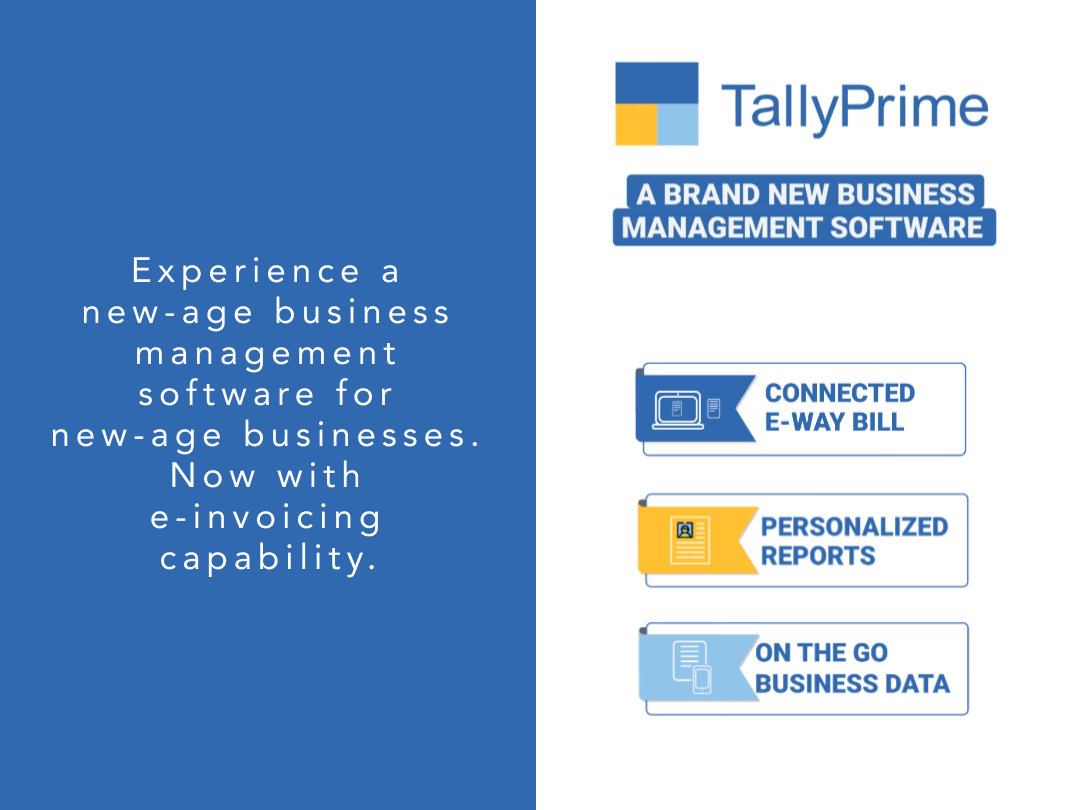
E-Invoicing and E-way Bill No built-in E-Invoicing or E-way bill functions Built-in E-invoicing and E-way bill generation
Interface Green interface Blue interface
Data Status Data status not available on screen Data status migration/repair alerts on the screen

Benefits of Using TallyPrime (Tally ERP 9)

  1. E-Invoice Generation: Because of the integration with IRP (invoice registration portal), TallyPrime software enables the uploading of e-invoice data and printing of IRN and QR codes without human intervention.
  2. Business Report Access: Authorized employees can access and share business reports like Balance Sheets, Stock Summary, Profit and Loss, etc. from web browsers.
  3. Books Decentralization: Users can decentralize critical data across branches and consolidate information at a single platform with the online bookkeeping module of TallyPrime software.
  4. E-Payments: With the E-Payment option, enterprises can conduct E-Fund transfers, issue electronic cheques and electronic DD/PO.

Tally Prime Download

Organisations can download the Tally Prime setup file from the download centre and run it to install the software.

Tally Prime Pricing

TallyPrime software offers a free trial. However, the premium plan with advanced features starts at AED. 78/month (silver rental plan)

TallyPrime Price range:

  • Silver (1 month): AED 78/month (excluding GST)
  • Silver (3 months): AED.234 /3month (excluding GST)
  • Silver (12 months): AED.936 /year (excluding GST)
  • Silver (Lifetime): AED 2340 one-time payment (excluding GST).

What is the Disadvantage of Tally Prime?

TallyPrime's disadvantages include the absence of an integrated payroll system, which can pose challenges for organisations handling employee payroll. There is also a limitation in interacting with third-party programs, potentially causing data transmission challenges between TallyPrime and other software for enterprises.

Read more

Tally Solutions Company Details

Founded Year:  1986

Tally Solutions Pvt. Ltd., is an Indian multinational company that provides enterprise resource planning software. It is headquartered in Bengaluru, Karnataka India.

Director/Founders Shayam Sunder Goenka, Bharat Goenka
Company Size 501-1000 Employees

TallyPrime Pricing & Plans

SILVER (1 Month)
Starting at AED78
    • Quantity

      Quantity
      Quantity
    • Monthly

      Monthly
      Monthly

Key Features

  • Invoicing & Accounting

  • Inventory Management

  • Banking and Cashflow

SILVER (3 Month)
Starting at AED234
    • Quantity

      Quantity
      Quantity
    • Monthly

      Monthly
      Monthly

Key Features

  • Invoicing & Accounting

  • Inventory Management

  • Banking and Cashflow

Silver (12 Month)
Starting at AED936
    • Quantity

      Quantity
      Quantity
    • Monthly

      Monthly
      Monthly

Key Features

  • Invoicing & Accounting

  • Inventory Management

  • Banking and Cashflow

Silver (Lifetime)
Starting at AED2340
    • Quantity (LifeTime)

      Quantity (LifeTime)
      Quantity (LifeTime)

Key Features

  • Invoicing & Accounting

  • Inventory Management

  • Banking and Cashflow

TallyPrime Features

  • icon_check VAT Compliance
    Manage VAT accounting and tax-related transactions.
  • icon_check Return Management
    Prepare VAT return information and connect with UAE VAT filing workflows.
  • icon_check E-Invoicing
    Support Saudi Arabia's ZATCA e-invoicing requirements.
  • icon_check Multi-Currency Support
    Record and manage transactions in multiple currencies.
  • icon_check Inventory Management
    Track stock, warehouses, and inventory valuation.
  • icon_check Bank Reconciliation
    Manage bank transactions and reconciliation.
  • icon_check Business Reporting
    Generate customizable financial and operational reports.
  • icon_check Remote Report Access
    Access business reports online from supported devices.
  • icon_check Data Backup at Cloud
    Back up and restore business data using TallyDrive.
  • icon_check Sales Management
    Record sales transactions, sales orders, and customer invoices.
  • icon_check Purchase Management
    Manage purchase transactions, supplier bills, and purchase orders.
  • icon_check Invoice Template
    Personalize invoices with business logos, addresses, terms, and other details.
  • icon_check Debit and Credit Notes
    Record sales returns, purchase returns, and other financial adjustments.
  • icon_check Receivable Management
    Track customer outstanding balances and pending payments.
  • icon_check Accounts Payable
    Monitor supplier dues and outstanding bills.
  • icon_check Receipt Management
    Record business payments, customer receipts, and financial transactions.
  • icon_check Transaction Management
    Record and track post-dated payments and other financial transactions.
  • icon_check Financial Reporting
    Generate ledger reports, cash and bank books, balance sheets, profit and loss statements, and trial balances.
  • icon_check Multiple Company
    Maintain multiple business and party addresses for invoices and reports.
TallyPrime Demo Video play icon

Get TallyPrime Demo

Watch the demo video to explore key features, real workflows, and how the software fits your business needs.

Understand
Key Features
Personal
Demo Insights
Interactive
Demo Support

TallyPrime Specifications

Supported Platforms
Windows Windows
Devices
Desktop Desktop
Deployment
Cloud-Based Cloud-Based Perpetual Perpetual
Suitable For
All Industries
Business Specific
All Businesses
Business Size
Small Business Startups Medium Business Enterprises SMBs SMEs
Customer Support
Phone Email Live Chat Communities Forums
Language
English ગુજરાતી हिन्दी ಕನ್ನಡ मराठी తెలుగు
Training Resources
Webinars Documentation Videos

Explore the Best Alternative Solutions Similar to Your Business Size and Needs

Small Business

Designed for startups and growing businesses

Digits

4.6

Avise

4.0

See More

TallyPrime Reviews

4.4

Out of 5

img

Overall Rating

Based on
116 Verified Reviews

Rating Breakdown

  • Features 4.4
  • Value for Money 4.4
  • Ease of Use 4.3
  • Customer Support 4.4

84% Recommend this Product

Add Review
AI Generated Summary Based on Real Reviews

Overall, TallyPrime receives high praise for its user-friendly interface and comprehensive accounting capabilities, making it a preferred choice for small to medium-sized businesses. Users appreciate its efficiency in managing financial transactions, GST compliance, and inventory management. However, some customers express concerns about the software's high cost, occasional technical issues, and a steep learning curve for new users. Despite these limitations, many find it a valuable tool that significantly enhances their accounting processes.

Pros

  • "Entries are smooth and easy to understand. Provides Billing inventory, taxation, balance sheet, payroll, and adjustments."

    TanmayAug 23, 2024

  • "User-friendly, Its best for updating account books, very easy to use."

    RAHULAug 7, 2024

  • "About in we could make many companies. Also, we could not open a calculator in between tally to calculate some sums we easily got ctrl+n."

    Himanshu PrasadMay 3, 2024

Cons

  • "High upfront cost: expensive initial investment for small businesses."

    JAYJul 19, 2024

  • "Some times software bugs can slow down work but it doesn't matter in final work"

    PARTHNov 6, 2023

  • "Some of the features in the software are very much attractive but implementation part is difficult which is why users can't take advantage of all of its available features."

    Rahul Aug 24, 2023

TallyPrime Video Reviews

youtubeVideoId

4.8

“#TallyPrimeReview: 7 Things You Should Know About The All-New TallyPrime”

Review by: Abdul karim hanif

youtubeVideoId

5

“Tally Customer Speaks | Kulbhushan Associates | Punjab | India”

Review by: kulbhushan

Mohan Pandey

Administrator

Industry: E-commerce User since: 6-12 months

4.7

Reviewed on: Dec 30, 2020

Techjockey Verified

“In this application, you would find some inbuilt impressive functions for managing accounts and bookkeeping.”

Pros

Along with various inventory and purchase management features, the software supports tax filling as per the latest government regulations. Speed is awesome too.

Cons

Remotely accessing information is not possible.

Chintan Raval

Owner

Industry: Retail User since: 6-12 months

4.5

Reviewed on: Dec 14, 2020

Techjockey Verified

“The software is convenient for all kinds of businesses and service providers.”

Pros

The software offers easy to use accounting capabilities. You can also use the platform for generating GST reports.

Cons

Need to get a better user interface comparing with the current one.

Switched from Easy GST

Reason to switch

Better performance and more flexibility for my sector. More options for integrations are available in the market.

Akhil S

Owner

Industry: Retail User since: 6-12 months

4.5

Reviewed on: Jan 30, 2021

Techjockey Verified

“Great Accounting Capabilities”

Pros

Accounting capabilities is definitely a plus about using this product. You can also use it for updating details of all credits done and debits made. Inventory management feature is amazing too.

Cons

Customer services need to be made friendly and accessible.

Reason to switch

the main reason for choosing is it is easy to learn and migrate as there are many tutorials available online which helps in migrating from manual to automation.

See All TallyPrime Reviews

Compare TallyPrime With other Accounting Software

Products
Ratings
Pricing
Device Supported
Deployment
Supported Platforms
  • img

    TallyPrime

  • 4.4

  • AED 78.00 excl. GST

  • Desktop

    Mobile

  • Web based

    On Premises

  • Windows

    Mac OS

  • img

    DualEntry

  • 4.4

  • Price On Request

  • Desktop

    Mobile

  • Web based

    On Premises

  • Windows

    Mac OS

  • img

    Rillet

  • 4.1

  • Price On Request

  • Desktop

    Mobile

  • Web based

    On Premises

  • Windows

    Mac OS

  • img

    QuickBooks

  • 4.3

  • Price On Request

  • Desktop

    Mobile

  • Web based

    On Premises

  • Windows

    Mac OS

  • img

    Zoho Books

  • 4.5

  • Price On Request

  • Desktop

    Mobile

  • Web based

    On Premises

  • Windows

    Mac OS

  • img

    Digits

  • 4.6

  • Price On Request

  • Desktop

    Mobile

  • Web based

    On Premises

  • Windows

    Mac OS

  • img

    Bookkeep

  • 4.4

  • Price On Request

  • Desktop

    Mobile

  • Web based

    On Premises

  • Windows

    Mac OS

  • img

    Financio

  • 4.5

  • Price On Request

  • Desktop

    Mobile

  • Web based

    On Premises

  • Windows

    Mac OS

  • img

    EasyBooks

  • 4.5

  • Price On Request

  • Desktop

    Mobile

  • Web based

    On Premises

  • Windows

    Mac OS

  • img

    Inkle

  • 4.3

  • Price On Request

  • Desktop

    Mobile

  • Web based

    On Premises

  • Windows

    Mac OS

(2) Product(s) selected

TallyPrime Alternatives

See All TallyPrime Alternatives

Available

Price on Request

Available

Price on Request

Starting Price:

$19.00 /Month

Starting Price:

£13.00 /Month

SAVE UPTO 25% OFF

Starting Price:

$8.40 /Month

Starting Price:

$12.00 /Month

Articles for TallyPrime

See All Related Articles

Will TallyPrime allow me to manage multiple companies?

Yes, TallyPrime will allow you to manage multiple companies with separate book keeping.

Is there any TallyPrime demo available?

Yes, you can make a request for Tally Prime demo. Our in-house team will get back to you as per the date and time mentioned in your demo request.

Is the TallyPrime app available for mobile users?

No, Tally ERP 9 (TallyPrime ) does not offer a dedicated mobile app as of now.

What type of advanced accounting features are offered by TallyPrime?

The all-new Tally Prime Accounting Solution offers a host of features like purchase and sales management, multi-currency support, price level categorization and more.

Is TallyPrime free for accounting purposes?

You can download Tally Prime trial version of Tally ERP 9 (TallyPrime) from their official website, free of cost. To get a paid version checkout our pricing section.

Is Tally Prime cloud-based?

Tally Prime cloud-based version can be accessed on windows or mac operating systems from any location.

Is tally prime free?

No, TallyPrime is not available for free. You can just download it for free and then purchase any of its premium plans to access its features.

How much does TallyPrime cost?

TallyPrime pricing starts at AED 78/user for the Silver rental plan and AED 234/user for the 3-month Silver plan.

What is the disadvantage of TallyPrime?

TallyPrime has some disadvantages, as it lacks advanced data security features. Also, its user interface is poor and is also difficult to learn. Further, it offers limited scalability in terms of features. Above all, it is not cloud-based, which has become the synonym for software in today’s time.

Which is the best version of TallyPrime?

TallyPrime's version 3.0.1 is the best version, it offers a range of features such as digital payment requests, e-invoicing, and more. It is designed to cater to all your business requirements, from accounting and invoicing to inventory management, and cash flow management.

Which is the newest Tally ERP 9 or TallyPrime?

TallyPrime is the newest Tally software. TallyPrime is a better option as compared to Tally ERP 9. It's easy to access and control your data with TallyPrime. And unlike Tally ERP 9, TallyPrime comes with built-in features for creating invoices and e-way bills.

What is TallyPrime latest version?

The latest version of TallyPrime is TallyPrime 3.0. The new version introduces a range of features such as digital payment requests and e-invoicing abilities, and more. Its purpose is to meet all your business requirements, covering everything from account management and invoice generation to inventory control and cash flow management.

What are the types of TallyPrime?

Types of TallyPrime plans are silver rental, silver, gold rental, and gold. The silver rental and silver type are suitable for single user. On the other hand, gold rental and gold are suitable for multi-user.

Terms and Condtions

close

Users with registered businesses can purchase goods from merchants on the platform to satisfy their business needs. Users are not permitted to utilize any products acquired through the platform for resale, advertising, business, or further distribution.

For each purchase made, users will receive a Tax Invoice (or 'GST invoice') that includes specific details such as:

  • the GSTIN of the user associated with their registered business, and

  • the specified Entity Name for their business.

It should be noted that not all products are eligible for GST Invoice. Only the products displayed by participating sellers with the 'GST-based Invoice Available' callout on the product description page would qualify.

Certain goods and services are not eligible to get a GST Invoice, including items with VAS, i.e., Value Added Services (e.g., Total Mobile Protection/Assured Buyback) and those involving an exchange offer at the time of purchase.

Users must ensure the accuracy of the GSTIN, and business entity name provided for the GST Invoice. Requests for corrections into GST Invoice would not be accommodated by Techjockey.com or any Seller, and any issues arising from user-provided information are the sole responsibility of users.

Techjockey.com is not liable for the GST Invoice or any associated input tax credit. To efficiently claim an input tax credit, users should select the registered place of business address as per the GST authority's data and follow the provisions of the GST Act and rules.

To claim an input tax credit, the delivery and billing addresses must match. Furthermore, input tax credits will not be granted if the delivery address and GSTIN on the invoice are from different states. In case of incorrect GST details provided during the order placement, the order will be canceled automatically.

21,000+ Software Listed 21,000+ Software Listed

Best Price Guaranteed Unbiased Comparison

Free Expert Consultation Read Authentic Reviews

5M+ Happy Customers 500,000+ Monthly Users