 USA
 India


Nuance Power PDF
Whats great - Robust editing tools and secure document handling. read more

Brand: Zoho Corporation
Have you used Zoho PDF Editor before?
Share your insights for better experience
Brand: Zoho Corporation
Founded Year: 1996
Zoho Corporation, is an Indian multinational company that specialises in software development, cloud computing, and web-based business tools. It is best known for Zoho Office suite.
Looking for The Right Pricing?
Share your requirements and get a plan built around your business.
Price Available on Request
Get personalised Zoho PDF Editor pricing that fits your needs. Our team will connect with you.
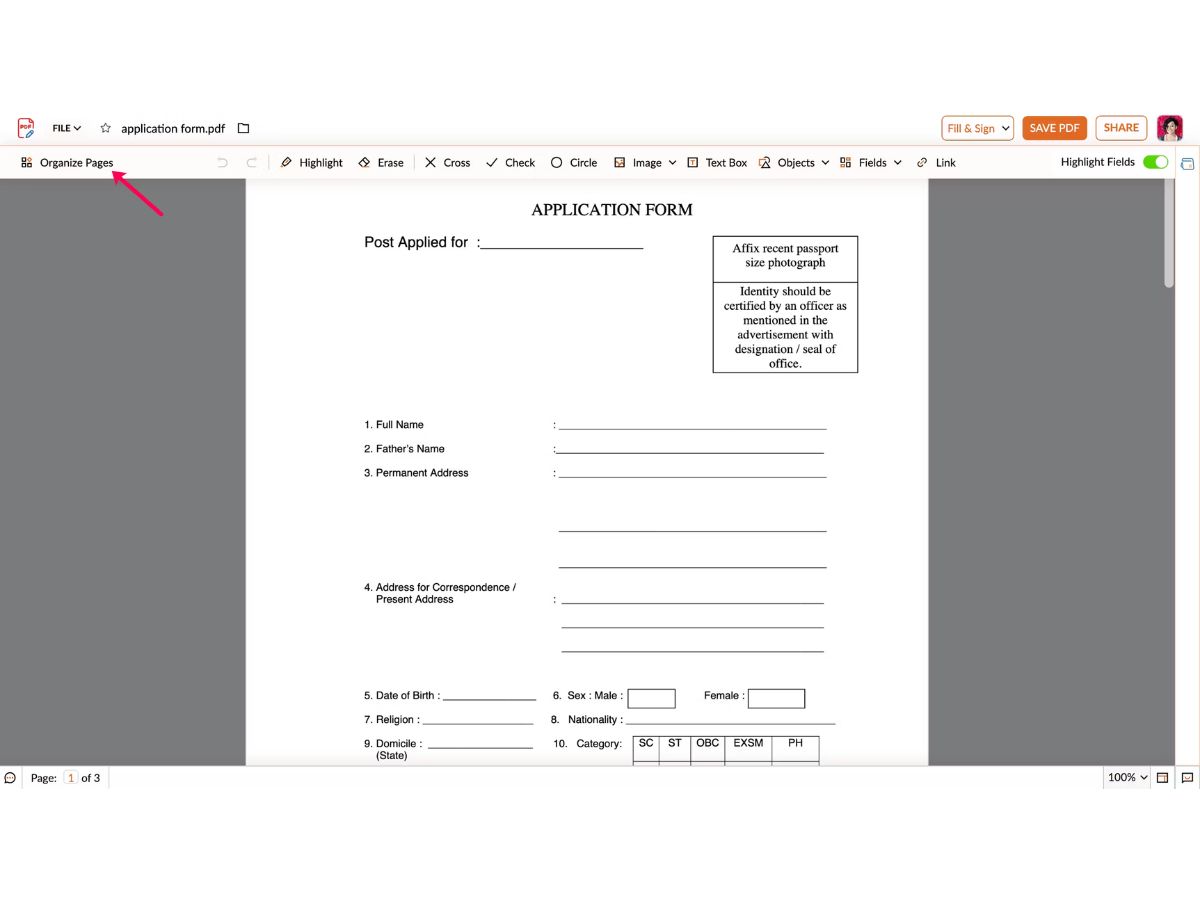
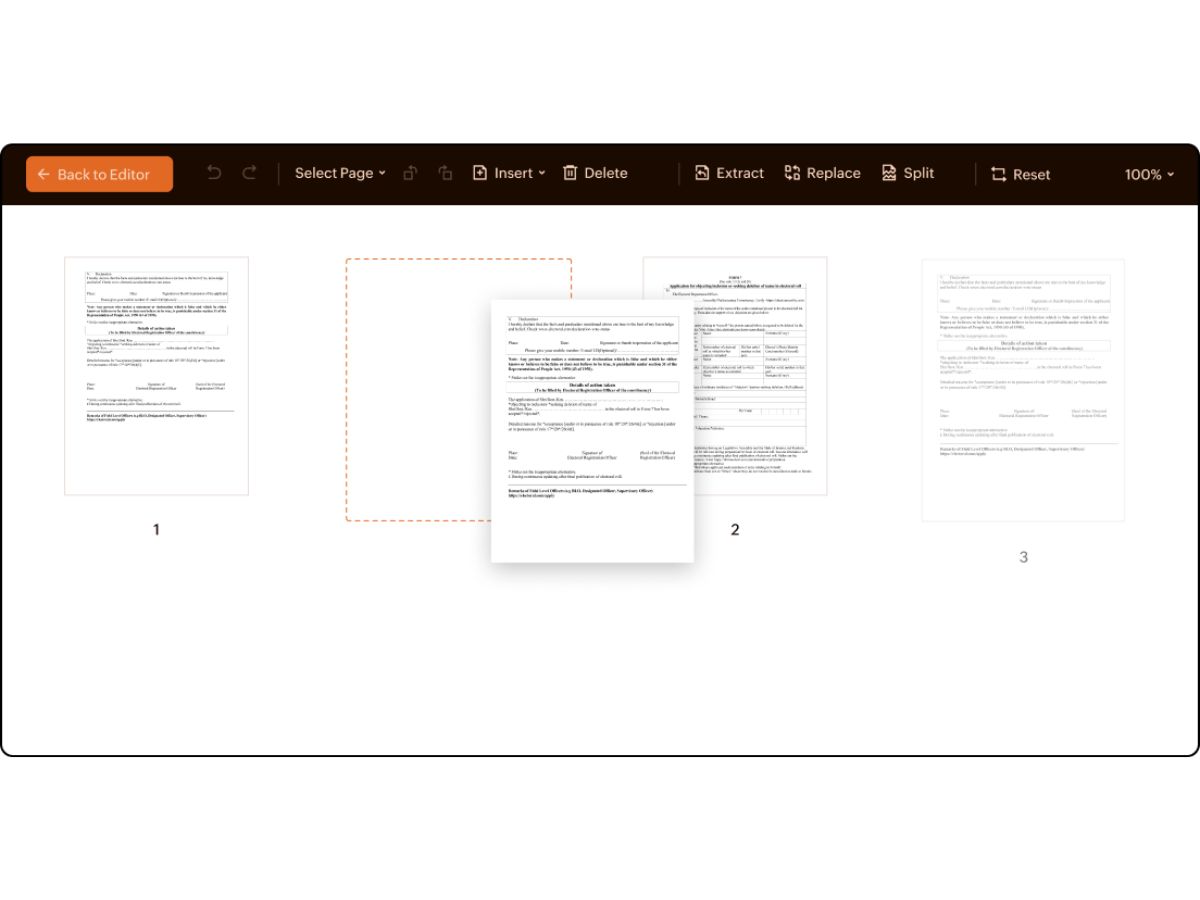
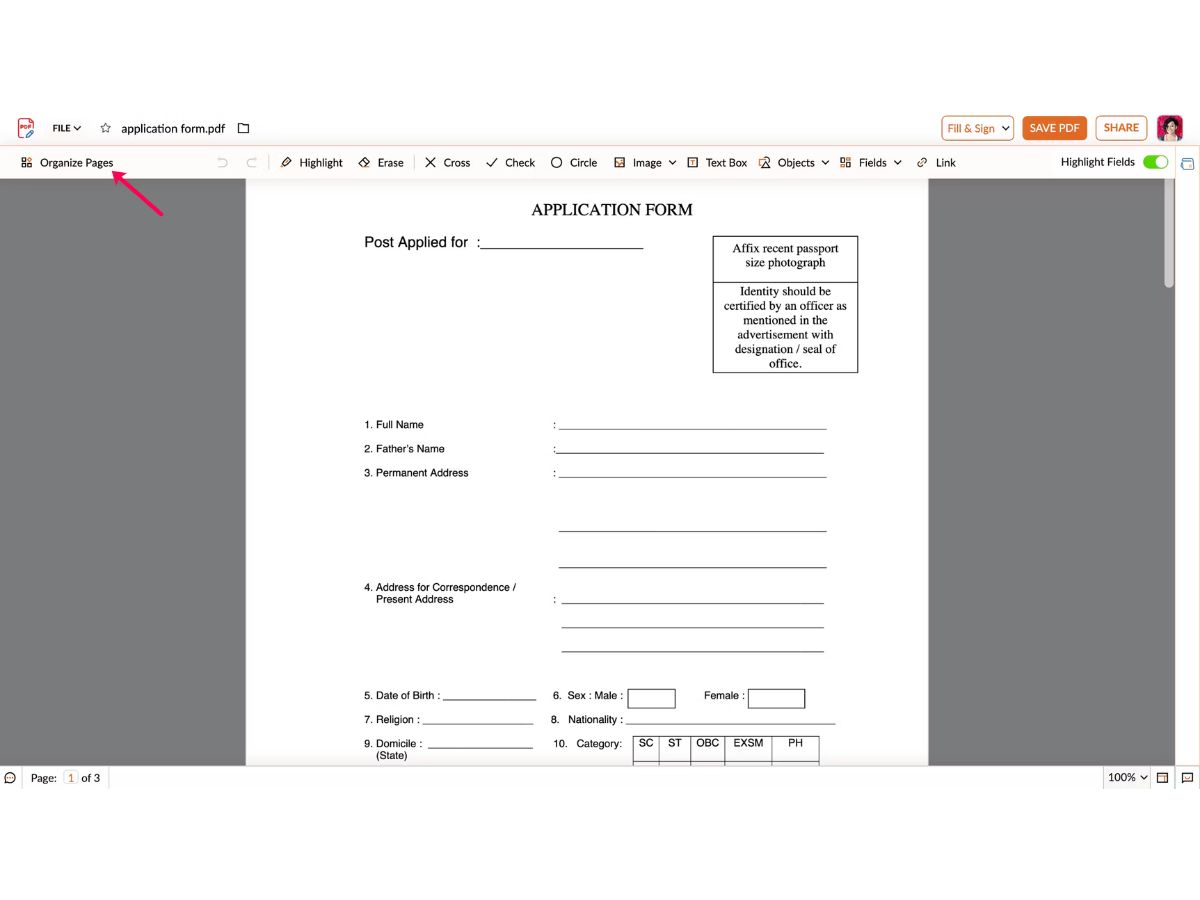
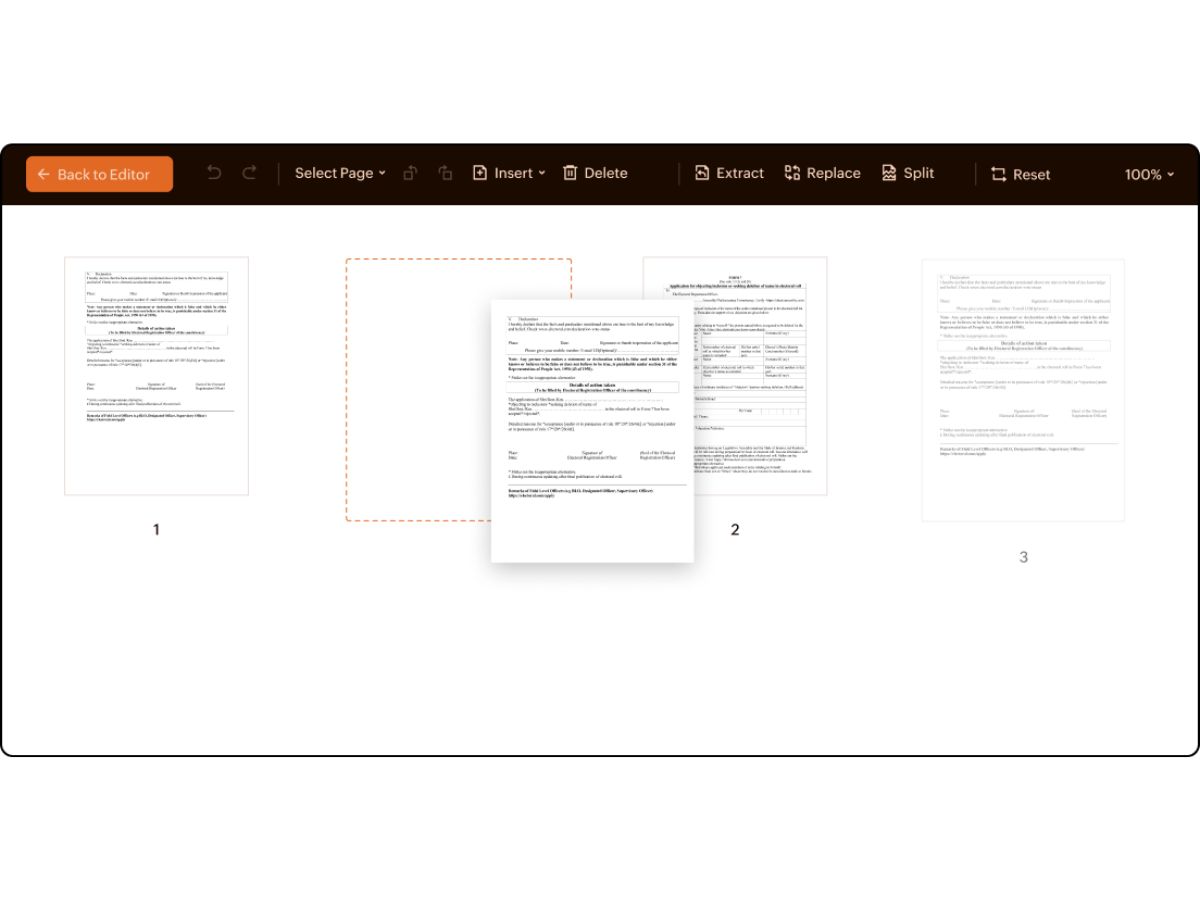
 Text Editing Image Insertion Annotation Tools Form Field Creation E-Signature Integration Page Management Merge & Split PDFs Whiteout Tool Hyperlink Embedding Watermark & Stamp OCR (Optical Character Recognition) Cloud Collaboration PDF conversion Security & Permissions Version History

Watch the demo video to explore key features, real workflows, and how the software fits your business needs.
 Ubuntu
 Windows
 MacOS
 Linux
 Desktop
 Cloud-Based
4.3
Out of 5

Overall Rating
Based on
4 Verified Ratings
Rating Breakdown
80% Recommend this Product
Add ReviewTechjockey Trusted Reviews from Verified Users
No reviews are currently available for Zoho PDF Editor. Discover similar PDF Software reviews
Nuance Power PDF
Whats great - Robust editing tools and secure document handling. read more
Kofax Power PDF
Whats great - Robust editing tools and secure document handling. read more
Sejda PDF
Whats great - This platform is so user-friendly. The best part is that it keeps the original formatting and allows you to edit in a way tha... read more
Terms and Condtions

Users with registered businesses can purchase goods from merchants on the platform to satisfy their business needs. Users are not permitted to utilize any products acquired through the platform for resale, advertising, business, or further distribution.
For each purchase made, users will receive a Tax Invoice (or 'GST invoice') that includes specific details such as:
the GSTIN of the user associated with their registered business, and
the specified Entity Name for their business.
It should be noted that not all products are eligible for GST Invoice. Only the products displayed by participating sellers with the 'GST-based Invoice Available' callout on the product description page would qualify.
Certain goods and services are not eligible to get a GST Invoice, including items with VAS, i.e., Value Added Services (e.g., Total Mobile Protection/Assured Buyback) and those involving an exchange offer at the time of purchase.
Users must ensure the accuracy of the GSTIN, and business entity name provided for the GST Invoice. Requests for corrections into GST Invoice would not be accommodated by Techjockey.com or any Seller, and any issues arising from user-provided information are the sole responsibility of users.
Techjockey.com is not liable for the GST Invoice or any associated input tax credit. To efficiently claim an input tax credit, users should select the registered place of business address as per the GST authority's data and follow the provisions of the GST Act and rules.
To claim an input tax credit, the delivery and billing addresses must match. Furthermore, input tax credits will not be granted if the delivery address and GSTIN on the invoice are from different states. In case of incorrect GST details provided during the order placement, the order will be canceled automatically.
 21,000+ Software Listed
 Unbiased Comparison
 Read Authentic Reviews
 500,000+ Monthly Users