USA
 India
Small Business
Designed for startups and growing businesses

See More




Brand: Zoom Video
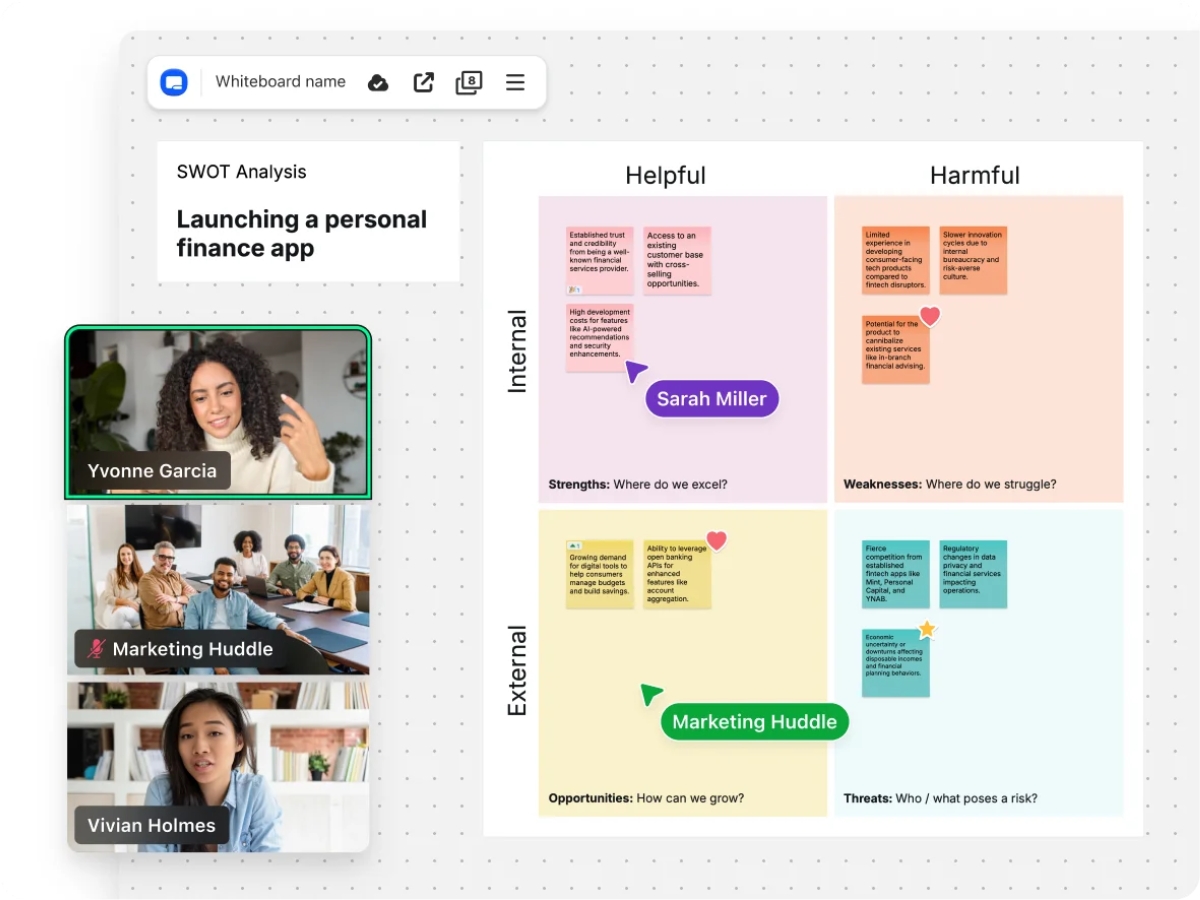
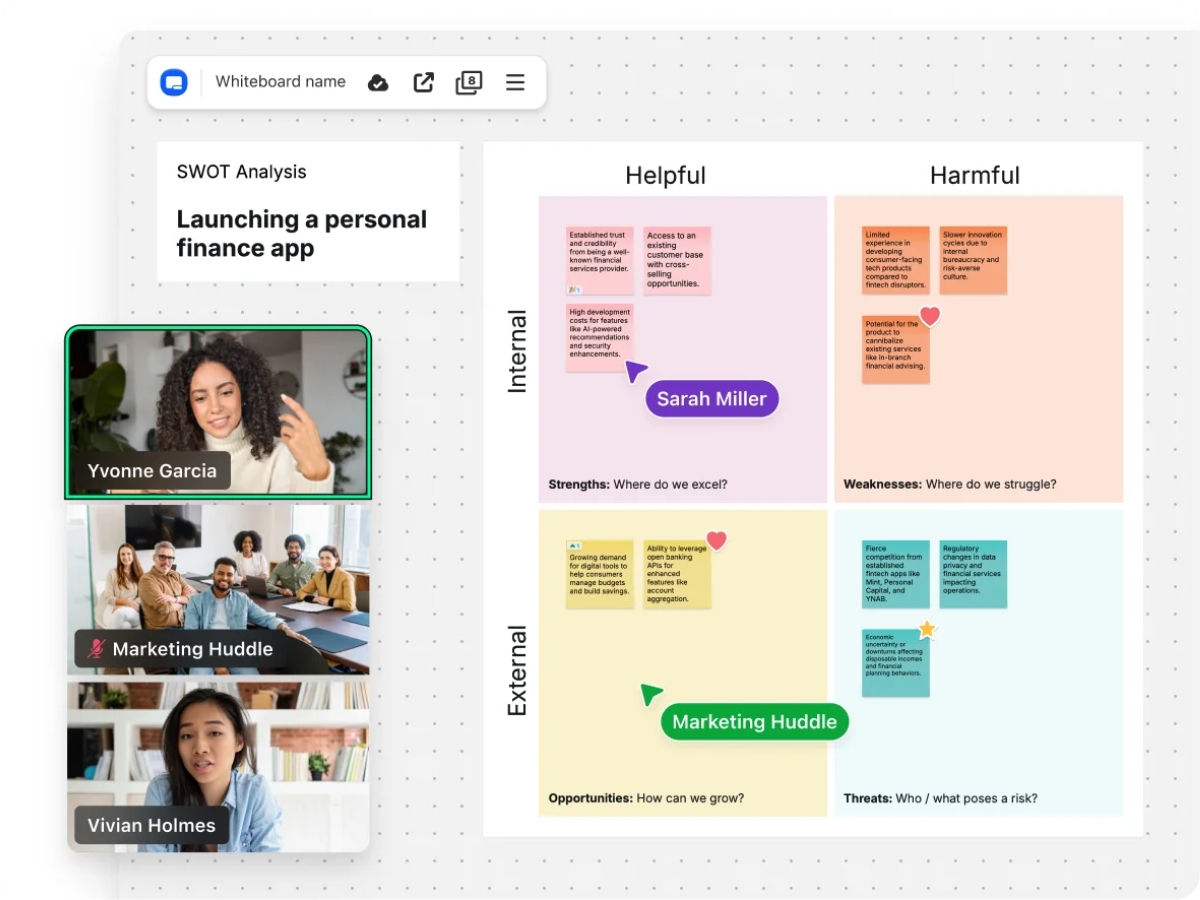
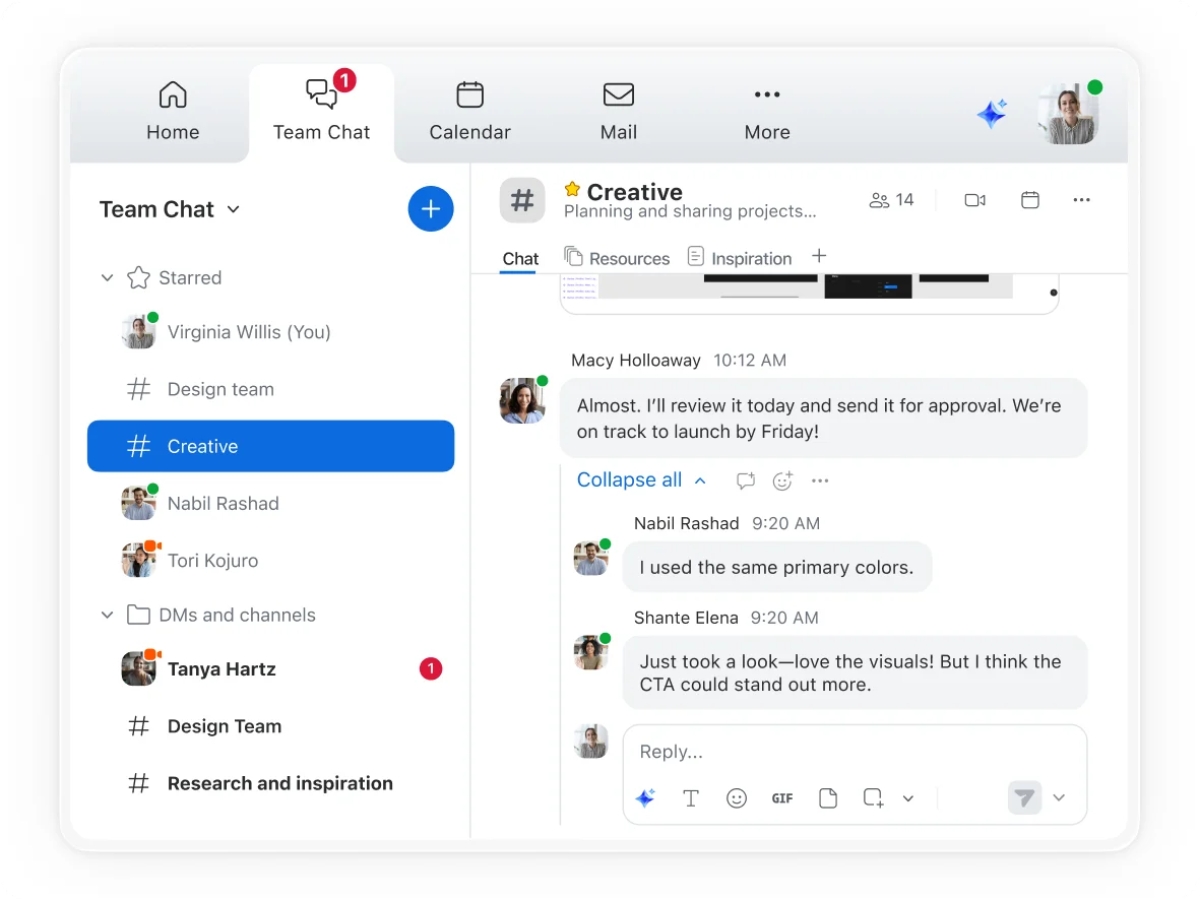
Zoom Meetings is a top of the line video conference softwarethat has an in-built real-time messaging function. Users can also share files during live conferencing. Zoom Meetings is one of the most well-recommended live conferencing software in the industry as it enables participants to join the conference from any device. The software boasts unparalleled usability because of its quick adoption wi...
See MoreHave you used Zoom Meetings before?
Share your insights for better experience
Brand: Zoom Video
Founded Year: 2011
Zoom is a software company that offers a communications platform that connects people through video, voice, chat, and content sharing.
 Host Controls Participant Management Audio Conferencing Screen Sharing Meeting Recording Breakout Room Meeting Scheduling Chat Messaging Waiting Room Control Meeting Polling File Sharing Multi-Device Connectivity Calendar Integration


Watch the demo video to explore key features, real workflows, and how the software fits your business needs.
 Windows
 iOS
 Android MacOS
 Linux
 Desktop
 Mobile
 Tablet
 iPad
 Cloud-Based
 Perpetual

Small Business
Designed for startups and growing businesses
Medium Business
Built for business growth and flexibility
Enterprises
Designed for complex and large-scale business needs
4.5
Out of 5

Overall Rating
Based on
26 Verified Reviews
Rating Breakdown
88% Recommend this Product
Add ReviewCustomers generally praise Zoom Meetings for its user-friendly interface, reliable performance, and high-quality video and audio, making it a preferred choice for both business and educational purposes. Users appreciate its seamless integration and extensive features that enhance virtual collaboration. However, some common concerns include the need for a strong internet connection, limitations on meeting duration in the free version, and occasional lags or automatic logouts. Overall, the sentiment is positive, with many users recommending it for effective online communication.
Pros
"During the pandemic, Zoom became a go-to for online classes, seminars, and more. It provided a practical solution for staying connected."
"Zoom is just awesome. It's easy to set up, user-friendly, and comes with API."
"Seamless video meetings with amazing quality. Keep track of schedules and connect with candidates effortlessly."
Cons
"Zoom requires a strong and stable internet connection for the best experience. If the connection is weak, video and audio quality can drop."
"Zoom has a drawback in its basic plan – calls are limited to a maximum duration of 45 minutes."
"I honestly can't think of anything to dislike. Zoom has consistently provided a great experience, and I've never felt the need for improvement."

Apr 4, 2022
Techjockey Verified
“Excellent tool for both business and education.”
Pros
Zoom is a great tool for connecting students, teachers and students around the world to participate in a single classroom. It is a good tool for e-learning. I highly recommend it for education.
Cons
Zoom is more expensive than many of the other products available in the marketplace. It’s missing several features at this point but I know it will get there with time.
Reason to switch
Zoom meeting software is more consistent and always works. I find that the others tend to be glitchy for some reason.
Apr 2, 2022
Techjockey Verified
“Zoom cloud meeting app is very reliable and easy to use.”
Pros
My team uses Zoom for most of our meetings and I love the screen sharing feature. It has a modern, clean interface that works great with my mac.
Cons
The company's document editing software has been fantastic for years now, but it's gotten too heavy on the computers in recent years.
Reason to switch
he product is scalable from a small business to a large enterprise and has great integration options with third party software. I would recommend it for anyone looking for a simple video conferencing solution.
Mar 20, 2024
Techjockey Verified
“Effortless Online Meetings with Zoom”
Pros
Seamless video meetings with amazing quality. Keep track of schedules and connect with candidates effortlessly.
Cons
Despite its strengths, Zoom has some drawbacks. Occasional lags and automatic logouts can be frustrating. The customer support, unfortunately, falls short of expectations.
Reason to switch
Zoom addresses the global connectivity issue by providing a platform where users can join video conferences, webinars, and live chats for free. This ensures that anyone, anywhere can easily participate and collaborate, eliminating the barriers to sharing and presenting work globally.

Zoom Meetings
$ 16.70 excl. GST
Desktop
Mobile
Web based
On Premises
Windows
Mac OS

Troop Messenger
Price On Request
Desktop
Mobile
Web based
On Premises
Windows
Mac OS

Pivot
Price On Request
Desktop
Mobile
Web based
On Premises
Windows
Mac OS

Microsoft Loop
Price On Request
Desktop
Mobile
Web based
On Premises
Windows
Mac OS

Confluence
Price On Request
Desktop
Mobile
Web based
On Premises
Windows
Mac OS

M-Connect
Price On Request
Desktop
Mobile
Web based
On Premises
Windows
Mac OS

Volley
Price On Request
Desktop
Mobile
Web based
On Premises
Windows
Mac OS

Convo AI
Price On Request
Desktop
Mobile
Web based
On Premises
Windows
Mac OS

DingTalk
Price On Request
Desktop
Mobile
Web based
On Premises
Windows
Mac OS

Flock
Price On Request
Desktop
Mobile
Web based
On Premises
Windows
Mac OS

Bizzdesign Unify
Price On Request
Desktop
Mobile
Web based
On Premises
Windows
Mac OS
(2) Product(s) selected
Available
Price on Request
Starting Price:
$29.00 /Month $49.00
Starting Price:
$4.80 /Month
Available
Price on Request

Starting Price:
$89.00 /Month

Starting Price:
$3.99 /Month

Starting Price:
$15.00 /Member/Month

Starting Price:
$79.00 /Month

Starting Price:
$18.00 /User/Month

Available
Price on Request

Available
Price on Request
Zoom Meetings is equipped with all the features that are required to conduct a webinar.
During the live conferencing click “Share” in your meeting and choose the screen that you would like to share.
Zoom Meetings save local recordings to “My documents” folder in your PC. For Cloud recordings go to “recording to page” of Zoom cloud portal.
Copy the URL of your live conference and send it through email. Or, send a meeting invitation directly from Zoom Meetings.
Yes, Zoom Meetings is available for a demo before purchase. Please request a call to get the demo scheduled.
Zoom Meetings pricing starts from INR 1449 per month per user at techjockey.com.
Terms and Condtions

Users with registered businesses can purchase goods from merchants on the platform to satisfy their business needs. Users are not permitted to utilize any products acquired through the platform for resale, advertising, business, or further distribution.
For each purchase made, users will receive a Tax Invoice (or 'GST invoice') that includes specific details such as:
the GSTIN of the user associated with their registered business, and
the specified Entity Name for their business.
It should be noted that not all products are eligible for GST Invoice. Only the products displayed by participating sellers with the 'GST-based Invoice Available' callout on the product description page would qualify.
Certain goods and services are not eligible to get a GST Invoice, including items with VAS, i.e., Value Added Services (e.g., Total Mobile Protection/Assured Buyback) and those involving an exchange offer at the time of purchase.
Users must ensure the accuracy of the GSTIN, and business entity name provided for the GST Invoice. Requests for corrections into GST Invoice would not be accommodated by Techjockey.com or any Seller, and any issues arising from user-provided information are the sole responsibility of users.
Techjockey.com is not liable for the GST Invoice or any associated input tax credit. To efficiently claim an input tax credit, users should select the registered place of business address as per the GST authority's data and follow the provisions of the GST Act and rules.
To claim an input tax credit, the delivery and billing addresses must match. Furthermore, input tax credits will not be granted if the delivery address and GSTIN on the invoice are from different states. In case of incorrect GST details provided during the order placement, the order will be canceled automatically.
 20,000+ Software Listed
 Unbiased Comparison
 Read Authentic Reviews
 500,000+ Monthly Users