linkedin
background
Azure Devops logo

Azure Devops

Brand: Microsoft Corporation

Be the first to Reviews

Write a Review

Have Questions?

Azure Devops is a cloud-based service that provides a set of tools to manage the entire software development lifecycle, from idea to delivery. With features like Azure Boards for tracking tasks, Pipelines for continuous integration, and Azure Artifacts for managing packages. ...Read more

img

Get Free Expert Consultation

Let us know your business needs clearly

Advice

Verified & Trusted
Vendors

Payment

Safe & Secure
Payment

Guaranteed

Personalized
Experts Support

Price On Request

Features

  • check_icon Agile Project Planning
  • check_icon CI/CD Pipelines
  • check_icon Security
  • check_icon Dashboards
  • check_icon Git Repository Hosting
  • See all img

Azure Devops Software Pricing, Features & Reviews

What is Azure Devops?

Azure Devops is a cloud-based suite designed to facilitate software development teams in planning, collaboration, and delivery. As part of business software and DevOps tools, it offers a comprehensive platform for managing projects. It also serves as one of the leading website development tools, enabling teams to handle every phase of the development lifecycle, from coding to deploying, with Devops ensuring continuous delivery and deployment with minimal manual intervention.

Devops is an all-in-one tool that includes Azure Boards, Pipelines, Repos, Artifacts, and Test Plans, all of which help streamline workflows. The platform is especially beneficial for teams practicing DevOps—a methodology focused on improving collaboration between development and operations teams. Devops makes it easier for teams to adopt this methodology by automating routine tasks and ensuring that both code and deployment pipelines are secure and efficient.

With the ability to integrate with other tools and services, Devops is highly flexible, allowing teams to choose the tools they need and how they want to use them. It provides robust features such as automated workflows, continuous integration (CI), continuous delivery (CD), and effective tracking of work progress.

Why Choose Microsoft Devops?

  • Comprehensive Toolset: Devops includes everything a development team needs—task tracking, repositories, CI/CD pipelines, and artifact management.
  • Cloud-Based: As a cloud service, Devops allows global teams to collaborate seamlessly and ensures that their work is always accessible, no matter where team members are located.
  • Flexibility: Devops supports integrations with many third-party tools, giving teams the freedom to customize their development environment as they see fit.
  • Scalability: It is designed to scale with your business, meaning you can start small and grow your project with ease.
  • Secure Development: With built-in security features, Devops ensures that both your code and pipeline remain safe from vulnerabilities.
  • Automation: Automating repetitive tasks like testing and deployment allows teams to focus more on building and less on managing.

Benefits of Microsoft Devops Tool

  • Improved Collaboration: Devops bridges the gap between development and operations, improving team collaboration.
  • Faster Delivery: By automating build and release processes, teams can deliver software faster and more efficiently.
  • Centralized Management: Manage code, pipelines, tasks, and packages all in one place, ensuring a smooth development process.
  • Enhanced Security: Devops integrates security at every stage of the development lifecycle, ensuring secure and compliant software delivery.
  • Cost-Efficient: Devops' pricing is flexible, allowing businesses to pay for the features they need as they grow.
  • Simplified Project Tracking: Azure Boards make it easy for teams to track project progress, assign tasks, and meet deadlines.
  • Continuous Integration and Delivery: Azure Pipelines ensures that teams can build, test, and deploy their code in an automated, repeatable process.
  • Artifact Management: Teams can manage dependencies with Azure Artifacts, reducing risks of conflicts during development.

Pricing Of Azure Devops

Microsoft Devops price on request at TechJockey USA. The pricing model is based on different parameters, including extra features, deployment type, and the total number of users. For further queries related to the product, you can contact our product team and learn more about the pricing and offers.

Azure Devops Pricing & Plans

Azure Devops price is available on request

Looking for pricing details, customization requirements or have other queries? We are just a click away.

Azure Devops Features

  • icon_check Agile Project Planning Plan, prioritize and track software development work using Agile tools.
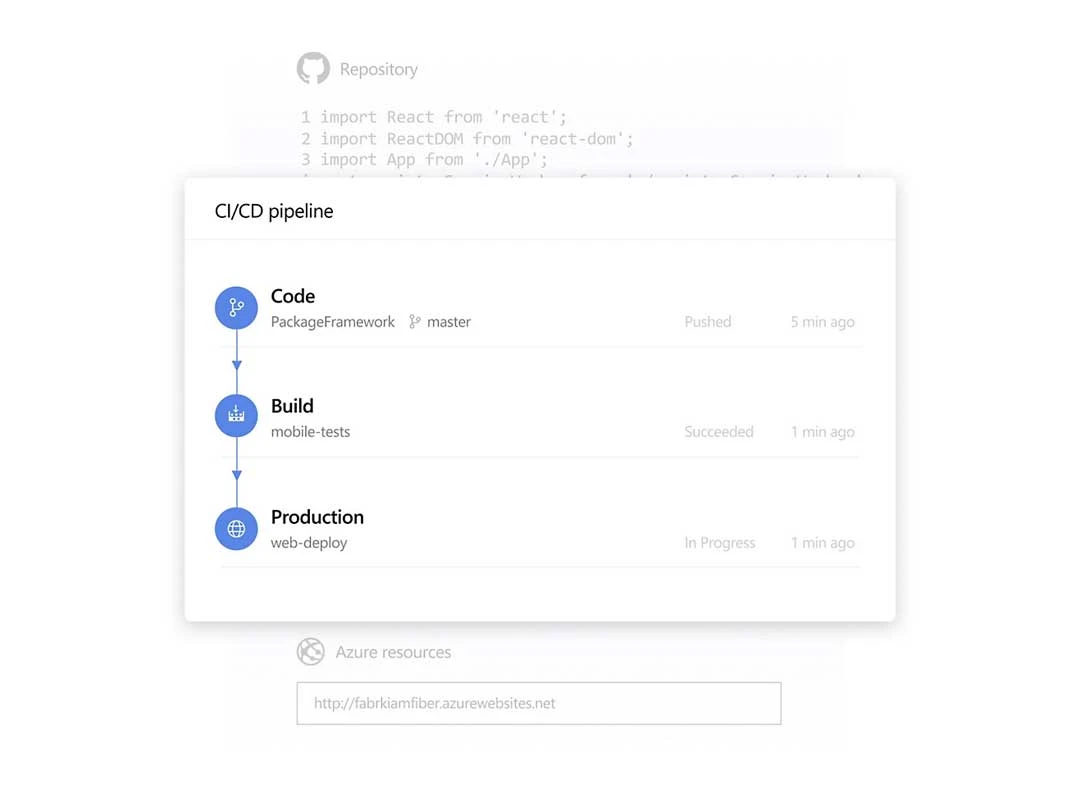
  • icon_check CI/CD Pipelines Build, test and deploy applications through automated CI/CD workflows.
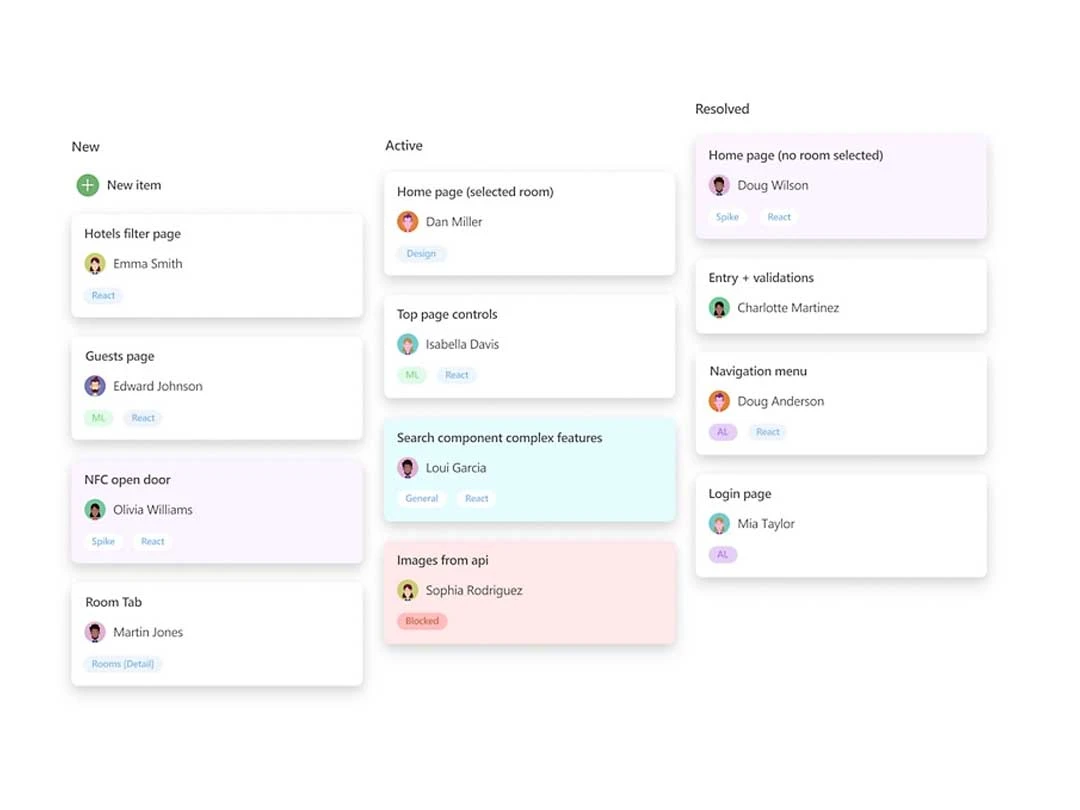
  • icon_check Security Visualize work status and manage tasks through configurable Kanban boards.
  • icon_check Dashboards Monitor project status, team metrics, build status and development progress.
  • icon_check Git Repository Hosting Host and manage private Git repositories for collaborative development.
  • icon_check Custom Workflows Customize workflows and work item types to match development processes.
  • icon_check Sprint Planning Plan iterations, manage sprint workloads and track sprint progress.
  • icon_check Multi-Platform Builds Run pipelines across Linux, macOS and Windows environments.
  • icon_check Manual Test Management Create, organize and execute manual test cases and test suites.
  • icon_check Package Management Create, host and share NuGet, npm, Maven, Python and Universal packages.
  • icon_check Test Reporting Track testing progress and generate reports using testing dashboards.
  • icon_check Multi-Cloud Deployment Deploy applications to Azure, AWS, Google Cloud or on-premises environments.

Azure Devops Specifications

  • Supported Platforms :
  • Device:
  • Deployment :
  • Suitable For :
  • Business Specific:
  • Business Size:
  • Customer Support:
  • Training:
  • Language:
  • Windows
  • Desktop
  • Cloud-Based
  • All Industries
  • All Businesses
  • Small Business, Medium Business, SMBs, SMEs
  • Phone, Email
  • In Person, Videos
  • English

Azure Devops Reviews and Ratings

banner

Would you like to review this product?

Submit Reviews

Microsoft Corporation Company Details

Brand Name Microsoft Corporation
Information Microsoft Corporation is an American multinational technology company with headquarters in Redmond, Washington.
Founded Year 1975
Director/Founders Paul Allen , Bill Gates
Company Size 1000+ Employees
Other Products Microsoft Project, Microsoft Dynamics Crm , Clipchamp, Microsoft Bookings, Microsoft OneNote

Azure Devops FAQ

A Devops is a cloud-based suite that helps teams plan, develop, test, and deploy software projects efficiently.
A It provides tools for continuous integration, task tracking, and secure code delivery, streamlining the entire software development process.
A Azure Boards, Pipelines, Artifacts, and integrated security features are the core aspects that make it ideal for development teams.
A Yes, it offers scalable solutions that cater to businesses of all sizes, from small startups to large enterprises.
A Yes, it integrates with many third-party tools like GitHub, Jenkins, and Docker to provide a seamless development experience.
A Devops includes security features like access control, threat detection, and compliance management to ensure safe development.
A Yes, Azure Boards is designed to support agile methodologies, allowing teams to track tasks and sprints easily.
A Azure Pipelines automates build, testing, and deployment processes, ensuring continuous integration and delivery of code.
A Azure Artifacts helps manage packages and libraries, allowing teams to share and reuse code across projects efficiently.
A You can sign up for Devops on the Microsoft Azure portal or Techjockey for further details.