linkedin
background
SharePoint logo

SharePoint

Brand: Microsoft Corporation

4.3

5 Ratings

Have Questions?

SharePoint is a web-based collaborative platform that integrates with Microsoft Office. It is used for document management, content management, and business process automation. SharePoint allows teams to work together on projects, share information, and automate tasks. ...Read more

img

Get Free Expert Consultation

Let us know your business needs clearly

Advice

Verified & Trusted
Vendors

Payment

Safe & Secure
Payment

Guaranteed

Personalized
Experts Support

Price On Request

Features

  • check_icon Cloud Based Installation
  • check_icon Deployment Management
  • check_icon Electronic forms and signatures
  • check_icon Data Security
  • check_icon Data Storage
  • See all img

SharePoint Software Pricing, Features & Reviews

What is SharePoint?

SharePoint is a web-based collaborative platform developed by Microsoft. It seamlessly integrates with Microsoft Office and other business applications, serving as a centralized hub for document management, content management, and business process automation. Organizations leverage SharePoint to facilitate teamwork, streamline workflows, and enhance communication across departments. It provides a secure environment for storing, sharing, and collaborating on documents, enabling version control, co-authoring, and approval processes.

SharePoint's user-friendly interface allows employees to easily create and manage team sites, discussion forums, and document libraries. Its intuitive design simplifies tasks such as document sharing, task management, and content creation. The platform's robust features empower businesses to automate workflows, build intranet portals, and enhance overall operational efficiency.

Why Choose SharePoint Collaboration Software?

  • Unified Collaboration Platform: SharePoint provides a single, centralized platform for teams to collaborate on documents, projects, and tasks in real-time, reducing the risk of information silos and fostering seamless communication and information sharing.
  • Proactive Document Management: SharePoint's robust document management capabilities enable teams to streamline document organization, version control, and access permissions. This ensures that everyone is working with the latest version of documents and reduces errors caused by outdated or conflicting information.
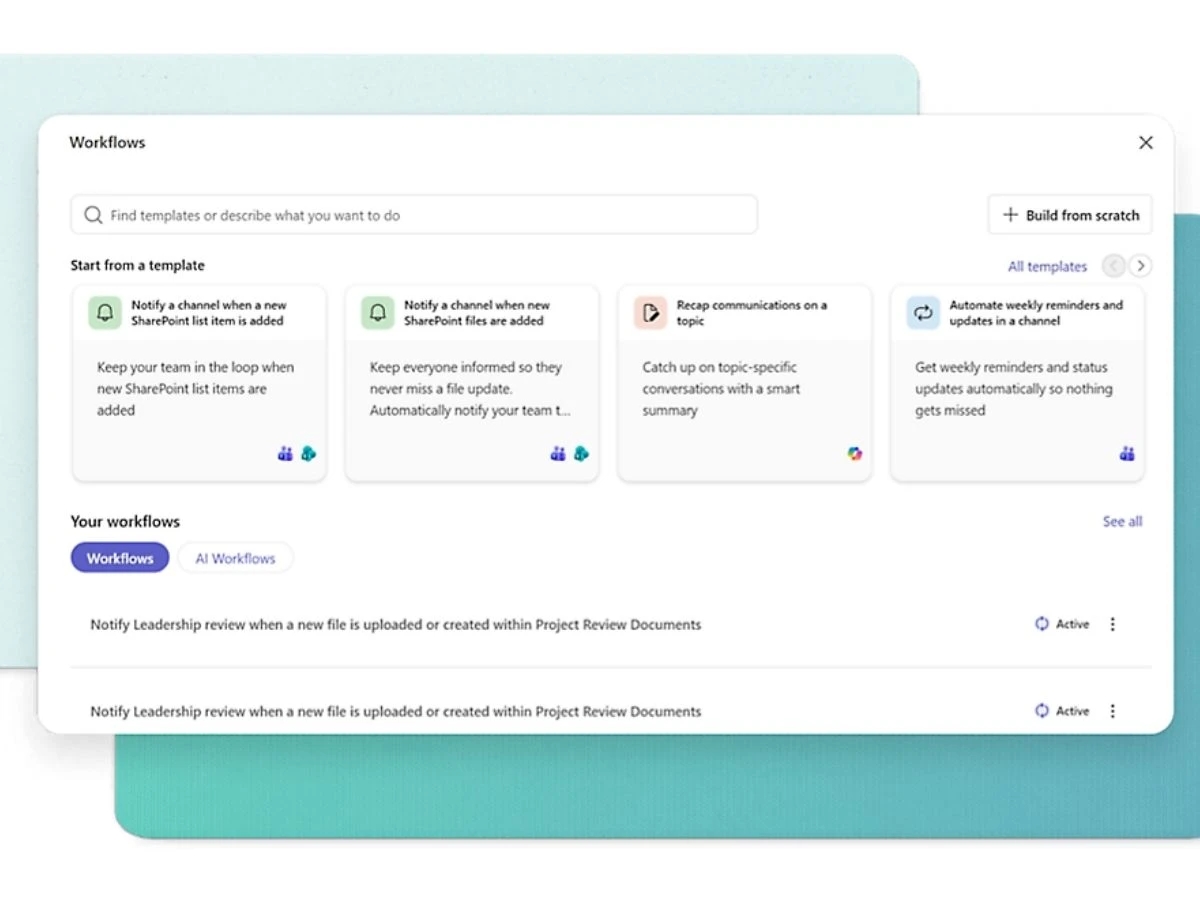
  • Automated Business Processes: Automate business processes, such as document approvals, task assignments, and content publishing, to improve efficiency and reduce manual effort.
  • Personalized Intranets: Create personalized intranet portals to deliver targeted information, news, and resources to employees, enhancing internal communication and engagement.

Benefits of SharePoint

  • Seamless Teamwork: Improve communication, collaboration, and knowledge sharing among team members with SharePoint's centralized platform. By having access to relevant information and tools, teams can work more effectively, make better decisions, and achieve their goals faster.
  • Optimized Processes: Automate routine tasks and workflows to boost productivity, reduce operational bottlenecks, and improve operational efficiency. SharePoint's workflow engine and automation capabilities enable you to streamline business operations, freeing up staff to focus on higher-value tasks.
  • Effective Content Management: Organize, manage, and track documents effectively, ensuring easy access to information and reducing version control issues. SharePoint's content management capabilities enable you to store, share, and collaborate on content, while ensuring that sensitive information remains secure.
  • Competitive Advantage: Leverage SharePoint's collaborative capabilities and content management tools to gain a competitive edge in your industry.
  • Scalability: SharePoint's scalability ensures that your organization can grow and adapt without worrying about the platform. With SharePoint, you can easily add users, content, and applications as your needs evolve, making it an ideal solution for large, complex organizations.
  • Integration: Seamlessly integrate SharePoint with other Microsoft applications, such as Office 365, to create a unified productivity suite.

Pricing of SharePoint

SharePoint pricing starts at INR 300 per month per user and is available at techjockey.com.

The pricing model is based on different parameters, including the amount of bandwidth you need, the number of servers you need, and the features you need. For further queries related to the product, you can contact our product team and learn more about the pricing and offers.

SharePoint Pricing & Plans

SharePoint price is available on request

Looking for pricing details, customization requirements or have other queries? We are just a click away.

Get SharePoint Demo

We make it happen! Get your hands on the best solution based on your needs.
Interacted

SharePoint Features

  • icon_check Cloud Based Installation Get up and running quickly with a cloud-based deployment, no IT expertise needed.
  • icon_check Deployment Management Easily manage the installation, configuration, and updates of your SharePoint environment.
  • icon_check Electronic forms and signatures Streamline workflows with digital forms and electronic signatures for increased efficiency.
  • icon_check Data Security Protect your sensitive data with robust security features, such as encryption and access controls.
  • icon_check Data Storage Store and manage large volumes of data with scalability and reliability.
  • icon_check Mobile App Access and work on SharePoint content from anywhere, on-the-go, with our mobile app.
  • icon_check Collaboration Work together seamlessly with teams on files, tasks, and projects in real-time.
  • icon_check File Management Access, store, and share files with ease, ensuring version control and file integrity.
  • icon_check Content Management Organize and manage content types, such as documents, images, and videos, effectively.
  • icon_check Customization Tailor SharePoint to your organization's needs with custom workflows, views, and branding.

SharePoint Specifications

  • Supported Platforms :
  • Device:
  • Deployment :
  • Suitable For :
  • Business Specific:
  • Business Size:
  • Customer Support:
  • Training:
  • Language:
  • Ubuntu Windows iOS Android MacOS Linux
  • DesktopMobileTabletiPad
  • Cloud-Based, Perpetual
  • All Industries
  • All Businesses
  • Individual, Small Business, Startups, Medium Business, Enterprises, SMEs, MSMBs, MSMEs
  • Phone, Email, Live Chat, Communities, Forums
  • Videos
  • English

SharePoint Reviews and Ratings

banner

Would you like to review this product?

Submit Reviews

Microsoft Corporation Company Details

Brand Name Microsoft Corporation
Information Microsoft Corporation is an American multinational technology company with headquarters in Redmond, Washington.
Founded Year 1975
Director/Founders Paul Allen , Bill Gates
Company Size 1000+ Employees
Other Products Microsoft Project, Microsoft Dynamics Crm , Clipchamp, Microsoft Bookings, Microsoft OneNote

SharePoint FAQ

A SharePoint software pricing starts at INR 300 per user per month on techjockey.com.
A SharePoint facilitates collaboration and document management by providing a centralized platform for teams to store, share, and co-author files. It enables automated workflows, simplifies business processes, and integrates with other Microsoft products for seamless productivity. SharePoint enhances communication and streamlines tasks for efficient teamwork.
A SharePoint supports Windows, macOS, Android and iOS.
A Yes, the SharePoint app is available for Android and iOS users.
A A demo of SharePoint is available at techjockey.com. You can contact our product experts for more information.
A SharePoint offers document management, collaboration tools, intranets and portals, workflow automation, enterprise search, business intelligence, and mobile access. You can contact our product experts for more information.
A SharePoint provides robust security features including data encryption, access controls, and threat protection to safeguard sensitive information. These features help in protecting against unauthorized access, data breaches, and malware, ensuring data confidentiality and integrity.
A Yes, SharePoint can be suitable for small businesses seeking to improve collaboration, streamline document management, and automate simple workflows. It can help small teams to centralize information, improve communication, and enhance productivity. However, the complexity and cost might be a consideration for very small businesses with limited budgets and technical expertise.
A SharePoint is targeted towards teams and individuals in organizations of all sizes who require a centralized platform for collaboration, document management, and workflow automation. It caters to diverse roles, from general employees to project managers and executives, empowering them to work together effectively, regardless of their geographical region.