linkedin
background
VocalRemover logo

VocalRemover

Brand: VocalRemover

Be the first to Reviews

Write a Review

Have Questions?

Unleash your creativity with VocalRemover, the cutting-edge audio editing software that effortlessly isolates vocals, providing users a dynamic platform to remix and craft music with unmatched precision and ease. ...Read more

img

Get Free Expert Consultation

Let us know your business needs clearly

Advice

Verified & Trusted
Vendors

Payment

Safe & Secure
Payment

Guaranteed

Personalized
Experts Support

Starting at

$ 4.99 /Month

Features

  • check_icon Audio Cutter
  • check_icon Audio Joiner
  • check_icon Voice Recorder
  • check_icon Finder
  • check_icon Audio Tools
  • See all img

VocalRemover Software Pricing, Features & Reviews

What Is VocalRemover Software?

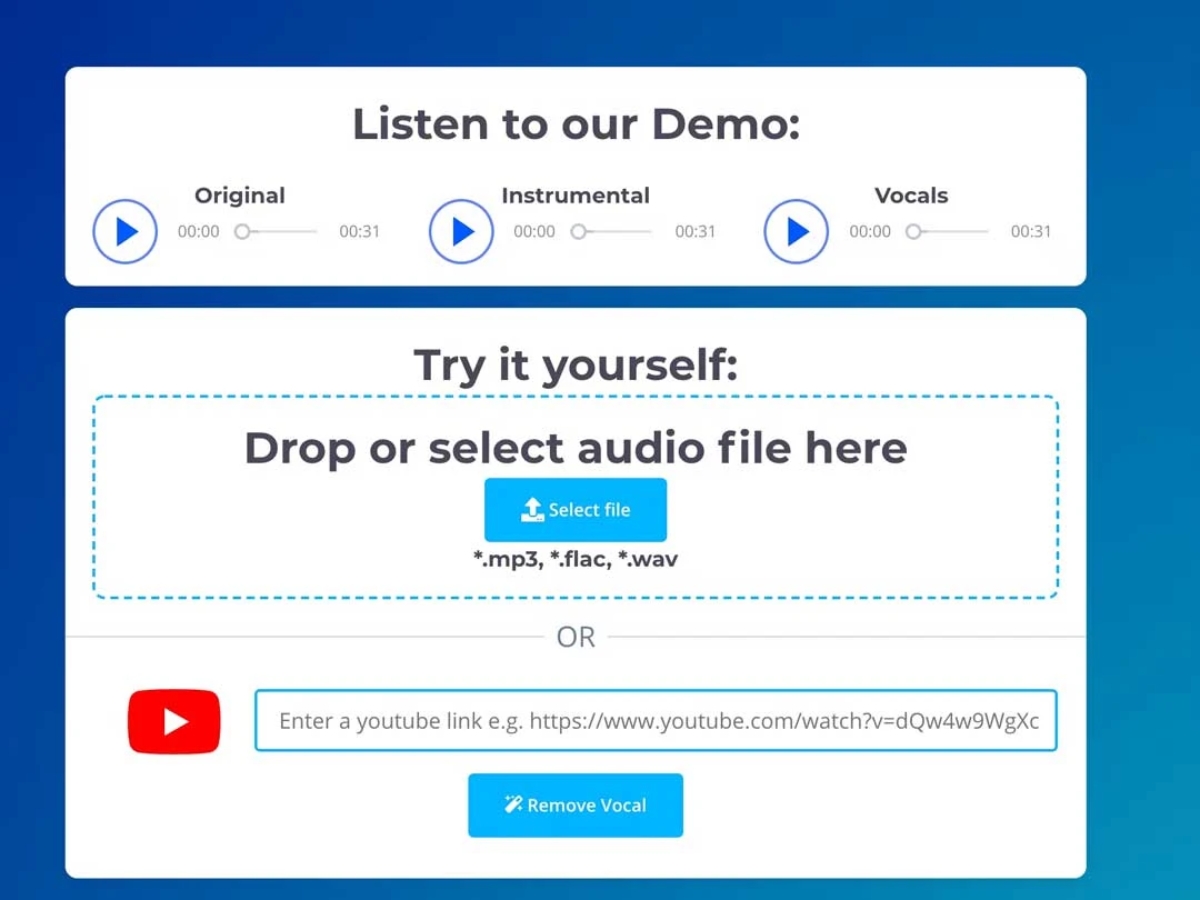
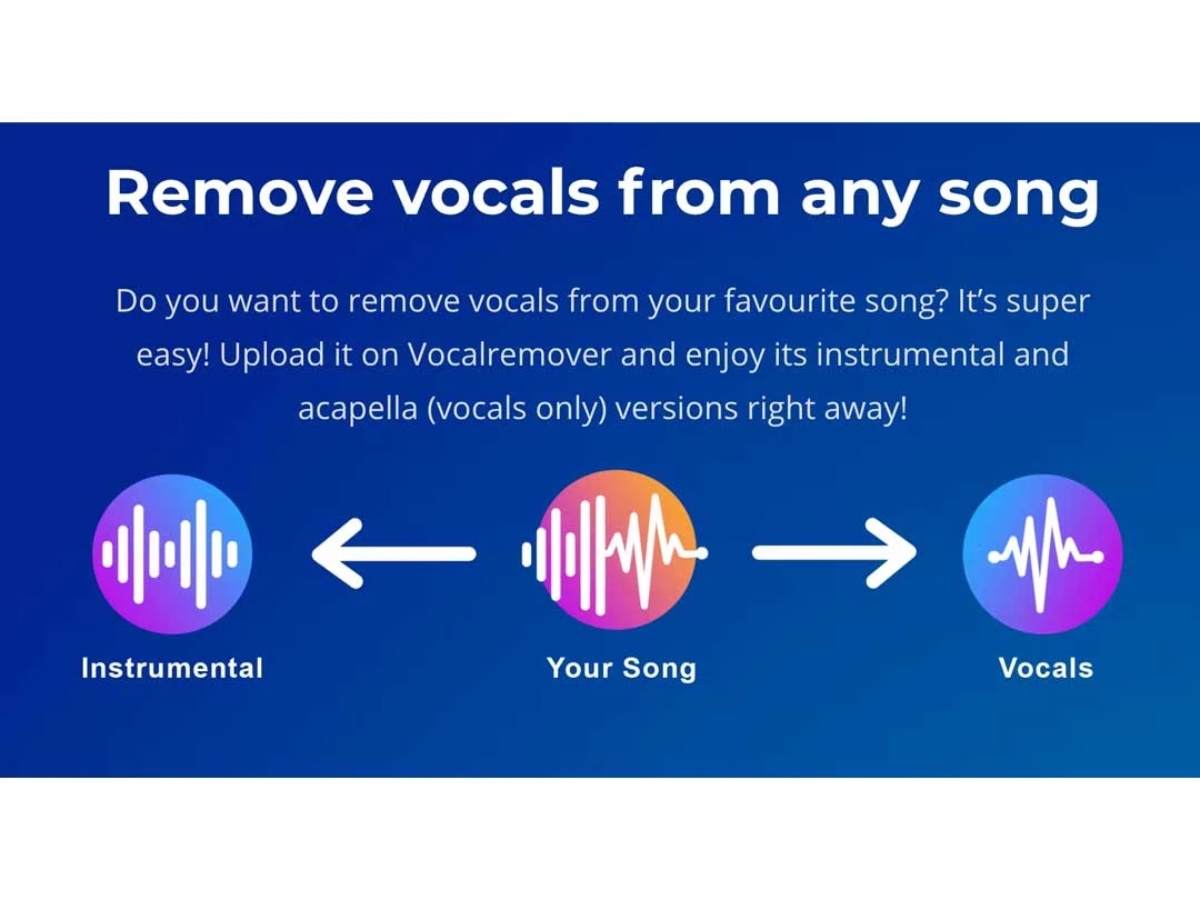
VocalRemover is an AI-powered audio editing software that removes voice from the music in any audio. It removes vocals from instrumentals with the help of karaoke. It provides two tracks of any music; one is a capella with isolated vocals, and the other is karaoke with no vocals. This voice remover ensures fast processing in less than 10 seconds.

Along with voice remover, VocalRemover provides other functionalities like voice splitter, voice cutter, voice joiner, pitcher, and voice recorder. Another functionality is a BPM key and scale finder for multiple music files in just a few seconds.

Why Choose VocalRemover?

  • Splitter: Splits audio into music, bass, vocals, and drums.
  • Pitcher: Modifies the tempo and pitch of a song after adjusting BPM sliders and musical keys
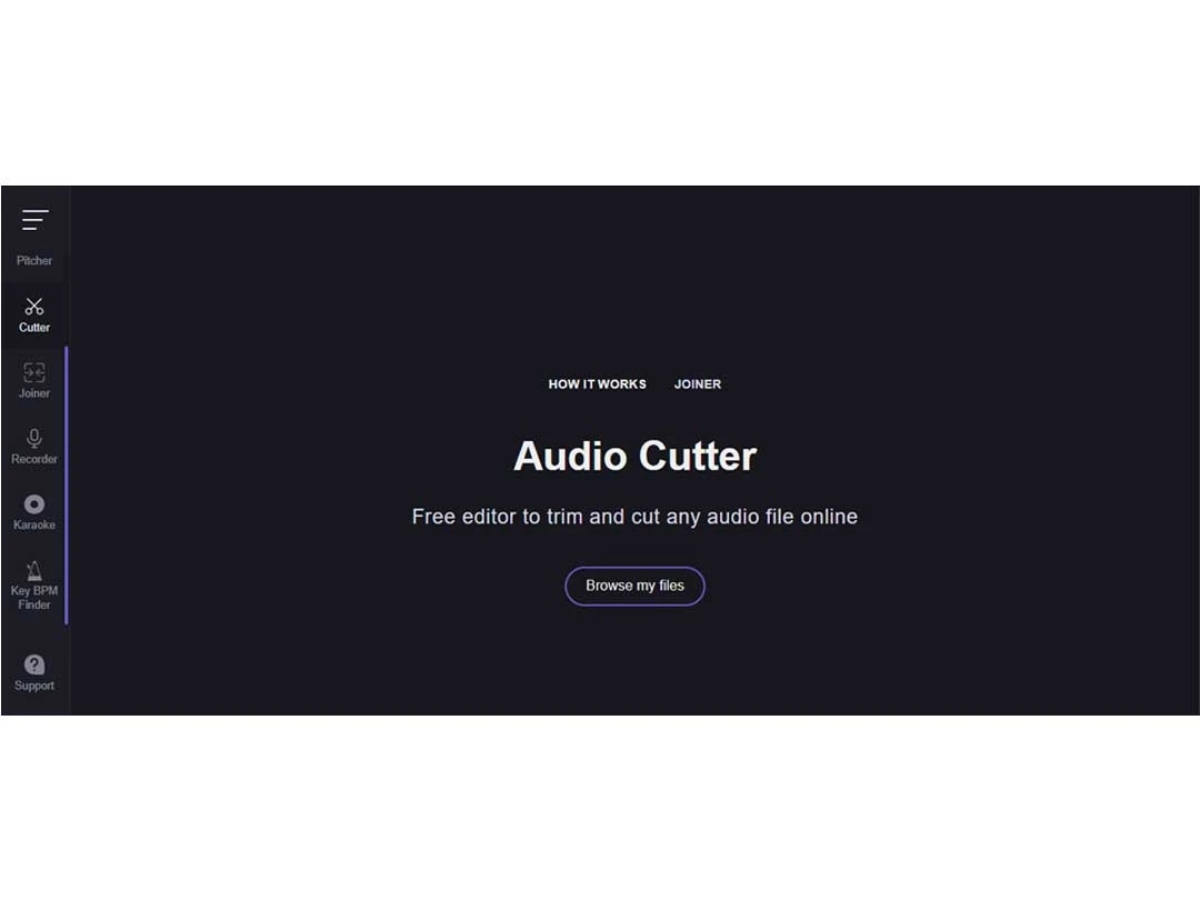
  • Cutter: Allows you to cut and trim audio files online quickly
  • Recorder: Offers an online audio recorder that records voice directly from your device's microphone. You can also edit your recordings and add effects.
  • Joiner: Merges multiple audio files into one in seconds.

Benefits of VocalRemover Audio Editing Software

Lets take a look at why people consider it and the benefits of VocalRemover audio editing software:

  • Backed by machine learning algorithms.
  • Shows quick results.
  • Stores your song's karaoke and acapella versions for 30 days; you can also download it.
  • Provides much better versions of any music than the original audio.
  • Allows you to upload files up to 100 MB and 15 minutes in length.

Additional Features of VocalRemover

VocalRemover offers a variety of features that make it an excellent choice for anyone looking to edit audio. Here are some of the features of VocalRemover to check out:

  • No Installation Required: This is a great feature of VocalRemover if you don’t want to install any application on your device. Since it is an online application, it doesn't require any software installation. You can access it directly from your browser, saving time and storage space.
  • High-Quality Audio Separation: Using advanced AI, this audio editing software ensures the separation quality is top-notch, providing clear and distinct tracks for both vocals and instrumentals.
  • Multi-Format Support: It also works with various audio formats, so you can upload and download your songs in the format that best suits your needs.
  • Unlimited Usage: There’s no limit to how many songs you can process with VocalRemover. You can enjoy unlimited access to VocalRemover’s features without any restrictions.
  • Perfect for DJs and Musicians: Whether you’re preparing for a live performance, mixing a new track, or just want to practice, this software offers the flexibility and functionality you need.

VocalRemover Pricing

VocalRemover audio editing platform pricing is available on request at techjockey.com.
The pricing model is based on different parameters, including extra features, deployment type, and total users. You can contact our team with further queries and learn more about the pricing and offers.

VocalRemover Pricing & Plans

Small
  • 30 minutes package
  • Upload Audio Files
  • Priority Queue
  • 100GB Storage
    • Licenses
    • Monthly
Starting at $ 4.99
Premium
  • 90 minutes package
  • Upload Audio Files
  • Priority Queue
  • 300GB Storage
  • Upload Video Files
  • Upload Large Files 100MB+
    • Licenses
    • Monthly
Starting at $ 15.49
Unlimited
  • Upload Audio Files
  • Priority Queue
  • 1TB Storage
  • Upload Video Files
  • Upload Large Files 100MB+
  • Unlimited minutes package
    • Licenses
    • Monthly
Starting at $ 39.99

Get VocalRemover Demo

We make it happen! Get your hands on the best solution based on your needs.

Interacted

VocalRemover Features

  • icon_check Audio Cutter Online audio cutter to trim and cut audio files without impacting its quality.
  • icon_check Audio Joiner Joins or merges multiple audio files into a single file per your choice.
  • icon_check Voice Recorder A voice recording facility is available, and you will be given access to your device's microphone.
  • icon_check Finder Helps find your selected song's scale, kye and BPM. It also estimates the tempo and pitch.
  • icon_check Audio Tools Multiple audio tools are available, like pitcher, joiner, cutter, and BPM finder.
  • icon_check Audio Speed It processes the audio in just a few seconds and ensures optimal final audio quality.
  • icon_check AI Vocal Removal Uses AI to remove vocals from songs and create clean instrumental or karaoke versions for practice and performance.
  • icon_check Noise Reduction Removes background noise and hiss from voice recordings to produce cleaner and clearer audio output.
  • icon_check Audio Converter Converts audio between MP3, WAV, FLAC, OGG, M4A, AAC, OPUS, and other supported formats for flexible use.
  • icon_check Audio Equalizer Adjusts frequency levels with equalizer controls to shape bass, treble, vocal clarity, and overall sound balance.
  • icon_check Silence Remover Automatically detects and removes silent gaps from audio files to create tighter and more continuous recordings.
  • icon_check Audio Reverser Reverses an audio recording so it plays backward, providing creative effects for music and sound production.

VocalRemover Specifications

  • Supported Platforms :
  • Device:
  • Deployment :
  • Suitable For :
  • Business Specific:
  • Business Size:
  • Customer Support:
  • Language:
  • AI Features:
  • Windows MacOS
  • Desktop
  • Cloud-Based
  • Media House
  • All Businesses
  • SMBs, SMEs, MSMBs
  • Live Chat
  • English
  • AI Integrated

VocalRemover Reviews and Ratings

banner

Would you like to review this product?

Submit Reviews

VocalRemover Company Details

Brand Name VocalRemover
Information At Voca.ai, we’re passionate about helping companies deliver happier customers at scale, through natural, intelligent and empathetic spoken conversations, delivered by our extraordinary AI-powered and EQ-enabled Voca Agents
Founded Year 2017
Director/Founders Alan Bekker, Einav Itamar
Company Size 1-100 Employees

VocalRemover FAQ

A VocalRemover Software is compatible with Windows and Mac operating systems.
A The VocalRemover Software app is unavailable on Android and iOS devices.
A VocalRemover Software supports web-based deployment.
A VocalRemover price in India is available on request at techjockey.com. Its price in India may vary based on factors like customization, additional features required, the number of users, and the deployment type. Please request a call back for subscription-related details and to avail yourself of offers on premium packages.
A VocalRemover can be used by video editors, audio editors, content creators, and anyone who needs audio editing software.
A VocalRemover Software’s demo is available for free with techjockey.com.
A VocalRemover Software does not offer a free trial.
A VocalRemover is a web-based software. So you need not download any software to use it. Just open the setup wizard to get started.
A VocalRemover is a strong audio editing software that helps users remove vocals from songs using AI. When the processing is finished, you will get two or more outputs - one Karaoke version (vocals removed) and the second Vocals Only (music removed).