
Description
Pricing
Features
Specification
Review
Compare
FAQs
Alternatives

 View Gallery
Brand: Zoho Corporation
Zoho Sheet is a cloud-based spreadsheet management software that facilitates hassle-free operation and collaboration between different members of a team for dealing better with large volumes of data, formulas, functions as well as charts. Organizations, accountants, scholars and scientists dealing with tabular data too can use this software with ease and give a boost to their work productivity in real-time. The spreadsheet management software is available in thirteen differen...Read more

Get Free Expert Consultation
Let us know your business needs clearly

Verified & Trusted
Vendors

Safe & Secure
Payment

Personalized
Experts Support
Price On Request
Features
 Collaboration Spreadsheet Control Analysis Insight by Zia Data Cleaning
 See all 
We make it happen! Get your hands on the best solution based on your needs.

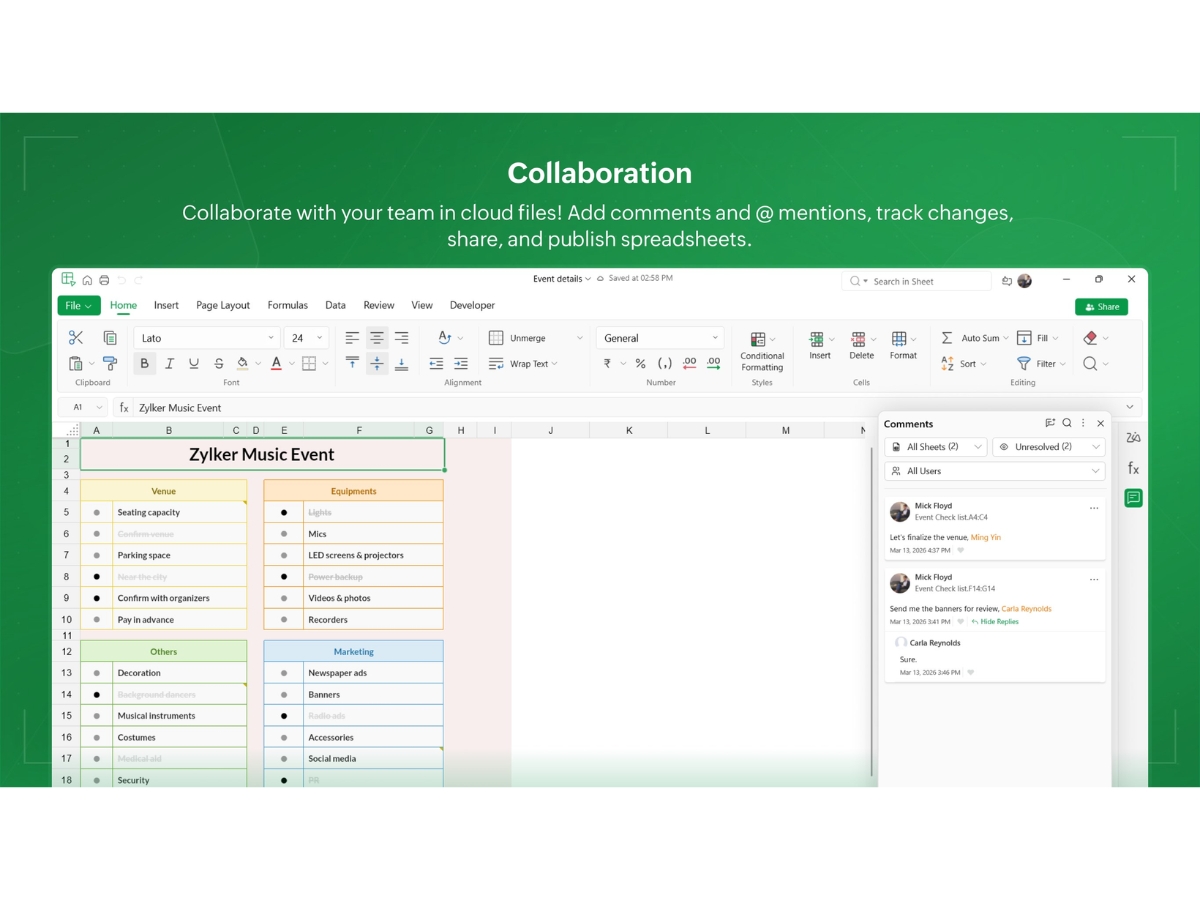
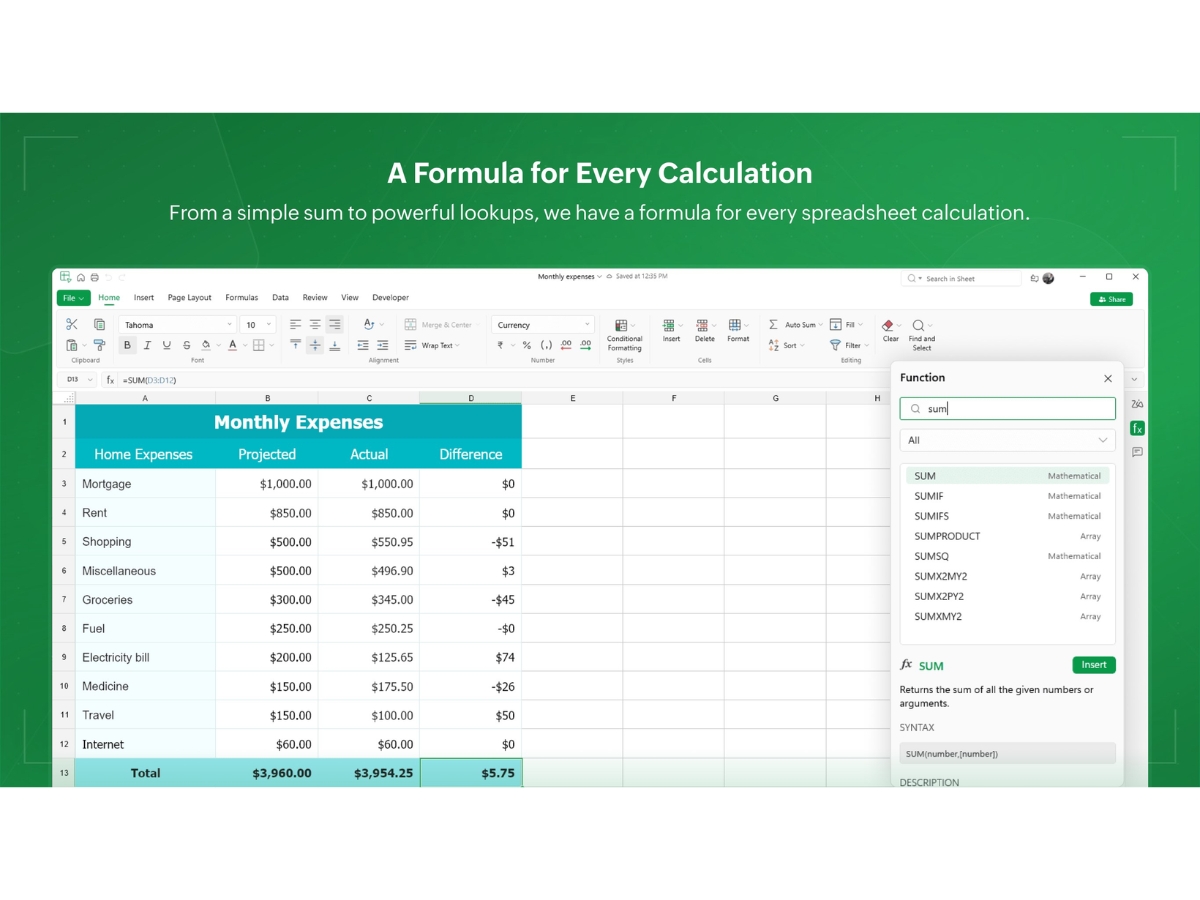
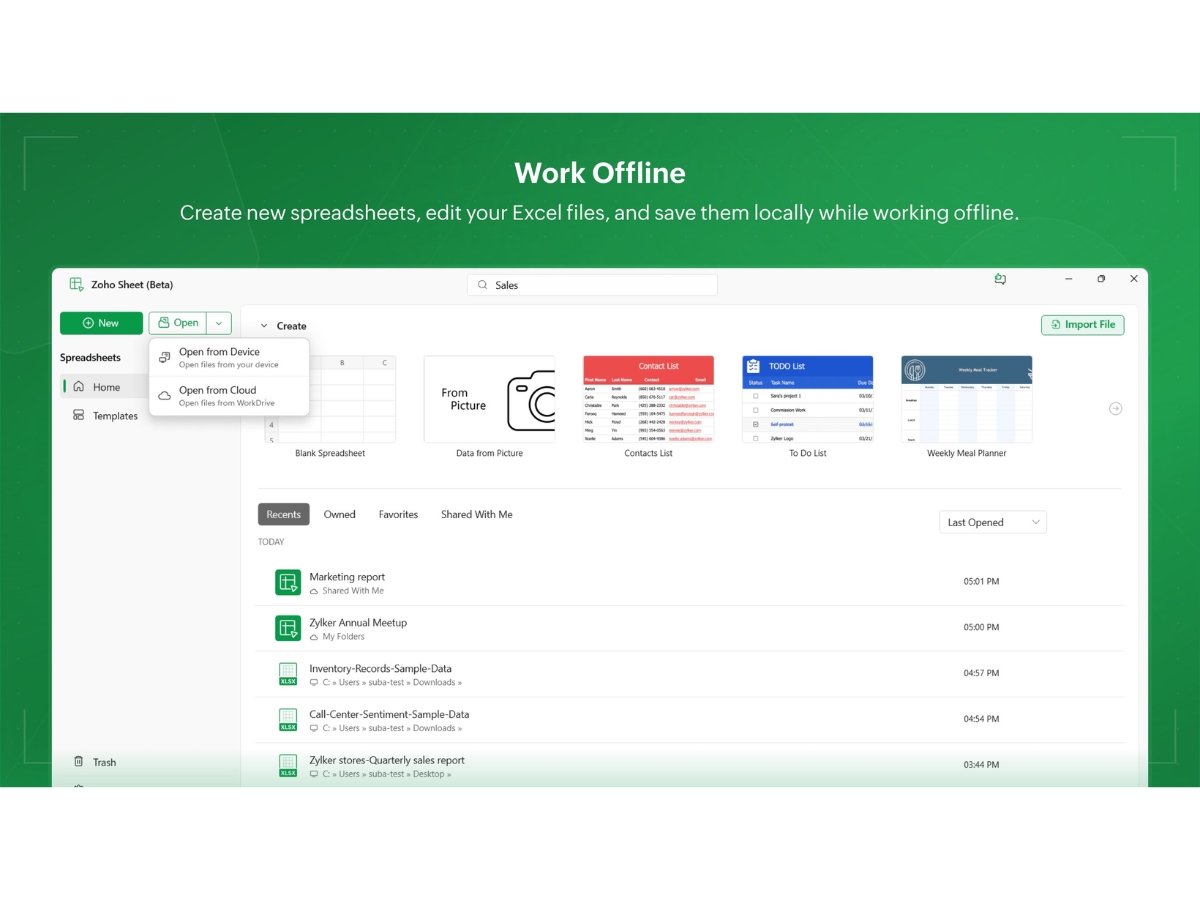
 Collaboration Team members can create a cloud-based workspace by sharing spreadsheets. Multiple members can make changes or comment within one Spreadsheet Control Team heads can control the access rights to a certain spreadsheet. They can also eliminate accidental edits by locking a Analysis Zoho Sheet offers thirty-five different types of customizable charts. Further, the pivot tables allow users the opportunity to Insight by Zia By using Zoho Sheet, users get access to an AI-based datasheet analyst known as Zia. From scanning data, recommending charts to Data Cleaning Users can correct errors within the updated data, identify duplicates and fill in the gaps using a range of data cleaning tools Functions Zoho Sheet offers more than three-fifty types of pre-existing functions thus helping team members with auto-completion of Custom Functions The deluge programming language-based integration offered by Zoho Sheet allows users to create their own customized functions Publish & Embed Organisations can publish spreadsheets on their website, disable the downloading option for important files and can also embed a Data Visualizations Create interactive charts and graphs to represent spreadsheet data visually and simplify complex information for better analysis. Data Validation Apply validation rules, dropdown lists, checkboxes, and picklists to improve data accuracy and maintain consistent data entry. Audit Trail Monitor spreadsheet activities and review changes made by users to improve accountability and maintain data transparency. Version History Review previous spreadsheet versions, track changes, and restore earlier versions to maintain control over document revisions.
 | Brand Name | Zoho Corporation |
| Information | Zoho Corporation, is an Indian multinational company that specialises in software development, cloud computing, and web-based business tools. It is best known for Zoho Office suite and its enterprise IT management division, ManageEngine |
| Founded Year | 1996 |
| Director/Founders | Sridhar Vembu / Tony Thomas |
| Company Size | 1000+ Employees |
| Other Products | Zoho CRM, Zoho People, Zoho Invoice, Zoho Books, Zoho Projects |

 UAE
UAE India
India
 Write a Review
