linkedin
prod_img

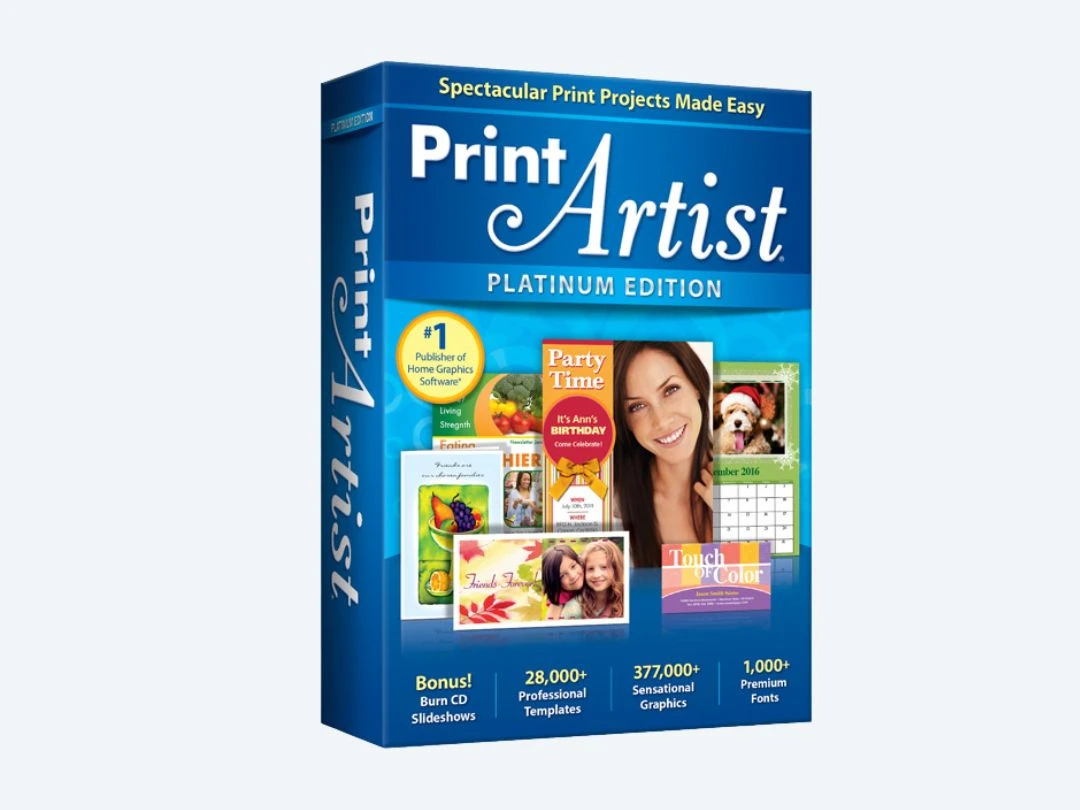
Print Artist 25 Platinum opicon

By : Avanquest Software

4.4 ( 10 reviews )
Write a Review
  • All Ratings

  • Pros & Cons

  • User Reviews

  • Alternatives

Print Artist 25 Platinum Reviews & Ratings

Check out Print Artist 25 Platinum reviews by verified users. Discover what businesses are saying about Print Artist 25 Platinum on Techjockey.


84%

Have recommended this product

Overall Score

4.4/5
Based on 10 Reviews

We love to hear from our buyers!

If you have used the solution already, why not share your thoughts and help others make the right purchase.

Print Artist 25 Platinum Pros and Cons

Pros

pros_icon “Optimized for printing. Good alignment and layout controls. Plenty of assets.” Angel - Dec 28, 2025

pros_icon “No subscription required. Tons of built-in graphics, fonts, and templates. Works fully offline.” Mijanur Rahman - Oct 17, 2025

pros_icon “Kid-friendly templates. Lots of fun graphics. Simple editing tools.” Pooja - Sep 9, 2025

Cons

cons_icon “No cloud saving or collaboration. Feels dated compared to modern apps.” Mijanur Rahman - Oct 17, 2025

cons_icon “Not ideal for professional marketing materials. Interface feels old.” Pooja - Sep 9, 2025

cons_icon “Not suitable for large-scale commercial printing. No brand kit features.” Olamide Felix - Jul 7, 2025

Print Artist 25 Platinum User Reviews ( 10 )

A

Amina

Verified reviewer:linkedin_verify

Reviewed on: Jan 1, 2025

4.6/5

“Perfect for Home Printing and Creative Projects”

I mainly use Print Artist 25 Platinum for greeting cards, posters, and small print projects at home. It feels made for people who want to print things quickly without learning graphic design. Once installed, it runs fast and doesn’t need internet access, which I like. The templates saved me a lot of time.

Pros :

Cons :

Switched from : Microsoft Publisher

Reason to switch : I switched because Print Artist was more focused on print-ready designs and offered far more templates for cards and signs compared to Publisher, which felt more business-document oriented.

Features

4/5

Value for Money

4.5/5

Customer Support

5/5

Ease of Use

5/5

Likely to Recommend

8/10
P

Pooja

Verified reviewer:linkedin_verify

Reviewed on: Sep 9, 2025

4.6/5

“Excellent for Family and School Projects”

I used Print Artist for school projects, certificates, and event invites. The fun designs and easy tools made it perfect for family use. Even kids can understand the basics quickly.

Pros :

Cons :

Switched from : VivaDesigner

Reason to switch : VivaDesigner was fine for text documents, but Print Artist offered far better design templates for creative printing.

Features

4.5/5

Value for Money

5/5

Customer Support

4.5/5

Ease of Use

4.5/5

Likely to Recommend

9/10
R

Renee

Verified reviewer:linkedin_verify

Reviewed on: May 22, 2025

4.6/5

“Simple, Affordable, and Print-Focused”

Print Artist 25 Platinum is great if you want to design and print without hassle. It’s not flashy, but it’s dependable. I still use it regularly for cards, labels, and posters.

Pros :

Cons :

Switched from : Canva

Reason to switch : Canva Pro became expensive over time, and I preferred owning software outright with Print Artist.

Features

4.5/5

Value for Money

5/5

Customer Support

4.5/5

Ease of Use

4.5/5

Likely to Recommend

8/10
AA

Adam Arellano

Verified reviewer:linkedin_verify

Reviewed on: Feb 21, 2025

4.5/5

“Easy Software for Non-Designers”

I’m not a designer, so I wanted something simple for making flyers and invitations. Print Artist 25 Platinum delivered exactly that. The step-by-step workflow and ready-made designs made everything stress-free. It’s clearly made for everyday users.

Pros :

Cons :

Switched from : Adobe InDesign

Reason to switch : I switched because Adobe InDesign was too complex and expensive for basic home printing, while Print Artist was easier and a one-time purchase.

Features

4.5/5

Value for Money

5/5

Customer Support

4/5

Ease of Use

4.5/5

Likely to Recommend

9/10
K

Kim

Verified reviewer:linkedin_verify

Reviewed on: Jul 4, 2025

4.5/5

“Best for Cards, Banners, and Posters”

I bought Print Artist mainly for printing birthday cards, banners, and posters. The results look professional enough for home use. I liked how easy it was to customize colors, text, and images without breaking the layout.

Pros :

Cons :

Switched from : Penpot

Reason to switch : Penpot was powerful but too complicated for quick print jobs, while Print Artist focused on speed and simplicity.

Features

4.5/5

Value for Money

5/5

Customer Support

4.5/5

Ease of Use

4/5

Likely to Recommend

9/10
RP

Rahees Ph

Verified reviewer:linkedin_verify

Reviewed on: Apr 25, 2025

4.5/5

“Offline Design Tool That Just Works”

I wanted a tool that doesn’t rely on cloud services. Print Artist 25 Platinum was perfect for that. I can design and print whenever I want. The print preview feature helped me avoid wasting paper.

Pros :

Cons :

Switched from : Mobbin

Reason to switch : Mobbin depended heavily on cloud access and subscriptions, while Print Artist let me work offline with no recurring cost.

Features

4/5

Value for Money

4.5/5

Customer Support

4.5/5

Ease of Use

5/5

Likely to Recommend

9/10
MR

Mijanur Rahman

Verified reviewer:linkedin_verify

Reviewed on: Oct 17, 2025

4.3/5

“Great Value for One-Time Purchase”

I really appreciate that Print Artist 25 Platinum is a one-time purchase. For what you pay, you get thousands of design assets. I mostly use it for family events, school projects, and printing labels and signs.

Pros :

Cons :

Switched from : Symbolt

Reason to switch : I moved to Print Artist because Symbolt requires internet access and limits features unless you pay monthly, while Print Artist gave me everything upfront.

Features

4.5/5

Value for Money

4/5

Customer Support

4.5/5

Ease of Use

4.5/5

Likely to Recommend

8/10
OF

Olamide Felix

Verified reviewer:linkedin_verify

Reviewed on: Jul 7, 2025

4.3/5

“Reliable Software for Small Print Jobs”

I used Print Artist for small business signs and flyers. It was reliable and fast. I didn’t need complex branding tools, just something that works, and this did the job.

Pros :

Cons :

Switched from : Adobe Express

Reason to switch : Adobe Express required online access and had limitations unless subscribed, while Print Artist gave me full control offline.

Features

4/5

Value for Money

4.5/5

Customer Support

4/5

Ease of Use

5/5

Likely to Recommend

9/10
A

Angel

Verified reviewer:linkedin_verify

Reviewed on: Dec 28, 2025

4.3/5

“Solid Printing Software for Home Users”

Print Artist feels like software built specifically for printing, not digital sharing. I got consistent results across different printers. The layouts didn’t shift or break like they sometimes do in general design tools.

Pros :

Cons :

Switched from : Sketch

Reason to switch : Sketch felt more like desktop publishing, while Print Artist was simpler and better suited for quick home printing.

Features

4/5

Value for Money

4.5/5

Customer Support

4.5/5

Ease of Use

4.5/5

Likely to Recommend

8/10
8

8568854282

Verified reviewer:linkedin_verify

Reviewed on: Aug 15, 2025

4.1/5

“Lots of Templates but Dated Look”

I love the number of templates available, but some designs feel dated. That said, they’re easy to customize, and the final printed result still looks good. It’s more practical than stylish.

Pros :

Cons :

Switched from : Affinity Publisher

Reason to switch : Affinity Publisher focused more on professional publishing, while Print Artist was faster for casual projects.

Features

4/5

Value for Money

4/5

Customer Support

4/5

Ease of Use

4.5/5

Likely to Recommend

9/10

Similar Products

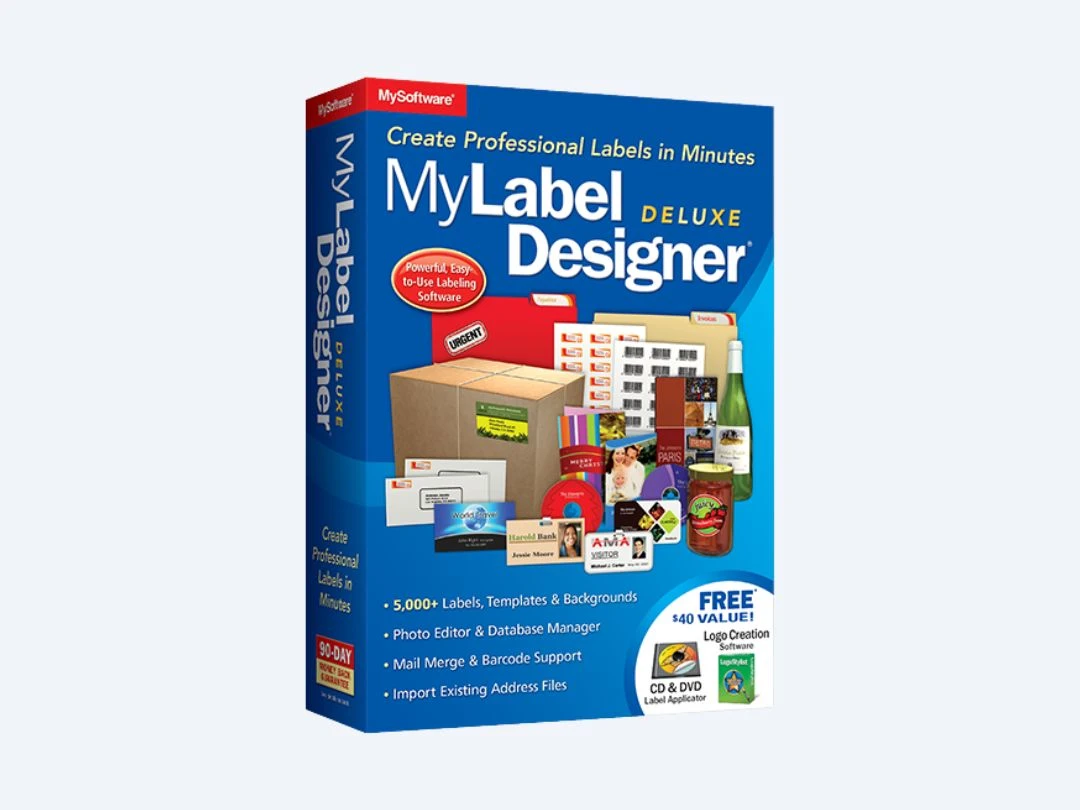
MyLabel Designer Deluxe 9

MyLabel Designer Deluxe 9

Designing Solutions

(10 reviews)

Starting at

$ 29.95

Key Features

  • Photo Editing
  • Database Management
  • Label Template
  • Templates
  • Barcode Generator
View 7 more
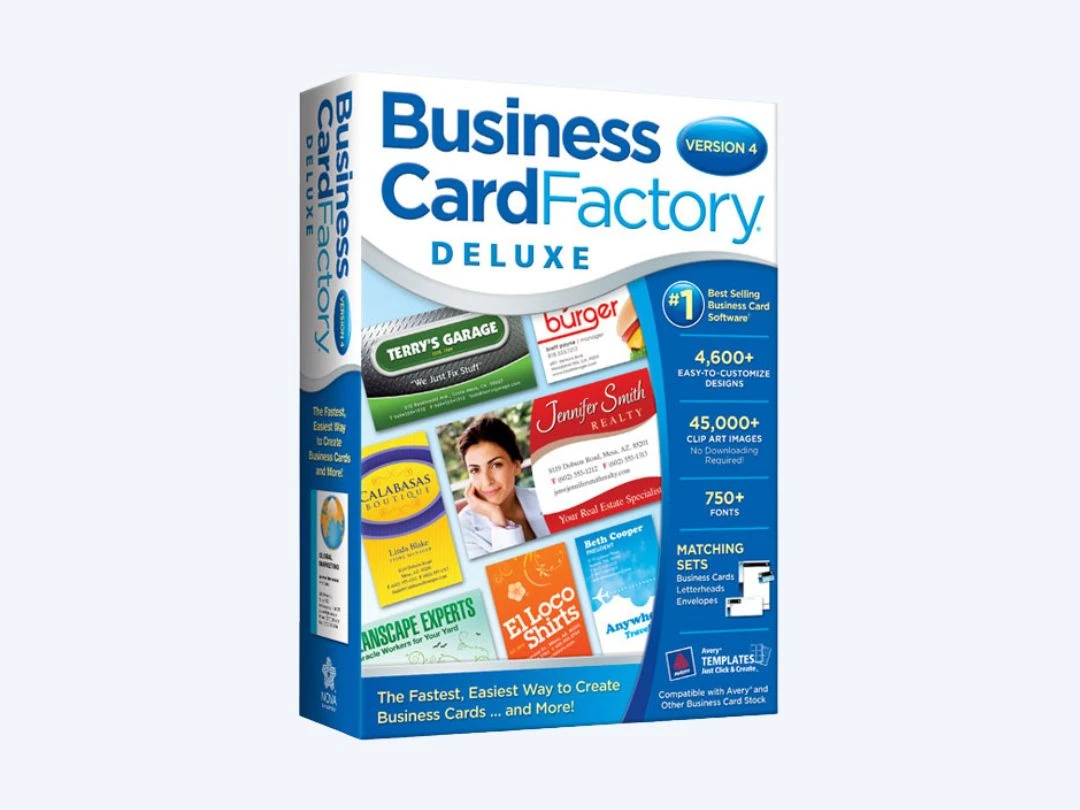
Business Card Factory Deluxe 4.0

Business Card Factory Deluxe 4.0

Designing Solutions

Starting at

$ 29.99

Key Features

  • Custom Size
  • Graphical, online dashboard
  • Design tools
  • Templates
  • Graphics
View 5 more
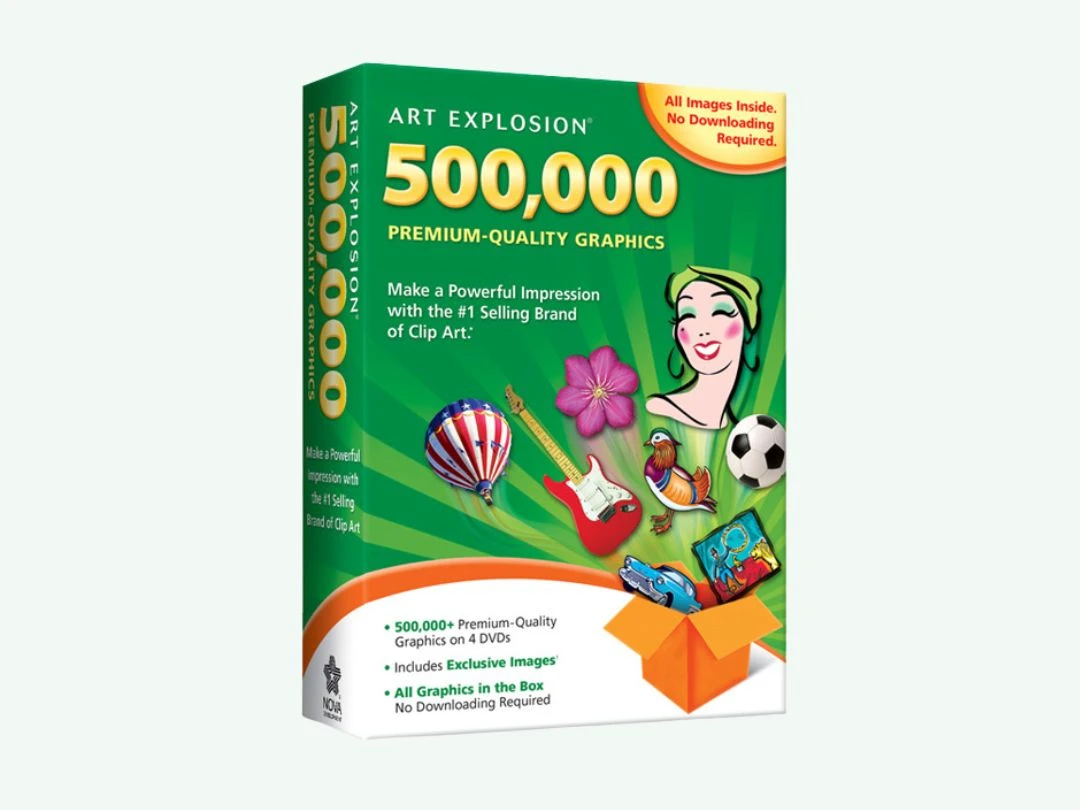
Art Explosion 500000

Art Explosion 500000

Designing Solutions

Starting at

$ 29.99

Key Features

  • Image Library
  • High-Resolution Output
  • Vector Output
  • Rasters
  • Background Screening
View 3 more

Starting at

$ 39.99

Key Features

  • Templates
  • Graphics
  • Embellishments
  • Custom Fonts
  • Photo Editing
View 2 more
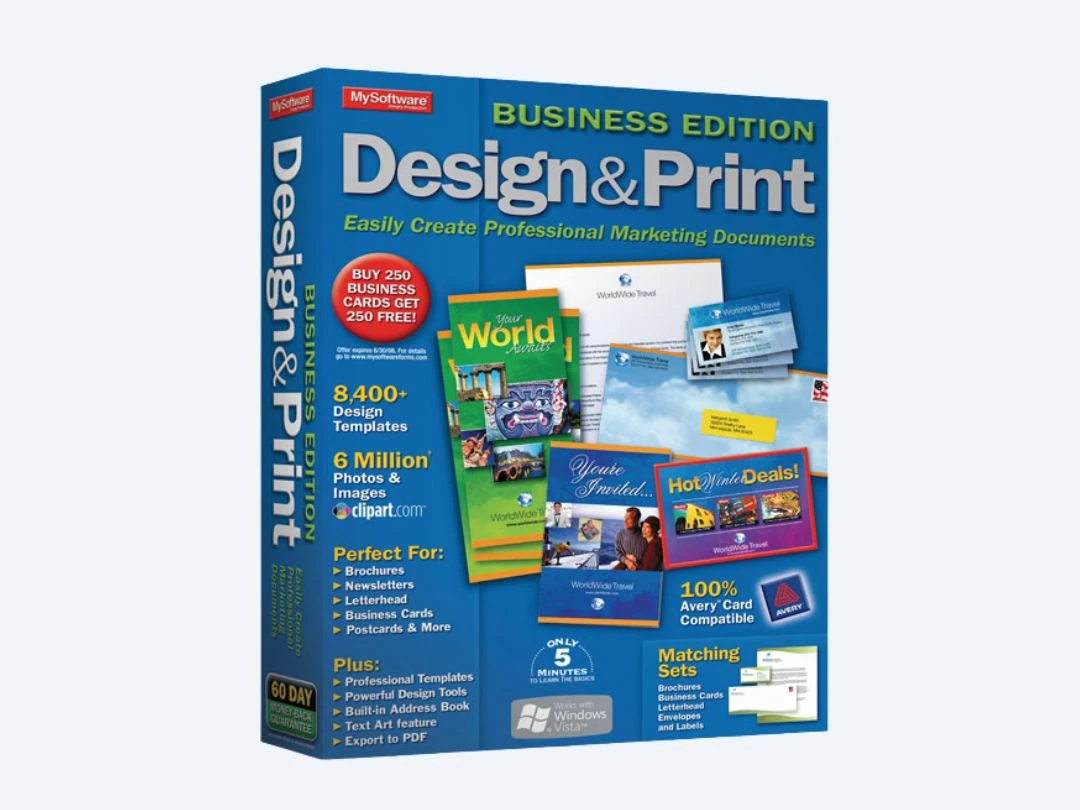
Design & Print Business Edition

Design & Print Business Edition

Designing Solutions

Starting at

$ 39.95

Key Features
  • Templates
  • Graphical, online dashboard
  • 2D & 3D PDF Export
  • Image Editing
  • Graphics & Text Enhancements
View 2 more
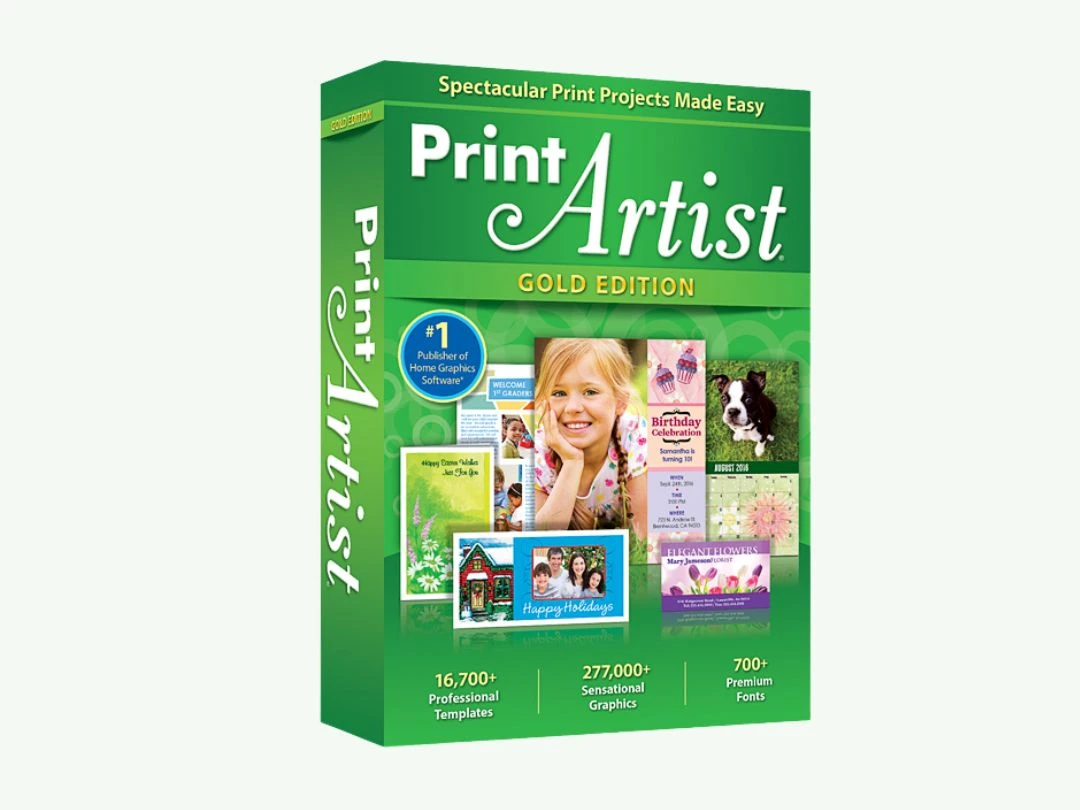
Print Artist 25 Gold

Print Artist 25 Gold

Designing Solutions

Starting at

$ 29.99

Key Features
  • Templates
  • Graphics
  • Photo Editing
  • Direct Social Media Sharing
  • 2D & 3D PDF Export
View 2 more

Starting at

$ 49.99

Key Features

  • Greetings System
  • Photo Editing
  • Website Management
  • Text Editor
  • Custom Fonts
View 1 more

Starting at

$ 19.99

Key Features

  • Realistic 3D
  • Lighting Effects
  • Sound Quality
  • Clock in & Clock out
  • Multi-Monitor Support
View 1 more
Penpot

Penpot

Designing Solutions

Starting at

$ 7.00

Key Features

  • Vector Editing
  • Enhanced symbols tool
  • Multi-Variate Testing
  • Custom label Design
  • Fast, flexible coding.
View 10 more
Symbolt

Symbolt

Designing Solutions

Starting at

$ 24.99

Key Features

  • Templates
  • File Sharing
  • Role-Based Access Control (RBAC)
  • Ratings & Reviews
  • Version History
View 6 more