linkedin
prod_img

Scrapbook Factory Deluxe 5.0 opicon

By : Avanquest Software

4.4 ( 10 reviews )
Write a Review
  • All Ratings

  • Pros & Cons

  • User Reviews

  • Alternatives

Scrapbook Factory Deluxe 5.0 Reviews & Ratings

Check out Scrapbook Factory Deluxe 5.0 reviews by verified users. Discover what businesses are saying about Scrapbook Factory Deluxe 5.0 on Techjockey.


84%

Have recommended this product

Overall Score

4.4/5
Based on 10 Reviews

We love to hear from our buyers!

If you have used the solution already, why not share your thoughts and help others make the right purchase.

Scrapbook Factory Deluxe 5.0 Pros and Cons

Pros

pros_icon “Fun stickers, frames, and backgrounds. Fast performance on older PCs.” Ming Jin - Sep 14, 2025

pros_icon “Huge collection of clip art, shapes, and backgrounds. Easy customization.” Gahrul Reed - May 15, 2025

pros_icon “Scrapbook Factory Deluxe 5.0 is very easy to use. The drag-and-drop tools make page creation quick, and the built-in templates are perfect for beginners.” Manny Falingfcccccddd - Apr 16, 2025

Cons

cons_icon “The interface looks old, and the photo editing tools are basic compared to modern apps.” Manny Falingfcccccddd - Apr 16, 2025

cons_icon “Not suitable for professional graphic design. Dated design style.” Jsksksk - Mar 12, 2025

Scrapbook Factory Deluxe 5.0 User Reviews ( 10 )

NK

Nanu Kaji Aryal

Verified reviewer:linkedin_verify

Reviewed on: Mar 6, 2025

4.6/5

“Simple, Creative, and Beginner-Friendly”

Scrapbook Factory Deluxe 5.0 is best for people who want to create scrapbooks without stress. It’s simple, creative, and reliable. I still use it for personal memory albums.

Pros :

Cons :

Switched from : Sketch

Reason to switch : Sketch became expensive over time, and I preferred owning software outright.

Features

4.5/5

Value for Money

5/5

Customer Support

4.5/5

Ease of Use

4.5/5

Likely to Recommend

9/10
MF

Manny Falingfcccccddd

Verified reviewer:linkedin_verify

Reviewed on: Apr 16, 2025

4.5/5

“Simple Scrapbooking Software for Beginners”

I used Scrapbook Factory Deluxe 5.0 mainly for family scrapbooks and memory albums. I didn’t need design experience to get started. The pre-made layouts, stickers, and backgrounds made everything faster. It works well offline, which I really like.

Pros :

Cons :

Switched from : Adobe Express

Reason to switch : I switched because Photoshop Elements felt too complex and overwhelming for simple scrapbook projects, while Scrapbook Factory was more beginner-friendly.

Features

4.5/5

Value for Money

4.5/5

Customer Support

4.5/5

Ease of Use

4.5/5

Likely to Recommend

8/10
J

jsksksk

Verified reviewer:linkedin_verify

Reviewed on: Mar 12, 2025

4.5/5

“Easy Scrapbooking Without a Learning Curve”

I didn’t want to spend hours learning new software. Scrapbook Factory Deluxe 5.0 was easy to understand from day one. I could focus on creativity instead of tools.

Pros :

Cons :

Switched from : Corel PaintShop

Reason to switch : PaintShop Pro had powerful tools, but it felt like overkill for scrapbook-style layouts.

Features

4/5

Value for Money

5/5

Customer Support

4.5/5

Ease of Use

4.5/5

Likely to Recommend

9/10
GR

Gahrul Reed

Verified reviewer:linkedin_verify

Reviewed on: May 15, 2025

4.5/5

“Large Clip Art Library Makes It Worth It”

The clip art library is one of the best parts of Scrapbook Factory Deluxe 5.0. I didn’t have to download extra assets. Everything I needed was already included.

Pros :

Cons :

Switched from : Microsoft Publisher

Reason to switch : Publisher was more business-focused, while Scrapbook Factory offered more creative scrapbook designs.

Features

5/5

Value for Money

4.5/5

Customer Support

4.5/5

Ease of Use

4/5

Likely to Recommend

9/10
O

Oscar

Verified reviewer:linkedin_verify

Reviewed on: Jul 3, 2025

4.5/5

“Reliable Software for Home Scrapbooks”

I’ve used Scrapbook Factory Deluxe for years without crashes. It’s reliable and predictable, which is important when working on long family projects.

Pros :

Cons :

Switched from : GIMP

Reason to switch : GIMP was powerful but too technical, while Scrapbook Factory felt simpler and more creative.

Features

4/5

Value for Money

5/5

Customer Support

4.5/5

Ease of Use

4.5/5

Likely to Recommend

9/10
B

Brian

Verified reviewer:linkedin_verify

Reviewed on: Sep 26, 2025

4.5/5

“Best for Casual Scrapbook Creators”

This software is perfect if you just want to make scrapbooks for fun. It doesn’t try to be professional software, and that’s what I like about it.

Pros :

Cons :

Switched from : Adobe Express

Reason to switch : InDesign was too complex and expensive for casual scrapbook use.

Features

4/5

Value for Money

4.5/5

Customer Support

5/5

Ease of Use

4.5/5

Likely to Recommend

8/10
DP

David Park

Verified reviewer:linkedin_verify

Reviewed on: Mar 29, 2025

4.3/5

“Great for Family and Memory Albums”

I mostly use this software to create memory books and holiday albums. The clip art library is huge, and the themed designs saved me a lot of time. It’s made more for creativity than technical editing.

Pros :

Cons :

Switched from : Canva

Reason to switch : I moved to Scrapbook Factory because Canva required internet access and limited features unless I paid monthly.

Features

4/5

Value for Money

4/5

Customer Support

5/5

Ease of Use

4.5/5

Likely to Recommend

9/10
M

Melanie

Verified reviewer:linkedin_verify

Reviewed on: Jan 15, 2025

4.3/5

“Perfect for Offline Scrapbooking Projects”

I liked that Scrapbook Factory Deluxe doesn’t depend on the internet. I could work on albums anytime. It feels reliable and stable, especially for long projects.

Pros :

Cons :

Switched from : Wings 3D

Reason to switch : Wings 3D required online uploads and printing services, while Scrapbook Factory gave me full offline control.

Features

4/5

Value for Money

4.5/5

Customer Support

4/5

Ease of Use

5/5

Likely to Recommend

8/10
FG

frdgfdhgfh gfhj

Verified reviewer:linkedin_verify

Reviewed on: Mar 13, 2025

4.3/5

“Good Value for a One-Time Purchase”

I liked paying once and owning the software. Scrapbook Factory Deluxe 5.0 gives a lot of value with its templates and decorations. It’s not modern, but it works well.

Pros :

Cons :

Switched from : Cheetah3D

Reason to switch : Cheetah3D focused more on branded kits, while Scrapbook Factory gave more flexibility.

Features

4/5

Value for Money

5/5

Customer Support

4.5/5

Ease of Use

4/5

Likely to Recommend

8/10
MJ

Ming Jin

Verified reviewer:linkedin_verify

Reviewed on: Sep 14, 2025

4.2/5

“Fun and Creative but Visually Outdated”

The creative assets are great, especially for kids’ albums and family events. The software runs smoothly, but the design style hasn’t changed much over the years.

Pros :

Cons :

Switched from : Affinity Photo

Reason to switch : Affinity Photo focused more on photo editing, while Scrapbook Factory was better for creative page layouts.

Features

4.5/5

Value for Money

4.5/5

Customer Support

4/5

Ease of Use

4/5

Likely to Recommend

9/10

Similar Products

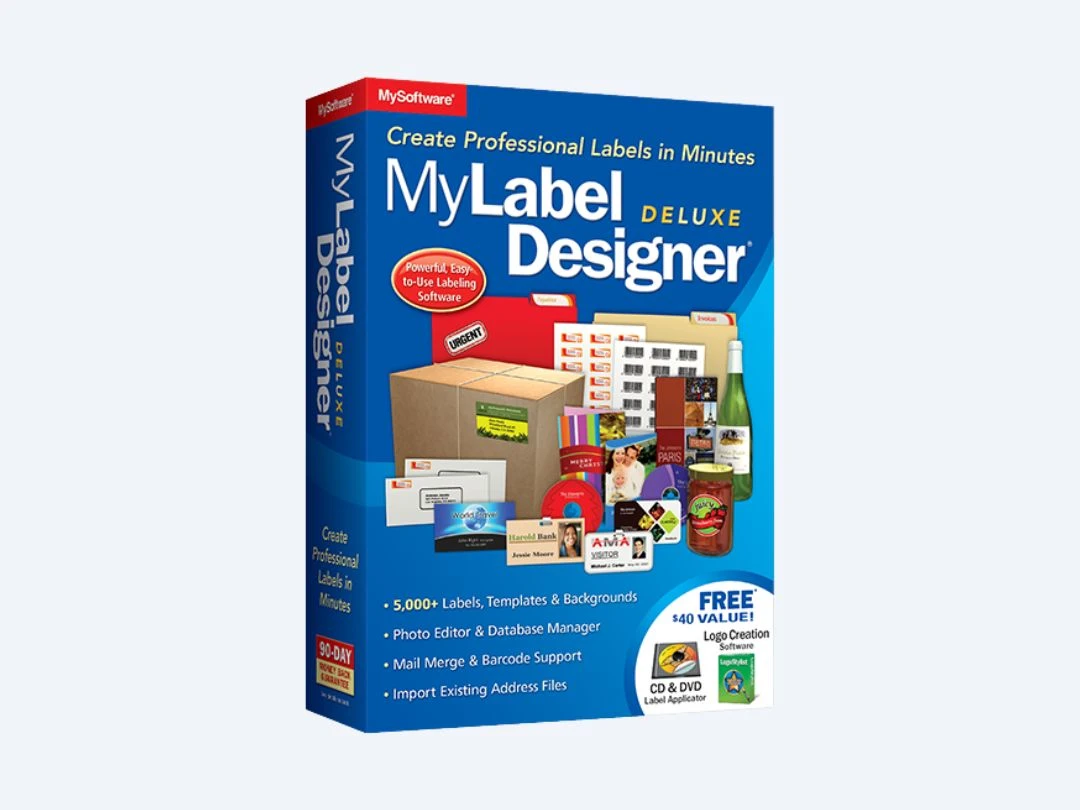
MyLabel Designer Deluxe 9

MyLabel Designer Deluxe 9

Designing Solutions

(10 reviews)

Starting at

$ 29.95

Key Features

  • Photo Editing
  • Database Management
  • Label Template
  • Templates
  • Barcode Generator
View 7 more
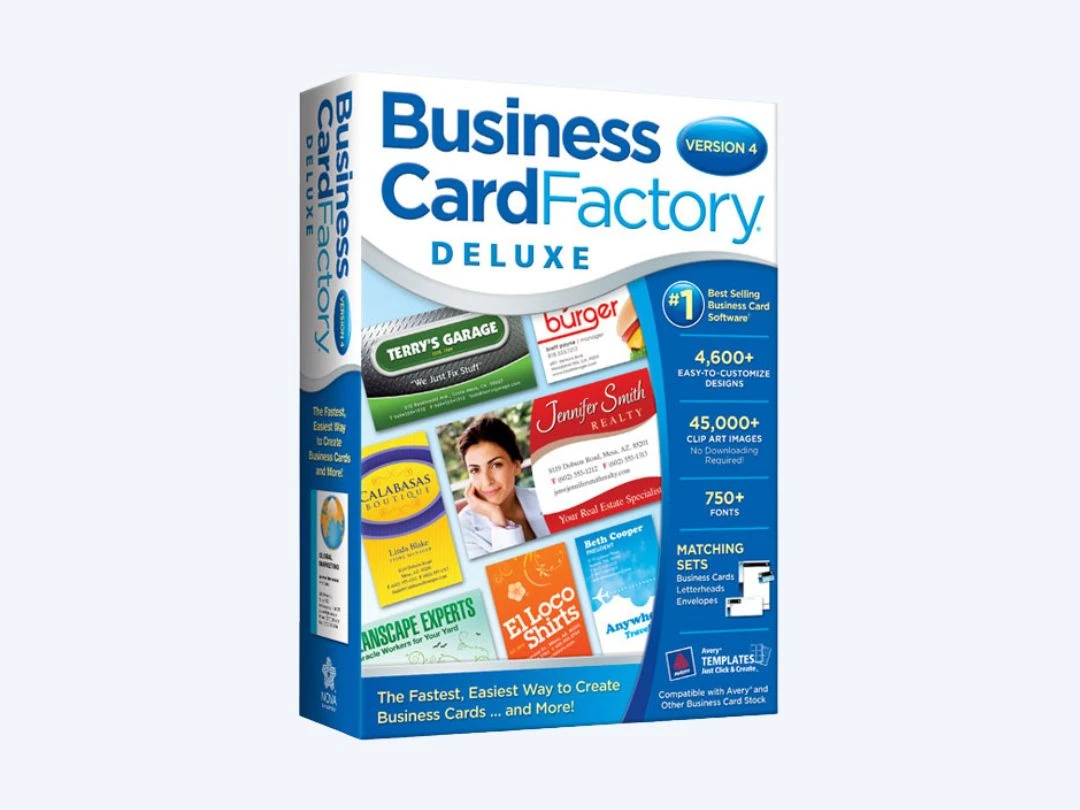
Business Card Factory Deluxe 4.0

Business Card Factory Deluxe 4.0

Designing Solutions

Starting at

$ 29.99

Key Features

  • Custom Size
  • Graphical, online dashboard
  • Design tools
  • Templates
  • Graphics
View 5 more
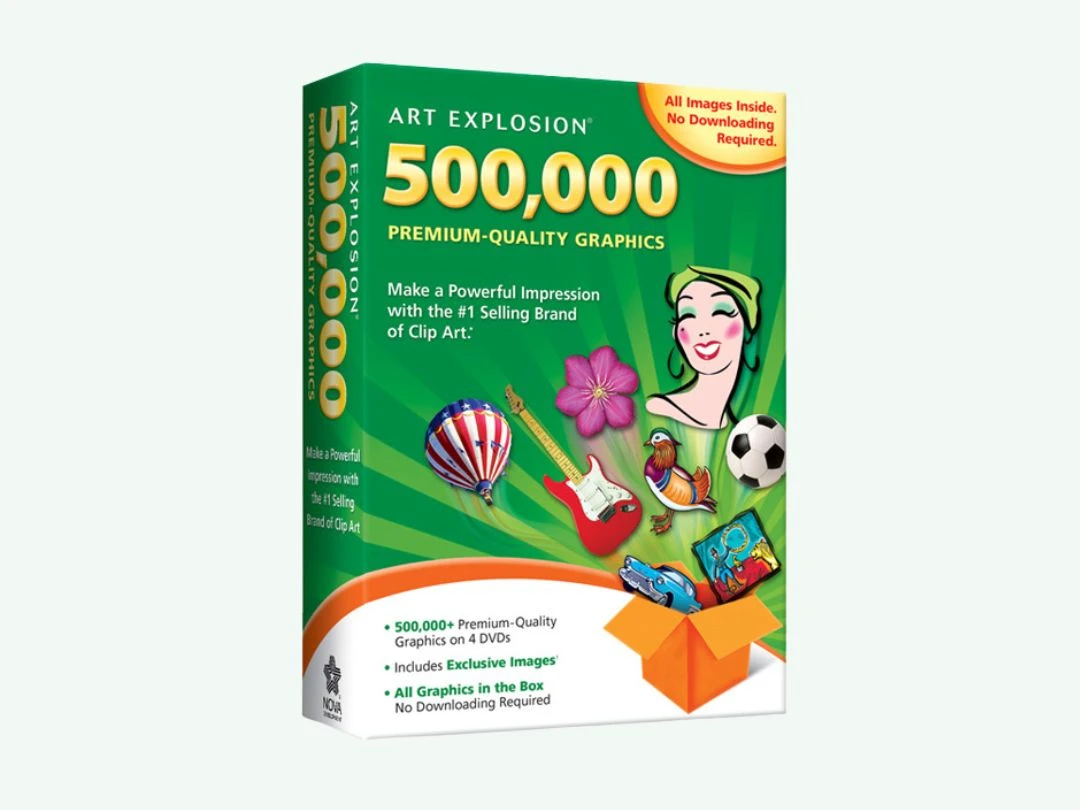
Art Explosion 500000

Art Explosion 500000

Designing Solutions

Starting at

$ 29.99

Key Features

  • Image Library
  • High-Resolution Output
  • Vector Output
  • Rasters
  • Background Screening
View 3 more
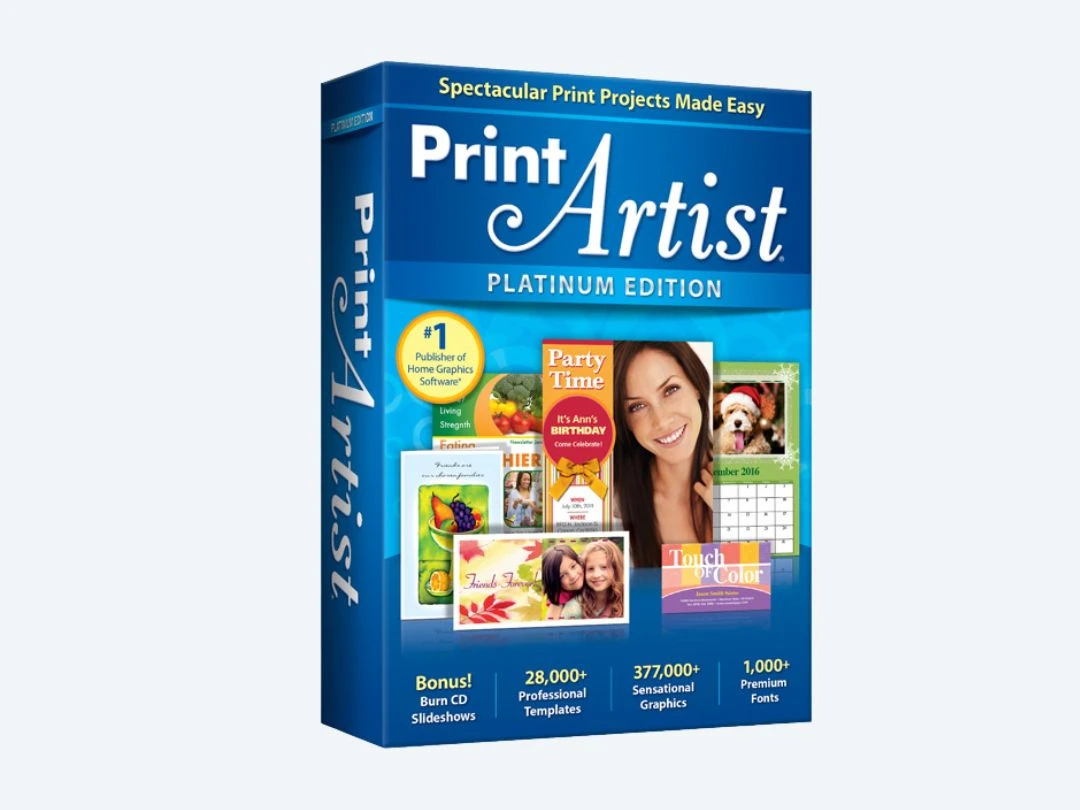
Print Artist 25 Platinum

Print Artist 25 Platinum

Designing Solutions

(10 reviews)

Starting at

$ 50.00

Key Features

  • Templates
  • Graphics
  • Custom Fonts
  • Photo Editing
  • Social Sharing
View 3 more
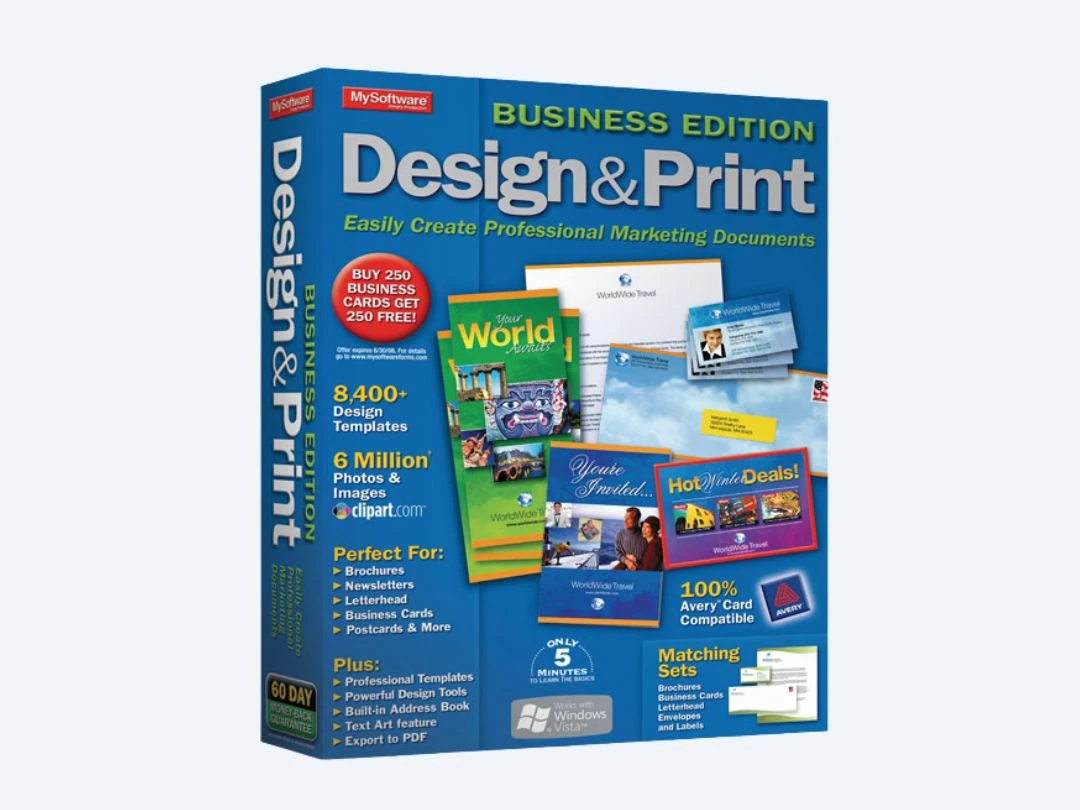
Design & Print Business Edition

Design & Print Business Edition

Designing Solutions

Starting at

$ 39.95

Key Features
  • Templates
  • Graphical, online dashboard
  • 2D & 3D PDF Export
  • Image Editing
  • Graphics & Text Enhancements
View 2 more
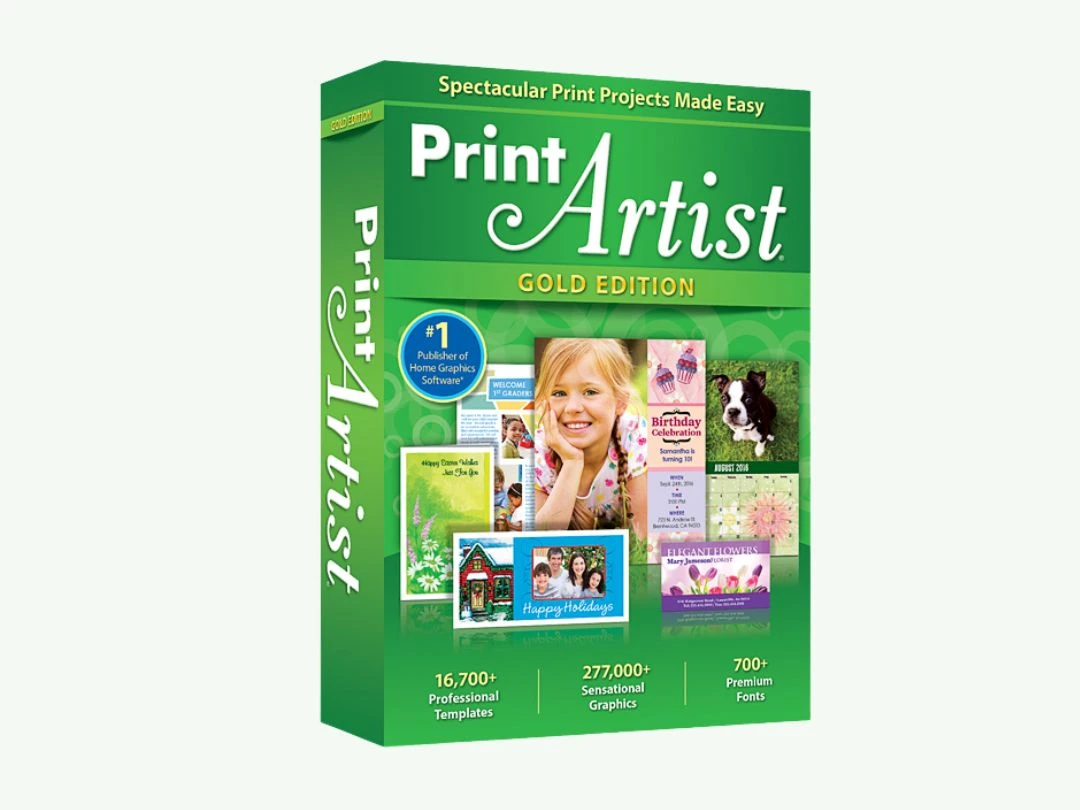
Print Artist 25 Gold

Print Artist 25 Gold

Designing Solutions

Starting at

$ 29.99

Key Features
  • Templates
  • Graphics
  • Photo Editing
  • Direct Social Media Sharing
  • 2D & 3D PDF Export
View 2 more

Starting at

$ 49.99

Key Features

  • Greetings System
  • Photo Editing
  • Website Management
  • Text Editor
  • Custom Fonts
View 1 more

Starting at

$ 19.99

Key Features

  • Realistic 3D
  • Lighting Effects
  • Sound Quality
  • Clock in & Clock out
  • Multi-Monitor Support
View 1 more
Penpot

Penpot

Designing Solutions

Starting at

$ 7.00

Key Features

  • Vector Editing
  • Enhanced symbols tool
  • Multi-Variate Testing
  • Custom label Design
  • Fast, flexible coding.
View 10 more
Symbolt

Symbolt

Designing Solutions

Starting at

$ 24.99

Key Features

  • Templates
  • File Sharing
  • Role-Based Access Control (RBAC)
  • Ratings & Reviews
  • Version History
View 6 more