USA
USA India
IndiaSmall Business
Designed for startups and growing businesses
See More



Brand: ABBYY
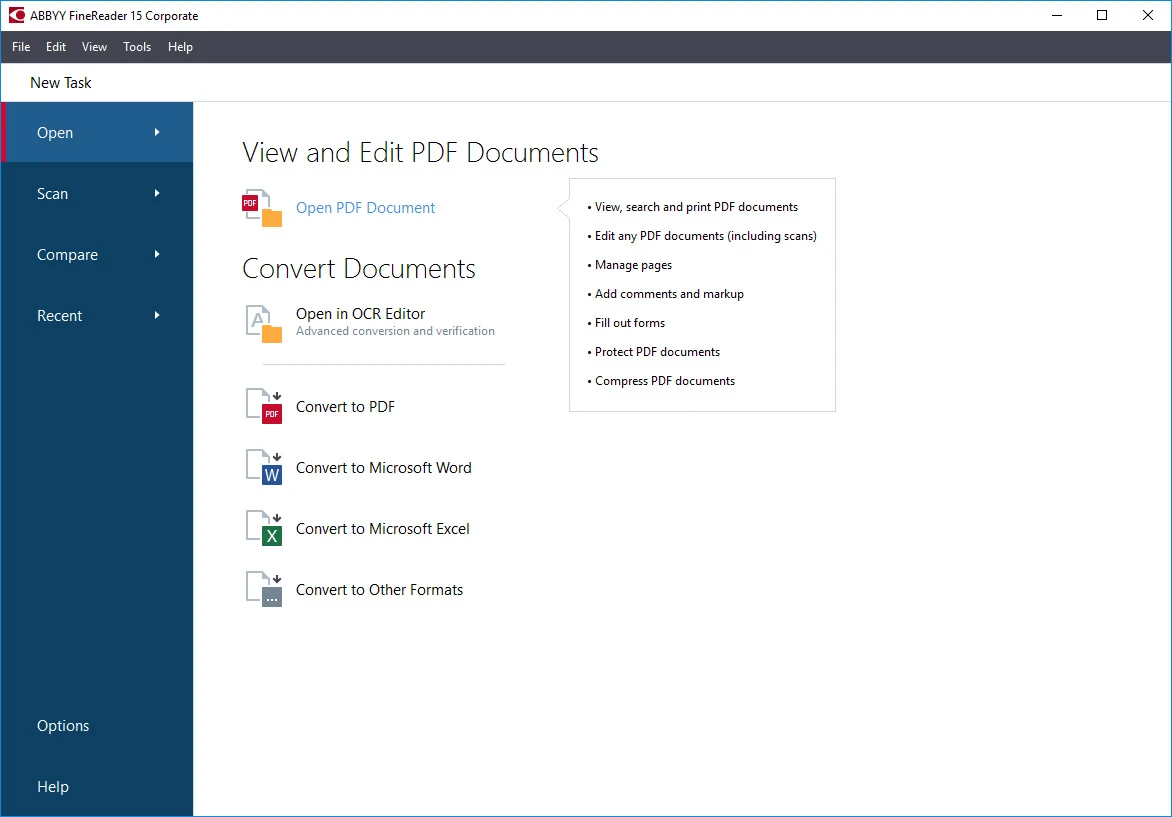
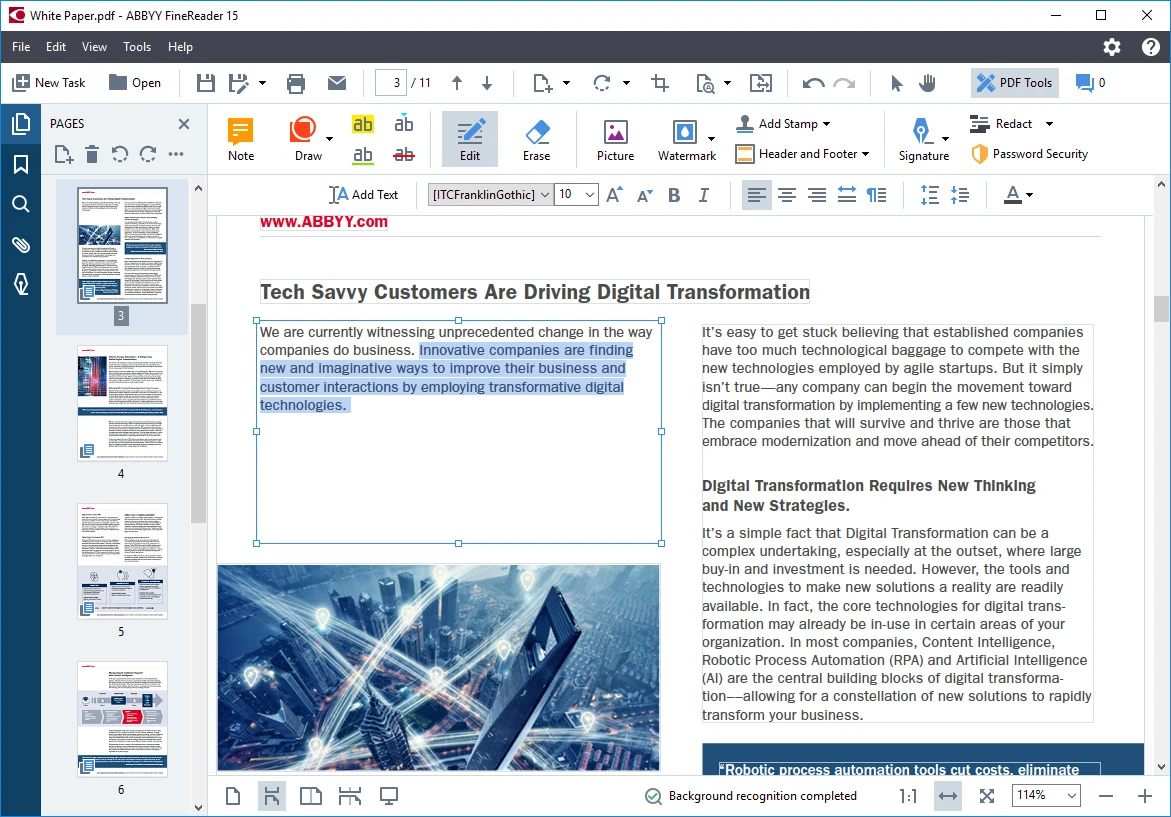
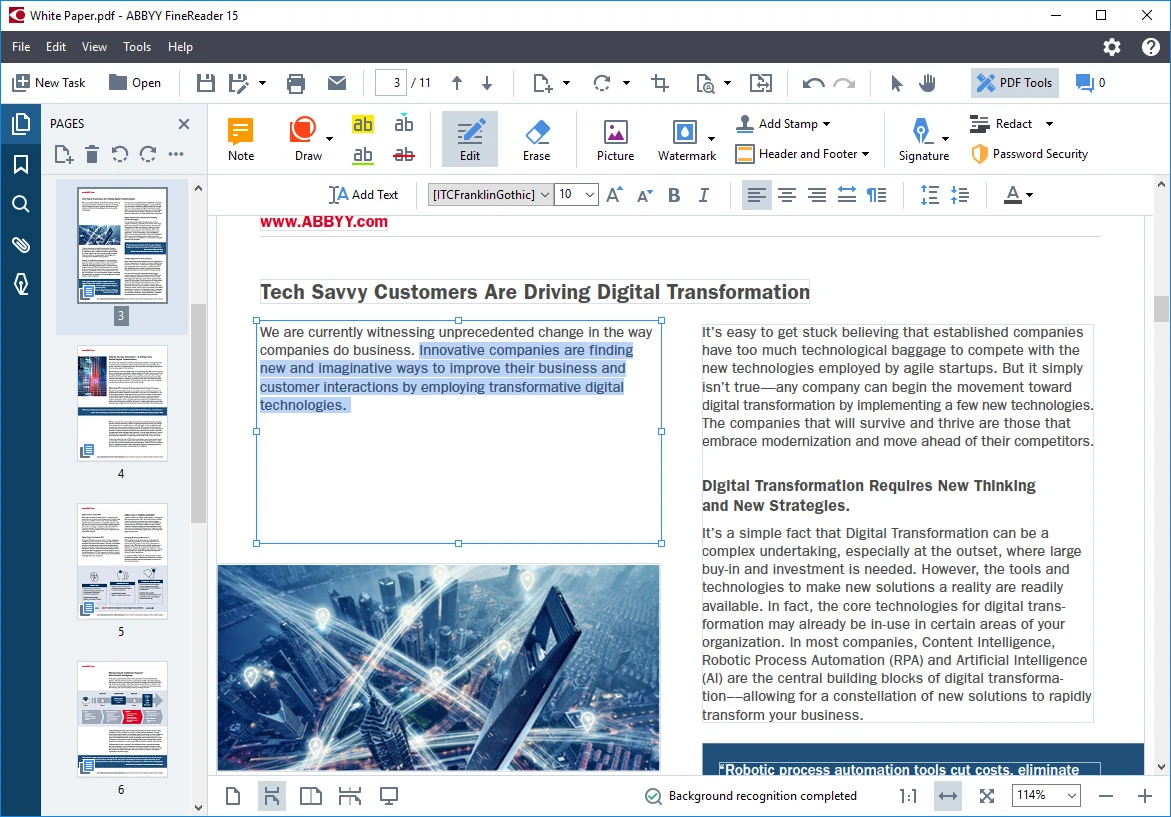
Your go-to PDF management solution for specialized office tasks, ABBYY FineReader, is set to transform your professional experience, offering a more efficient way of working in the digital arena.
See MoreHave you used ABBYY FineReader before?
Share your insights for better experience
Brand: ABBYY
Founded Year: 1989
ABBYY is a Digital Intelligence company. We provide a Digital Intelligence platform that enables organizations to gain a complete understanding of their business. The platform is designed to allow organizations to deploy solutions in standalone configurations or as a tightly integrated extension.
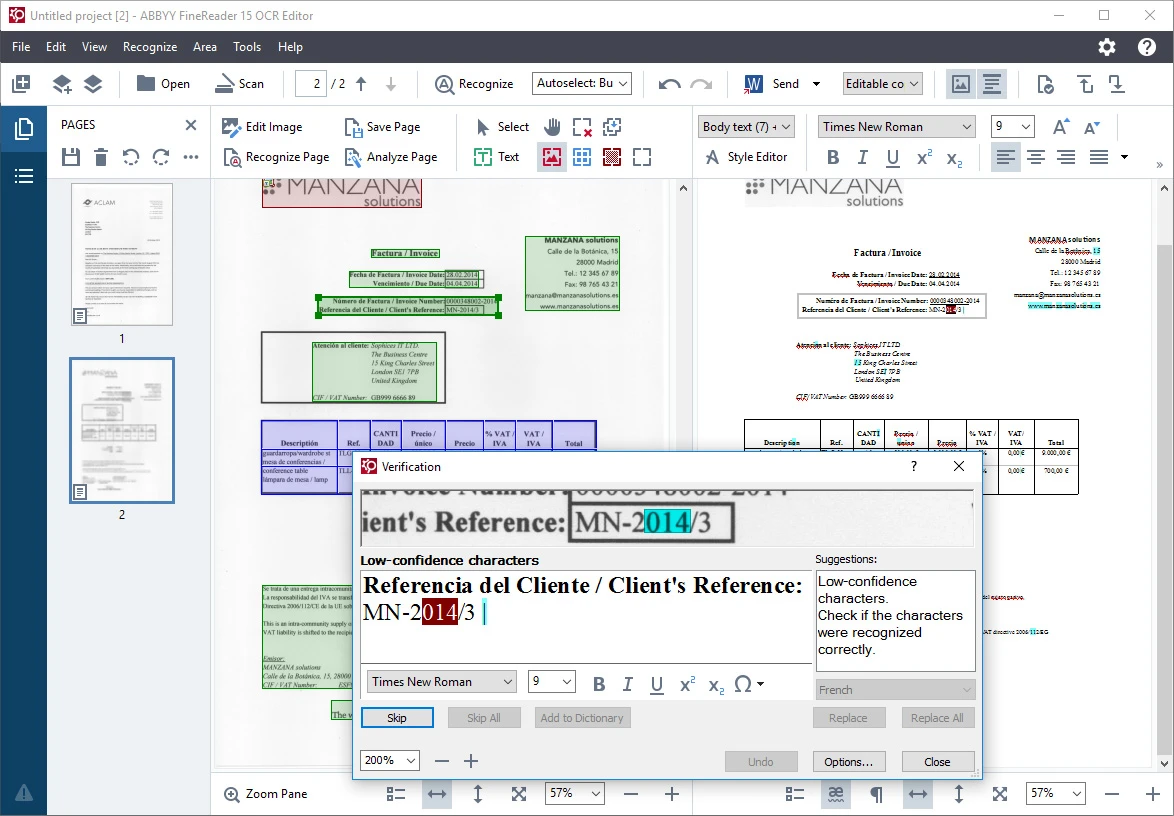
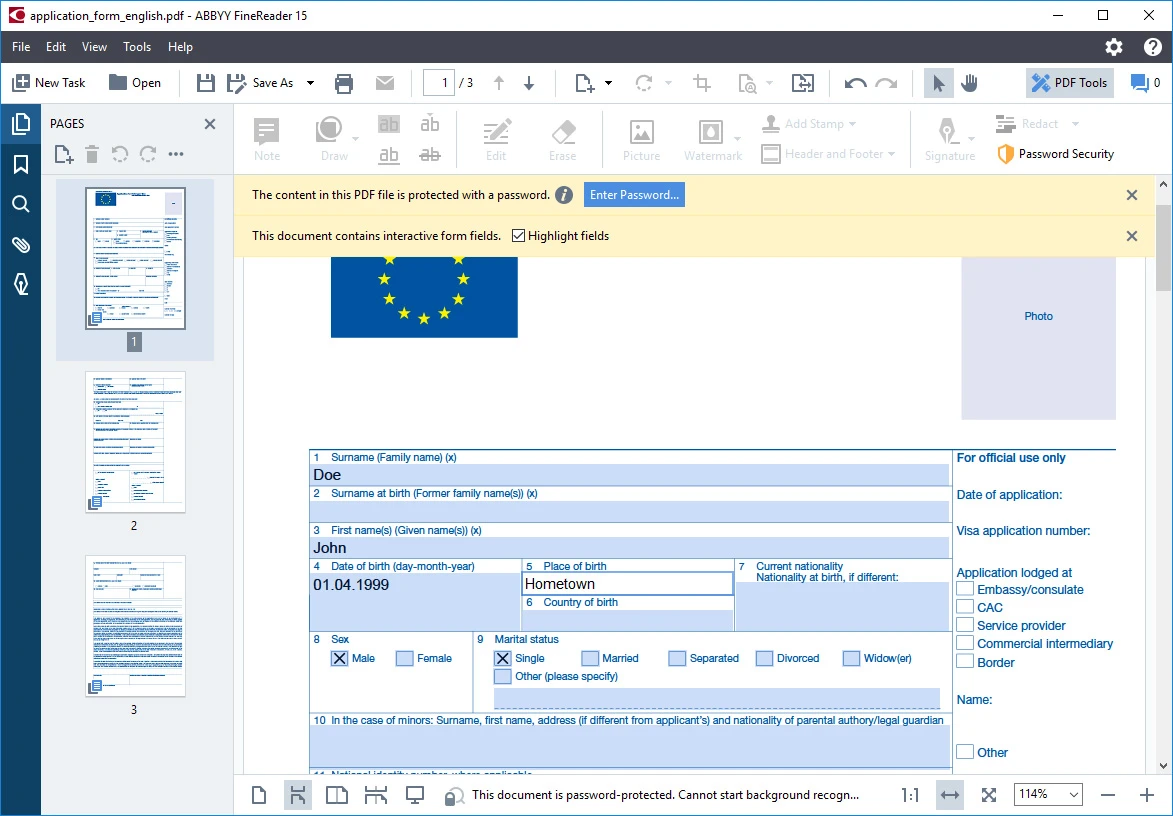
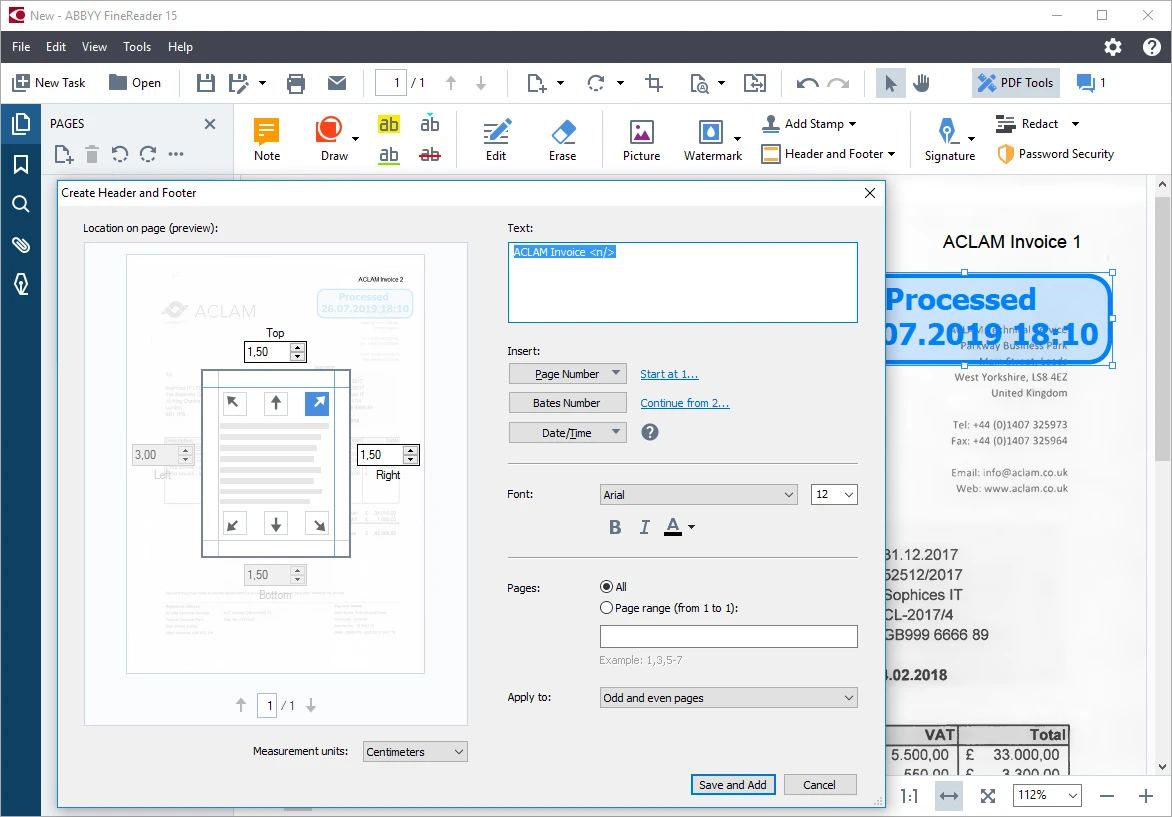
 Convert PDFs and Scans Edit and Comment PDFs Document Comparison Automate Conversion Search Option Convert to PDF Layout Setting PDF Editor Bulk Conversion Online PDF Creator & Converter

Watch the demo video to explore key features, real workflows, and how the software fits your business needs.
 Windows
  iOS MacOS
  Desktop
  Mobile
  Perpetual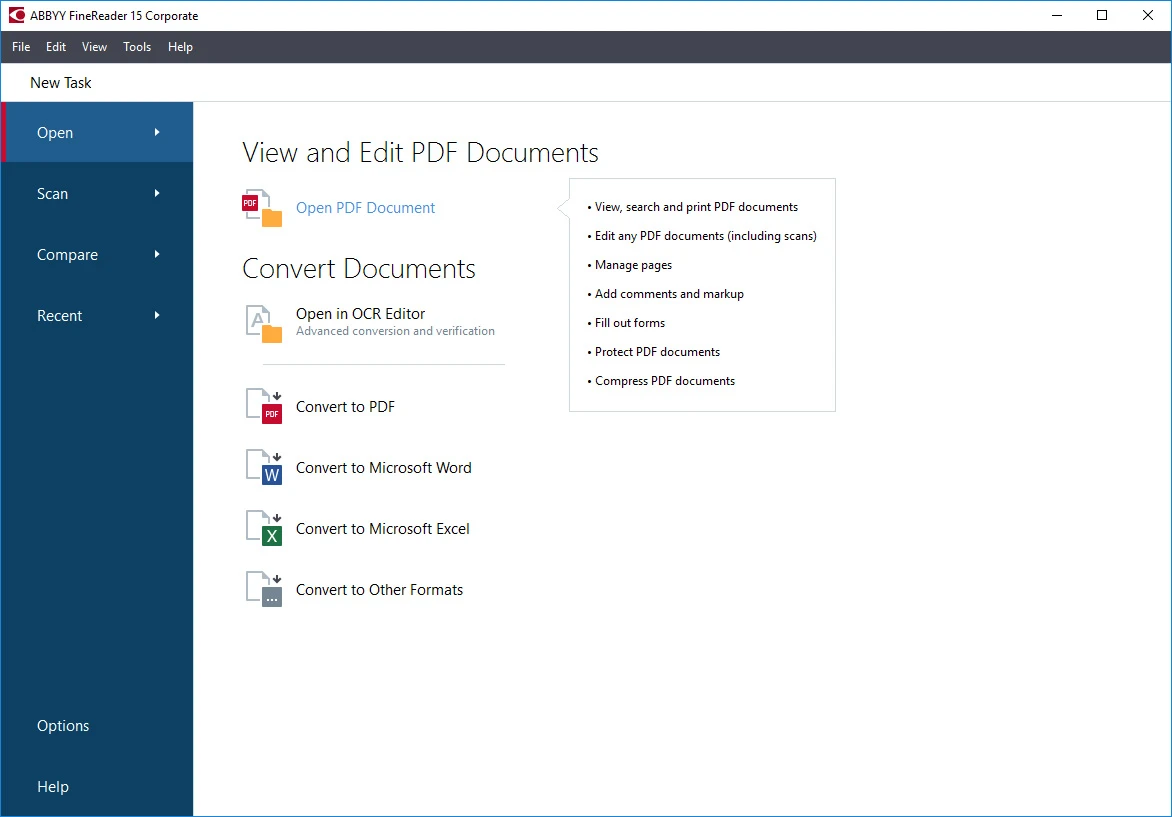
Small Business
Designed for startups and growing businesses
Medium Business
Built for business growth and flexibility
Enterprises
Designed for complex and large-scale business needs
4.5
Out of 5

Overall Rating
Based on
4 Verified Reviews
Rating Breakdown
70% Recommend this Product
Add ReviewUsers generally appreciate ABBYY FineReader for its exceptional optical character recognition capabilities, which enhance their document processing efficiency. The customer service experience is also highlighted positively, with users noting prompt and helpful support during their software selection process. While the feedback is largely favorable, the reviews do not mention any significant drawbacks or limitations, indicating a strong overall satisfaction with both the product and the service provided.


Jan 9, 2019
Techjockey Verified
“Optical Character recognition”
Pros
Provides excellent optical character recognition of scanned documents.
Cons
NO CONS
Sep 25, 2017
Techjockey Verified
“Outstanding Customer Service!!”
Pros
Great service! I ran across the site which looking for software options for software system. I filled out the form and within a short time I had a telephone call and email from Melissa at Techjockey, giving me 5 options that fit our criteria. Those 5 companies all contacted me that day and we got conversations/demos/in-person visits all arranged during that first day! Each of the companies provided excellent information that I can utilize. Highly recommend Techjockey!
Cons
N/A
Sep 18, 2017
Techjockey Verified
“Very kind and accurate”
Pros
I was wary at what was my first attempt to buy software from other than the maker, but this experience worked out perfect. Everything went as they said it should, and I am very happy with the product.
Cons
N/A

ABBYY FineReader
£ 13.00 excl. GST
Desktop
Mobile
Web based
On Premises
Windows
Mac OS

PDF Expert
Price On Request
Desktop
Mobile
Web based
On Premises
Windows
Mac OS

Zoho PDF Editor
Price On Request
Desktop
Mobile
Web based
On Premises
Windows
Mac OS

Gravity PDF
Price On Request
Desktop
Mobile
Web based
On Premises
Windows
Mac OS
PDFCreator
Price On Request
Desktop
Mobile
Web based
On Premises
Windows
Mac OS

LightPDF
Price On Request
Desktop
Mobile
Web based
On Premises
Windows
Mac OS
CutePDF
Price On Request
Desktop
Mobile
Web based
On Premises
Windows
Mac OS

Sejda PDF
Price On Request
Desktop
Mobile
Web based
On Premises
Windows
Mac OS
Kofax Power PDF
Price On Request
Desktop
Mobile
Web based
On Premises
Windows
Mac OS

EaseUS PDF Editor
Price On Request
Desktop
Mobile
Web based
On Premises
Windows
Mac OS
PDFSimpli
Price On Request
Desktop
Mobile
Web based
On Premises
Windows
Mac OS
(2) Product(s) selected
Starting Price:
₹25.83 /year
Available
Price on Request
Starting Price:
AUD199.00 /Year
Starting Price:
$19.99 /Month
Starting Price:
$66.65 /Year

Starting Price:
$20.00 /Month
Available
Price on Request

Starting Price:
$49.00 /Lifetime
Starting Price:
$6.00 /Month

Available
Price on Request

Starting Price:
$7.00 /Month
ABBYY FineReader software is compatible with Windows, iOS, and MacOS systems.
Yes, there is a mobile application of ABBYY FineReader for both Android and iPhone platforms.
ABBYY FineReader system supports web-based (perpetual) deployment.
ABBYY FineReader pricing starts at £ 13 at techjockey.com.
ABBYY FineReader Software is typically used in all businesses and industries.
Yes, ABBYY FineReader solution free demo is available at techjockey.com.
ABBYY FineReader Software offers a free trial. However, the premium plan with advanced features is available at techjockey.com with exciting deals.
ABBYY FineReader software installation is not required, as it is web-based. Just open the Setup Wizard to get started.
Your go-to PDF management solution for specialized office tasks, ABBYY FineReader, is set to transform your professional experience, offering a more efficient way of working in the digital arena.
Terms and Condtions

Users with registered businesses can purchase goods from merchants on the platform to satisfy their business needs. Users are not permitted to utilize any products acquired through the platform for resale, advertising, business, or further distribution.
For each purchase made, users will receive a Tax Invoice (or 'GST invoice') that includes specific details such as:
the GSTIN of the user associated with their registered business, and
the specified Entity Name for their business.
It should be noted that not all products are eligible for GST Invoice. Only the products displayed by participating sellers with the 'GST-based Invoice Available' callout on the product description page would qualify.
Certain goods and services are not eligible to get a GST Invoice, including items with VAS, i.e., Value Added Services (e.g., Total Mobile Protection/Assured Buyback) and those involving an exchange offer at the time of purchase.
Users must ensure the accuracy of the GSTIN, and business entity name provided for the GST Invoice. Requests for corrections into GST Invoice would not be accommodated by Techjockey.com or any Seller, and any issues arising from user-provided information are the sole responsibility of users.
Techjockey.com is not liable for the GST Invoice or any associated input tax credit. To efficiently claim an input tax credit, users should select the registered place of business address as per the GST authority's data and follow the provisions of the GST Act and rules.
To claim an input tax credit, the delivery and billing addresses must match. Furthermore, input tax credits will not be granted if the delivery address and GSTIN on the invoice are from different states. In case of incorrect GST details provided during the order placement, the order will be canceled automatically.
 20,000+ Software Listed
 Unbiased Comparison
 Read Authentic Reviews
 500,000+ Monthly Users