linkedin
DemoCreator logo
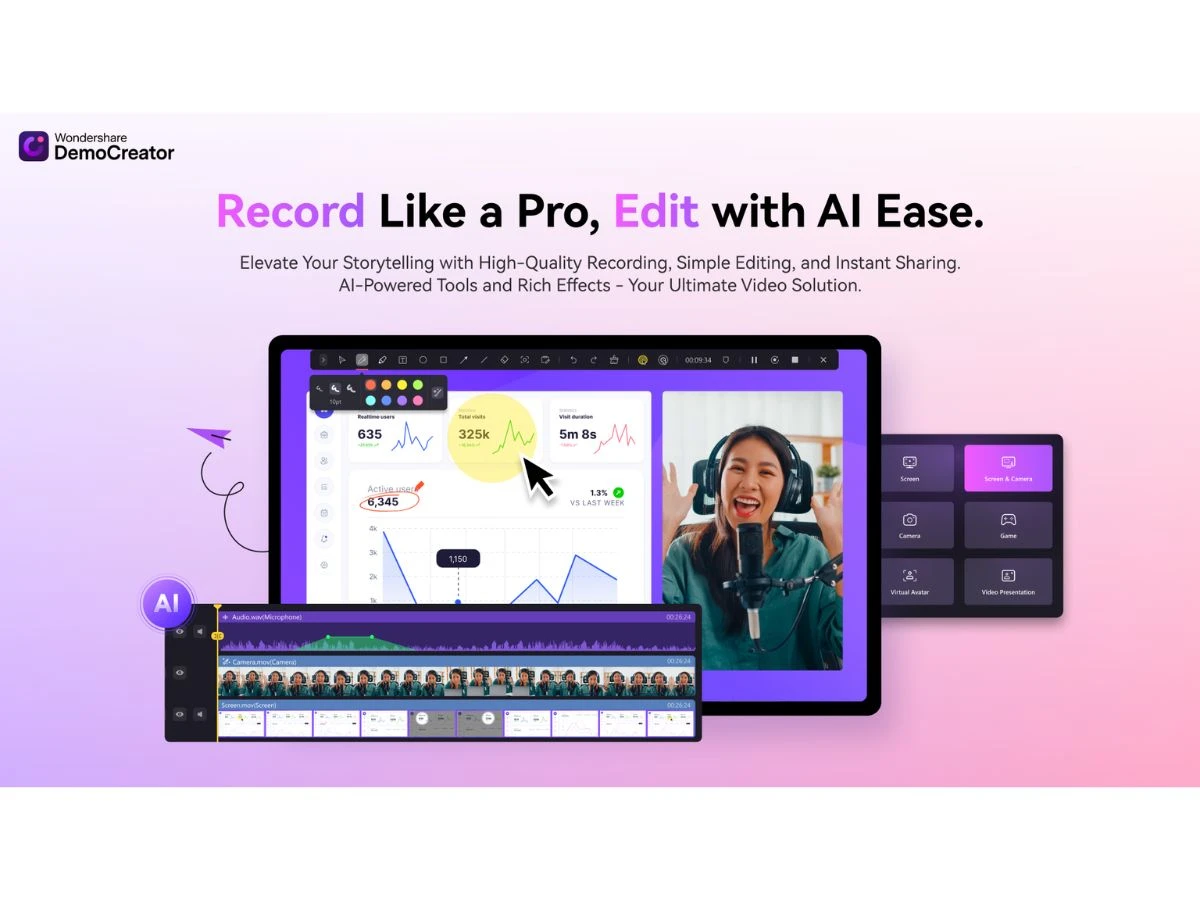
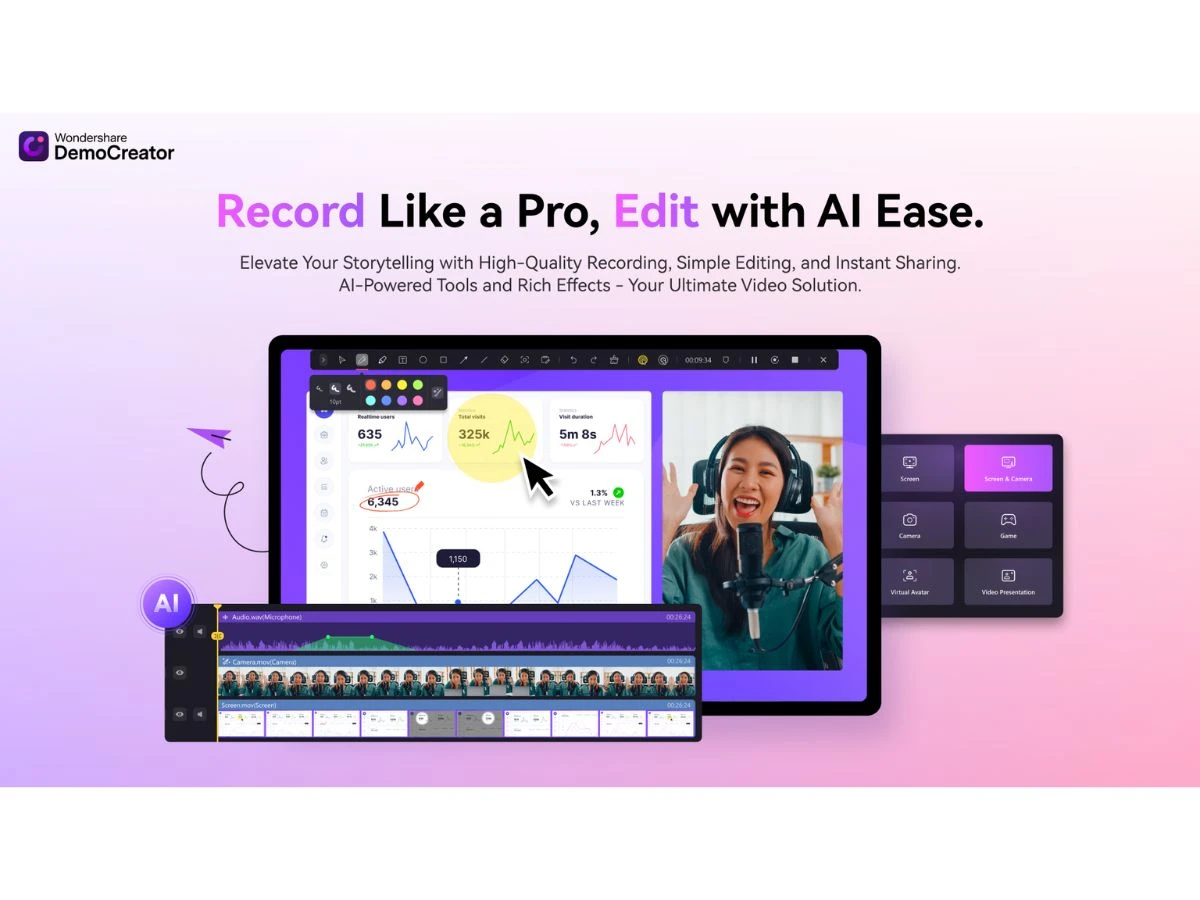
play Unlock New AI Features with DemoCreator V8
DemoCreator-highlights
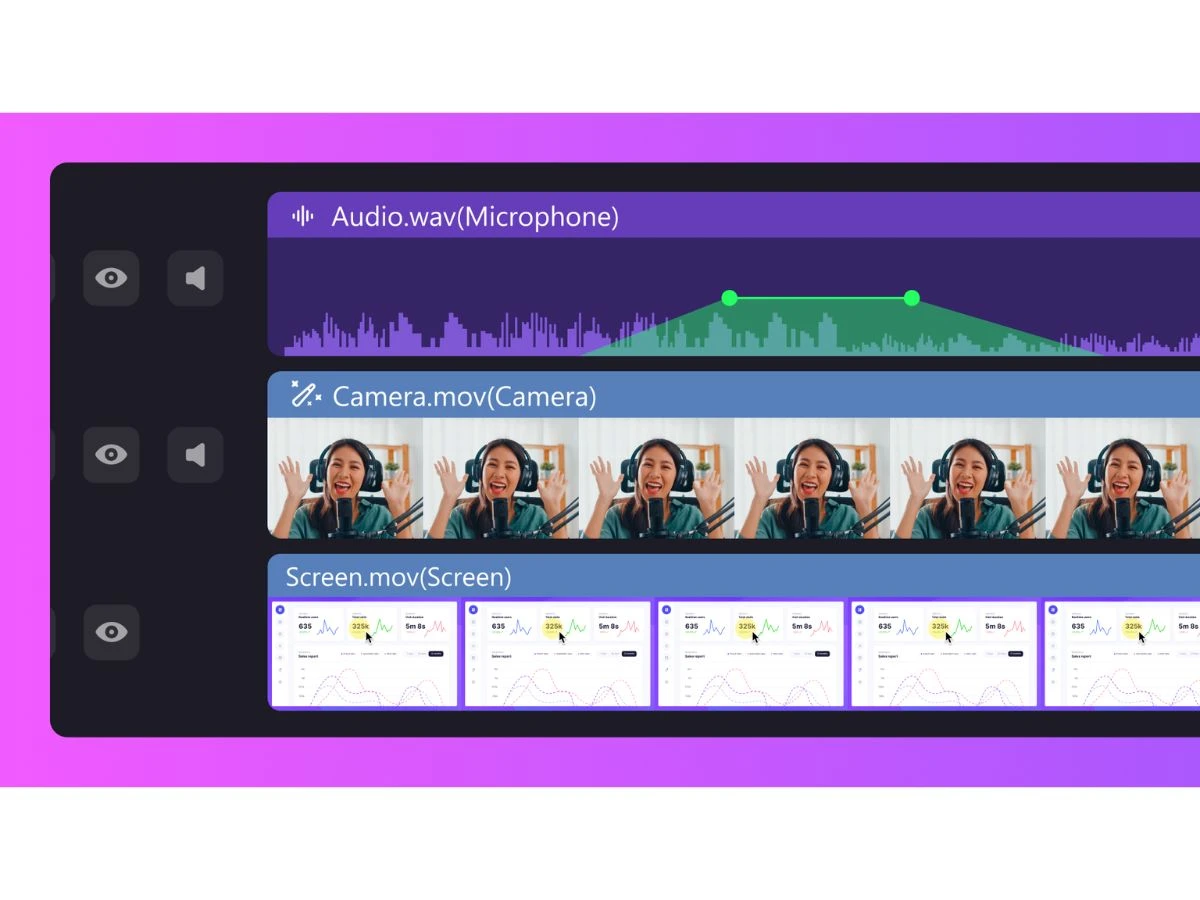
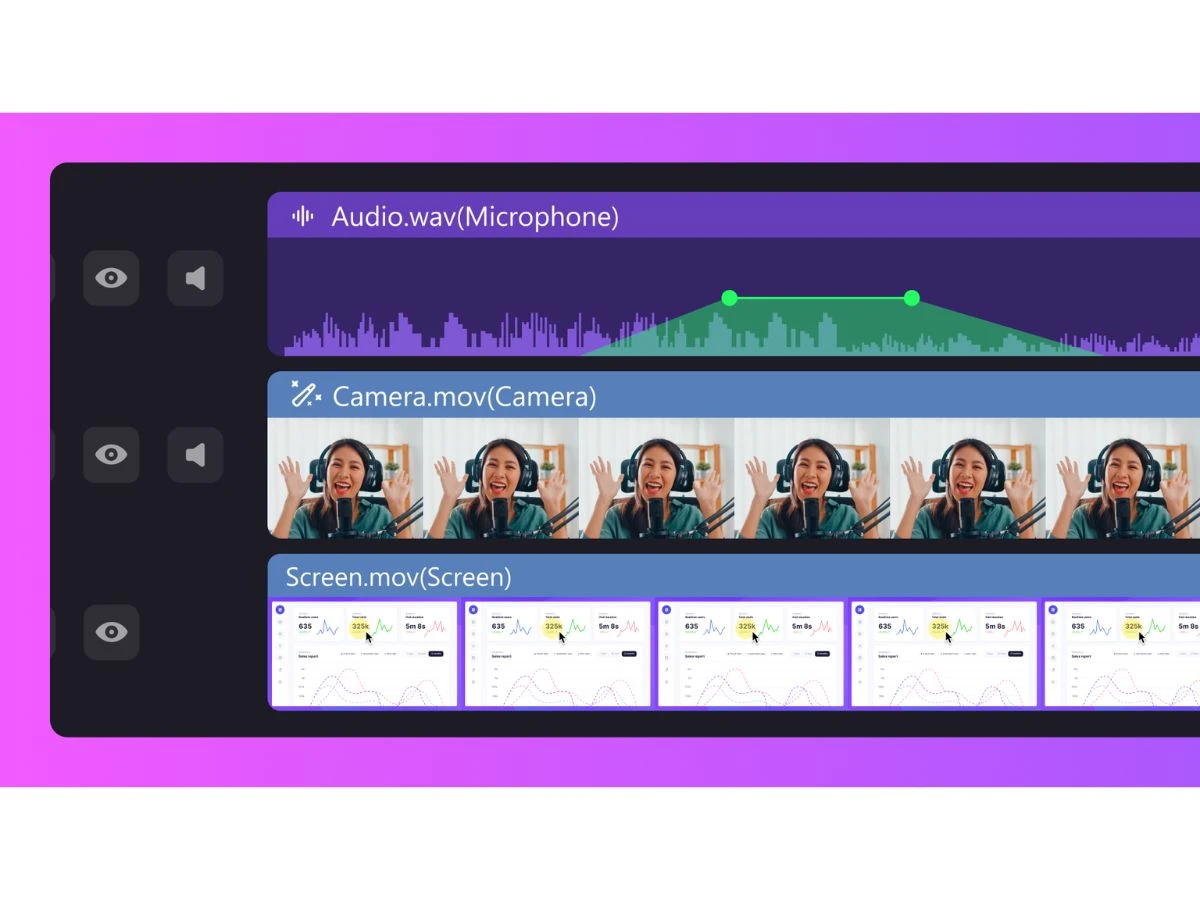
DemoCreator-multi track edit

DemoCreator

Brand: Wondershare

  • No Ratings & Reviews

Have you used DemoCreator before?

Share your insights for better experience

Add a Review
Starting Price
$10

View plans

100% Genuine
Products
Best Price
Guaranteed
Safe & Secure
Payment
  • Description

  • Pricing

  • Features

  • Specification

  • Review

Starting at $9.99

DemoCreator Software Overview

Wondershare Company Details

Founded Year:  2003

Wondershare creates integrated lifestyle technology solutions for users across 150 countries. Making people’s lives easier through innovative technology and delighting them along the way is what drives us.

Director/Founders Tobee Wu
Company Size 101-500 Employees

DemoCreator Pricing & Plans

Monthly Plan
Key Features
  • Keep up to date with future versions
  • Export without watermark
  • Record video up to 4K UHD and 120 FPS
  • Record and edit the microphone, screen, and camera
  • 10+ AI tools for video recording and editing
  • 50,000+ creative assets
Starting at $9.99
    • Licenses

      Licenses
      Licenses
    • Monthly

      Monthly
      Monthly

Key Features

  • Keep up to date with future versions

  • Export without watermark

  • Record video up to 4K UHD and 120 FPS

  • Record and edit the microphone, screen, and camera

  • 10+ AI tools for video recording and editing

  • 50,000+ creative assets

DemoCreator Features

  • icon_check Screen Recording
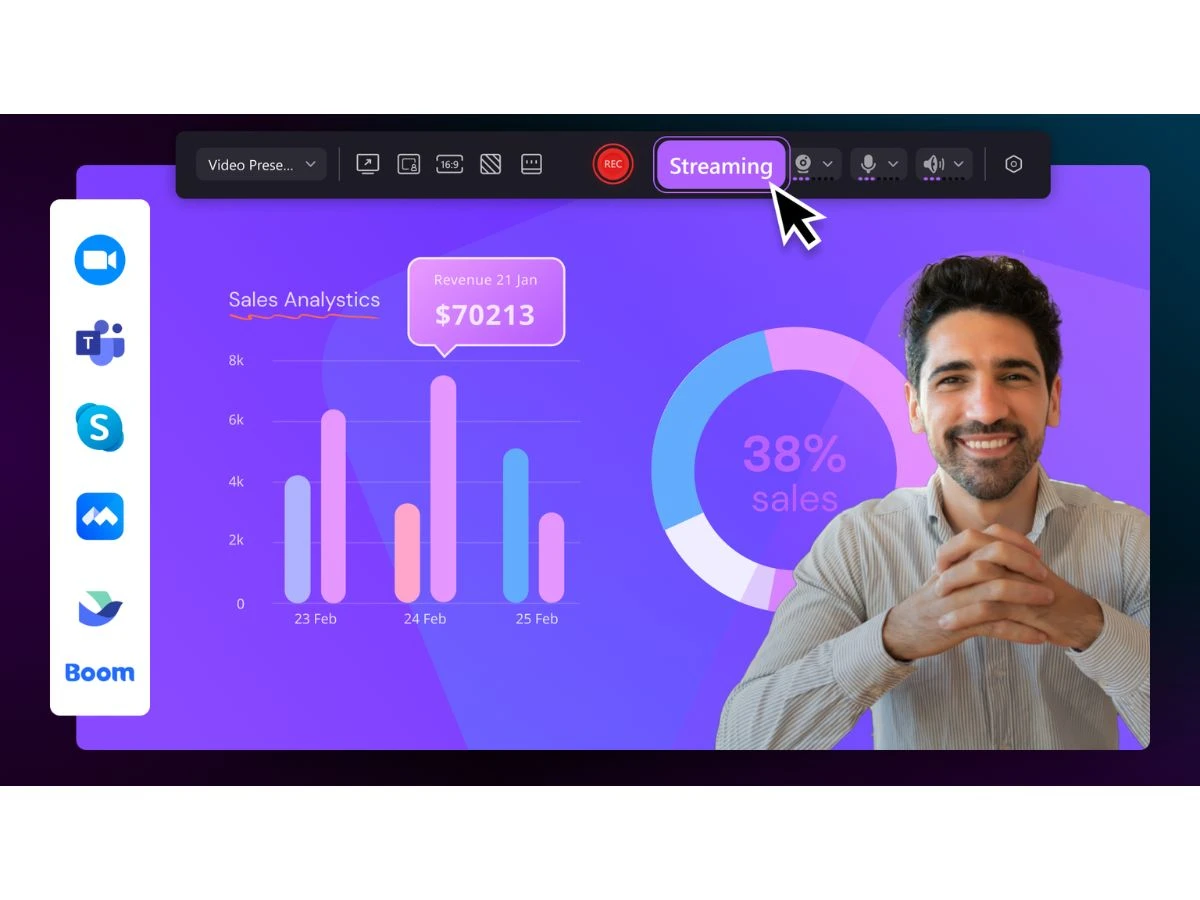
    Record full screen, specific windows, or custom regions with smooth frame rates and synchronized audio capture.
  • icon_check Webcam Recording
    Capture webcam video alongside screen recordings to create engaging tutorials, presentations, or reaction videos.
  • icon_check Audio Recording
    Record system sound and microphone audio separately or together with advanced noise reduction controls.
  • icon_check Game Recording
    High-performance game capture with up to 4K resolution and high frame rates without noticeable lag.
  • icon_check Video Editing
    Edit recordings using a multi-track timeline supporting trimming, splitting, merging, and reordering clips.
  • icon_check Text and Title Effects
    Add customizable text, titles, and lower thirds to enhance clarity and branding in instructional videos.
  • icon_check Annotations
    Highlight key actions using arrows, shapes, text boxes, and drawings during or after recording.
  • icon_check Cursor Effects
    Apply cursor highlights, click animations, and sound effects to clearly demonstrate on-screen actions.
  • icon_check Transitions and Filters
    Enhance visual flow with built-in transitions and filters for smoother scene changes and style consistency.
  • icon_check Green Screen and Chroma Key / Luma Key
    Remove or replace backgrounds in webcam footage using chroma key for professional-looking videos.
  • icon_check Noise Reduction
    Automatically reduce background noise in voice recordings for clearer and more professional audio output.
  • icon_check Automatic Subtitles
    Generate subtitles automatically using speech recognition to improve accessibility and viewer engagement.
  • icon_check Templates
    Use pre-designed video templates to quickly create tutorials, demos, and promotional content.
  • icon_check Export Presets
    Export videos in multiple formats and resolutions optimized for YouTube, social media, and presentations.
  • icon_check Multi-Platform Support
    Available for Windows and macOS, ensuring consistent recording and editing workflows across devices.
DemoCreator Demo Video play icon

Get DemoCreator Demo

Watch the demo video to explore key features, real workflows, and how the software fits your business needs.

Understand
Key Features
Personal
Demo Insights
Interactive
Demo Support

DemoCreator Specifications

Supported Platforms
Windows Windows MacOS MacOS
Devices
Desktop Desktop
Deployment
Perpetual Perpetual
Suitable For
All Industries
Business Specific
All Businesses
Business Size
Individual Small Business Startups Medium Business Enterprises
Customer Support
Email Communities
Language
English
Training Resources
Videos
AI Features
AI Integrated

DemoCreator Review

Techjockey Trusted Reviews from Verified Users

No reviews are currently available for DemoCreator. Discover similar Screen Recording Software reviews

  • Camtasia

    4.6

    Whats great - Have made great videos for my youtube channel and the overall experience is great read more

  • DU Recorder

    4.4

    Whats great - Edit all your recordings with this recorder. Equally easy is cropping and linking together of the different fragments. read more

  • TechSmith Snagit

    4.6

    Whats great - Fast, Attentive, and Thorough Help in Sorting Software Options! read more

Terms and Condtions

close

Users with registered businesses can purchase goods from merchants on the platform to satisfy their business needs. Users are not permitted to utilize any products acquired through the platform for resale, advertising, business, or further distribution.

For each purchase made, users will receive a Tax Invoice (or 'GST invoice') that includes specific details such as:

  • the GSTIN of the user associated with their registered business, and

  • the specified Entity Name for their business.

It should be noted that not all products are eligible for GST Invoice. Only the products displayed by participating sellers with the 'GST-based Invoice Available' callout on the product description page would qualify.

Certain goods and services are not eligible to get a GST Invoice, including items with VAS, i.e., Value Added Services (e.g., Total Mobile Protection/Assured Buyback) and those involving an exchange offer at the time of purchase.

Users must ensure the accuracy of the GSTIN, and business entity name provided for the GST Invoice. Requests for corrections into GST Invoice would not be accommodated by Techjockey.com or any Seller, and any issues arising from user-provided information are the sole responsibility of users.

Techjockey.com is not liable for the GST Invoice or any associated input tax credit. To efficiently claim an input tax credit, users should select the registered place of business address as per the GST authority's data and follow the provisions of the GST Act and rules.

To claim an input tax credit, the delivery and billing addresses must match. Furthermore, input tax credits will not be granted if the delivery address and GSTIN on the invoice are from different states. In case of incorrect GST details provided during the order placement, the order will be canceled automatically.

20,000+ Software Listed 20,000+ Software Listed

Best Price Guaranteed Unbiased Comparison

Free Expert Consultation Read Authentic Reviews

2M+ Happy Customers 500,000+ Monthly Users