USA
 India
Small Business
Designed for startups and growing businesses


See More


Brand: DU Recorder
DU Recorder is a screen recording software that aims to provide instructions or guidance about carrying out a certain procedure. It might include the steps to use a software or tool, or one might even use the software for learning or training purposes. You can easily record your videos and live stream the content on your screen. DU Recorder comes with a set of features for the business users to i...
See MoreHave you used DU Recorder before?
Share your insights for better experience
Looking for The Right Pricing?
Share your requirements and get a plan built around your business.
Price Available on Request
Get personalised DU Recorder pricing that fits your needs. Our team will connect with you.
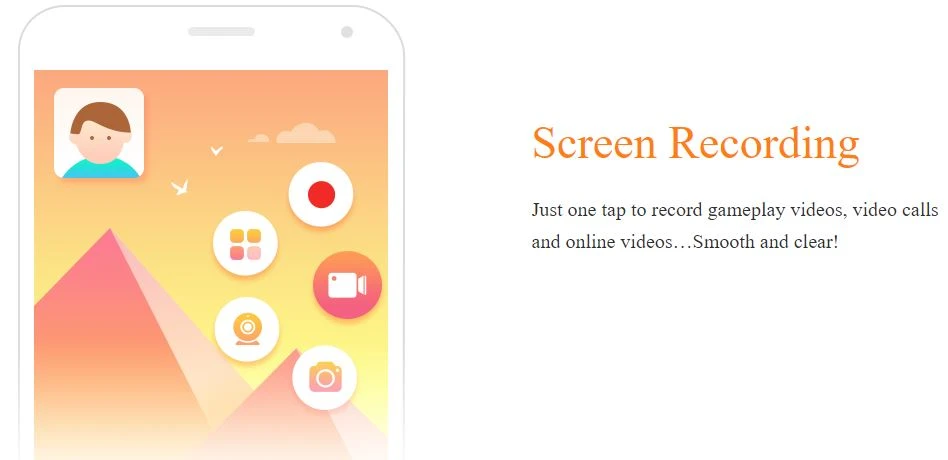
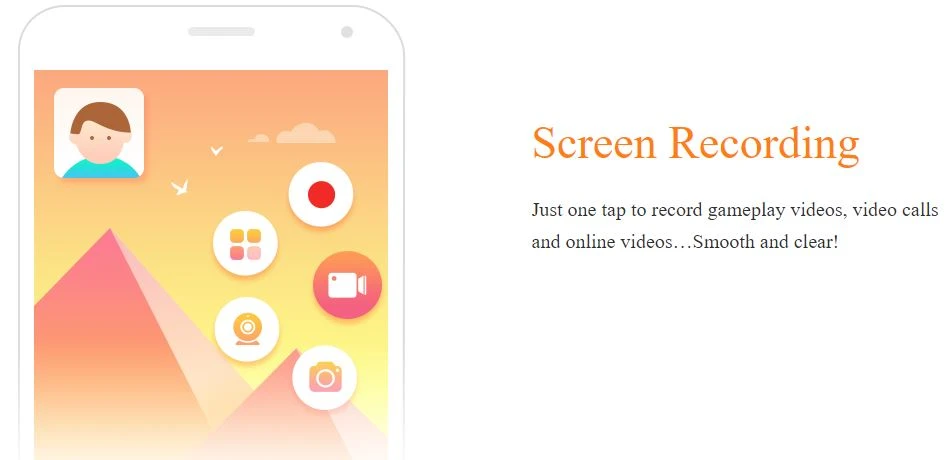
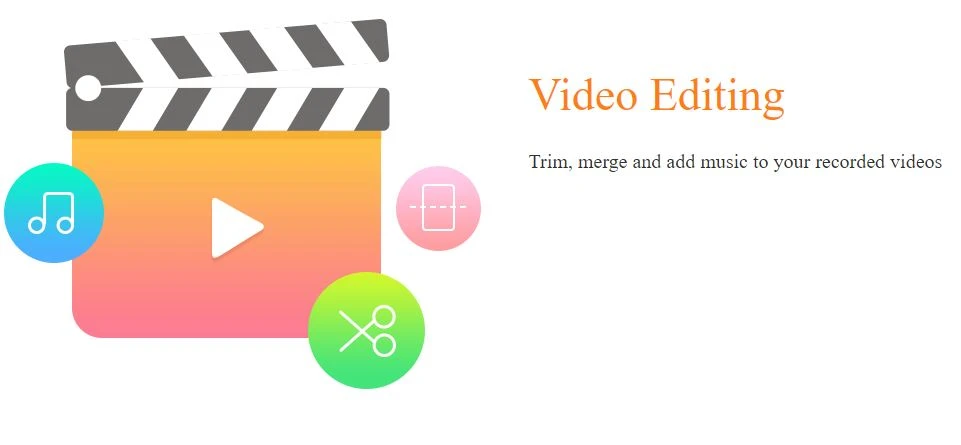
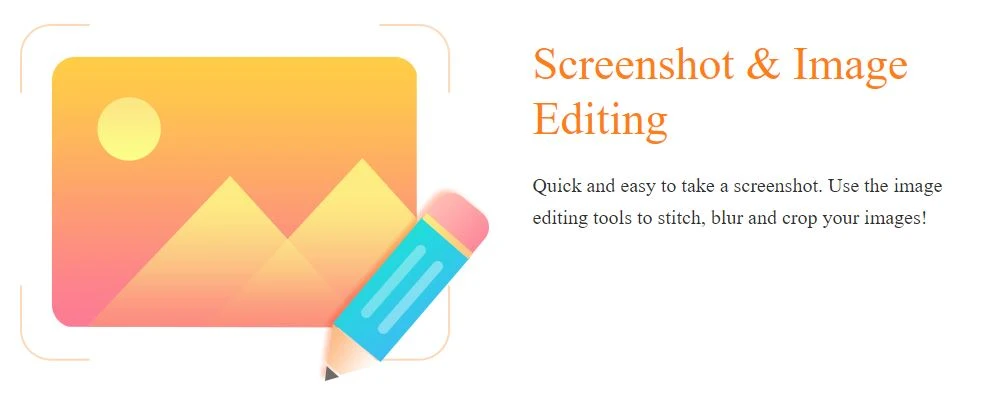
 Screen Recording High-quality videos Video Editing Livestream Automated Screenshots Image Editing Facecam Support Floating Window Control Camera + Screen Broadcast Speed Control Convert to GIF Apply Filters & Stickers ReplayKit (iOS)


Watch the demo video to explore key features, real workflows, and how the software fits your business needs.
 Windows
 iOS
 Android MacOS
 Desktop
 Mobile
 Cloud-Based

Small Business
Designed for startups and growing businesses
Medium Business
Built for business growth and flexibility
Enterprises
Designed for complex and large-scale business needs
4.4
Out of 5

Overall Rating
Based on
5 Verified Reviews
Rating Breakdown
90% Recommend this Product
Add ReviewUsers generally appreciate DU Recorder for its user-friendly editing capabilities, such as cropping, linking fragments, and adding music, which enhance the overall video quality and interactivity. Many find it particularly effective for Android devices, offering flexibility in adjusting video quality to meet project needs. However, while the reviews are positive, there are no significant complaints mentioned, indicating a consistent satisfaction among users. Overall, the product is well-regarded for its functionality and ease of use.

Mar 23, 2021
Techjockey Verified
“Quick editing”
Pros
Edit all your recordings with this recorder. Equally easy is cropping and linking together of the different fragments.
Cons
NO CONS
Mar 23, 2021
Techjockey Verified
“Changing frames”
Pros
I guess besides changing frames, DU Recorder is best for adjusting the available number of frames/second.
Cons
NO CONS
Mar 23, 2021
Techjockey Verified
“Add music conveniently”
Pros
You can add music into the background using this video recorder. I frequently add music to the background oy my videos. This feature is something that makes the recording so nice and interactive.
Cons
NO CONS

DU Recorder
Price On Request
Desktop
Mobile
Web based
On Premises
Windows
Mac OS

Fraps
Price On Request
Desktop
Mobile
Web based
On Premises
Windows
Mac OS

Macro Recorder
Price On Request
Desktop
Mobile
Web based
On Premises
Windows
Mac OS

Screen Studio
Price On Request
Desktop
Mobile
Web based
On Premises
Windows
Mac OS

Lightshot
Price On Request
Desktop
Mobile
Web based
On Premises
Windows
Mac OS
Awesome Screenshot
Price On Request
Desktop
Mobile
Web based
On Premises
Windows
Mac OS

Recordit
Price On Request
Desktop
Mobile
Web based
On Premises
Windows
Mac OS

iTop Screen Recorder
Price On Request
Desktop
Mobile
Web based
On Premises
Windows
Mac OS

Ezvid
Price On Request
Desktop
Mobile
Web based
On Premises
Windows
Mac OS

DemoCreator
Price On Request
Desktop
Mobile
Web based
On Premises
Windows
Mac OS

IceCream Screen Recorder
Price On Request
Desktop
Mobile
Web based
On Premises
Windows
Mac OS
(2) Product(s) selected
Starting Price:
$37.00 /Quantity
Available
Price on Request
Starting Price:
$6.00 /Month
Starting Price:
$19.99 /Month
Available
Price on Request
Starting Price:
$24.00 /Month

Starting Price:
$19.00 /Month

Starting Price:
$19.77 /License $29.95

Starting Price:
AED71.85 /Month AED102.64

Starting Price:
$5.99 /Month

Starting Price:
$9.00 /Month
You can easily get a live demo of DU Recorder with techjockey. You just need to drop in a suitable date and time as per your convenience and our l team will get back to you accordingly.
Yes, you can stop recording your screen by simply shaking your device.
? RAM: 1 GB ? Hard Disk: 16 GB of free space ? Processor: 1 GHz Intel Pentium or Higher.
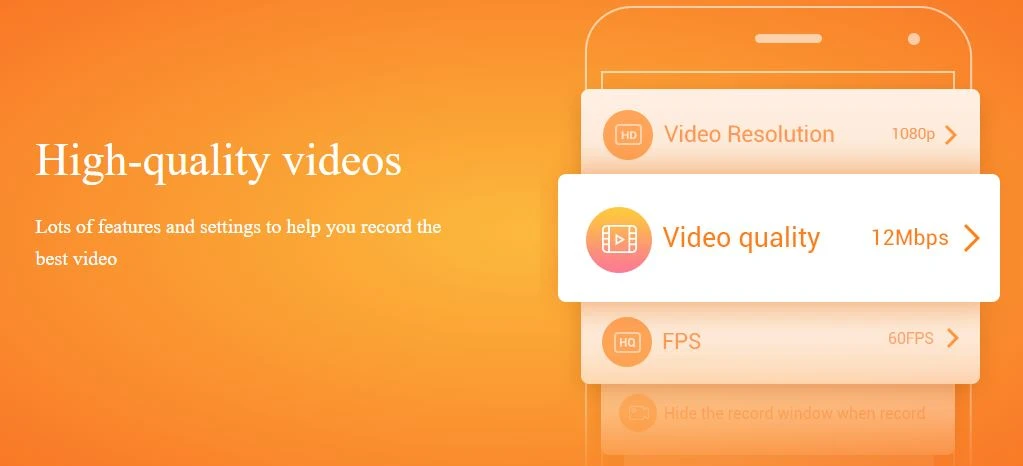
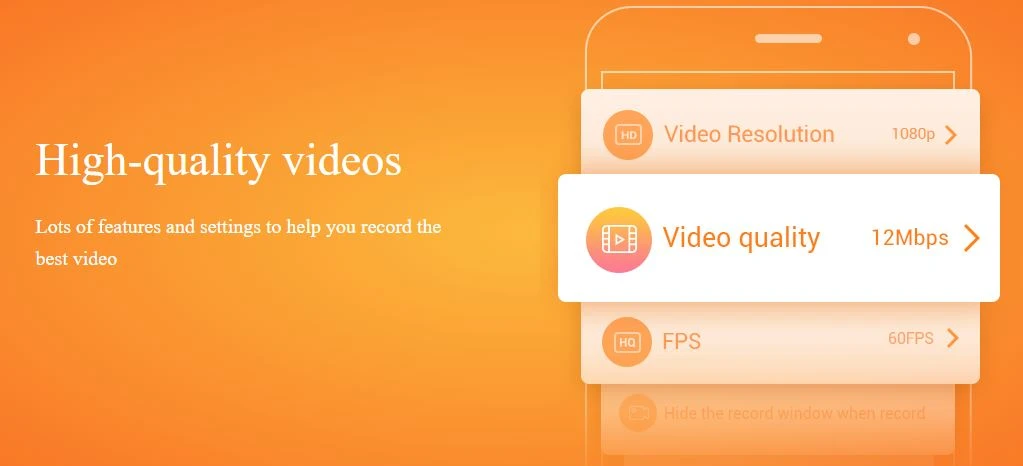
Yes, users can record videos in whatever quality they wish to. It even supports high-quality videos such as 1080p, 12 Mbps, 60 FPS, etc. There isn’t any recording time limit in DU Recorder.
Since the software supports both iOS as well as Android platforms, you can install the DU Recorder app in your handset and record your screen seamlessly.
Terms and Condtions

Users with registered businesses can purchase goods from merchants on the platform to satisfy their business needs. Users are not permitted to utilize any products acquired through the platform for resale, advertising, business, or further distribution.
For each purchase made, users will receive a Tax Invoice (or 'GST invoice') that includes specific details such as:
the GSTIN of the user associated with their registered business, and
the specified Entity Name for their business.
It should be noted that not all products are eligible for GST Invoice. Only the products displayed by participating sellers with the 'GST-based Invoice Available' callout on the product description page would qualify.
Certain goods and services are not eligible to get a GST Invoice, including items with VAS, i.e., Value Added Services (e.g., Total Mobile Protection/Assured Buyback) and those involving an exchange offer at the time of purchase.
Users must ensure the accuracy of the GSTIN, and business entity name provided for the GST Invoice. Requests for corrections into GST Invoice would not be accommodated by Techjockey.com or any Seller, and any issues arising from user-provided information are the sole responsibility of users.
Techjockey.com is not liable for the GST Invoice or any associated input tax credit. To efficiently claim an input tax credit, users should select the registered place of business address as per the GST authority's data and follow the provisions of the GST Act and rules.
To claim an input tax credit, the delivery and billing addresses must match. Furthermore, input tax credits will not be granted if the delivery address and GSTIN on the invoice are from different states. In case of incorrect GST details provided during the order placement, the order will be canceled automatically.
 20,000+ Software Listed
 Unbiased Comparison
 Read Authentic Reviews
 500,000+ Monthly Users