USA
 India
Small Business
Designed for startups and growing businesses


See More



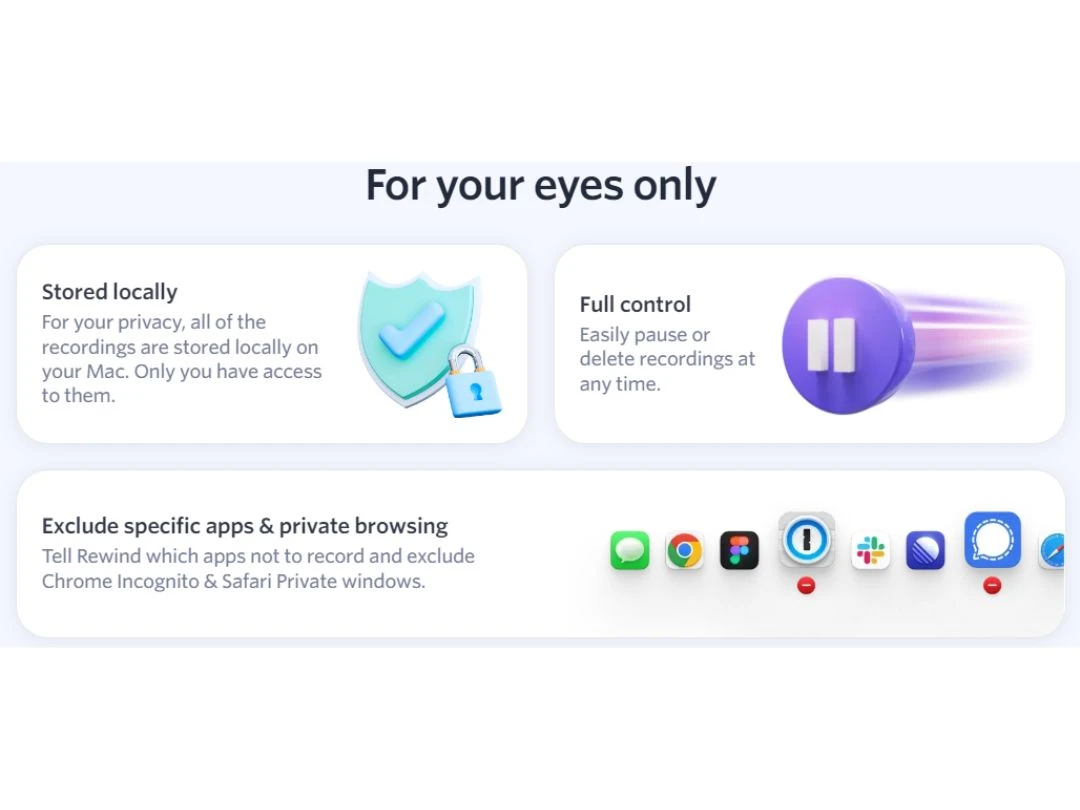
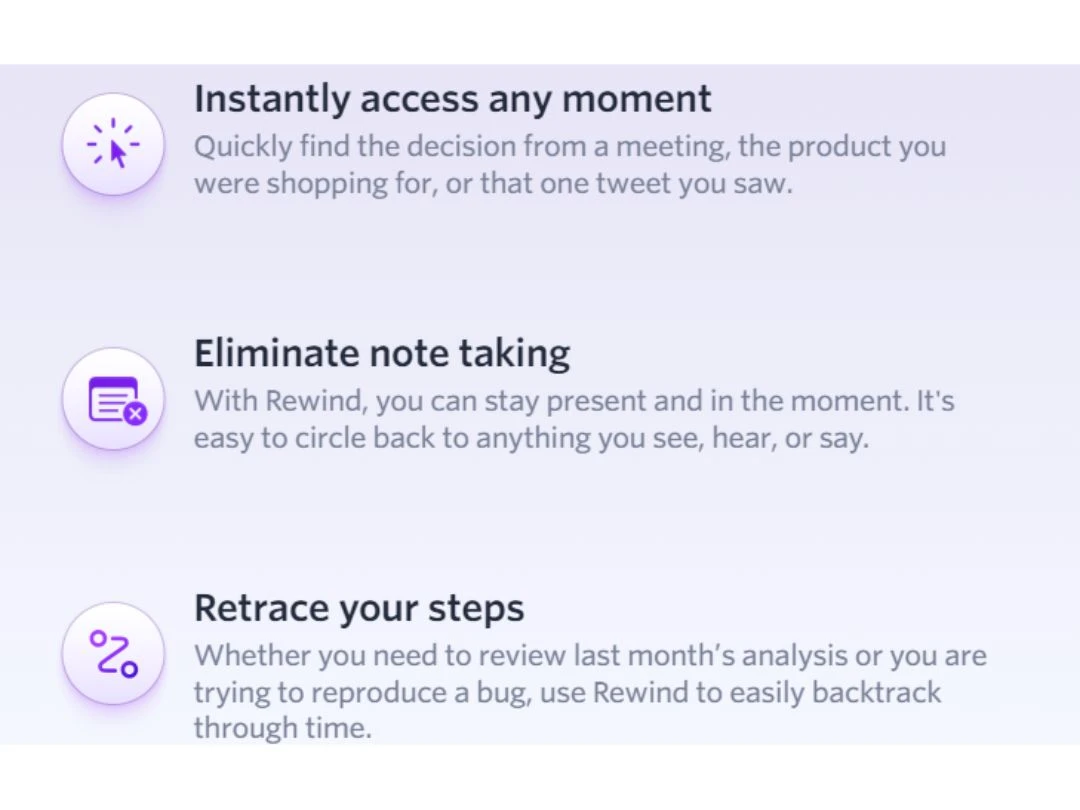
Brand: Rewind AI
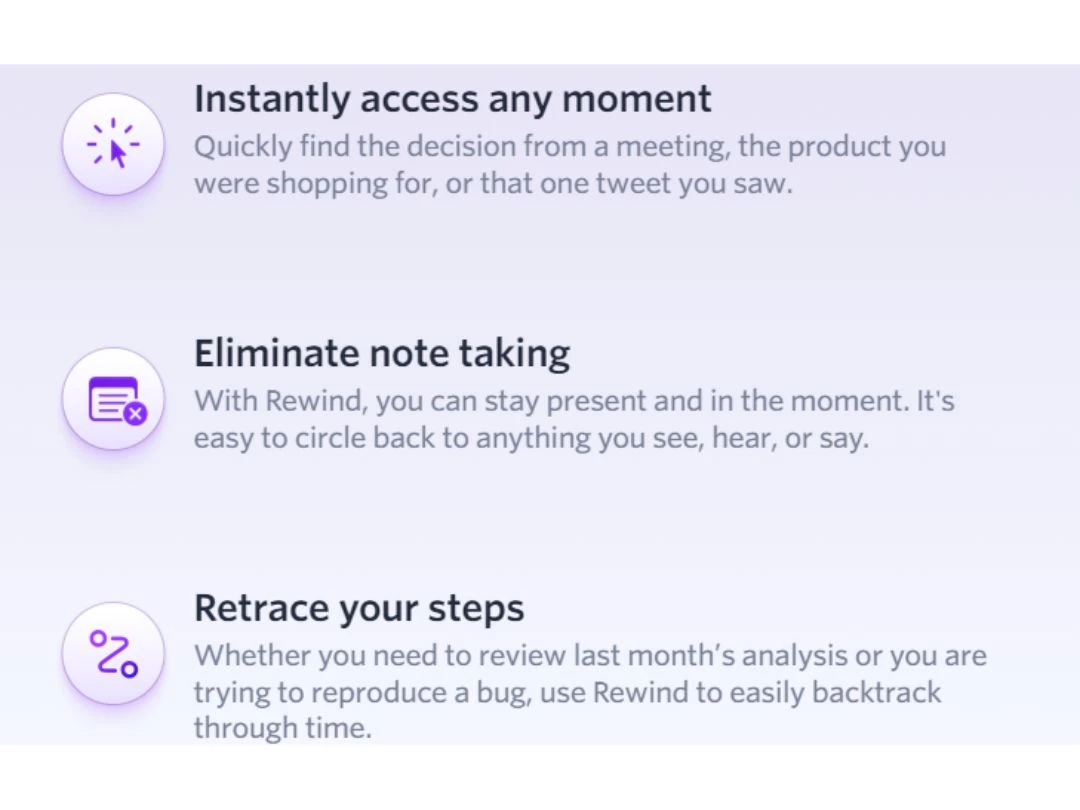
Rewind allows you to instantly access any moment, whether a critical decision made during a meeting, a specific product you researched, or a tweet that caught your attention.
See MoreHave you used Rewind before?
Share your insights for better experience
Brand: Rewind AI
Founded Year: 2020
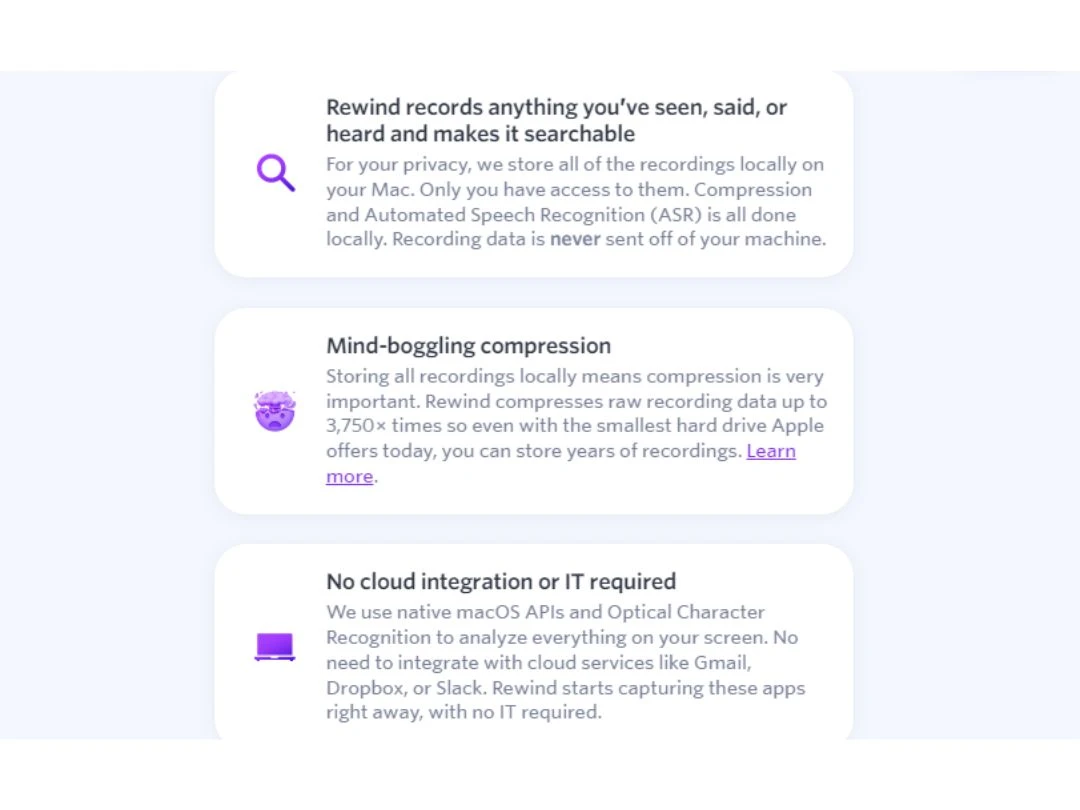
Rewind is a search engine macOS app that enables users to record, store and rewind their work at anytime.
 AI Productivity Screen Recording Audio Capture Speech-to-Text Analysis Annotations Screen Capture Multi-Screen Recording Collaboration Tools File Sharing Optimization Tools
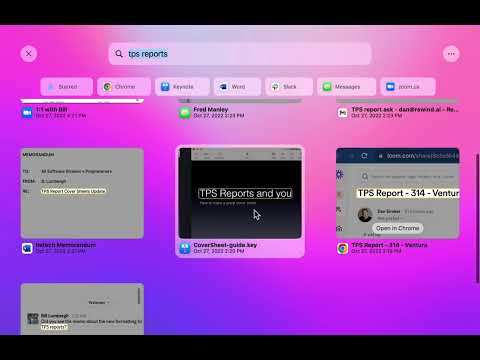

Watch the demo video to explore key features, real workflows, and how the software fits your business needs.
 MacOS
 Desktop
 Cloud-Based
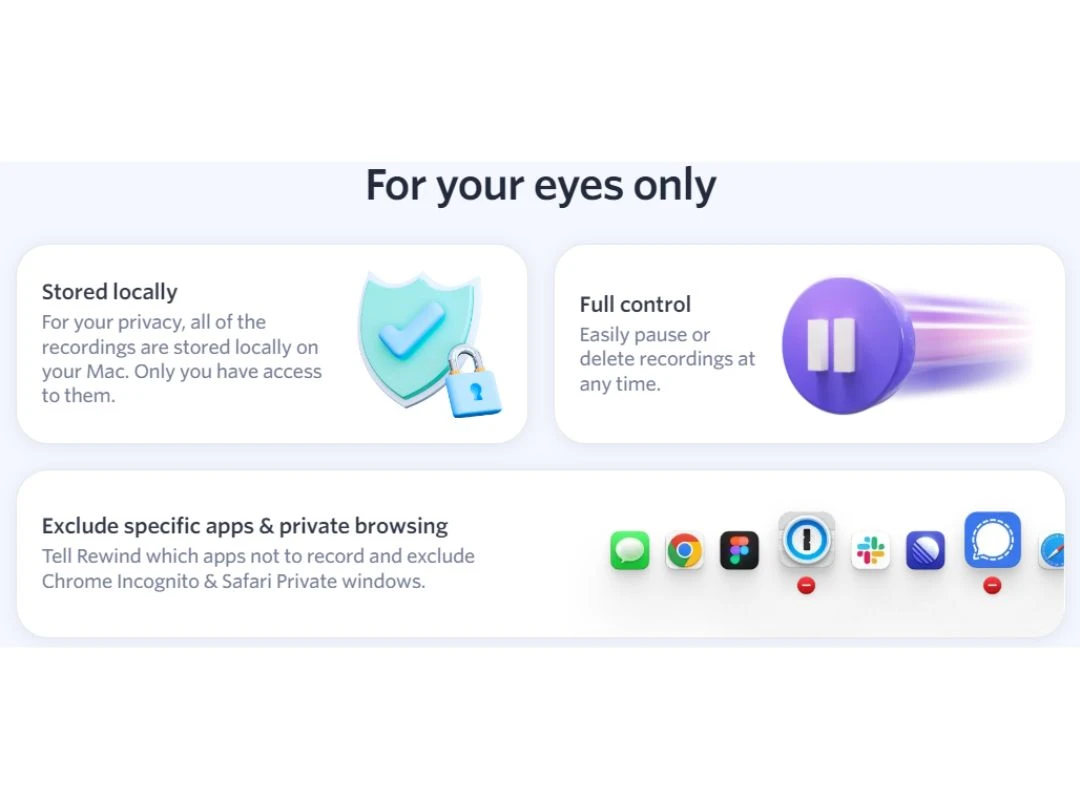
Small Business
Designed for startups and growing businesses
Medium Business
Built for business growth and flexibility
Enterprises
Designed for complex and large-scale business needs
4.5
Out of 5

Overall Rating
Based on
5 Verified Ratings
Rating Breakdown
Techjockey Trusted Reviews from Verified Users
No reviews are currently available for Rewind. Discover similar Screen Recording Software reviews

Camtasia
Whats great - Have made great videos for my youtube channel and the overall experience is great read more

DU Recorder
Whats great - Edit all your recordings with this recorder. Equally easy is cropping and linking together of the different fragments. read more

TechSmith Snagit
Whats great - Fast, Attentive, and Thorough Help in Sorting Software Options! read more

Rewind
$ 12.00 excl. GST
Desktop
Mobile
Web based
On Premises
Windows
Mac OS

Fraps
Price On Request
Desktop
Mobile
Web based
On Premises
Windows
Mac OS

Macro Recorder
Price On Request
Desktop
Mobile
Web based
On Premises
Windows
Mac OS

Screen Studio
Price On Request
Desktop
Mobile
Web based
On Premises
Windows
Mac OS

Lightshot
Price On Request
Desktop
Mobile
Web based
On Premises
Windows
Mac OS

Awesome Screenshot
Price On Request
Desktop
Mobile
Web based
On Premises
Windows
Mac OS

Recordit
Price On Request
Desktop
Mobile
Web based
On Premises
Windows
Mac OS
DU Recorder
Price On Request
Desktop
Mobile
Web based
On Premises
Windows
Mac OS

iTop Screen Recorder
Price On Request
Desktop
Mobile
Web based
On Premises
Windows
Mac OS

Ezvid
Price On Request
Desktop
Mobile
Web based
On Premises
Windows
Mac OS

DemoCreator
Price On Request
Desktop
Mobile
Web based
On Premises
Windows
Mac OS
(2) Product(s) selected
Starting Price:
$37.00 /Quantity
Available
Price on Request
Starting Price:
$6.00 /Month
Starting Price:
$19.99 /Month
Available
Price on Request

Starting Price:
$24.00 /Month

Starting Price:
$19.00 /Month

Starting Price:
$19.77 /License $29.95

Starting Price:
AED71.85 /Month AED102.64

Starting Price:
$5.99 /Month

Starting Price:
$9.00 /Month
Rewind is compatible with Windows and MacOS operating systems.
Rewind is not available for mobile devices.
Rewind supports cloud-based deployment.
Rewind is priced at USD 12 on TechJockey.
Rewind is typically used by small, medium, and large-scale employees.
The Rewind demo is available for free with techjockey.com.
Rewind offers a free trial. Please request a call back for subscription-related details and to avail of offers on premium packages.
For Rewind installation, download the installation file on your system and open the Setup Wizard to get started.
Rewind helps with automatically transcribing spoken words into text, saving you time and effort. It captures still images of your screen to capture important moments or information. Users can collaborate seamlessly with others by sharing recordings and exchanging feedback.
Terms and Condtions

Users with registered businesses can purchase goods from merchants on the platform to satisfy their business needs. Users are not permitted to utilize any products acquired through the platform for resale, advertising, business, or further distribution.
For each purchase made, users will receive a Tax Invoice (or 'GST invoice') that includes specific details such as:
the GSTIN of the user associated with their registered business, and
the specified Entity Name for their business.
It should be noted that not all products are eligible for GST Invoice. Only the products displayed by participating sellers with the 'GST-based Invoice Available' callout on the product description page would qualify.
Certain goods and services are not eligible to get a GST Invoice, including items with VAS, i.e., Value Added Services (e.g., Total Mobile Protection/Assured Buyback) and those involving an exchange offer at the time of purchase.
Users must ensure the accuracy of the GSTIN, and business entity name provided for the GST Invoice. Requests for corrections into GST Invoice would not be accommodated by Techjockey.com or any Seller, and any issues arising from user-provided information are the sole responsibility of users.
Techjockey.com is not liable for the GST Invoice or any associated input tax credit. To efficiently claim an input tax credit, users should select the registered place of business address as per the GST authority's data and follow the provisions of the GST Act and rules.
To claim an input tax credit, the delivery and billing addresses must match. Furthermore, input tax credits will not be granted if the delivery address and GSTIN on the invoice are from different states. In case of incorrect GST details provided during the order placement, the order will be canceled automatically.
 20,000+ Software Listed
 Unbiased Comparison
 Read Authentic Reviews
 500,000+ Monthly Users