USA
 India
Small Business
Designed for startups and growing businesses



See More


Brand: TechSmith
Snagit is a platform that enables screen capturing and recording in real-time. This recording platform enables the users to capture a detailed video process quickly and increases the efficiency of creating visual instructions. The viewers of the video can also provide feedback. Snagit aims towards eliminating lengthy emails, training manuals and any form of documents and tries to increase the eff...
See MoreHave you used TechSmith Snagit before?
Share your insights for better experience
Brand: TechSmith
Founded Year: 1987
TechSmith is the #1 global provider of screen capture and screen recording software.
Looking for The Right Pricing?
Share your requirements and get a plan built around your business.
Price Available on Request
Get personalised TechSmith Snagit pricing that fits your needs. Our team will connect with you.
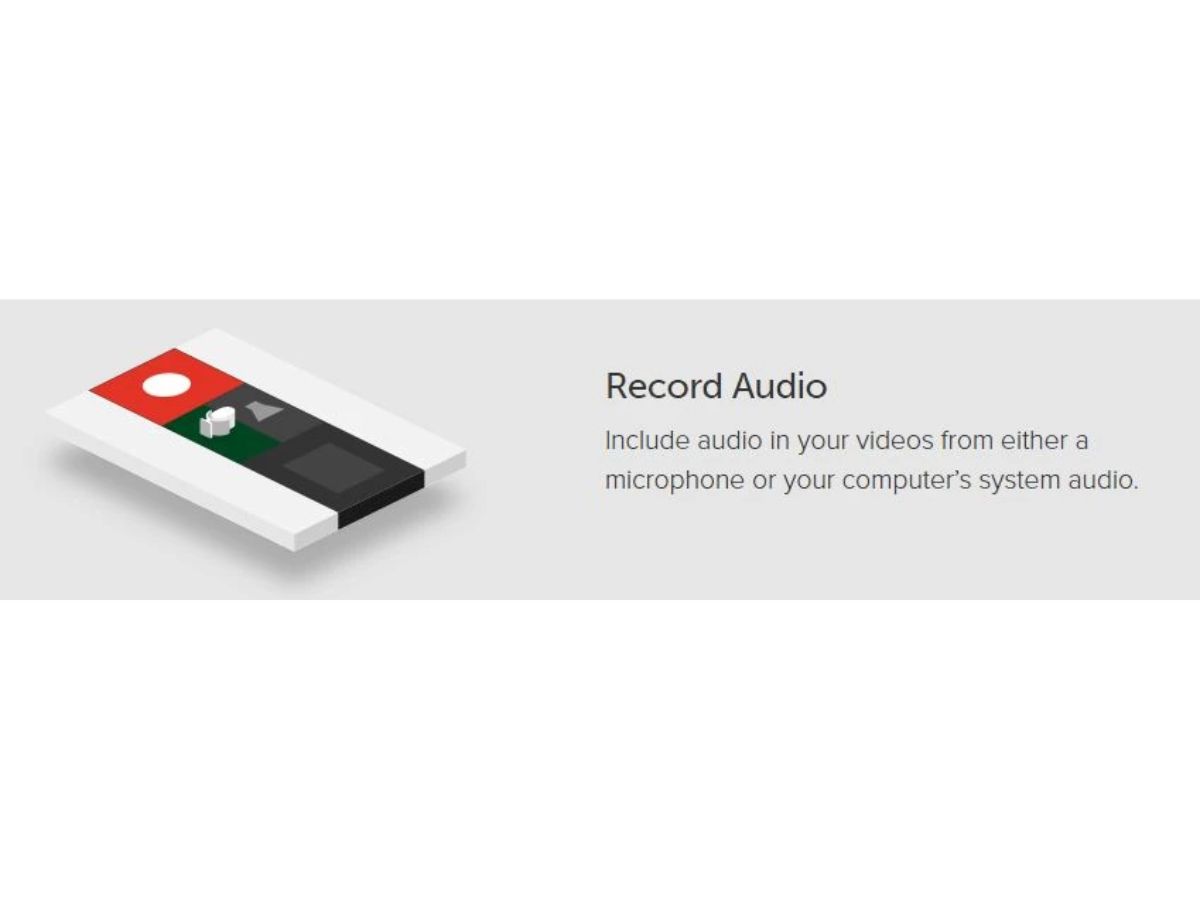
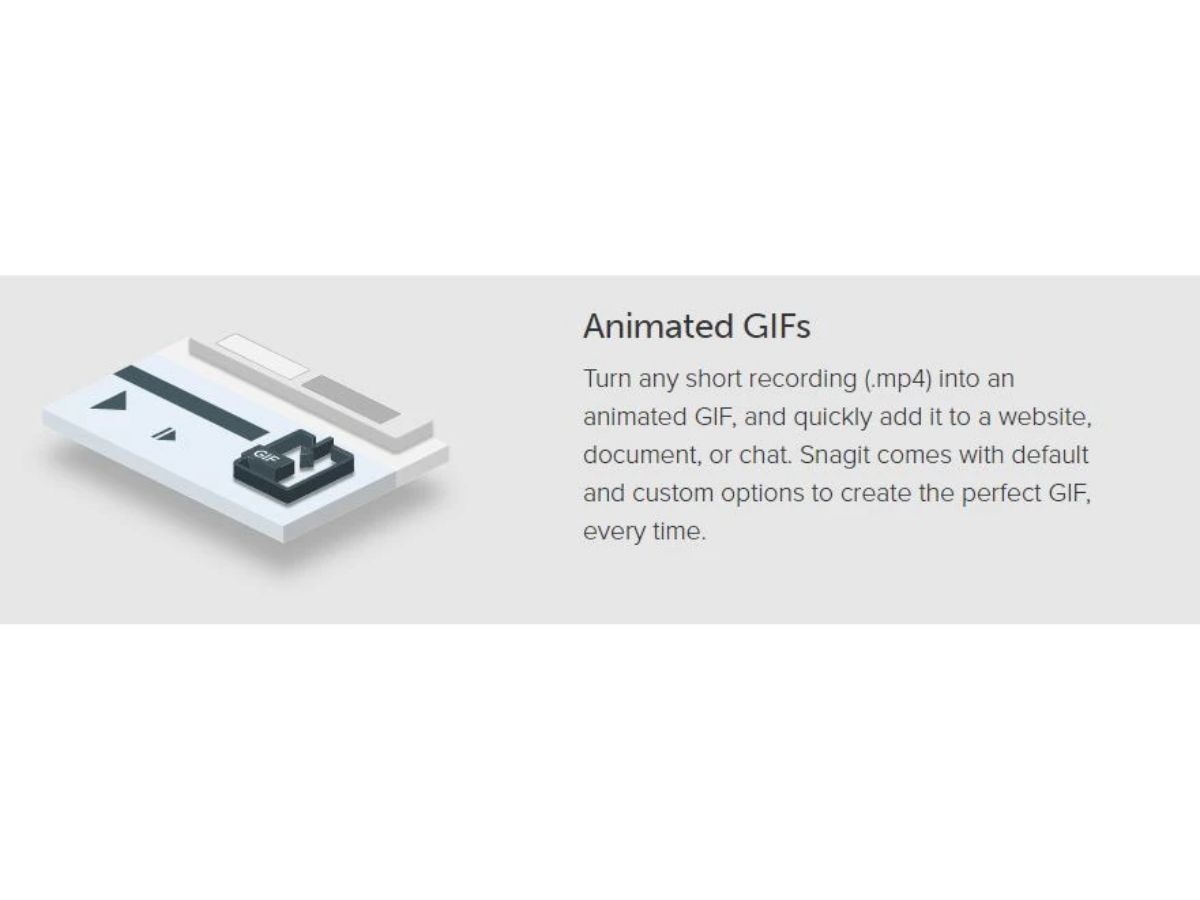
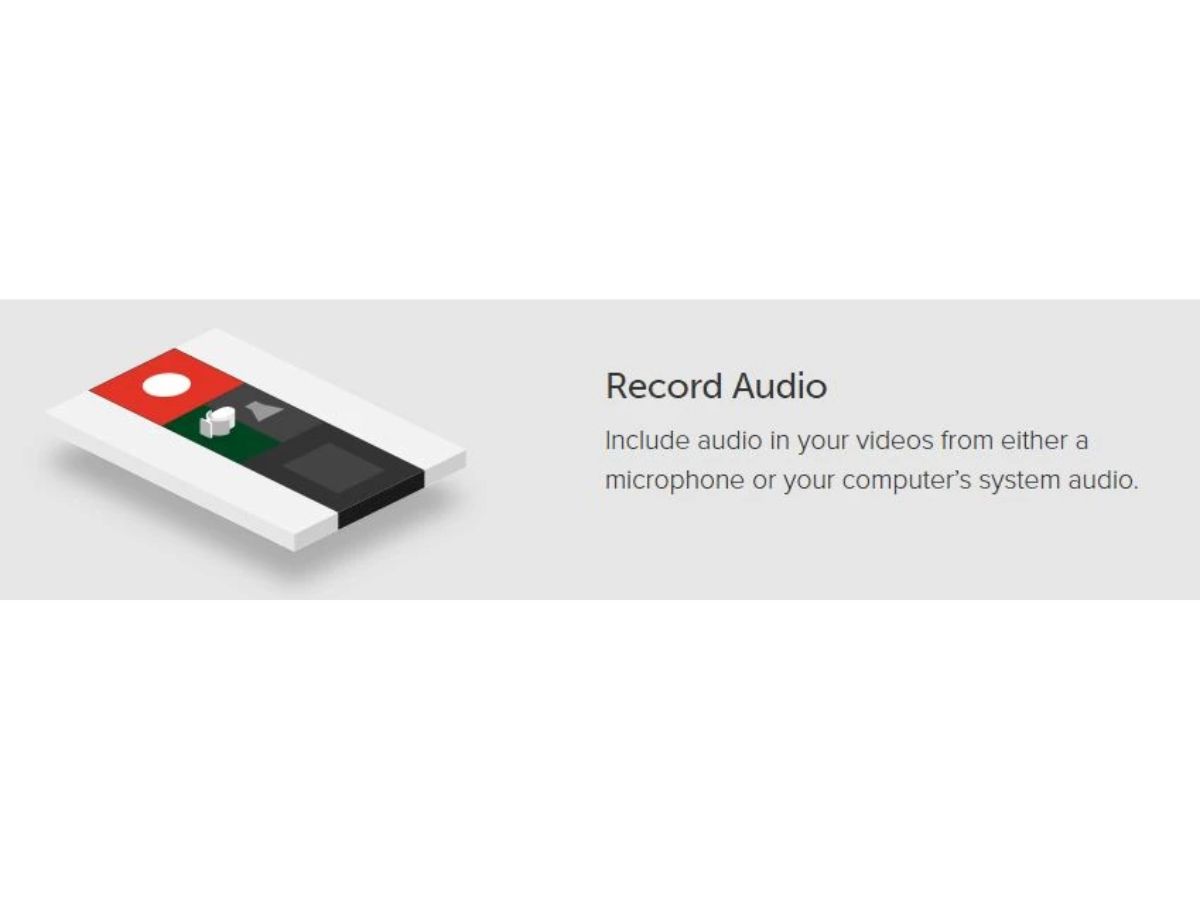
 Go beyond ordinary screen capture Capture anything on your screen Edit with a few clicks Deliver results Scrolling Screen Capture Grab Text Conversion Edit Recording Schedule Screen Recording Screenshots Zooming system
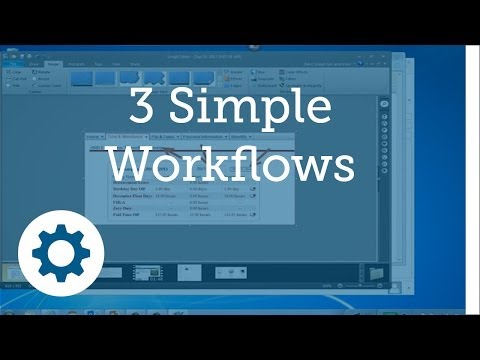

Watch the demo video to explore key features, real workflows, and how the software fits your business needs.
 Windows
 MacOS
 Desktop
 Perpetual
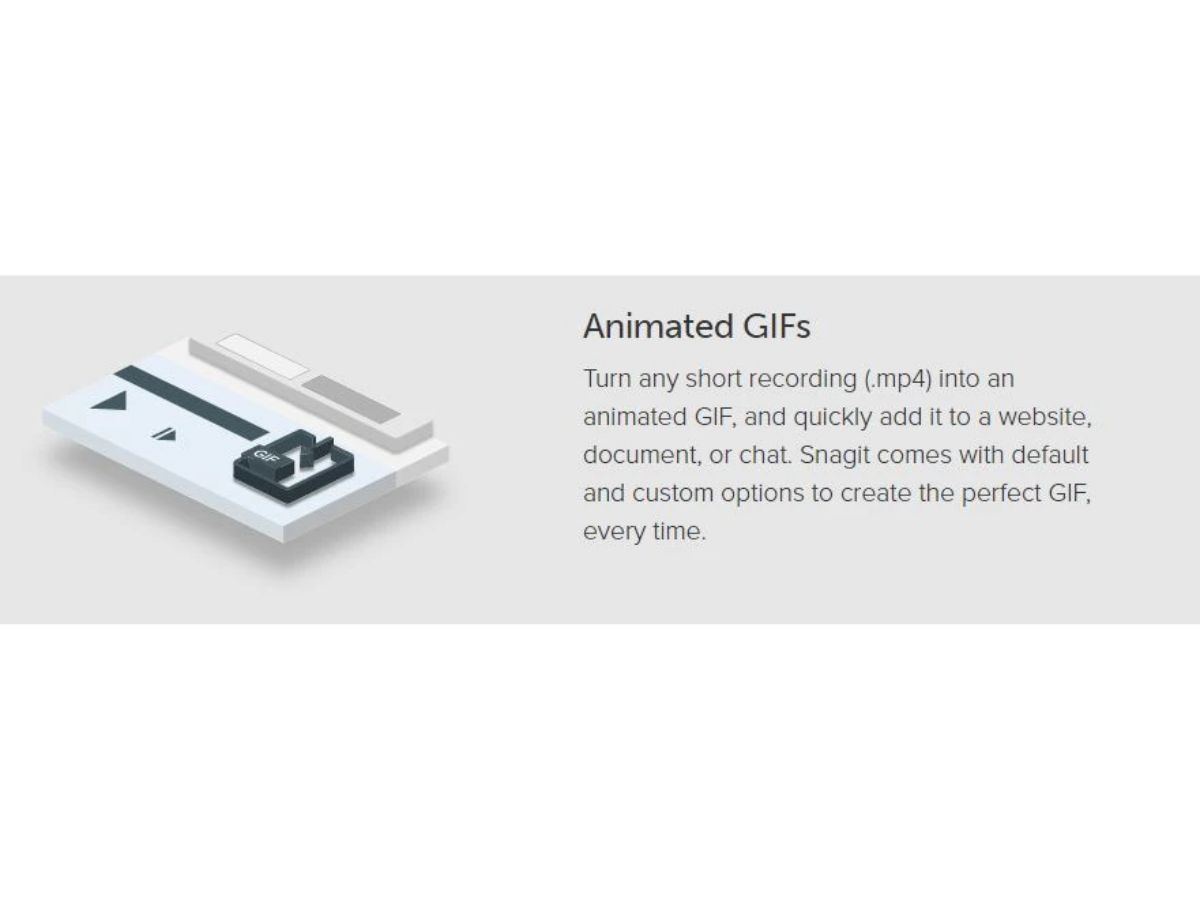
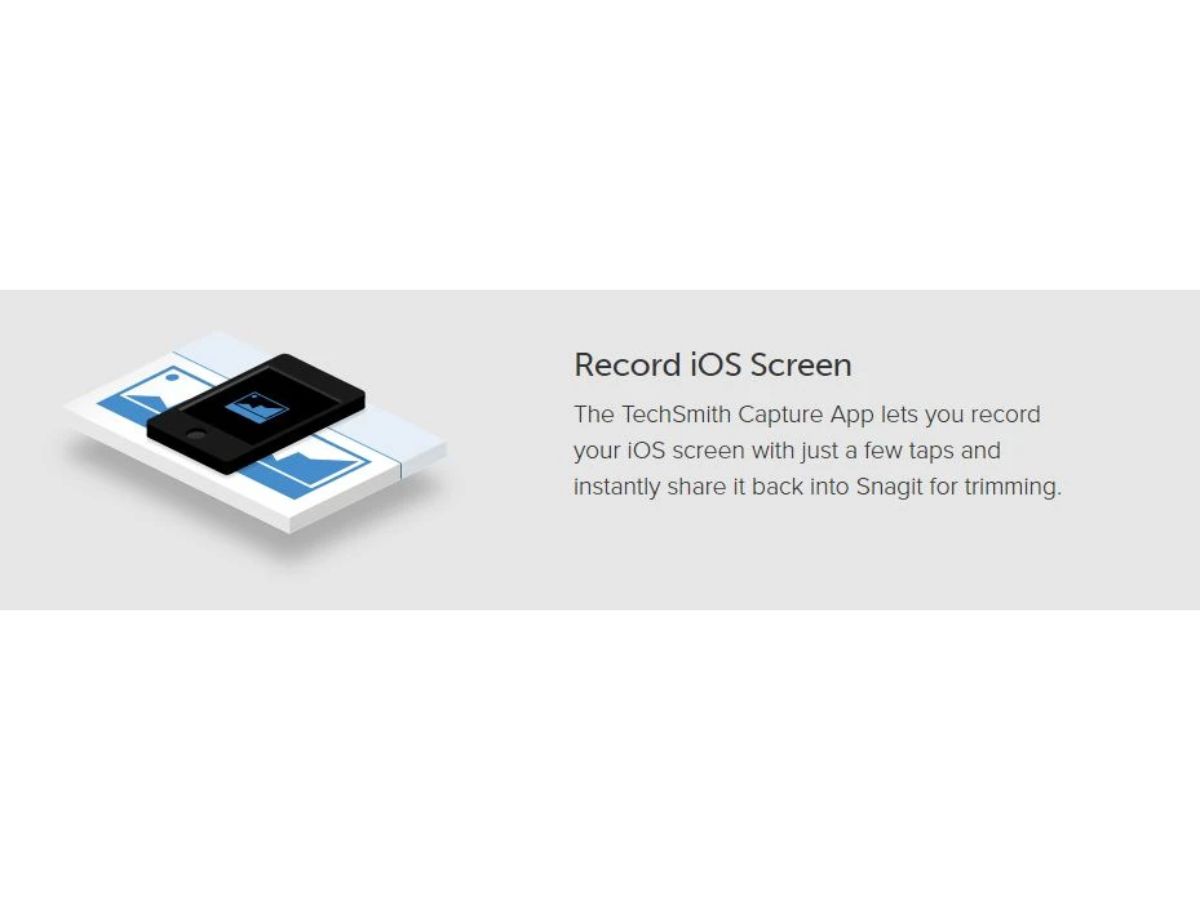
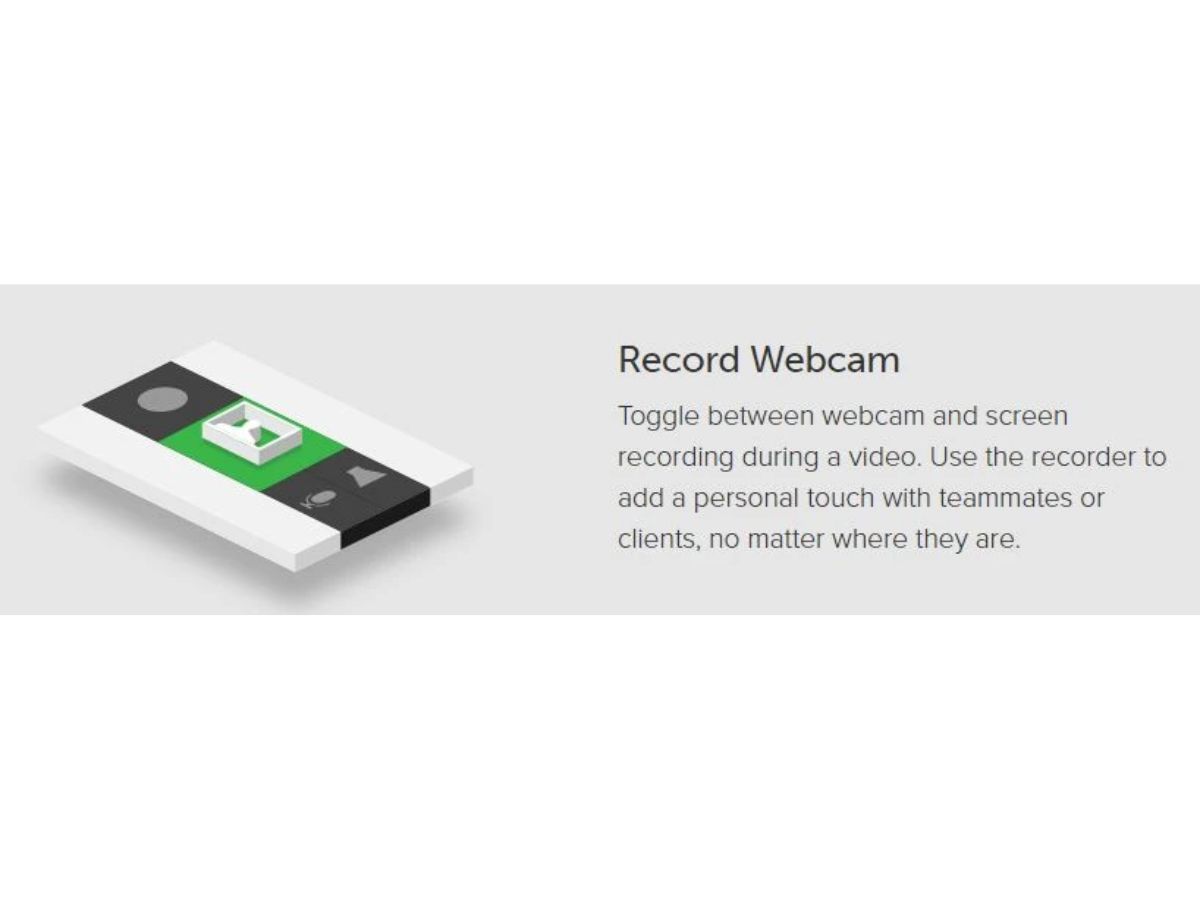
Small Business
Designed for startups and growing businesses
Medium Business
Built for business growth and flexibility
Enterprises
Designed for complex and large-scale business needs
4.6
Out of 5

Overall Rating
Based on
4 Verified Reviews
Rating Breakdown
72% Recommend this Product
Add ReviewUsers generally appreciate TechSmith Snagit for its fast customer service and effective screen capture capabilities, particularly for creating tutorial videos. The software is praised for its ease of use and reasonable pricing, with many finding it essential for their work. However, some users have noted challenges with updates, including cumbersome sign-in processes and occasional sync issues when importing into other software. Overall, the sentiment is positive, highlighting both the product's strengths and areas for improvement.
Pros
"Fast, Attentive, and Thorough Help in Sorting Software Options!"
"Great customer service, very quick to reply, had a small issue (my fault) which they responded and resolved quickly."
Cons
"I have not yet encountered anything in Snagit that I do not like. There is always a feature here or there that can be added to any app, but Snagit has the features I need."

Sep 12, 2016
Techjockey Verified
“don?t think just trust them”
Pros
Fast, Attentive, and Thorough Help in Sorting Software Options!
Cons
N/A
Sep 5, 2016
Techjockey Verified
“Highly recommended software provider”
Pros
Great customer service, very quick to reply, had a small issue (my fault) which they responded and resolved quickly.
Cons
N/A
Jan 27, 2018
Techjockey Verified
“Quick and easy screen capture”
Pros
The panoramic screen capture capability and the simple image cleanup/editing features are great. One of my colleagues uses the video capture capability and likes it very much. Finally, the price is very reasonable.
Cons
I have not yet encountered anything in Snagit that I do not like. There is always a feature here or there that can be added to any app, but Snagit has the features I need.

TechSmith Snagit
Price On Request
Desktop
Mobile
Web based
On Premises
Windows
Mac OS

Fraps
Price On Request
Desktop
Mobile
Web based
On Premises
Windows
Mac OS

Camtasia
Price On Request
Desktop
Mobile
Web based
On Premises
Windows
Mac OS

Macro Recorder
Price On Request
Desktop
Mobile
Web based
On Premises
Windows
Mac OS

Screen Studio
Price On Request
Desktop
Mobile
Web based
On Premises
Windows
Mac OS

Lightshot
Price On Request
Desktop
Mobile
Web based
On Premises
Windows
Mac OS

Awesome Screenshot
Price On Request
Desktop
Mobile
Web based
On Premises
Windows
Mac OS

Recordit
Price On Request
Desktop
Mobile
Web based
On Premises
Windows
Mac OS

iTop Screen Recorder
Price On Request
Desktop
Mobile
Web based
On Premises
Windows
Mac OS

Ezvid
Price On Request
Desktop
Mobile
Web based
On Premises
Windows
Mac OS

DemoCreator
Price On Request
Desktop
Mobile
Web based
On Premises
Windows
Mac OS
(0) Product(s) selected
Starting Price:
$37.00 /Quantity
Available
Price on Request
Starting Price:
$6.00 /Month
Starting Price:
$19.99 /Month
Available
Price on Request

Starting Price:
$24.00 /Month

Starting Price:
$19.00 /Month

Starting Price:
AED71.85 /Month AED102.64

Starting Price:
$19.77 /License $29.95

Starting Price:
$5.99 /Month

Starting Price:
$9.00 /Month
Snagit supports a number of formats that enable ease in conversion like bmp, cur, gif, ico, jpg, mht, pdf, png, snag, among many others.
Yes, Snagit runs on Microsoft Windows 10, Windows 8.1, Windows 7 SP1, Windows Server 2016, or Windows Server 2012 R2. The application also requires 2.4 GHz single-core processor and dual-core i5 for video capture. Also, it requires 1 GB of RAM (4 GB required for video capture) and over 1GB of hard-disk space for program installation.
Yes, users get the feature of scheduling screen recording over Snagit to capture bits and pieces of a video to create a video collage.
Yes, the users get an option of Panoramic view to capture wide, horizontal scrolls. They also get to scroll through web pages.
TechSmith Snagit price is available on request at techjockey.com.
Terms and Condtions

Users with registered businesses can purchase goods from merchants on the platform to satisfy their business needs. Users are not permitted to utilize any products acquired through the platform for resale, advertising, business, or further distribution.
For each purchase made, users will receive a Tax Invoice (or 'GST invoice') that includes specific details such as:
the GSTIN of the user associated with their registered business, and
the specified Entity Name for their business.
It should be noted that not all products are eligible for GST Invoice. Only the products displayed by participating sellers with the 'GST-based Invoice Available' callout on the product description page would qualify.
Certain goods and services are not eligible to get a GST Invoice, including items with VAS, i.e., Value Added Services (e.g., Total Mobile Protection/Assured Buyback) and those involving an exchange offer at the time of purchase.
Users must ensure the accuracy of the GSTIN, and business entity name provided for the GST Invoice. Requests for corrections into GST Invoice would not be accommodated by Techjockey.com or any Seller, and any issues arising from user-provided information are the sole responsibility of users.
Techjockey.com is not liable for the GST Invoice or any associated input tax credit. To efficiently claim an input tax credit, users should select the registered place of business address as per the GST authority's data and follow the provisions of the GST Act and rules.
To claim an input tax credit, the delivery and billing addresses must match. Furthermore, input tax credits will not be granted if the delivery address and GSTIN on the invoice are from different states. In case of incorrect GST details provided during the order placement, the order will be canceled automatically.
 20,000+ Software Listed
 Unbiased Comparison
 Read Authentic Reviews
 500,000+ Monthly Users