
Description
Pricing
Features
Specification
Review
Compare
FAQs
Alternatives

 View Gallery
Brand: TechSmith
Snagit is a platform that enables screen capturing and recording in real-time. This recording platform enables the users to capture a detailed video process quickly and increases the efficiency of creating visual instructions. The viewers of the video can also provide feedback. Snagit aims towards eliminating lengthy emails, training manuals and any form of documents and tries to increase the efficiency of work by replacing them with visual video instructions. How to use Sn...Read more

Get Free Expert Consultation
Let us know your business needs clearly

Verified & Trusted
Vendors

Safe & Secure
Payment

Personalized
Experts Support
Price On Request
Features
 Go beyond ordinary screen capture Capture anything on your screen Edit with a few clicks Deliver results Scrolling Screen Capture
 See all 
We make it happen! Get your hands on the best solution based on your needs.
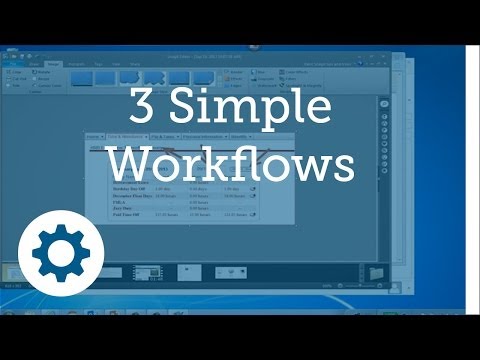


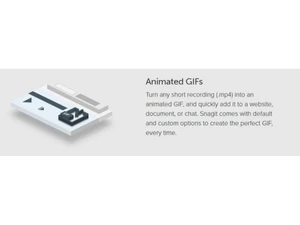
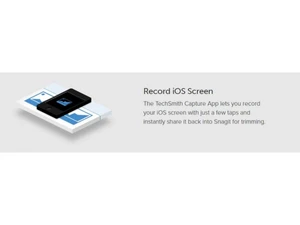
 Go beyond ordinary screen capture TechSmith Snagit 2018 is the only screen capture software with built-in advanced image editing and screen recording. So you can Capture anything on your screen Snagit makes it easier and more intuitive to capture your screen or record video. Capture your entire desktop, region, window, or Edit with a few clicks Get a full suite of editing tools. And create images on your own. Edit screenshots or build custom graphics. Without needing to Deliver results The human brain processes visuals 60,000 times faster than text. Snagit makes it easy to add videos and images to your email, Scrolling Screen Capture Take a full-page, scrolling screenshot. Snagit's screen capture tool makes it simple to grab vertical and horizontal scrolls, Grab Text Extract the text from a screen capture or file and quickly paste it into another document for edits. Easily copy information Conversion Snagit enables easy conversion of standard screenshots into simplified graphics. It also enables easy modifications along with Edit Recording After successful creation of the video, users can always edit their recordings and provide the end result with a professional Schedule Screen Recording Users can even schedule a screen recording to record parts of a video at different intervals. Screenshots With the help of screenshots, the creators can easily make their videos informative, as the screenshot would provide with an Zooming system The zooming feature of Snagit allows users to make the subject of a photo appear closer than its actual distance, which provides
Have recommended this product
Overall Score
Review this product
Your valuable feedback helps others like you make a better decision.
Pros
 “Fast, Attentive, and Thorough Help in Sorting Software Options!” Syedimran Uddin - Sep 12, 2016
“Great customer service, very quick to reply, had a small issue (my fault) which they responded and resolved quickly.” Riddhisha Brahmbhatt - Sep 5, 2016
Cons
 “I have not yet encountered anything in Snagit that I do not like. There is always a feature here or there that can be added to any app, but Snagit has the features I need.” Farhan Khan - Jan 27, 2018
Verified reviewer:
User
Reviewed on: Sep 12, 2016
Verified reviewer:
User
Reviewed on: Sep 5, 2016
| Brand Name | TechSmith |
| Information | TechSmith is the #1 global provider of screen capture and screen recording software. |
| Founded Year | 1987 |
| Director/Founders | William Hamilton |
| Company Size | 101-500 Employees |
| Other Products | Camtasia |


 UAE
UAE India
India
