 USA
 India
Small Business
Designed for startups and growing businesses

See More



Brand: Google
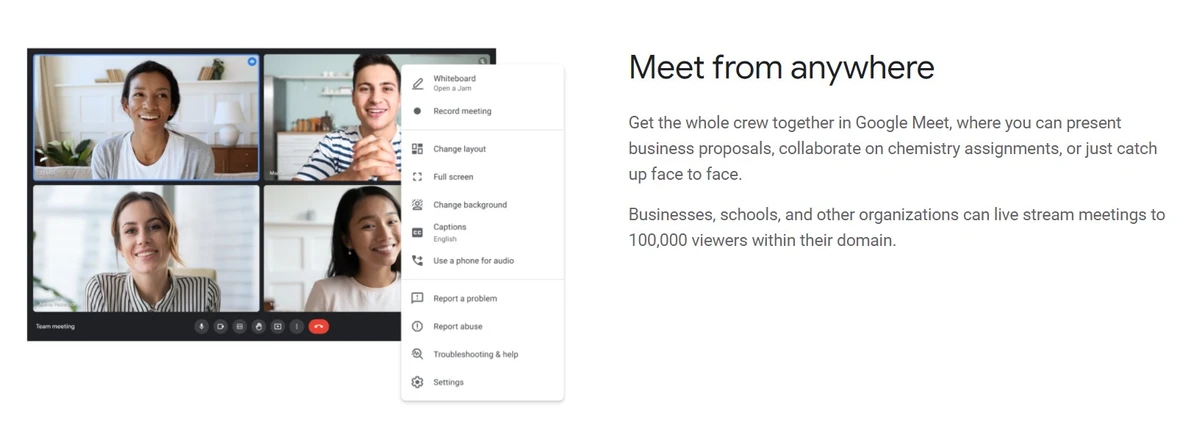
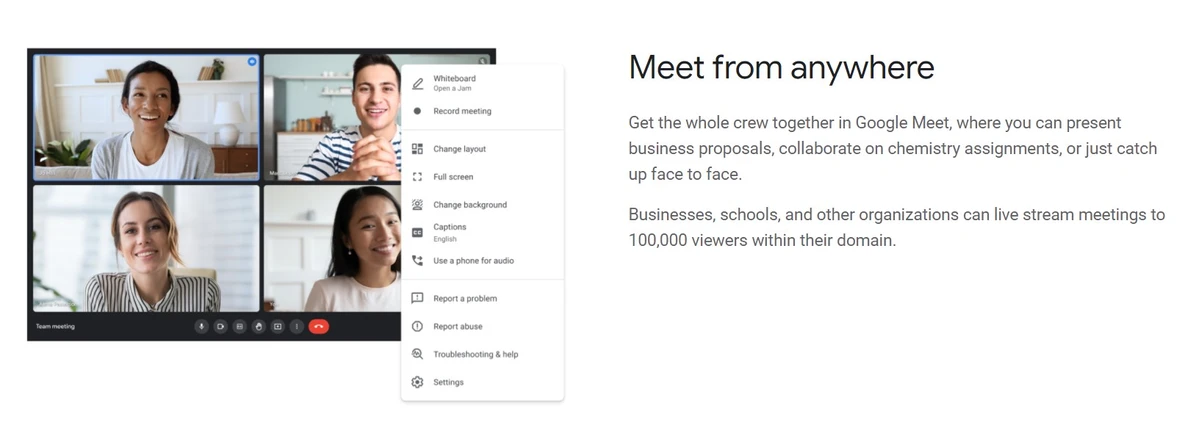
Browser-based video conferencing platform to schedule and conduct secure virtual meetings, webinars and messages. It offer deep connectivity across G Suite, including Gmail, Drive, and Docs, for a unified workflow. Google Meet offers real-time collaboration with Jamboard for visual brainstorming and...
See MoreHave you used Google Meet before?
Share your insights for better experience
Brand: Google
Founded Year: 1998
Google is a multinational corporation that specializes in Internet-related services and products.
 Interactive Video Meetings Access Anywhere, Any Time Any Device Meet Clearly Meet with Everyone Take Control Host large Meetings


Watch the demo video to explore key features, real workflows, and how the software fits your business needs.
 Ubuntu
 Windows
 iOS
 Android MacOS Windows(Phone)
 Linux
 Desktop
 Mobile
 Tablet
 iPad
 Cloud-Based

Small Business
Designed for startups and growing businesses
Medium Business
Built for business growth and flexibility
Enterprises
Designed for complex and large-scale business needs
4.3
Out of 5

Overall Rating
Based on
16 Verified Reviews
Rating Breakdown
86% Recommend this Product
Add ReviewUsers generally appreciate Google Meet for its user-friendly interface, seamless integration with Google Workspace, and reliable video and audio quality, making it suitable for various meeting needs. Many find it easy to schedule and join meetings, even on mobile devices. However, some common complaints include occasional glitches in video quality and screen sharing, limited features in the free version, and the need for a strong internet connection. Overall, sentiment is positive, with many recommending it for both individual and organizational use.
Pros
"Google Meet is my top recommendation for meetings and project discussions. It offers user-friendly features like video recording and screen sharing."
"User-Friendly Interface: The app's design is straightforward, making it easy for anyone to navigate – even if you're a first-time user."
"My favorite thing about Google Meet is its speed and practicality. Setting up a conference call is a breeze, and the interface is user-friendly."
Cons
"While Google Meet generally excels, occasional video quality issues may arise. However, overall, its performance remains commendable."
"Requires a strong internet connection and substantial computer resources."
"Sometimes, screen sharing gets stuck, and users might not notice until someone mentions it. Not the best choice for hosting large webinars or trainings."


Jun 26, 2024
Techjockey Verified
“Top-notch Meeting Application”
Pros
Google Meet is my top recommendation for meetings and project discussions. It offers user-friendly features like video recording and screen sharing.
Cons
While Google Meet generally excels, occasional video quality issues may arise. However, overall, its performance remains commendable.
Reason to switch
Google Meet has changed my video conference meetings, offering seamless reminders and hassle-free access via Google. It’s a user-friendly solution that addresses numerous communication challenges. With Google Meet, there’s no need for app installations, access is direct and convenient.
Jun 25, 2024
Techjockey Verified
“Google Meet - The Perfect Video Conferencing Experience”
Pros
I love how simple Google Meet is to use. It's perfect for all kinds of users and integrates seamlessly with other Google tools. The video quality is top-notch, scheduling is easy, and joining meetings is hassle-free.
Cons
Sometimes there are little glitches or connection problems that can mess up a meeting. Also, the free version has limited features, which might be a bummer for those with advanced needs.
Reason to switch
Google Meet is the go-to solution for bridging the gap between team members, no matter where they are.
Jun 25, 2024
Techjockey Verified
“Google Meet: Your Go-To Video Conferencing Partner”
Pros
Google Meet excels in its seamless connection with Google Workspace tools. Joining meetings is quick and easy, without any downloads. Security is top-notch, with end-to-end encryption and two-factor authentication for peace of mind during confidential discussions.
Cons
One drawback is the limited cloud storage for recordings in the free tier, which can be inconvenient for frequent users. Upgrading to subscription plans for more storage may increase costs. Additionally, Google Meet offers fewer customization options compared to some competitors, limiting meeting layout and branding choices.
Reason to switch
For individuals, Google Meet is a fantastic way to connect face-to-face with friends or colleagues, regardless of location. It's especially helpful for staying connected with loved ones who are far away. Google Meet enhances collaboration on personal projects, providing a seamless platform for brainstorming, planning, and monitoring progress.

Google Meet
$ 4.20 excl. GST
Desktop
Mobile
Web based
On Premises
Windows
Mac OS

Tencent RTC
Price On Request
Desktop
Mobile
Web based
On Premises
Windows
Mac OS

Pexip
Price On Request
Desktop
Mobile
Web based
On Premises
Windows
Mac OS
Shindig
Price On Request
Desktop
Mobile
Web based
On Premises
Windows
Mac OS
Vidyo
Price On Request
Desktop
Mobile
Web based
On Premises
Windows
Mac OS
Evercast
Price On Request
Desktop
Mobile
Web based
On Premises
Windows
Mac OS

iMind
Price On Request
Desktop
Mobile
Web based
On Premises
Windows
Mac OS

VideoMeet
Price On Request
Desktop
Mobile
Web based
On Premises
Windows
Mac OS

Whereby
Price On Request
Desktop
Mobile
Web based
On Premises
Windows
Mac OS

Jitsi
Price On Request
Desktop
Mobile
Web based
On Premises
Windows
Mac OS
Interactio
Price On Request
Desktop
Mobile
Web based
On Premises
Windows
Mac OS
(0) Product(s) selected
Available
Price on Request
Starting Price:
$99.00 /Month
Available
Price on Request
Starting Price:
$125.00 /Month

Starting Price:
$14.50 /License/Month

Starting Price:
$29.00 /Month

Available
Price on Request

Available
Price on Request

Available
Price on Request

Available
Price on Request

Starting Price:
$99.00 /Month
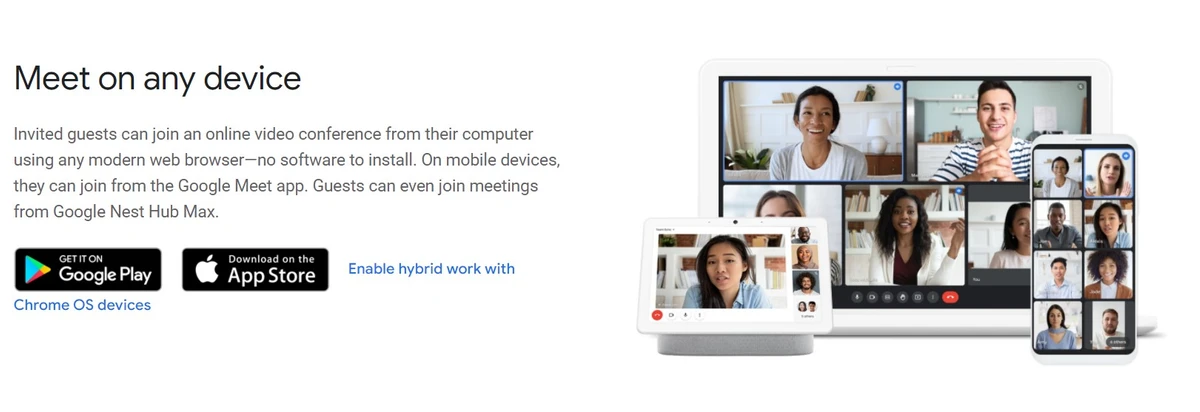
Google Meet works across operating systems, accessible via modern desktop browsers like Chrome, Firefox and Safari on Windows, Mac, and Linux plus mobile apps for Android and iOS.
Yes, Google Meet provides mobile apps for both Android and iOS allowing users to join or start meetings from a smartphone or tablet while on the go.
As a cloud service, Google Meet requires no downloads or specialized hardware. Users can simply access Google Meet from a web browser making it easy to use on any device.
Google Meet suits personal users, students, teams across businesses, and organizations that need to conduct virtual meetings of any size with robust conferencing features.
Users with free Gmail accounts get basic Meet access while upgraded G Suite plans start with a 14-day free trial before billing begins allowing robust testing.
The basic version of Google Meet conferencing is free for Gmail consumers supporting limited-time group calls of up to 100 participants with standard capabilities.
Being cloud-based, there is no download needed outside of the optional apps. Users access Google Meet directly through compatible web browsers or the iOS/Android apps.
Google Meet works instantly allowing users to initiate or join group video calls across devices through meeting links or dial-in phone numbers, enabling easy enterprise-grade conferencing.
When comparing Google Meet and Zoom, both are popular choices for interviews. Google Meet is known for its user-friendly interface, while Zoom offers extensive host management features like the waiting room, which effectively prevents unwanted participants from joining mid-interview. Both platforms have their strengths, so the choice ultimately depends on the specific needs and preferences of the users.
Terms and Condtions

Users with registered businesses can purchase goods from merchants on the platform to satisfy their business needs. Users are not permitted to utilize any products acquired through the platform for resale, advertising, business, or further distribution.
For each purchase made, users will receive a Tax Invoice (or 'GST invoice') that includes specific details such as:
the GSTIN of the user associated with their registered business, and
the specified Entity Name for their business.
It should be noted that not all products are eligible for GST Invoice. Only the products displayed by participating sellers with the 'GST-based Invoice Available' callout on the product description page would qualify.
Certain goods and services are not eligible to get a GST Invoice, including items with VAS, i.e., Value Added Services (e.g., Total Mobile Protection/Assured Buyback) and those involving an exchange offer at the time of purchase.
Users must ensure the accuracy of the GSTIN, and business entity name provided for the GST Invoice. Requests for corrections into GST Invoice would not be accommodated by Techjockey.com or any Seller, and any issues arising from user-provided information are the sole responsibility of users.
Techjockey.com is not liable for the GST Invoice or any associated input tax credit. To efficiently claim an input tax credit, users should select the registered place of business address as per the GST authority's data and follow the provisions of the GST Act and rules.
To claim an input tax credit, the delivery and billing addresses must match. Furthermore, input tax credits will not be granted if the delivery address and GSTIN on the invoice are from different states. In case of incorrect GST details provided during the order placement, the order will be canceled automatically.
 20,000+ Software Listed
 Unbiased Comparison
 Read Authentic Reviews
 500,000+ Monthly Users



