February 4, 2026
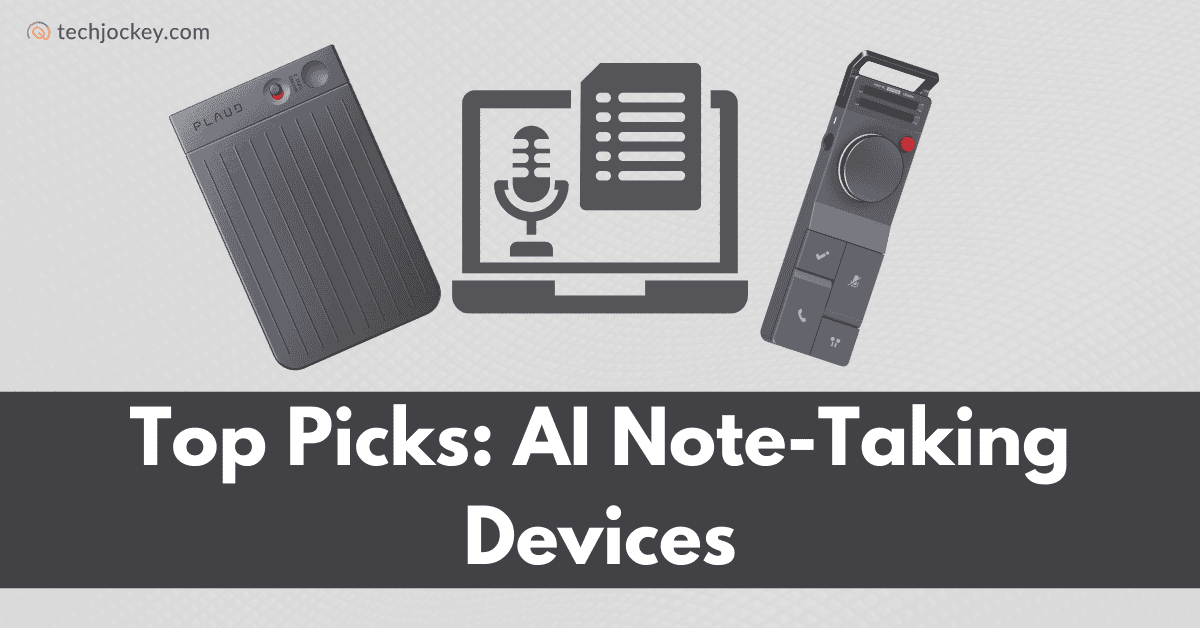
AI note-taking devices are built to help you capture conversations and ideas without breaking your flow. They listen, record, and turn spoken words into organized notes, summaries, and action items using AI.
This makes them useful for meetings, calls, brainstorming, or even quick thoughts during a busy day. Instead of juggling apps or typing everything yourself, these devices quietly do the work in the background.
Now, let’s move on to the devices that stand out the most.
The table below compares top AI note-taking devices available in the US, highlighting form factor, core strengths, and starting prices to help you quickly choose the right device based on your workflow, meetings, and productivity needs.
| Device | Form Factor | Key Strength | Starting Price |
|---|---|---|---|
| Fieldy | Wearable clip device | Smart reminders + memory recall | $99 |
| Plaud.ai | Handheld & wearable options | Deep AI summaries + multi-input notes | $159 |
| MagSafe wearable recorder | Mind maps + action items, no forced subscription | $129 | |
| HiDock | Desk device + Bluetooth earphones | Two-way audio without meeting bots | $119 |
| Viaim RecDot | AI earbuds | Live transcription + translation | $169.99 |
This curated list highlights the best AI note-taking devices designed to help professionals capture conversations, automate summaries, and stay organized without interrupting their workflow.
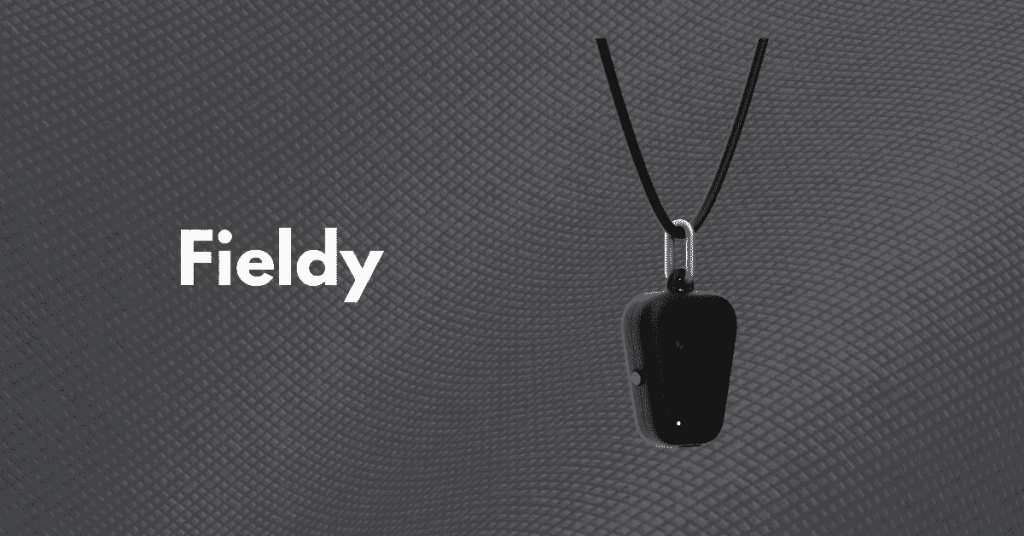
Fieldy is a wearable AI note-taking device that helps you capture conversations and thoughts without touching your phone.
It works easily with the Fieldy app, which is available on both the App Store and Google Play. The idea is simple: you live your day, Fieldy listens, and the app helps you remember what matters most. It’s especially handy if your schedule is packed with meetings, calls, or quick exchanges you don’t want to forget.
Fieldy is also designed with people in mind who face memory challenges or want extra support staying organized.
Get the app: App Store , Google Play
Best for: Busy professionals, executives, and anyone who wants hands-free notes, smart reminders, and help remembering real-world conversations without relying on their phone all day.
Key features:
Pros
Cons
Fieldy Pricing and plans:
| Plan | What you get | Price |
|---|---|---|
| Hardware | Fieldy wearable device | $99 |
| Free Plan | 150 minutes of transcription, up to 99 languages | Free |
| Plus Plan | 1,440 minutes, 100+ languages | $12.99/month |
| Unlimited Plan | Unlimited minutes, 100+ languages | $19.99/month |
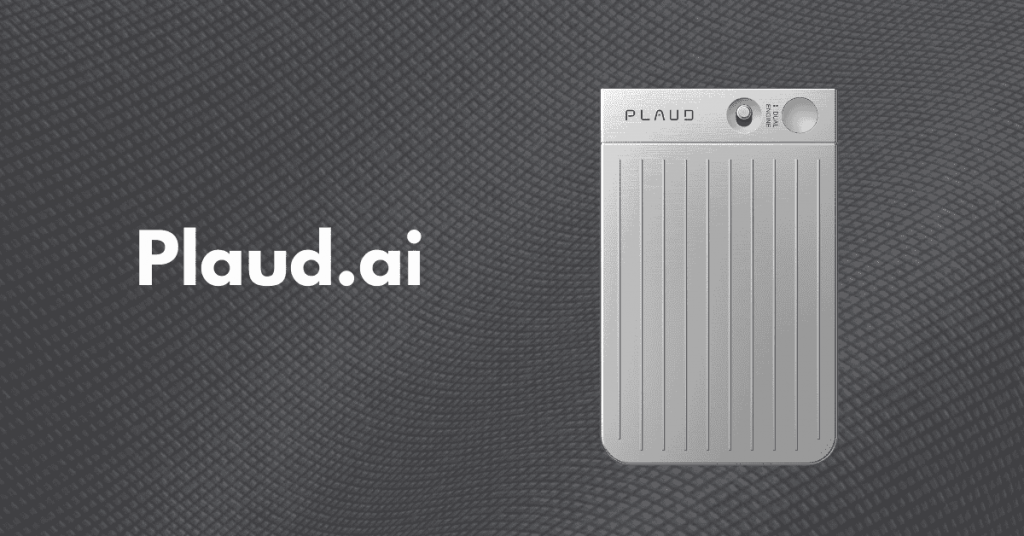
Plaud.ai is an AI-powered note-taking device designed for people who want fast, flexible, and reliable note capture in everyday situations.
This voice-to-notes converter works with the Plaud: AI Note Taker app, available on both iOS and Android, so all your notes stay synced in one place. Plaud offers four different hardware products- Plaud Note Pro, Plaud Note, Plaud NotePin S, and Plaud NotePin, so you can choose what fits your usage and style best. The differences between these devices are clearly outlined in the table below to help you compare them easily.
| Device | Form Factor & Use | Performance & Hardware | What Sets It Apart |
|---|---|---|---|
| Plaud Note Pro | Ultra-slim handheld recorder | 30 hrs recording, InstantView display, extended voice capture (up to 16.4 ft) | Most powerful model with a built-in display, advanced mic system, and premium long-range recording |
| Plaud Note | Ultra-slim handheld recorder | 30 hrs recording, no display | Delivers the same core recording performance as Pro without InstantView and enhanced microphones |
| Plaud NotePin S | Wearable (necklace, wristband, clip, pin) | 20 hrs recording, 0.61 oz | Hands-free wearable recorder with maximum accessory support and flexible wearing styles |
| Plaud NotePin | Wearable (clip or pin) | 20 hrs recording, 0.59 oz | Lightest wearable option, ideal for minimalists who want simple, discreet voice recording |
Get the app: App Store, Google Play
Best for: Professionals, students, and creators who want a powerful AI note-taking device with voice, text, and image inputs, plus strong summaries and sharing options.
Key features:
Pros
Cons
| Device | Price |
|---|---|
| Plaud Note Pro | $189 |
| Plaud Note | $159 |
| Plaud NotePin S | $179 |
| Plaud NotePin | $159 |

Pocket is a compact AI note-taking device built to capture your thoughts the moment they happen. It works with the Pocket – AI Thought Companion app, available on both iOS and Android.
With one-click recording and a clean, wearable-friendly design, Pocket feels like an extension of your memory. It’s designed for fast-moving days, whether you’re jumping between meetings, commuting, or brainstorming ideas on the fly.
Pocket focuses on turning raw conversations into clear actions, not just storing recordings.
Get the app: App Store, Google Play
Best for: Professionals, founders, and deep thinkers who want to capture ideas instantly and turn conversations into summaries, action items, and mind maps.
Key features
Pros
Cons
Pocket Hardware Pricing:
| Pack | What you get | Price |
|---|---|---|
| Solo Starter | 1 Pocket device | $129 |
| Double Pack | 2 Pocket devices | $238 |
| Team Pack | 3 Pocket devices | $327 |
Pocket Pricing and Plans: Pocket offers lifetime core features with unlimited minutes at $0/month, with no subscription required. If you want advanced capabilities, Pocket Pro is available at $19.99/month.
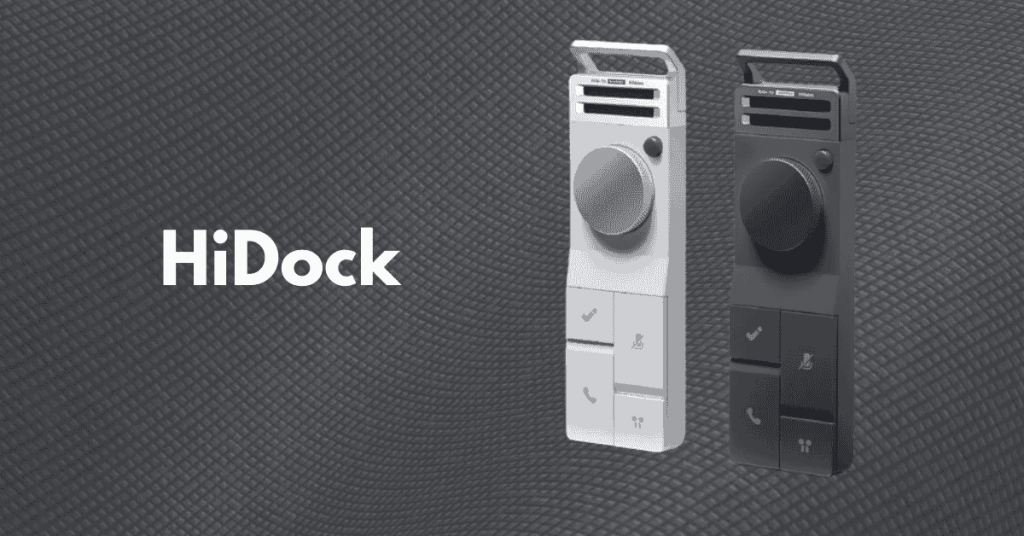
HiDock is an AI-powered note-taking device built for people who live in meetings and calls all day. It works with the HiNotes by HiDock app, available on both iOS and Android.
What makes HiDock stand out is how it works with your existing Bluetooth earphones, no extra mics or bots joining your meetings. You stay focused on the conversation while HiDock quietly handles the notes in the background.
Get the app: App Store, Google Play
Best for: Remote workers, frequent callers, and meeting-heavy professionals who want automatic notes using their Bluetooth earphones.
Key features:
Pros
Cons
HiDock Hardware Pricing:
| Device | Description | Price |
|---|---|---|
| HiDock P1 | AI note taker for Bluetooth earphones | $169 |
| HiDock P1 Mini | Call and meeting note-taker for phone | $119 |
| HiDock H1E | 8-in-1 dock with AI meeting summaries | $249 |
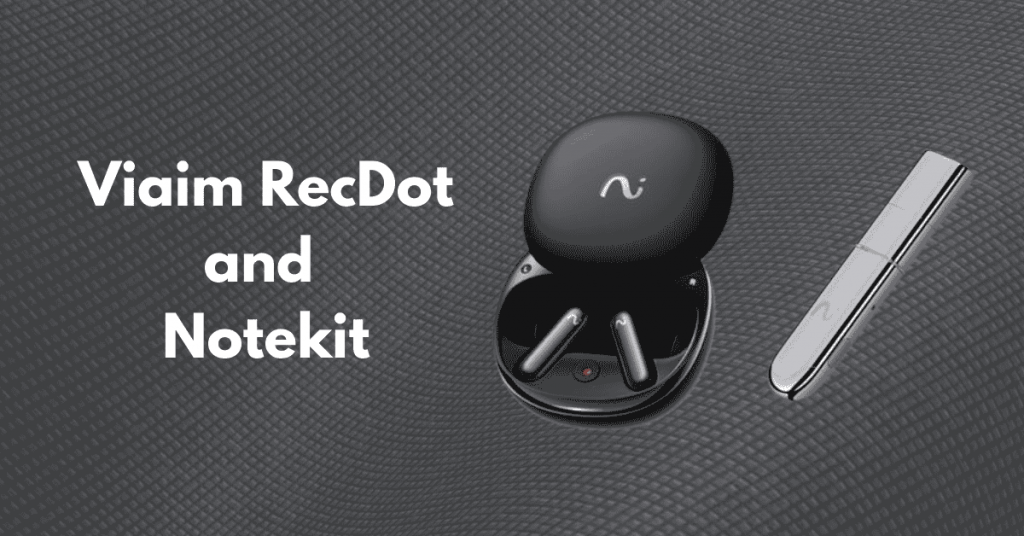
Viaim RecDot is an AI-powered note-taking solution built into smart earbuds, designed to make capturing conversations effortless. It works with the Viaim app, which both iPhone and Android users can access from their App Store and Play Store, respectively.
This AI note taker from audio has a lightweight design and long battery life make it comfortable to wear all day while keeping your focus on the conversation.
Get the app: App Store, Google Play
Best for: Busy professionals, students, and anyone who wants a wearable AI assistant to capture, transcribe, translate, and summarize conversations instantly.
Key features:
Pros
Cons
RecDot and NoteKit Hardware Pricing:
| Device | Description | Price |
|---|---|---|
| Viaim RecDot | AI-powered smart earbuds with transcription, translation, and noise cancellation | $169.99 |
| Viaim NoteKit | Desktop AI note-taker for computer meetings | $76.49 |
Viaim RecDot is perfect if you want a wearable AI assistant that captures, transcribes, and translates your conversations on the go, while NoteKit complements it for desktop meetings, together providing a complete AI note-taking setup.
Final Insights
Getting started with AI note-taking devices is simple: choose a device that fits your routine, download its companion app, and start recording conversations or meetings with a single press.
Over time, you’ll notice how effortlessly your thoughts, tasks, and meeting insights are captured and organized.
These devices not only save time but also reduce stress by keeping all your notes, reminders, and action items in one place. However, AI note-taking devices enhance productivity, support better follow-through, and help you stay on top of your day with minimal effort.


Explore Topics

Consult with Our Techjockey Expert
Connect for fast and scalable software delivery, corporation plans, advanced security, and much more.
Compare Popular Software

Get the latest Techjockey US Blog Updates!
Subscribe to get the first notified about tech updates directly in your inbox.

 Previous