Description
Pricing
Features
Specification
Review
Compare
FAQs
Alternatives

 View Gallery
Brand: Google
Google Sheets is a smart, secure, and collaborative platform for rapidly growing organizations. A cloud-based architecture offered by the solution helps users get their work done at any time, from any place and from any device of their choice. Agile organizations get access to a variety of tools and metrics, which they can deploy for enhanced business processing. Moreover, real-time compatibility with external platforms along with Microsoft Office eliminates problems regar...Read more

Get Free Expert Consultation
Let us know your business needs clearly

Verified & Trusted
Vendors

Safe & Secure
Payment

Personalized
Experts Support
Price On Request
Features
 Templates Spreadsheets Excel Files Access Controls Graphs & Charts
 See all 
We make it happen! Get your hands on the best solution based on your needs.

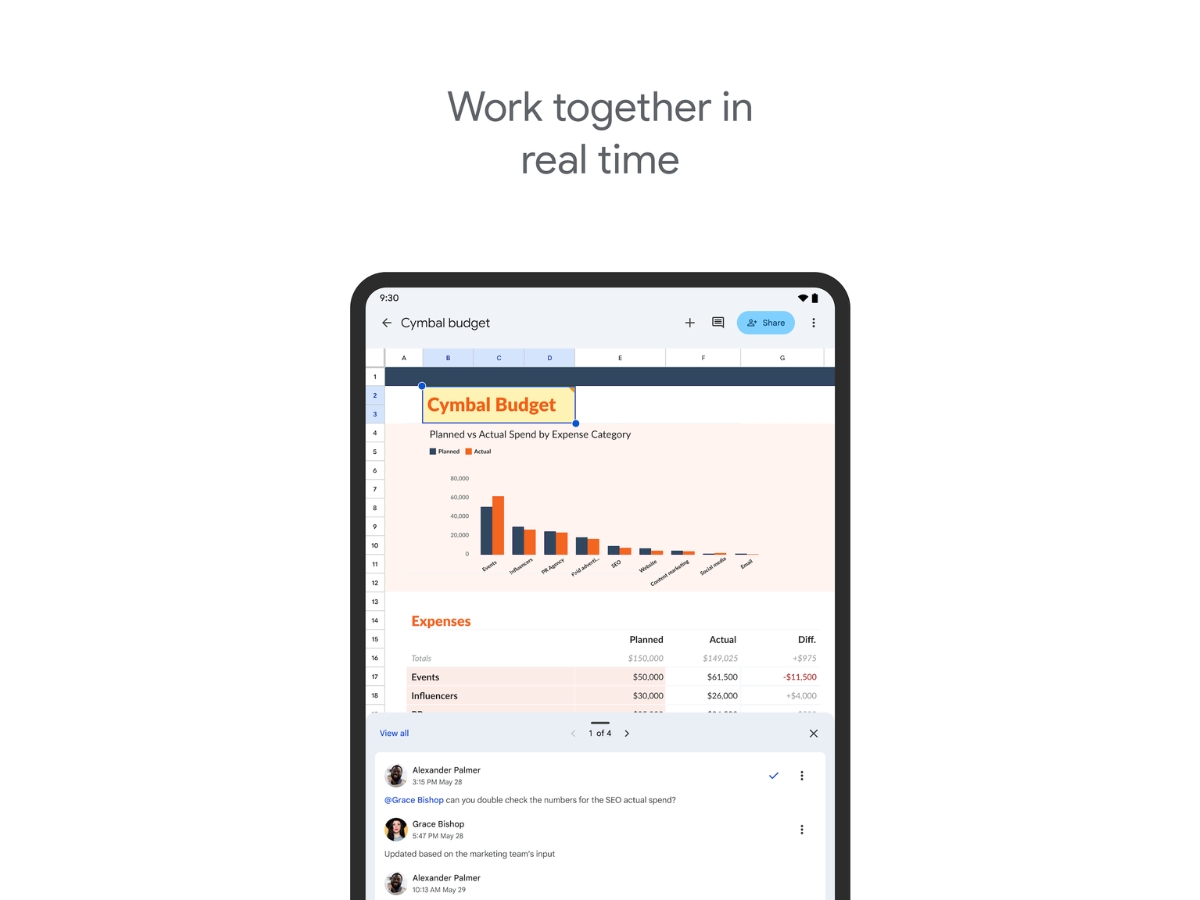
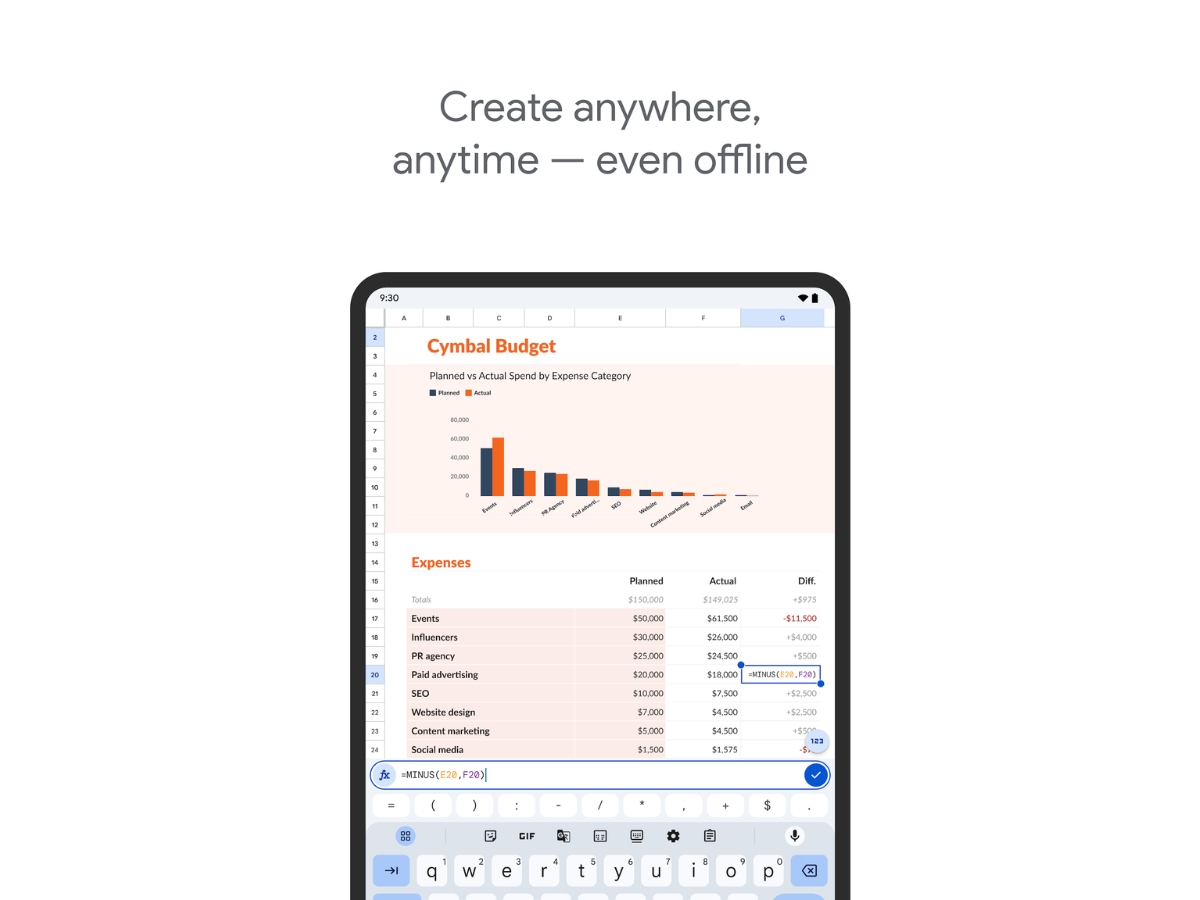
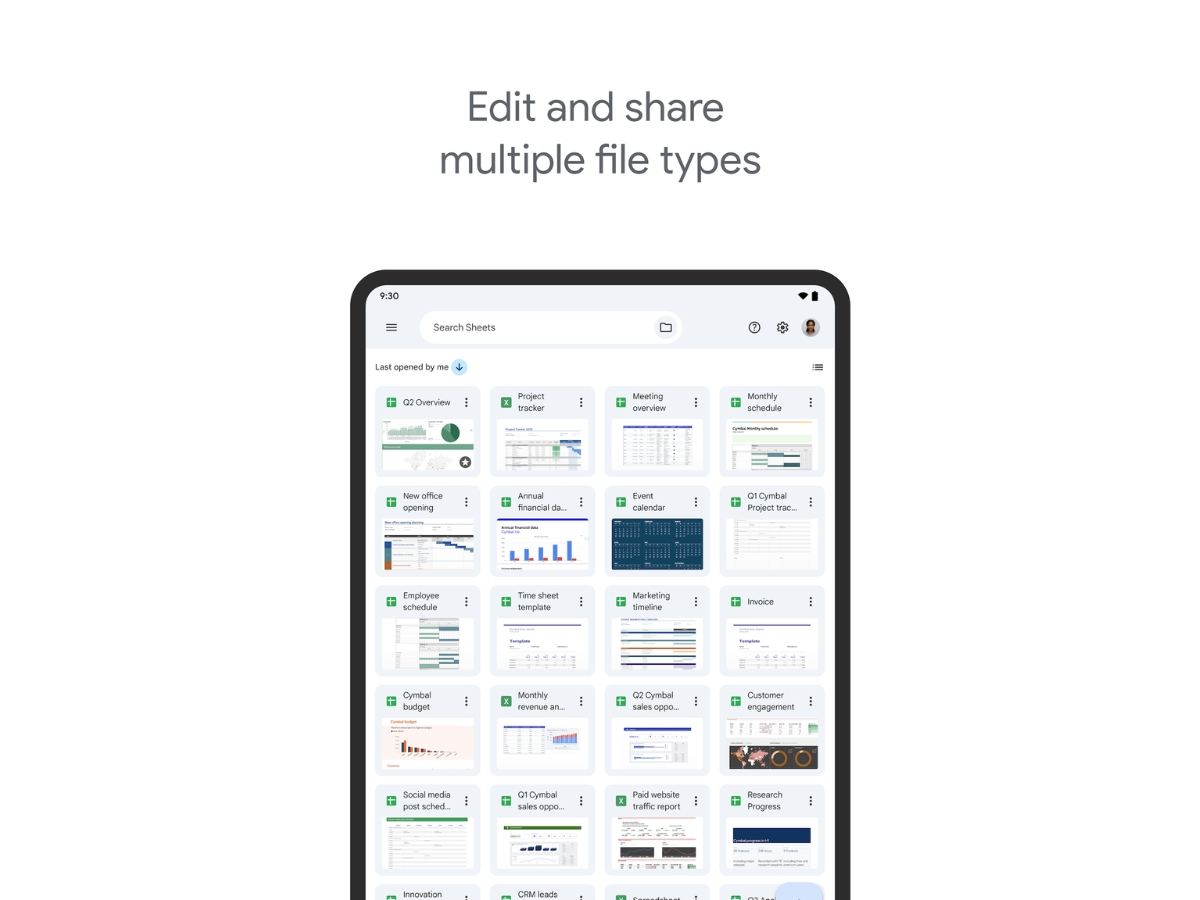
 Templates Google Sheets features a template gallery of its own, comprising a variety of choices. Users can also generate templates of their Spreadsheets Users can generate spreadsheets at their own convenience and collaborate with their co-workers, by sharing the same. Excel Files Files created via Google Sheets offer seamless compatibility with Excel and other Microsoft products, bringing down the hassles Access Controls Users can schedule level-based access rights, disable copy, print or download option for collaborators, setting expiration Graphs & Charts Google Sheets comes equipped with a variety of graphs and charts like column, pie, combo, scatter, line, bar, histogram, Real-Time Collaboration Collaborate with multiple users on spreadsheets simultaneously, allowing teams to edit, review, and share information together. Data Visualizations Convert spreadsheet data into charts and graphs to identify trends, compare values, and present information clearly. Data Validation Apply validation rules, dropdown menus, and input restrictions to improve data accuracy and maintain consistent entries. Version History Review previous spreadsheet versions, track changes, and restore earlier versions to manage document revisions effectively. Access Control Manage spreadsheet permissions to control who can view, comment on, edit, download, or share spreadsheet content. Data Protection Protect sheets, ranges, and sensitive spreadsheet information using permissions and restricted editing controls. Data Sorting and Filtering Sort and filter spreadsheet records using customized conditions to quickly locate and analyze relevant information.
Have recommended this product
Overall Score
Review this product
Your valuable feedback helps others like you make a better decision.
Verified reviewer:
Freelancer, Education
Individual
Software user since: 6-12 months
Reviewed on: Sep 1, 2023
| Brand Name | |
| Information | Google is a multinational corporation that specializes in Internet-related services and products. |
| Founded Year | 1998 |
| Director/Founders | Easir Arafat, Larry Page, Masudur Rahman, Mohammad Faruk, Sergey Brin |
| Company Size | 1000+ Employees |
| Other Products | Google Meet, ImageFX, Google Keep, Google Gemini, Google Cloud Platform (GCP) |


 UAE
UAE India
India