USA
 India
Small Business
Designed for startups and growing businesses


See More

Brand: HUMANITY
Generate conflict-free employee schedules in just a few clicks, factoring in employee skills, availability, and location. Reduce the amount of time spent creating schedules by up to 80% with templates and custom rules. Keep employees in the loop about new schedules and open time slots via SMS, email...
See MoreHave you used Humanity before?
Share your insights for better experience
Brand: HUMANITY
Founded Year: 2019
Humanity is a healthcare company that aims to extend the healthspan of humanity.
 Schedule Builder Forecasting Tools Automated Shift Scheduling Employee Self-Service Portals Open Shift Posting Availability Management Labor Cost Insights Compliance Management Payroll Integration Multi-Location Scheduling Drag-and-Drop Planner Shift Swapping Role & Access Management
 Windows
 iOS
 Android MacOS Windows(Phone)
 Desktop
 Mobile
 Tablet
 iPad
 Cloud-Based
Small Business
Designed for startups and growing businesses
Medium Business
Built for business growth and flexibility
Enterprises
Designed for complex and large-scale business needs
4.2
Out of 5

Overall Rating
Based on
3 Verified Reviews
Rating Breakdown
83% Recommend this Product
Add ReviewUsers appreciate Humanity for its ease of use and effectiveness in planning shifts and scheduling tasks, highlighting that it simplifies the management of employee needs without requiring extensive training. However, some common complaints include difficulties in adjusting breaks and shift times, as well as slow customer service response times. Overall, the sentiment is positive, with many users recommending the software for its functionality in team management.

Sep 2, 2022
Techjockey Verified
“Nice software for planning shifts for managers”
Pros
Being a manager, planning for employee shifts in advance has become very easy. I can plan in advance and even forecast upcoming shifts and employee needs.
Cons
Sometimes I face problems while adjusting the breaks of my employees. Otherwise, it is a nice software.
Reason to switch
With Teamlease it was difficult to allocate different shifts to employees. I always faced errors.
Sep 5, 2022
Techjockey Verified
“Great for scheduling tasks”
Pros
With this app, you can easily schedule tasks and shifts for your employees. It automatically swaps shifts when employees request off time. We don’t have to do all this manually now.
Cons
There are some issues at times like you might face some difficulty in adjusting the time of shifts. But overall, we are satisfied with the app.
Reason to switch
The reason for switching from Indefend was that there was no special scheduling features, which my company wanted.
Sep 1, 2022
Techjockey Verified
“Very simple to use software for team”
Pros
It is very easy to use, and you don’t also need any special training for it. We can plan our days in advance with Humanity software.
Cons
Their customer service is a bit slow. I had to wait for a long time for replies on their customer chat support.
Reason to switch
Snapcomms was very complicated for my team to understand and use.

Humanity
$ 3.30 excl. GST
Desktop
Mobile
Web based
On Premises
Windows
Mac OS

Schedule360
Price On Request
Desktop
Mobile
Web based
On Premises
Windows
Mac OS

Zoho Shifts
Price On Request
Desktop
Mobile
Web based
On Premises
Windows
Mac OS

Celayix
Price On Request
Desktop
Mobile
Web based
On Premises
Windows
Mac OS

Shiftie
Price On Request
Desktop
Mobile
Web based
On Premises
Windows
Mac OS

Schedule It
Price On Request
Desktop
Mobile
Web based
On Premises
Windows
Mac OS

ZoomShift
Price On Request
Desktop
Mobile
Web based
On Premises
Windows
Mac OS

Shiftboard
Price On Request
Desktop
Mobile
Web based
On Premises
Windows
Mac OS

Deputy
Price On Request
Desktop
Mobile
Web based
On Premises
Windows
Mac OS

MakeShift
Price On Request
Desktop
Mobile
Web based
On Premises
Windows
Mac OS

RotaCloud
Price On Request
Desktop
Mobile
Web based
On Premises
Windows
Mac OS
(2) Product(s) selected
Available
Price on Request
Available
Price on Request
Starting Price:
£13.20 /Month
Starting Price:
$2.50 /Month
Starting Price:
$3.75 /Month
Starting Price:
£10.00 /Month

Starting Price:
$44.99 /Month
Available
Price on Request

Starting Price:
$2.00 /Month

Starting Price:
$28.00 /Month

Available
Price on Request
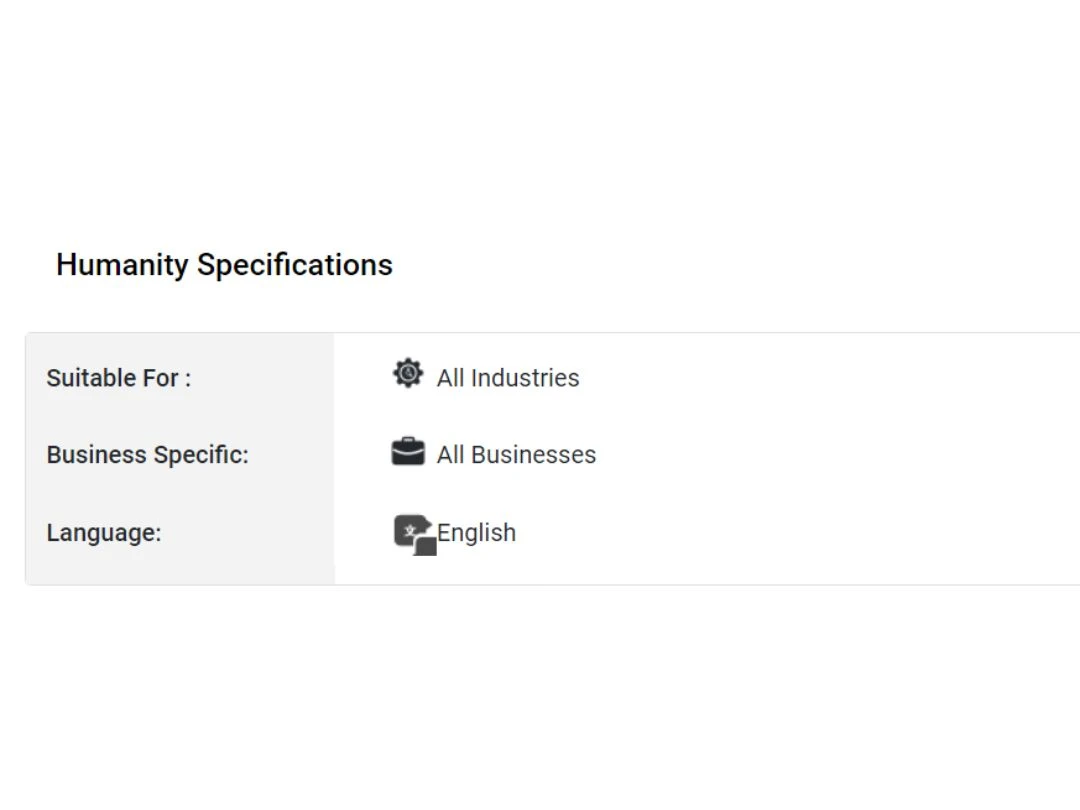
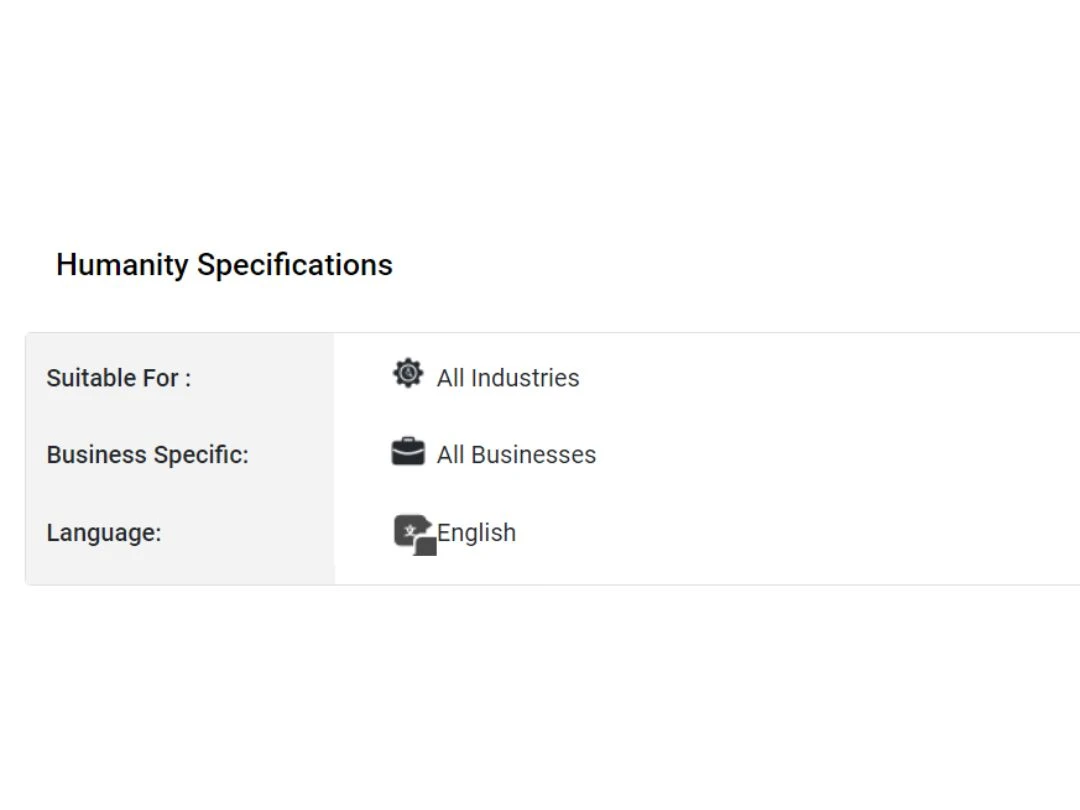
Humanity Employee Management Software is typically used in All Industries.
Humanity Employee Management Software demo is available for free with Techjockey.com
Humanity Employee Management Software offers a free trial. However, the premium plan with advanced features available at Techjockey .
For Humanity Employee Management Software installation, insert the given CD/USB flash storage in your system and open the Setup Wizard to get started.
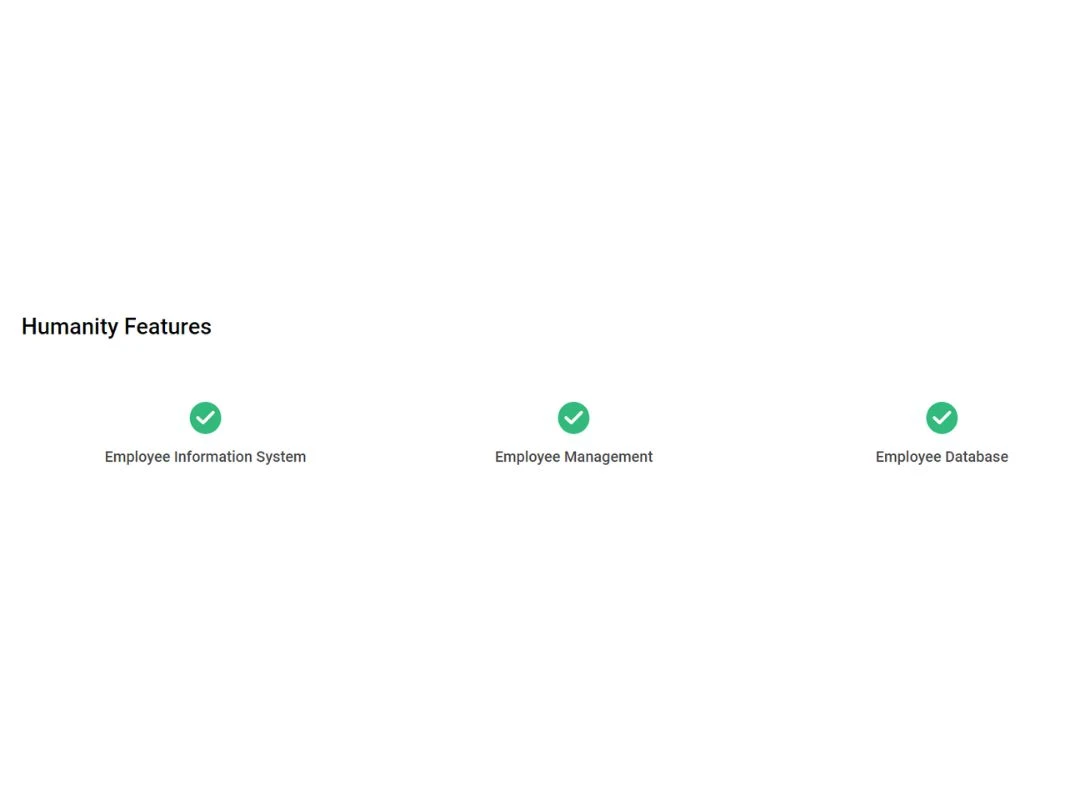
Humanity Employee Management Software helps with Employee Information System,Employee Management and Employee Database.
Terms and Condtions

Users with registered businesses can purchase goods from merchants on the platform to satisfy their business needs. Users are not permitted to utilize any products acquired through the platform for resale, advertising, business, or further distribution.
For each purchase made, users will receive a Tax Invoice (or 'GST invoice') that includes specific details such as:
the GSTIN of the user associated with their registered business, and
the specified Entity Name for their business.
It should be noted that not all products are eligible for GST Invoice. Only the products displayed by participating sellers with the 'GST-based Invoice Available' callout on the product description page would qualify.
Certain goods and services are not eligible to get a GST Invoice, including items with VAS, i.e., Value Added Services (e.g., Total Mobile Protection/Assured Buyback) and those involving an exchange offer at the time of purchase.
Users must ensure the accuracy of the GSTIN, and business entity name provided for the GST Invoice. Requests for corrections into GST Invoice would not be accommodated by Techjockey.com or any Seller, and any issues arising from user-provided information are the sole responsibility of users.
Techjockey.com is not liable for the GST Invoice or any associated input tax credit. To efficiently claim an input tax credit, users should select the registered place of business address as per the GST authority's data and follow the provisions of the GST Act and rules.
To claim an input tax credit, the delivery and billing addresses must match. Furthermore, input tax credits will not be granted if the delivery address and GSTIN on the invoice are from different states. In case of incorrect GST details provided during the order placement, the order will be canceled automatically.
 20,000+ Software Listed
 Unbiased Comparison
 Read Authentic Reviews
 500,000+ Monthly Users