 USA
 India
Small Business
Designed for startups and growing businesses

See More




Brand: Anymeeting
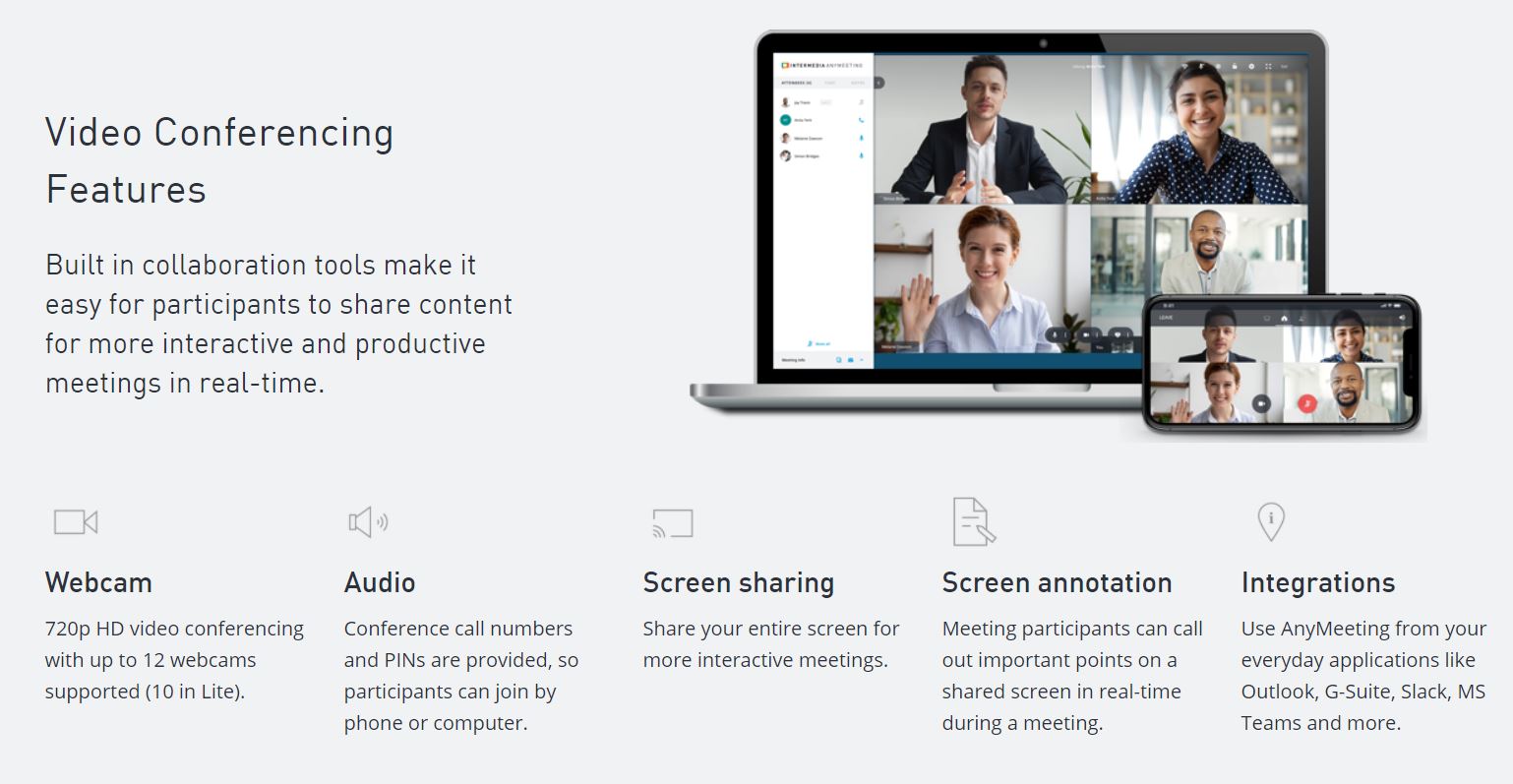
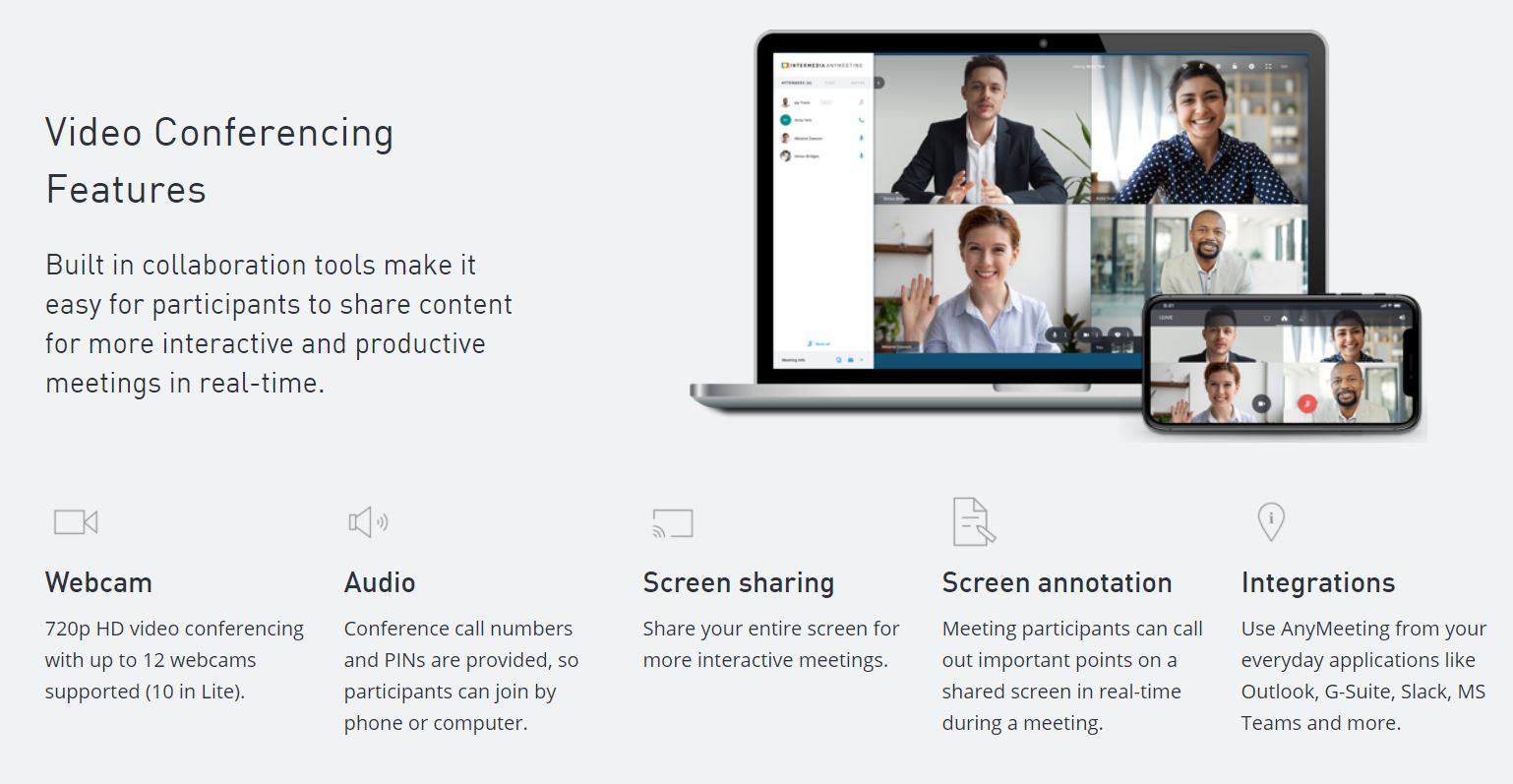
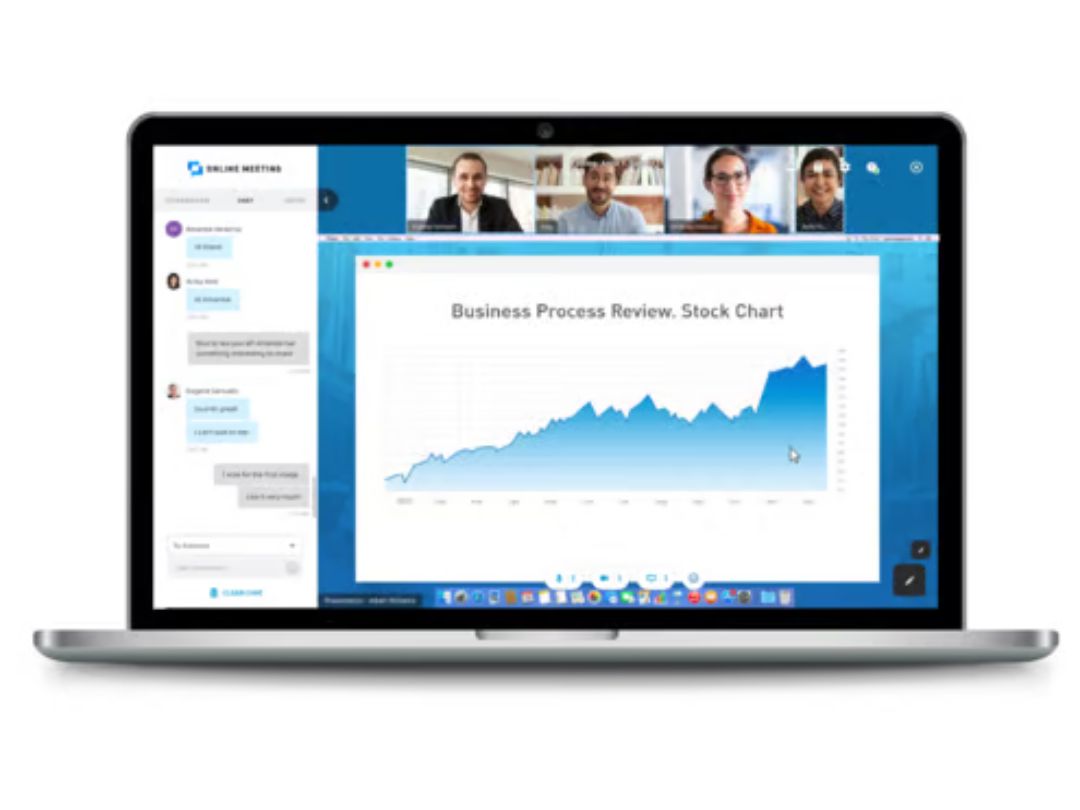
AnyMeeting is a web conferencing platform that enables users to host virtual meetings, webinars, and collaborative sessions with features like video conferencing and screen sharing, designed for businesses and individuals.
See MoreHave you used AnyMeeting before?
Share your insights for better experience
Brand: Anymeeting
Founded Year: 2011
Anymeeting
Looking for The Right Pricing?
Share your requirements and get a plan built around your business.
Price Available on Request
Get personalised AnyMeeting pricing that fits your needs. Our team will connect with you.
 Custom Branding Personalization Integration Video Call Recording Meeting File Sharing
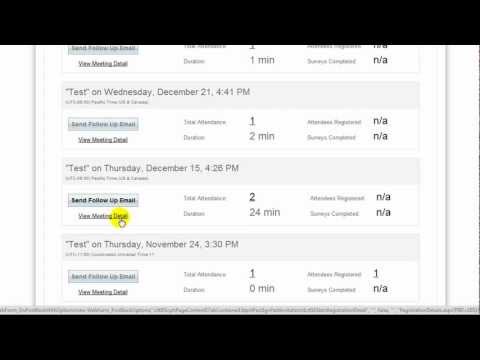

Watch the demo video to explore key features, real workflows, and how the software fits your business needs.
 Ubuntu
 Windows
 MacOS
 Linux
 Desktop
 Mobile
 Tablet
 iPad
 Cloud-Based

Small Business
Designed for startups and growing businesses
Medium Business
Built for business growth and flexibility
Enterprises
Designed for complex and large-scale business needs
4.6
Out of 5

Overall Rating
Based on
2 Verified Reviews
Rating Breakdown
90% Recommend this Product
Add Review
Oct 6, 2017
Techjockey Verified
“ give great information on companies”
Pros
I found Techjockey as part of Google search results for Business Intelligence software. They recommended a few options right away and had the vendors call me directly. Soon after, we were engaged in conversations with the vendors and found the right solution.
Cons
N/A
Aug 3, 2018
Techjockey Verified
“Good connection, easy to use.”
Pros
Generally easy to use. Allows for screen share and upload of documents. Network has been good. Allows for recording of meetings and access later.
Cons
It is difficult working with multiple people who may be presenting information. If the host's email is logged in, the entire meeting ends when that person logs out and you cannot restart a meeting so mistakes require a brand new meeting to be created.

AnyMeeting
Price On Request
Desktop
Mobile
Web based
On Premises
Windows
Mac OS

Tencent RTC
Price On Request
Desktop
Mobile
Web based
On Premises
Windows
Mac OS

Pexip
Price On Request
Desktop
Mobile
Web based
On Premises
Windows
Mac OS

Shindig
Price On Request
Desktop
Mobile
Web based
On Premises
Windows
Mac OS

Vidyo
Price On Request
Desktop
Mobile
Web based
On Premises
Windows
Mac OS

Evercast
Price On Request
Desktop
Mobile
Web based
On Premises
Windows
Mac OS

Google Meet
Price On Request
Desktop
Mobile
Web based
On Premises
Windows
Mac OS

Interactio
Price On Request
Desktop
Mobile
Web based
On Premises
Windows
Mac OS

iMind
Price On Request
Desktop
Mobile
Web based
On Premises
Windows
Mac OS

VideoMeet
Price On Request
Desktop
Mobile
Web based
On Premises
Windows
Mac OS

Jitsi
Price On Request
Desktop
Mobile
Web based
On Premises
Windows
Mac OS
(0) Product(s) selected
Available
Price on Request
Starting Price:
$99.00 /Month
Available
Price on Request
Starting Price:
$125.00 /Month
Available
Price on Request

Available
Price on Request

Starting Price:
$29.00 /Month

Available
Price on Request

Starting Price:
$14.50 /License/Month

Available
Price on Request

Available
Price on Request
AnyMeeting Video Conferencing Software is compatible with Windows.
AnyMeeting Video Conferencing Software app is not available for Android and iOS app users.
AnyMeeting Video Conferencing Software supports web-based deployment.
AnyMeeting details are available on request at techjockey.com.
AnyMeeting Video Conferencing Software is typically used in ITES to host virtual meetings, webinars, and collaborative sessions.
Yes, AnyMeeting Video Conferencing Software free demo is available at techjockey.com.
AnyMeeting Video Conferencing Software offers a free trial. However, the premium plan with advanced features is available at techjockey.com with exciting deals.
AnyMeeting Video Conferencing Software installation is not required, as it is web-based. Just open the Setup Wizard to get started.
AnyMeeting works by providing a platform for users to conduct virtual meetings with features like custom branding, personalization, integration with other tools, video call recording, and collaborative file sharing, facilitating efficient and professional online collaboration.
Terms and Condtions

Users with registered businesses can purchase goods from merchants on the platform to satisfy their business needs. Users are not permitted to utilize any products acquired through the platform for resale, advertising, business, or further distribution.
For each purchase made, users will receive a Tax Invoice (or 'GST invoice') that includes specific details such as:
the GSTIN of the user associated with their registered business, and
the specified Entity Name for their business.
It should be noted that not all products are eligible for GST Invoice. Only the products displayed by participating sellers with the 'GST-based Invoice Available' callout on the product description page would qualify.
Certain goods and services are not eligible to get a GST Invoice, including items with VAS, i.e., Value Added Services (e.g., Total Mobile Protection/Assured Buyback) and those involving an exchange offer at the time of purchase.
Users must ensure the accuracy of the GSTIN, and business entity name provided for the GST Invoice. Requests for corrections into GST Invoice would not be accommodated by Techjockey.com or any Seller, and any issues arising from user-provided information are the sole responsibility of users.
Techjockey.com is not liable for the GST Invoice or any associated input tax credit. To efficiently claim an input tax credit, users should select the registered place of business address as per the GST authority's data and follow the provisions of the GST Act and rules.
To claim an input tax credit, the delivery and billing addresses must match. Furthermore, input tax credits will not be granted if the delivery address and GSTIN on the invoice are from different states. In case of incorrect GST details provided during the order placement, the order will be canceled automatically.
 20,000+ Software Listed
 Unbiased Comparison
 Read Authentic Reviews
 500,000+ Monthly Users



