FP&A, short for financial planning and analysis, wasn’t exactly something finance teams looked forward to a few years ago. For managing endless spreadsheets and confusing formulas manually can be anything but fun for those involved.
But things have changed with time, especially with the introduction of FP&A software, basically automation tools that help finance teams build forecasts, spot trends, and make financial decisions in minutes. For these don’t just organize your numbers but also help you understand what’s happening and predict what’s coming next, so you can smartly plan your next move.
Without wasting any more time thus, let’s explore some of the leading financial management software available in the market to automate budgeting and forecasting, one tool at a time.
What is Financial Planning and Analysis Software?
FP&A software solutions (Financial Planning and Analysis tools) help businesses plan, track, and manage their finances in a highly organized and efficient manner. By automating tasks like budgeting, forecasting, and financial reporting, these spare the finance teams the trouble of relying on manual spreadsheets to do so.
To attain the same, these platforms collect data from different departments, organize it in one place, and turn it into clear insights. Teams can use this data to better understand how the business is performing, identify trends, and make better decisions.
By analyzing past and current financial data, they can also predict future outcomes and prepare for risks more accurately.
FP&A Software Comparison: Best Financial Planning and Analysis Tools for 2026
The FP&A software list given below comprises some of the best-known tools that have changed the financial accounting and intelligence game forever. Keep reading to know how…
| FP&A Tool | Strength | Best Fit/Limit |
|---|---|---|
| Workday Adaptive Planning | Strong planning and Workday integration | Mid-large firms but can be pricey |
| Anaplan | Highly scalable modeling | Complex and expensive |
| Vena Solutions | Excel-based planning | Cloud-only, no on-premises option, and Excel-heavy for complex non-finance use cases |
| Datarails | Automates Excel FP&A | Less advanced modeling |
| Planful | All-in-one FP&A | Requires training for optimal use of advanced features |
| Cube | Fast, spreadsheet-native | Not for heavy scale |
| Pigment | Flexible, modern planning | SaaS only, no on-premises option, and costly at scale |
7 Top Tools for Financial Planning and Analysis in 2026
Discover the top FP&A software solutions that help businesses streamline budgeting, forecasting, reporting, and strategic financial planning for better decision-making.
1. Workday Adaptive Planning
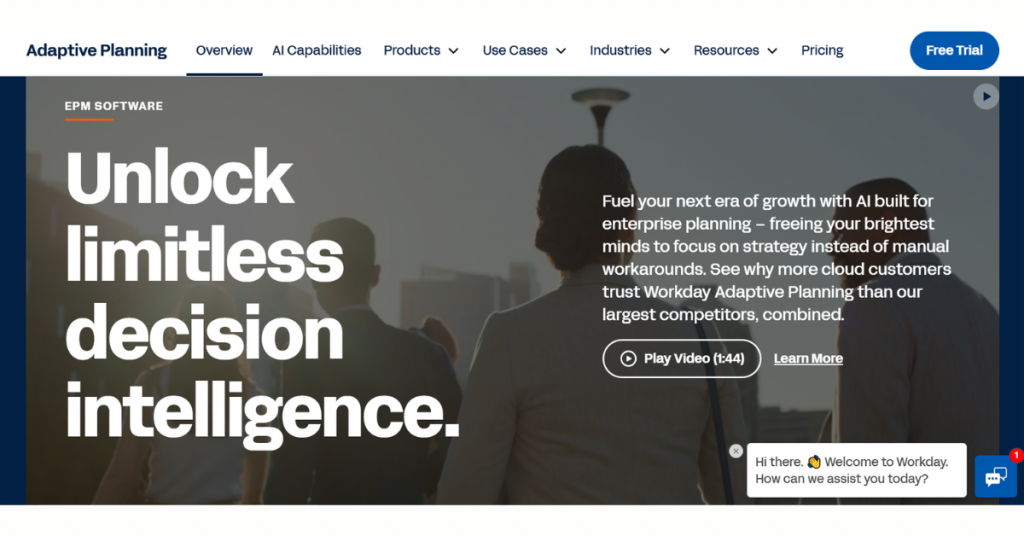
Workday Adaptive Planning is one of the leading FP&A software that helps finance teams plan budgets, create forecasts, and track financial performance in real time. It helps organizations adjust plans quickly based on changing business conditions and provides clear visibility into their overall performance.
The platform is best suited for mid‑size to large organizations that need collaborative planning across finance and business teams, especially those already using Workday for HR or finance operations.
Key Features of Workday Adaptive Planning:
- Enables enterprise planning, budgeting, and forecasting in one platform
- Supports financial, workforce, and operational planning
- Automates planning workflows and consolidations
- Provides real‑time data updates and scenario modeling
- Uses driver‑based planning for dynamic financial modeling
- Offers built‑in dashboards, reports, and analytics
- Integrates with ERP, HR, CRM, and data sources
- Improves forecasting accuracy with continuous planning
- Offers native integration with Workday HCM and Workday Financial Management for unified HR and finance planning
Pro and cons of Workday Adaptive Planning:
Pros
- Unifies financial and operational planning in one system
- Improves decision‑making with real‑time insights
- Scales for mid‑market and enterprise organizations
- Automates manual FP&A processes
- Supports strong collaboration across business units
Cons
- Requires implementation effort and training
- May feel complex for small businesses
- Needs integration work for full data connectivity
- Costs can increase with scale and modules
Workday Adaptive Planning Pricing & Plans: Price on request
2. Anaplan
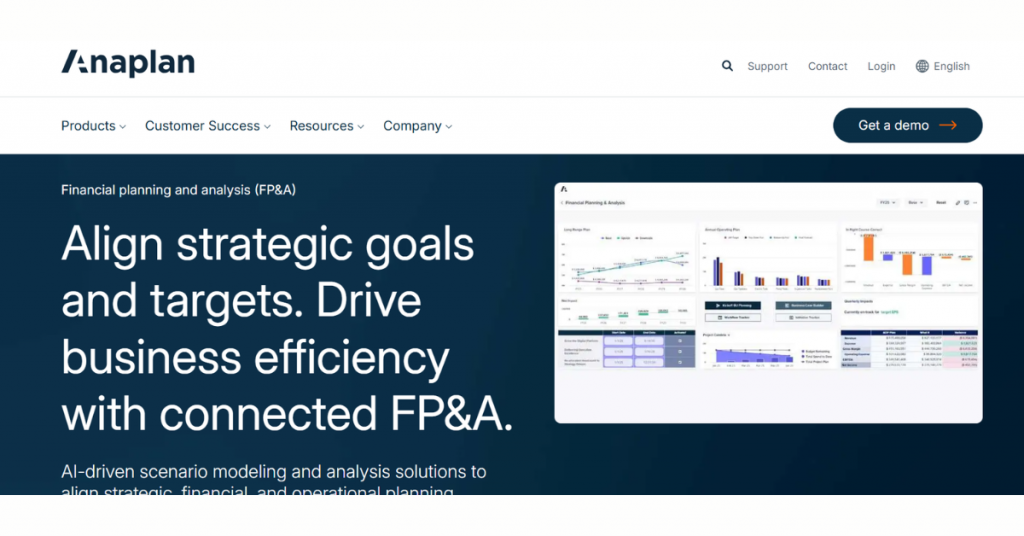
Anaplan is a cloud‑based financial planning and analysis software built for organizations that need fast, connected planning across multiple business areas, not just finance. It uses a modeling approach that links financial data with operations, sales, and workforce planning, so decisions are based on a full business picture.
The tool is ideal for large or complex organizations that need cross functional planning rather than static budgeting.
Key Features of Anaplan:
- Enables connected planning across finance, operations, sales, and supply chain
- Supports budgeting, forecasting, and long-term financial planning
- Uses the proprietary Hyperblock engine for real-time, large-scale modeling
- Provides scenario planning and what‑if analysis
- Allows driver‑based financial modeling
- Offers dashboards, reporting, and visualization tools
- Supports collaborative workflows across departments
- Automates planning cycles and data consolidation
- Scales for enterprise level planning complexity
- Provides audit trails and governance controls
Pro and cons of Anaplan:
Pros
- Connects multiple planning functions in one platform
- Processes large data models with real‑time updates
- Improves forecasting accuracy with scenario modeling
- Supports enterprise wide collaboration
- Adapts to complex and evolving business needs
Cons
- Requires significant setup and modeling expertise
- May feel complex for smaller teams
- Needs dedicated resources for implementation
- Has a learning curve for advanced modeling
Anaplan Pricing & Plans: Price on request
3. Vena Solutions
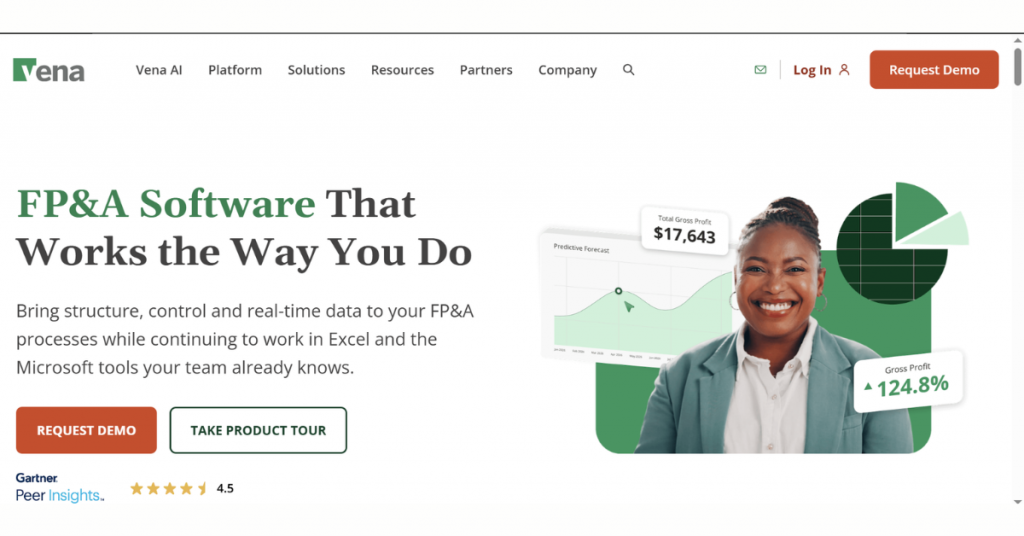
Vena Solutions is an FP&A tool built around Excel, ideal for finance teams that want to improve planning without leaving a familiar environment. It adds structure, control, and automation to spreadsheets, turning them into a more reliable system for budgeting, forecasting, and reporting. Owing to its Excel interface, organizations that rely heavily on spreadsheets become its prime takers.
Key Features of Vena Solutions:
- Enables budgeting, planning, and forecasting in one platform
- Supports financial consolidation and reporting
- Uses Excel interface with centralized cloud data
- Provides real‑time dashboards and financial insights
- Offers scenario modeling and what‑if analysis
- Automates workflows, approvals, and data collection
- Ensures audit trails and data governance controls
- Enables collaboration across finance and business teams
- Delivers AI‑powered insights via Vena Copilot, its purpose-built AI assistant for FP&A planning and forecasting
Pro and cons of Vena Solutions:
Pros
- Leverages Excel familiarity for faster adoption
- Automates manual FP&A processes
- Improves visibility into financial performance
- Supports mid‑market and enterprise use cases
- Enhances collaboration across departments
Cons
- Depends on Excel structure for modeling flexibility
- Requires setup and configuration effort
- May feel complex for small organizations
- Needs integration work for full data connectivity
Vena Solutions Pricing & Plans: Price on request
4. Datarails
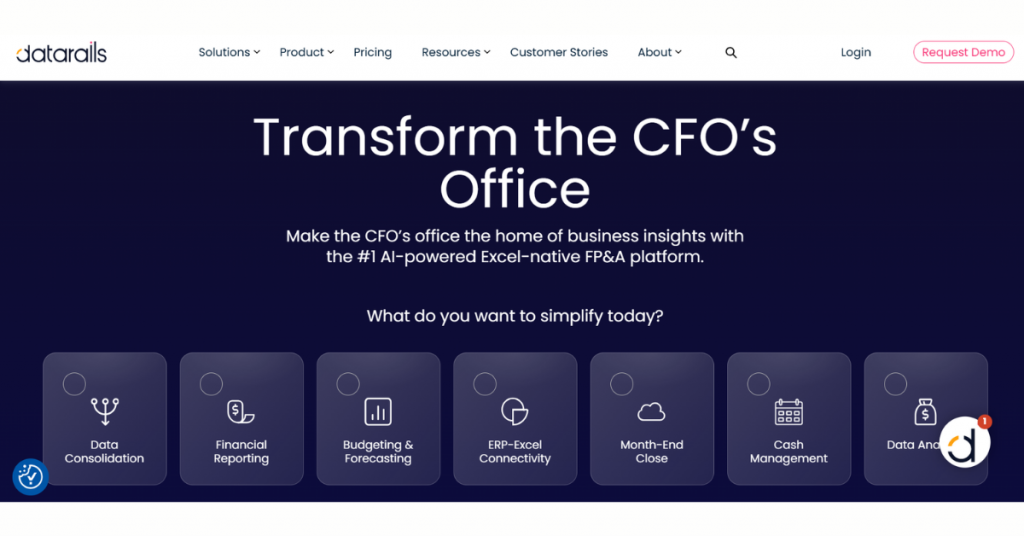
Datarails is an FP&A software designed for small to mid-sized businesses that already work heavily in Excel. It connects spreadsheets into a central system, allowing data to be consolidated, updated, and analyzed automatically without changing existing workflows. This helps reduce manual work and errors while improving visibility into financial data.
Key Features of Datarails:
- Automates budgeting, forecasting, and financial reporting
- Works directly on top of Excel without replacing it
- Centralizes data from multiple sources into one platform
- Provides real‑time dashboards and financial insights
- Supports scenario planning and what‑if analysis
- Automatically consolidates financial data across entities
- Tracks version control and audit history for spreadsheets
- Integrates with ERP systems like NetSuite, SAP, and QuickBooks
- Enables collaborative workflows across finance teams
- Offers a built‑in AI assistant (FP&A Genius) that answers financial questions in natural language
- Maintains Excel formulas, structure, and flexibility
Pro and cons of Datarails:
Pros
- Preserves Excel workflows while adding automation
- Reduces manual reporting and consolidation work
- Improves data accuracy and version control
- Speeds up FP&A cycles and reporting timelines
- Fits finance teams that rely heavily on spreadsheets
Cons
- Depends on Excel ecosystem for core usage
- May feel limited for fully non‑Excel environments
- Requires setup to integrate multiple data sources
- Scaling may require process standardization
Datarails Pricing & Plans: Price on request
5. Planful

Formerly known as Host Analytics, Planful is a financial planning software that helps companies keep their budgets, forecasts, and reports in one place. It makes it easier for finance teams to stay organized and avoid working with too many separate spreadsheets.
Instead of tracking numbers manually, teams can manage everything in a more structured way, which makes it a good fit for growing companies that need better control over their finances.
Key Features of Planful:
- Enables budgeting, planning, and forecasting across finance teams
- Supports financial consolidation and close processes
- Automates reporting and financial statement generation
- Provides real‑time dashboards and analytics
- Includes scenario planning and what‑if analysis
- Centralizes financial and operational data
- Supports workforce and operational planning
- Offers AI‑driven insights and variance analysis
- Integrates with ERP, CRM, and other enterprise systems
- Enables collaboration across departments and finance teams
- Tracks data history with governance and audit controls
- Supports continuous planning instead of static budgeting
Pro and cons of Planful:
Pros
- Unifies FP&A, close, and reporting in one platform
- Automates repetitive finance processes
- Improves visibility into financial performance
- Scales from mid‑market to enterprise
- Enhances collaboration across business units
Cons
- Requires implementation and configuration effort
- May feel complex for smaller teams
- Needs integration for full data connectivity
- Learning curve for advanced features
Planful Pricing & Plans: Price on request
6. Cube
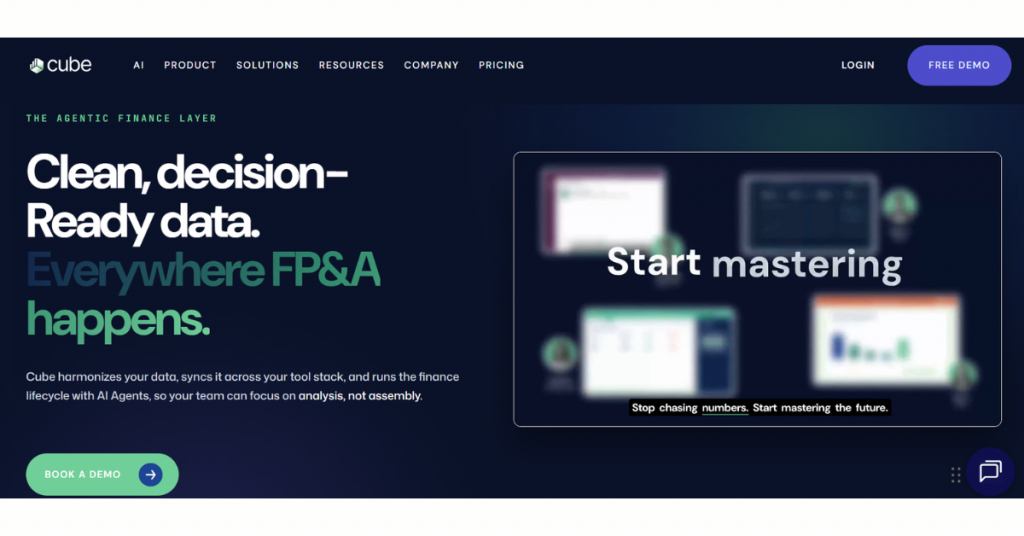
Cube is a leading FP&A software for startups and small teams that rely on spreadsheets but want better accuracy and control. Instead of replacing Excel, it works with it, keeping data connected and updated automatically. This helps finance teams spend less time fixing numbers and more time understanding them, basically improving their planning process without changing how they work.
Key Features of Cube:
- Enables budgeting, forecasting, and financial planning workflows
- Works directly within Excel and Google Sheets
- Centralizes data from ERP and financial systems
- Automates data consolidation and reporting
- Provides real‑time dashboards and analytics
- Supports scenario planning and what‑if analysis
- Maintains version control across spreadsheets
- Integrates with tools like NetSuite, QuickBooks, and Salesforce
- Enables collaboration across finance teams
- Preserves existing spreadsheet models and formulas
- Delivers structured workflows for approvals and reporting
Pro and cons of Cube:
Pros
- Keeps familiar Excel/Sheets workflows intact
- Reduces manual data consolidation effort
- Improves accuracy with centralized data
- Accelerates planning and reporting cycles
- Fits companies transitioning from spreadsheets to FP&A tools
Cons
- Relies heavily on spreadsheet environments
- May lack deep modeling flexibility compared to enterprise tools
- Requires initial setup and data integration
- Scaling may require process standardization
Cube Pricing & Plans: Price on request
7. Pigment
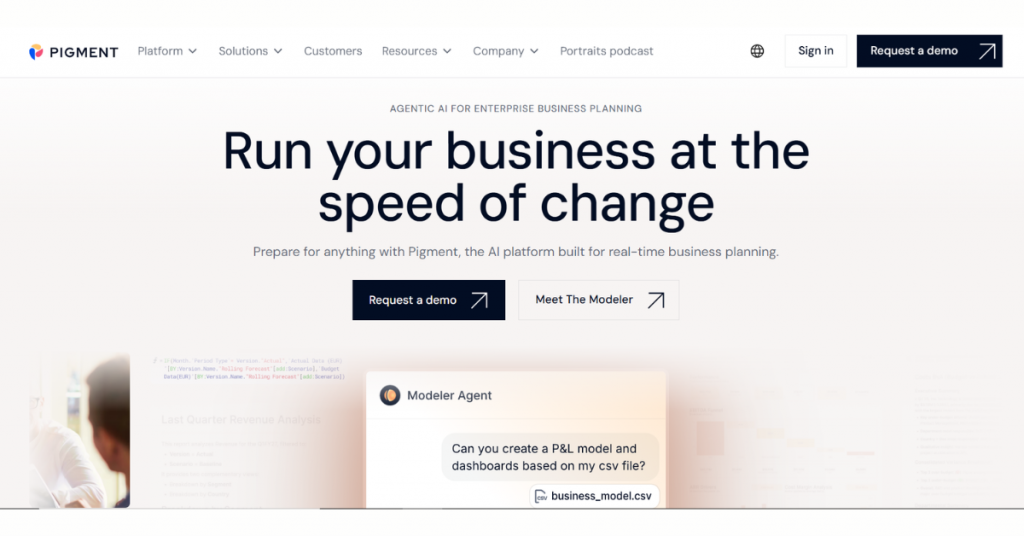
Pigment is a cloud-native, AI-powered business planning platform specifically designed for mid-market and enterprise organizations. It brings different parts of the business, like finance, sales, and operations, into one place, so teams can see how everything is linked. This makes it easier to explore what if scenarios and make decisions.
Key Features of Pigment:
- Enables integrated business planning across finance and operations
- Supports budgeting, forecasting, and long‑term planning
- Provides real‑time scenario modeling and what‑if analysis
- Uses a flexible modeling engine for complex business logic
- Delivers dashboards, reports, and visual analytics
- Integrates with ERP, HR, CRM, and other data sources
- Supports workforce, sales, and financial planning in one platform
- Enables collaboration across teams with shared models
- Tracks changes with audit trails and version control
- Handles large datasets with scalable cloud architecture
- Supports driver‑based planning for dynamic forecasting
Pro and cons of Pigment:
Pros
- Connects finance and operational planning in one platform
- Handles complex modeling and large datasets efficiently
- Improves decision‑making with real‑time insights
- Supports enterprise level scalability
- Offers flexible customization for different use cases
Cons
- Requires setup and modeling expertise
- May feel complex for smaller teams
- Needs integration work for full data connectivity
- Has a learning curve for advanced use cases
Pigment Pricing & Plans: Price on request
Conclusion
Not all FP&A tools work in the same manner, but there definitely is one that would work the way you want it to, so you can plan faster, work smarter, and watch your numbers turn into your biggest advantage. Choose a tool from the list given above today itself and let Techjockey take care of the rest!
FAQs
Which FP&A tools are best for small businesses?
Tools like Cube and Datarails are ideal as they enhance spreadsheet workflows with automation.
Is FP&A software better than Excel?
Yes, it automates processes, reduces errors, and provides real-time insights beyond Excel.
Do FP&A tools support forecasting and scenario planning?
Yes, most tools offer real-time forecasting and ‘what-if’ scenario analysis for better planning.
Does FP&A software require technical expertise to use?
Basic tools are user-friendly, but advanced platforms may require training or expert setup.


Written by
Yashika Aneja

Yashika Aneja is a Senior Content Writer at Techjockey, with over 5 years of experience in content creation and management. From writing about normal everyday affairs to profound fact-based stories on wide-ranging themes, including environment, technology, education, politics, social media, travel, lifestyle so on and so forth, she... Read more
 Previous