Would you like it if your customers could sit down and tell you exactly what they love or hate about your brand? Well, they already are; you just need the right way to listen. Case in point: VoC software, short for Voice of Customer software.
For, truth be told, guessing what customers want doesn’t work anymore. Today, businesses need smart tools to truly listen, understand behavior, and respond in real time. This is exactly what VoC platforms are designed to achieve using surveys, reviews, and sentiment analysis.
Listed below are some of the best VoC tools that make collecting feedback simple and effortless. Let’s find the one that fits your business in the best way possible, because why not!
What is Voice of Customer Software?
VoC software is a customer experience management tool designed to help businesses collect, analyze, and work on customer feedback across multiple channels. It groups data from reviews, surveys, social media, support tickets, and more to understand customer opinions and expectations.
By using advanced analytics and sentiment analysis, the software then transforms raw feedback into useful insights, which brands can use to enhance their products and overall customer experience.
List of 7 Best VoC Software in 2026
Some of the leading Voice of Customer software solutions are listed below for you to choose from in order to convert your customer feedback into actionable insights, one key tip at a time.
Tool
Key Strength
Best For
Qualtrics XM
Powerful surveys and detailed analytics across customer, product, and brand data.
Captures feedback from multiple sources, including calls, video, and digital channels, with AI-driven insights.
Large companies managing complex customer journeys.
Unwrap
Uses AI to quickly analyze app reviews and customer feedback.
Product teams improving mobile apps based on user feedback.
Chattermill
Combines feedback from multiple channels into a unified insights dashboard.
Teams handling high volumes of customer feedback.
InMoment
Connects customer feedback with journey analytics and recommends actions.
Businesses focused on improving end-to-end customer experiences.
Sprinklr
Unifies social media, customer service, and feedback management in one platform.
Brands with a strong social media presence.
Verint
Provides deep analysis of customer calls and service interactions.
Call centers and customer support-driven organizations.
Keep reading to get an in-depth understanding of their workings, one tool at a time…
1. Qualtrics XM
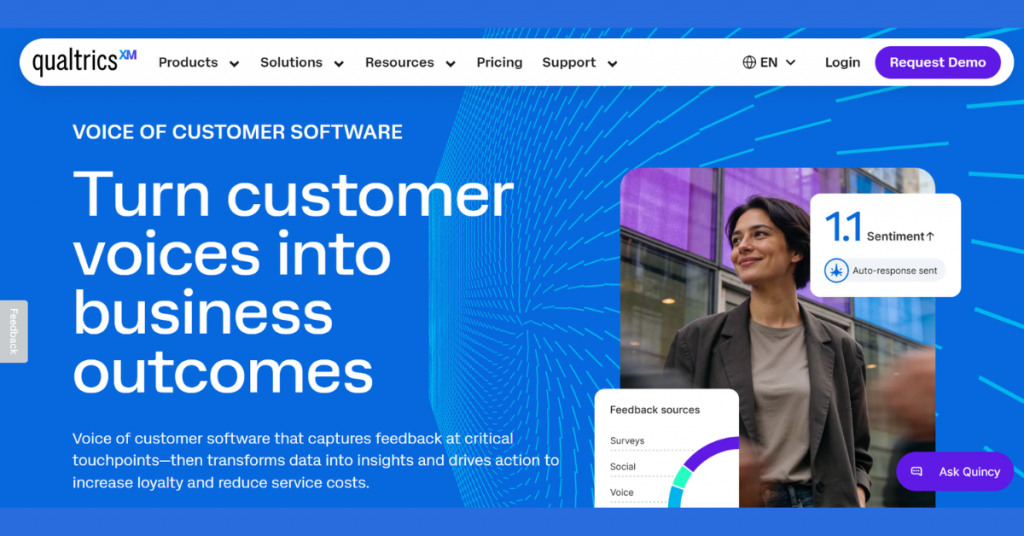
Qualtrics XM is an enterprise-grade experience management platform that helps businesses understand what their customers and employees think. It gathers feedback through surveys (like NPS and CSAT), analyzes it using AI, and shows clear insights in dashboards.
The software, all in all, turns customer opinions into data so businesses can improve their products, services, and overall experience.
Key Features of Qualtrics XM:
Captures customer feedback across channels like surveys, social media, chat, email, and calls
Unifies structured and unstructured feedback into a single platform
Uses AI to analyze sentiment, themes, and customer pain points
Provides conversational surveys with adaptive follow-up questions
Offers real-time dashboards with insights and trend tracking
Automates workflows to respond to feedback and resolve issues
Supports inner-loop (customer-level) and outer-loop (enterprise-level) actions
Integrates with tools like Salesforce, Zendesk, and ServiceNow
Enables collaboration through role-based dashboards for teams
Detects friction points in digital journeys using real-time intercepts
Allows natural language queries to explore insights using AI assistant
Processes large volumes of feedback instantly to surface key insights
Tracks KPIs like NPS, CSAT, and customer sentiment
Pro and cons of Qualtrics XM:
Pros
Offers advanced AI capabilities for deep insight generation
Provides omnichannel feedback collection in one system
Is highly scalable for enterprises
Offers strong automation for closing the feedback loop
Offers powerful analytics and dashboards for decision-making
Allows extensive integrations with CRM and service tools
Offers flexible deployment options across teams and industries
Cons
Requires onboarding and training
Is not suited for small businesses with simple needs
Requires configuration for full value realization
Its heavy feature set may feel overwhelming initially
Qualtrics XM Pricing & Plans: Price on request
2. Medallia Experience Cloud
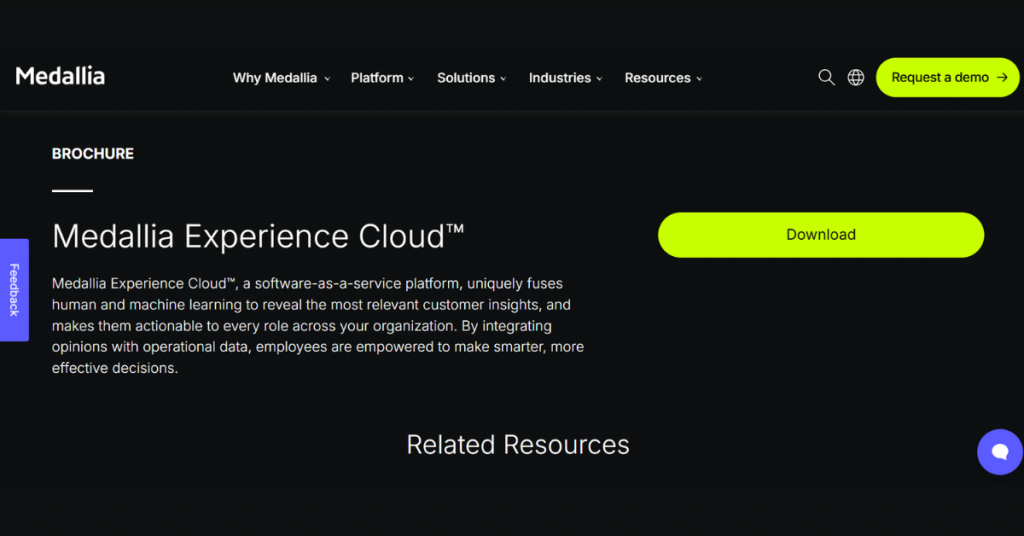
Medallia Experience Cloud is a Voice of Customer software tool that helps businesses collect and understand feedback from many sources like surveys, phone calls, chats, social media, and even video.
The platform uses AI to analyze this data and show what customers feel and why. Medallia also helps teams take quick action by sending alerts and assigning tasks, making it easier to improve customer experience across every touchpoint.
Key Features of Medallia Experience Cloud:
Captures customer feedback and operational data in one unified platform
Combines human intelligence and machine learning to uncover actionable insights
Analyzes structured and unstructured data
Shares insights across teams with role-based access
Enables real-time decision-making across the organization
Supports Voice of Customer (VoC) and experience management workflows
Uses AI-driven analytics to identify trends, sentiment, and key drivers
Delivers insights directly to employees to trigger actions
Integrates customer feedback with business operations for deeper understanding
Provides dashboards and reporting tools for tracking experience metrics
Works as a cloud-based SaaS platform, accessible across locations
Pro and cons of Medallia Experience Cloud:
Pros
Offers strong AI + human intelligence combination for deeper insights
Provides a unified platform for feedback and operational data
Its real-time insights improve response speed
Is highly scalable for enterprise use
Is an action-oriented system, not just analytics
Cons
Is a complex platform
Is best suited for enterprises, not small businesses
Its iplementation can be time-intensive
May require integration setup for full value
Medallia Experience Cloud Pricing & Plans: Price on request
3. Unwrap
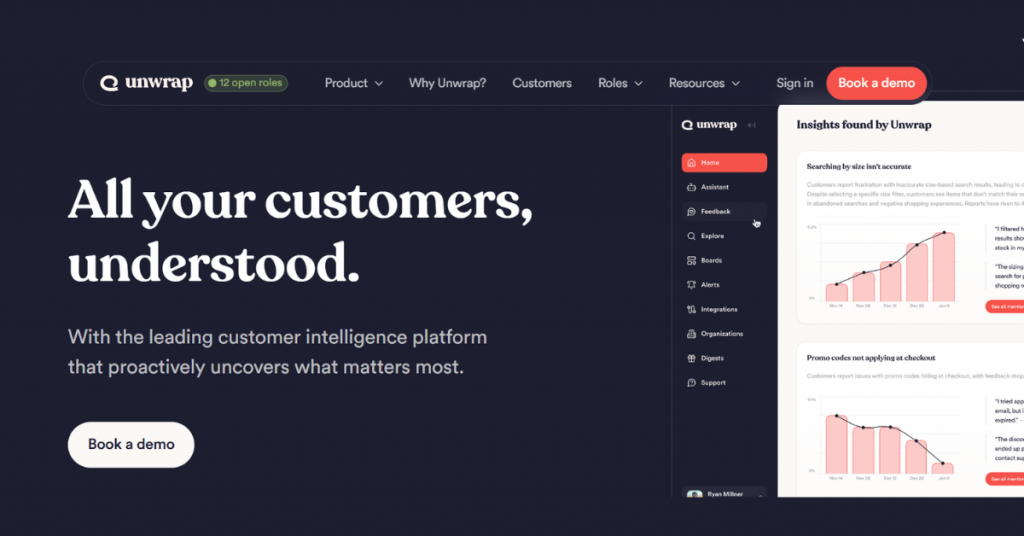
Chattermill Voice of Customer software dashboard for AI-powered customer feedback analysis and customer experience insights.
The software, all in all, turns large amounts of user feedback into clear insights, helping product teams quickly improve their apps and user experience.
Key Features of Unwrap:
Collects customer feedback from multiple sources in one place
Analyzes unstructured data automatically using AI to detect trends and themes
Surfaces proactive insights without manual tagging or querying
Auto-tags feedback into structured categories for easy analysis
Provides dashboards with customizable views for different teams
Lets users ask questions in natural language via an AI assistant
Sends alerts when new trends or issues are detected
Supports automated responses to customer feedback
Enables prioritization of product improvements and roadmap decisions
Integrates feedback from various channels into a unified system
Offers enterprise-grade security (SOC 2, GDPR, SSO, and PII redaction)
Provides real-time insights to guide teams (CX, product, and leadership)
Delivers insights proactively instead of requiring manual analysis
Pro and cons of Unwrap:
Pros
Offers strong AI automation
Offers proactive insights, not just dashboards
Is easy-to-use
Offers company-wide visibility with shared dashboards
Does quick analysis of large feedback volumes
Cons
Is not suitable for small businesses
Is best suited for teams with large feedback volume
Requires integration setup to unlock full value
Is less useful if feedback data is limited
Unwrap Pricing & Plans: Offers plans starting at USD 24,000 per year.
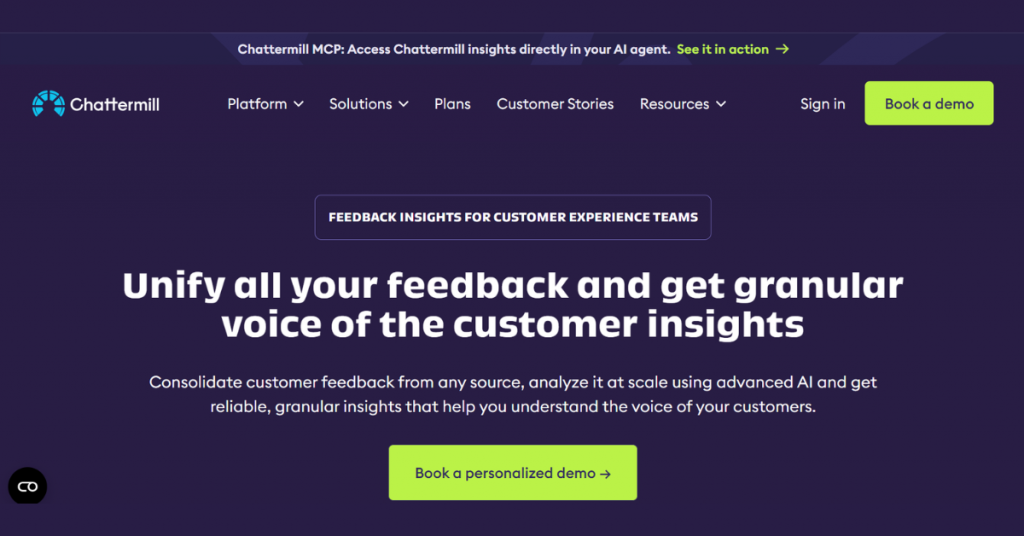
4. Chattermill
Chattermill is a VoC platform built to make sense of large volumes of customer feedback without manual effort. It pulls data from channels like support chats, reviews, and surveys, then uses AI to automatically spot patterns, recurring issues, and key drivers of customer sentiment.
Instead of just showing data, it focuses on helping teams quickly understand what’s going wrong and where exactly to take action to improve the experience.
Key Features of Chattermill:
Unifies feedback from surveys, reviews, support tickets, calls, and social media into one system
Analyzes unstructured feedback using AI to uncover themes, sentiment, and trends
Automatically tags and categorizes customer feedback without manual input
Provides natural language querying to explore insights instantly
Delivers proactive alerts when trends, issues, or metrics change
Connects insights to actions via integrations (Slack, Jira, CRM tools, etc.)
Offers dashboards with real-time insights for CX, product, and operations teams
Enriches feedback with contextual data
Supports integrations with tools like Zendesk, Qualtrics, Intercom, and others
Tracks customer metrics such as NPS and satisfaction drivers
Uses AI copilot (Lyra) to answer questions and guide analysis
Ensures enterprise-level security
Pro and cons of Chattermill:
Pros
Offers deep AI analysis for extracting meaningful insights
Provides centralized feedback view across multiple channels
Supports automated tagging and alerts, saving manual effort
Allows integration with existing CX and support tools
Is designed for decision-making, not just reporting
Scales well for growing and enterprise teams
Cons
Works best with existing data sources
Requires sufficient feedback volume to deliver value (recommended 5,000+ monthly entries)
Requires setup and integration effort initially
Might be too advanced for small teams or basic use cases
Chattermill Pricing & Plans: Price on request
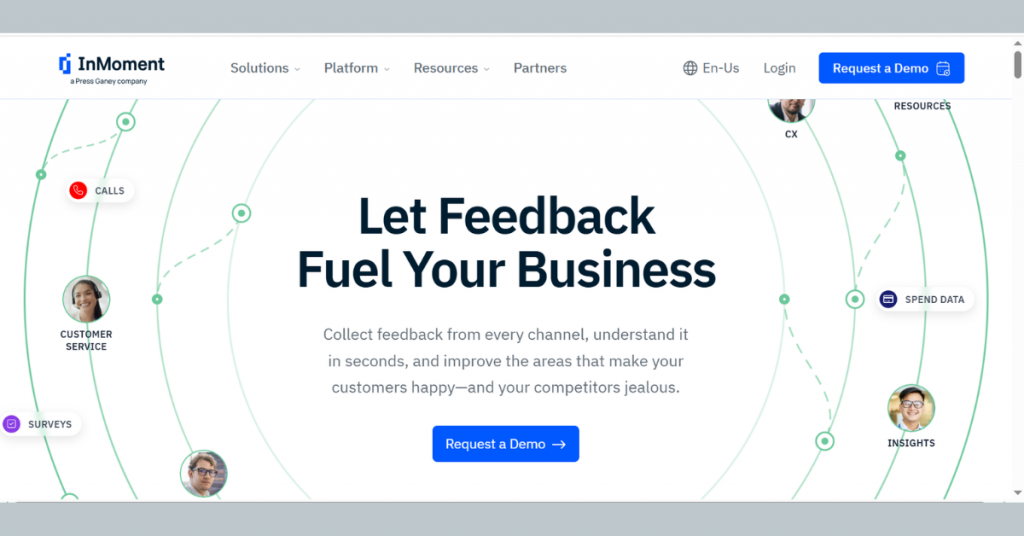
5. InMoment
InMoment is a customer experience management platform that helps businesses track and improve customer experiences across the entire journey. It collects feedback from surveys, reviews, and interactions, then connects it to different stages of the customer journey.
The platform highlights what’s working and what needs attention, making it easier for teams to take the right actions and deliver better experiences.
Key Features of InMoment:
Collects feedback from multiple channels including surveys, reviews, chats, calls, and social media
Unifies customer, employee, and operational data into a single platform
Uses AI + NLP to analyze feedback and identify trends, sentiment, and key pain points
Delivers actionable insights through dashboards and reporting tools
Provides predictive analytics to highlight high‑impact opportunities
Automates workflows to respond to feedback and close the loop faster
Enables omnichannel listening across the entire customer journey
Offers conversational intelligence to analyze call center and chat interactions
Supports reputation management using ratings and reviews data
Integrates with enterprise systems and CX tools for seamless data flow
Includes mobile access for managing insights on the go
Provides ROI-focused analytics to measure business impact
Scales across enterprises with strong security and architecture
Pro and cons of InMoment:
Pros
Offers end-to-end CX solution
Offers strong AI analytics for faster insight generation
Covers all feedback sources
Offers action-focused workflows, not just reporting
Offers a good integration ecosystem across systems
Its ROI-driven insights help justify CX investments
Cons
Requires onboarding and expertise
Is best suited for mid-to-large enterprises, not small businesses
Implementation may take time depending on setup
InMoment Pricing & Plans: Price on request
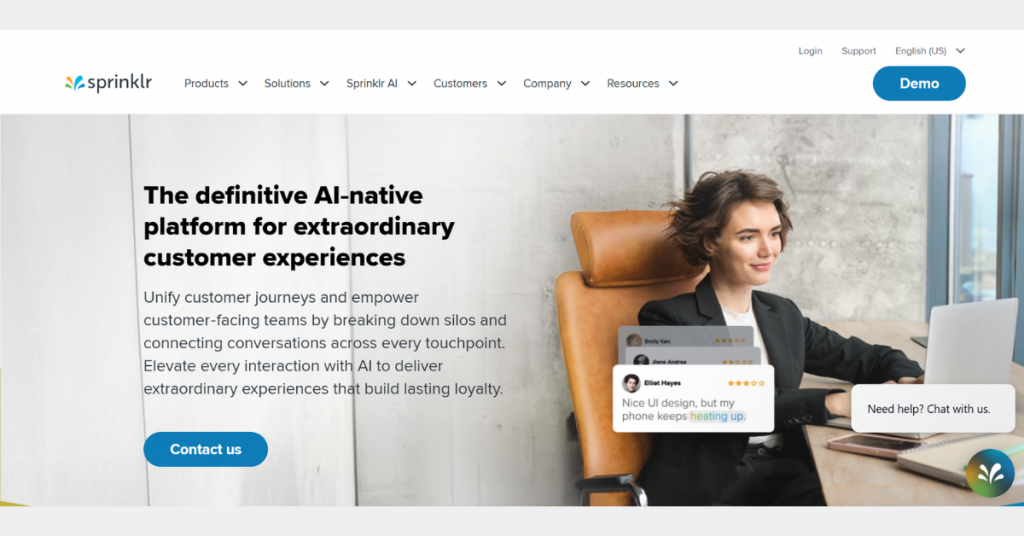
6. Sprinklr
Sprinklr is a unified VoC and customer experience platform that brings together feedback from social media, support interactions, and digital channels in one place. It doesn’t just collect feedback, it connects it with marketing and customer service data, helping brands understand customer sentiment in real time.
All of which makes it especially useful for teams that want to manage customer experience and engagement from a single, all-in-one platform.
Key Features of Sprinklr:
Unifies customer data, conversations, and workflows across all touchpoints into one platform
Offers four core suites: Insights, Marketing, Social, and Service
Uses AI natively across workflows for automation, decision-making, and personalization
Analyzes massive unstructured data sets to extract insights
Supports omnichannel engagement across social, digital, and customer service channels
Automates workflows with AI agents and intelligent routing
Provides real-time conversational insights to guide decisions
Enables collaboration across teams (marketing, CX, service) in one system
Integrates with enterprise systems for unified operations
Delivers role-based dashboards for actionable insights
Supports AI copilots & assistants for productivity and automation
Handles large-scale enterprise operations with high configurability
Pro and cons of Sprinklr:
Pros
Is an elaborate CX platform covering marketing, service, and insights
Has an AI-native architecture, deeply integrated across all modules
Offers strong omnichannel capabilities for global customer engagement
Is highly scalable for large enterprises
Offers advanced analytics for decision-making
Reduces tool fragmentation by consolidating multiple functions
Strong automation improves efficiency and response times
Cons
Is a complex platform
Isn’t meant for small businesses
Requires high implementation effort in enterprise environments
Can be overwhelming due to extensive features
Sprinklr Pricing & Plans: Price on request
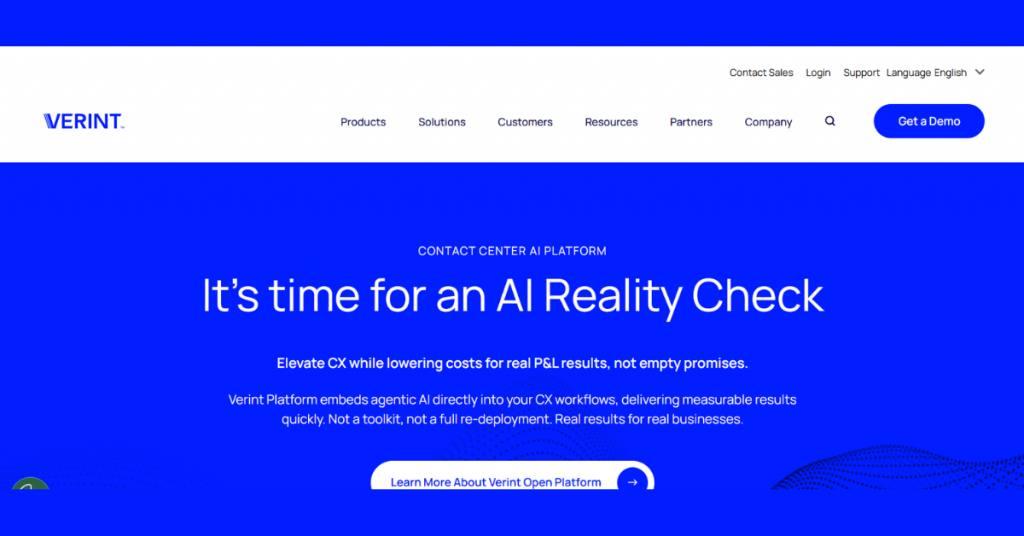
7. Verint
Verint is a Voice of Customer software focused on capturing and analyzing customer interactions, especially from call centers and support channels. It uses speech and text analytics to understand what customers are saying in conversations and identify common issues or trends.
Simply put, Verint helps businesses turn everyday customer interactions into insights, so they can improve service quality, agent performance, and overall customer experience.
Key Features of Verint:
Delivers an AI-powered CX automation platform that integrates analytics, automation, and engagement tools
Embeds AI directly into workflows using agentic AI, copilots, and automation tools
Supports contact center operations with workforce engagement, scheduling, and optimization tools
Automates quality monitoring by evaluating customer interactions at scale
Provides speech, text, and interaction analytics for deeper customer insights
Uses conversational AI for chatbots, virtual assistants, and self-service
Offers knowledge automation to provide consistent answers for agents and bots
Delivers agent copilots to assist employees in real time and improve productivity
Analyzes CX data quickly to surface actionable insights
Supports omnichannel engagement across voice and digital channels
Integrates with existing CRM and contact center systems without full replacement
Handles enterprise-scale operations with security, compliance, and scalability
Automates backend and operational workflows beyond customer-facing tasks
Pros
Is an extensive contact center solution
Offers flexible integration with existing systems
Improves productivity and efficiency through copilots and bots
Handles high interaction volumes effectively
Focuses on cost reduction and better CX
Cons
Requires technical setup
Is geared toward enterprises, not ideal for small teams
Its feature-rich system can feel overwhelming initially
Verint Pricing & Plans: Price on request
Conclusion
With the right VoC survey software at your disposal thus, you can understand and serve your customers in a much more impactful way. However, the key to finding the right one lies in what your business goals are and what you wish to achieve through your customer engagement strategy, if any.
What’s the wait for then? Give our team a call today itself and secure the best Voice of Customer platform for your brand right away.



 Previous