linkedin
Kenjo logo
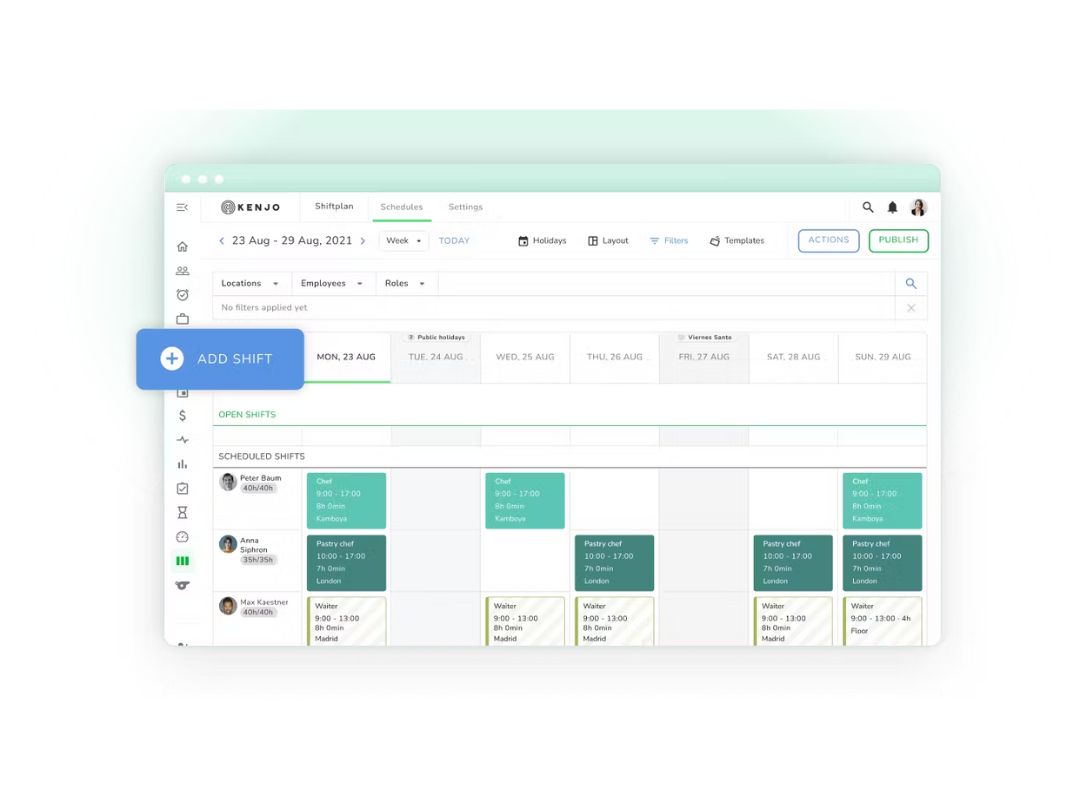
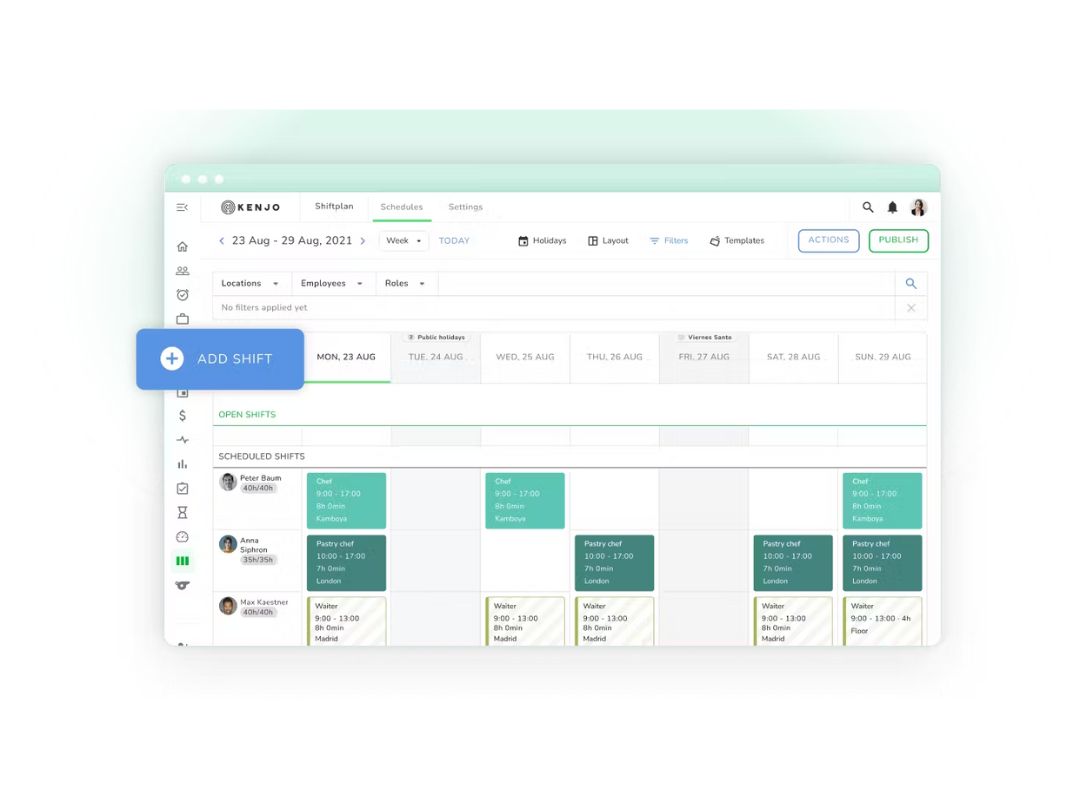
Kenjo schedules
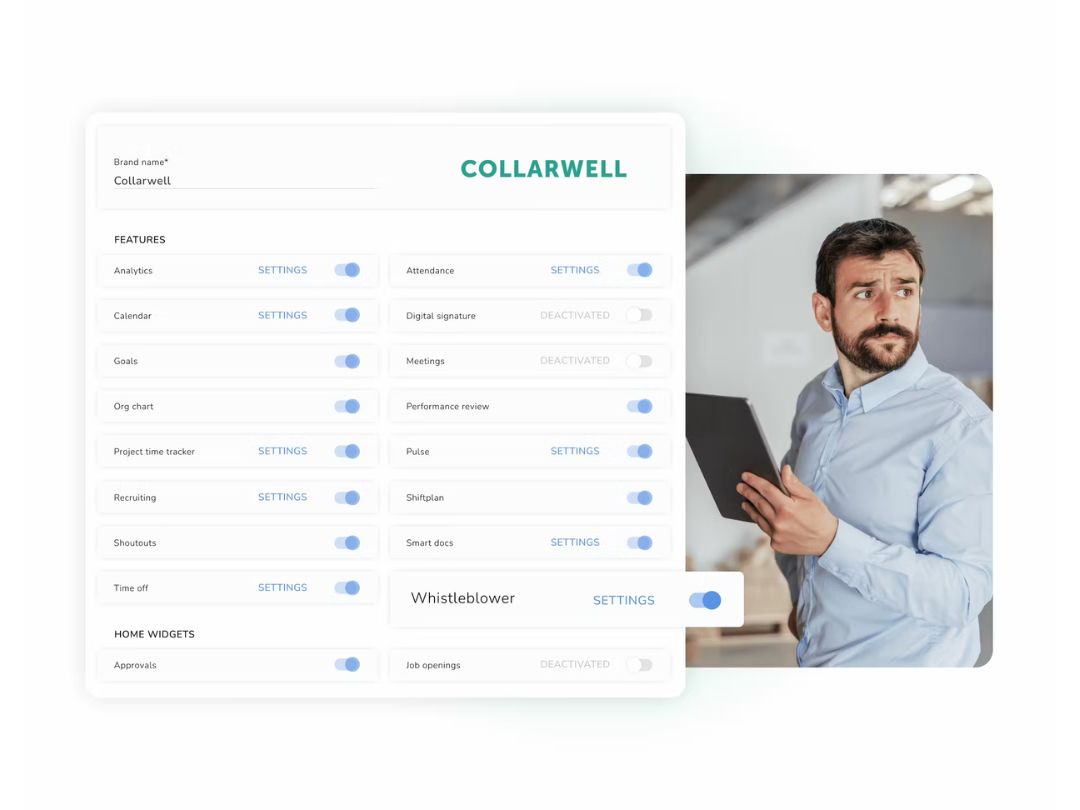
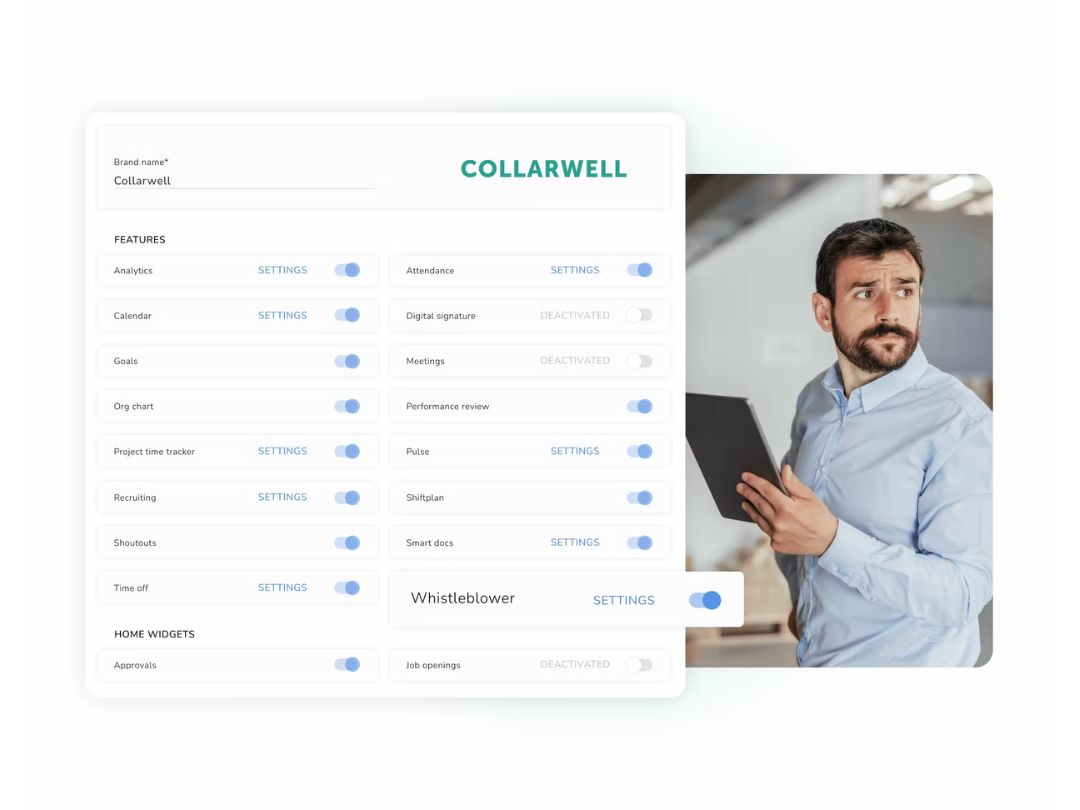
kenjo features
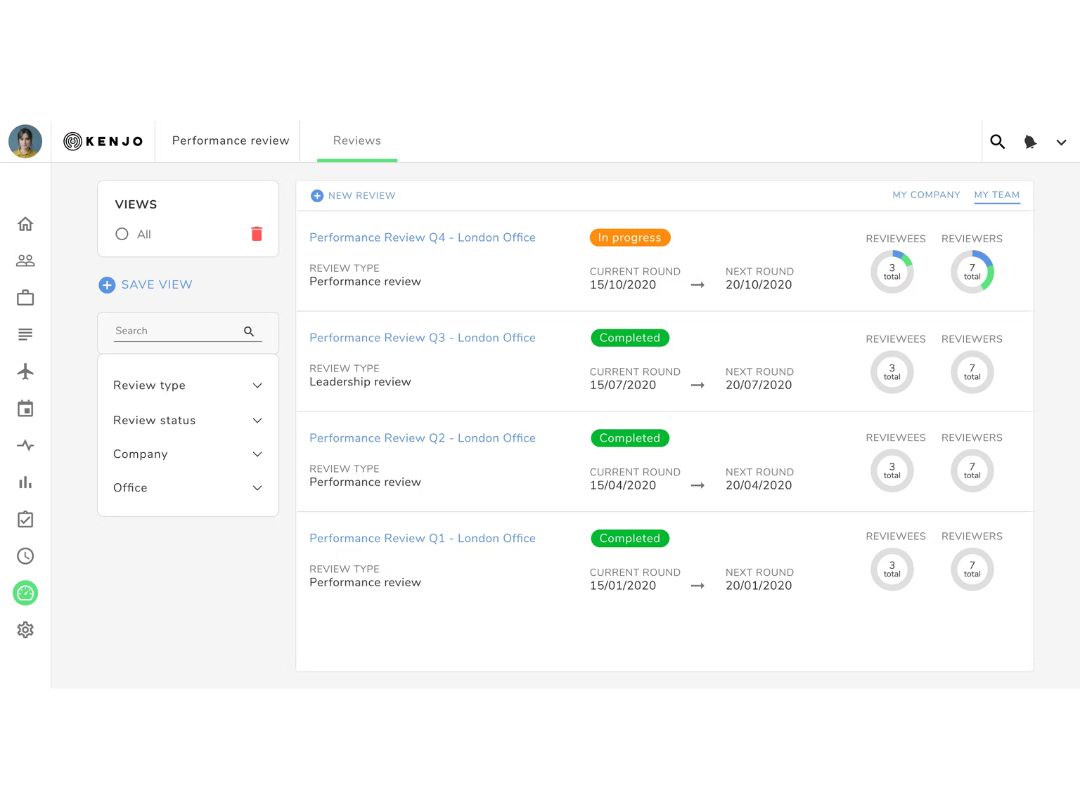
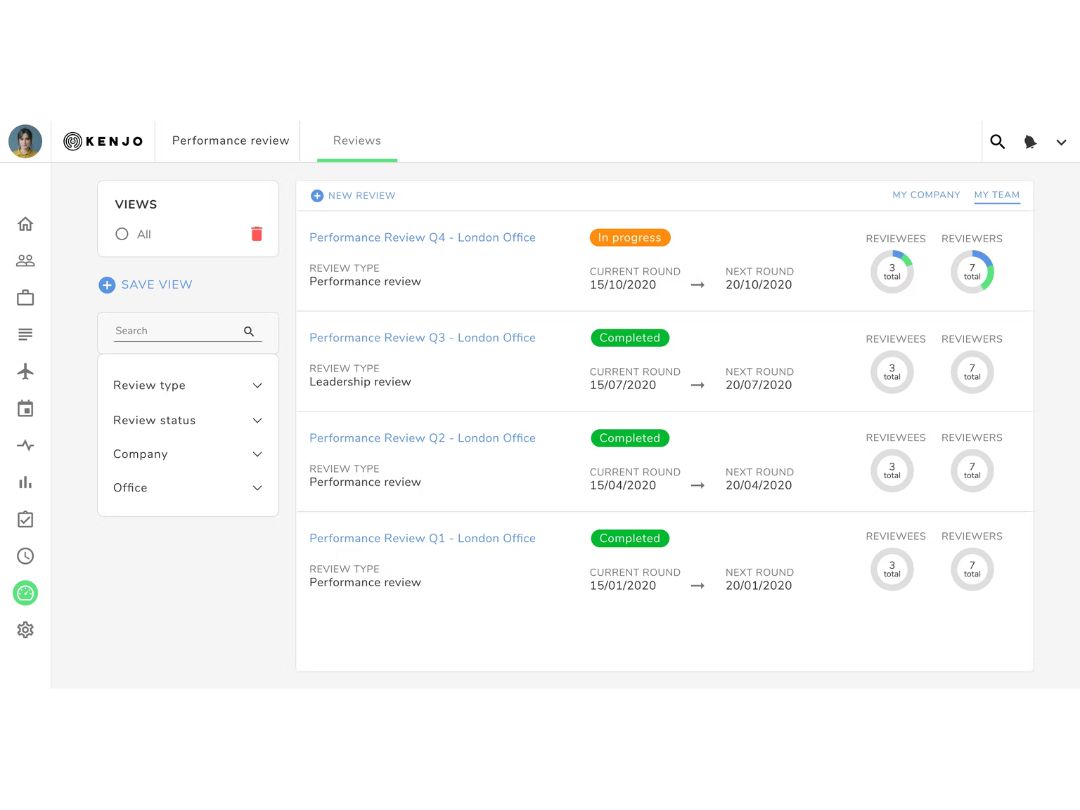
kenjo reviews

Kenjo

Brand: Kenjo GmbH

  • 4.1

  • 5 Ratings

Kenjo is an all-in-one HR software designed for small and medium businesses, especially those with deskless workers. It simplifies tasks like shift planning, time tracking, payroll, and employee management. The platform offers a mobile app for employees to check in, request time off, or view schedules. Kenjo also includes a secure, anonymous whistleblowing system that meets EU and GDPR standards....

See More

Have you used Kenjo before?

Share your insights for better experience

Add a Review
Starting Price
€10

View plans

100% Genuine
Products
Best Price
Guaranteed
Safe & Secure
Payment
  • Description

  • Pricing

  • Features

  • Specification

  • Review

  • Compare

  • Alternatives

Starting at €10.00

Kenjo Software Overview

What is Kenjo?

Kenjo is an all-in-one HR software designed for small and medium businesses, especially those with deskless workers.

It simplifies tasks like shift planning, time tracking, payroll, and employee management. The platform offers a mobile app for employees to check in, request time off, or view schedules.

Kenjo also includes a secure, anonymous whistleblowing system that meets EU and GDPR standards.

It's user-friendly, automates HR processes, and helps companies stay organized. You can book a 30-minute demo to explore its features.

Why Choose Kenjo Software?

  • All-in-One HR Platform: Combines recruitment, time tracking, performance, and payroll in one tool.
  • Mobile-First Design: Enables anytime, anywhere HR access via mobile.
  • Ideal for Deskless Teams: Designed for frontline industries like retail and healthcare.
  • Automated Shift Planning: Simplifies scheduling with smart automation.
  • Efficient Time & Attendance Tracking: Tracks real-time clock-ins/outs on any device.
  • Easy Leave Management: Manages leave requests and approvals digitally.
  • Performance Reviews: Supports structured employee feedback and evaluations.
  • Centralized Employee Records: Stores all employee data securely in one place.
  • Digital Document Management: Handles digital contracts with e-signature support.

Benefits of Kenjo Software

  • Recruitment & Onboarding Tools: Streamlines hiring and onboarding processes.
  • User-Friendly Interface: Offers an intuitive and easy-to-navigate UI.
  • Advanced Reporting & Analytics: Provides insights through customizable reports.
  • Compliance Support: Ensures HR compliance with labor laws.
  • Scalable for SMBs: Grows with your small to mid-sized business.
  • Employee Self-Service Portal: Allows staff to manage their own HR tasks.
  • Multi-Language Support: Supports global teams with multiple language options.
  • Secure Cloud-Based System: Keeps data protected and regularly backed up.
  • Customizable Workflows: Lets you tailor HR processes to fit your needs.
  • Regular Product Updates: Continuously improves with frequent enhancements.
  • Dedicated Customer Support: Offers reliable help and onboarding assistance.

Kenjo Pricing

Kenjo price starts at 10 Euros at techjockey.

The pricing model is based on different parameters, including extra features, deployment type, and the total number of users. For further queries related to the product, you can contact our product team and learn more about the pricing and offers.

Read more

Kenjo GmbH Company Details

Founded Year:  2017

Kenjo is the all in one HR software for managing the workforce of companies in the industrial, service and commercial sectors, among others.

Director/Founders David Padilla
Company Size 101-500 Employees

Kenjo Pricing & Plans

Growth (PRICE PER EMPLOYEE)
Key Features
  • Kiosk App
  • E-Signature
  • Whistleblower
  • BI-Reports
  • Advanced Workflows
  • Multi office management
  • Telephone support
Starting at €10
    • Users

      Users
      Users
    • Monthly

      Monthly
      Monthly

Key Features

  • Kiosk App

  • E-Signature

  • Whistleblower

  • BI-Reports

  • Advanced Workflows

  • Multi office management

  • Telephone support

Kenjo Features

Case Management

  • icon_check Document Management
    Store, retrieve, and manage case-related documents securely.
  • icon_check Centralized Case Dashboard
    View and manage all cases in a single, intuitive interface.
  • icon_check Customizable Workflows
    Tailor workflows to match your organizational processes.
  • icon_check Escalation Management
    Automatically escalate unresolved cases based on defined rules.
  • icon_check Incident/Case Tracking
    Monitor incidents and cases from reporting to resolution in a unified system.
  • icon_check Unique Case ID Generation
    Automatically assign a unique identifier to each case for easy tracking.
  • icon_check Automated Case Assignment
    Route cases to the right personnel based on predefined criteria.
  • icon_check Manual Case Reassignment
    Reassign cases to other team members or departments as needed.
  • icon_check Cross-Department Collaboration
    Facilitate seamless collaboration between teams on cases.
  • icon_check Data Integrity Checks
    Ensure data accuracy and prevent unauthorized modifications.
  • icon_check Evidence Management
    Handle evidence securely for thorough investigations.
  • icon_check Case Prioritization
    Rank cases by urgency and severity for efficient resolution.
  • icon_check Duplicate Report Detection
    Identify and merge duplicate reports to avoid redundancy.

Reporting Channels

  • icon_check Anonymous Reporting
    Enable reporters to share concerns without revealing their identity.
  • icon_check Multilingual Reporting
    Provide reporting options in multiple languages for global reach.
  • icon_check Multi-Channel Reporting
    Allow reporting via web, hotline, email, and more.
  • icon_check Offline Reporting
    Support reporting even without an internet connection.
  • icon_check Voice-to-Text Reporting
    Convert spoken reports into text for easier documentation.

Security and Data Protection

  • icon_check End-to-End Data Encryption
    Encrypt data during transmission and storage for security.
  • icon_check Secure Messaging Channels
    Use encrypted communication for confidential discussions.
  • icon_check Two-Factor Authentication (2FA)
    Add an extra layer of security for user authentication.
  • icon_check GDPR-Compliant Data Storage
    Ensure compliance with GDPR regulations for data privacy.
  • icon_check Role-Based Access Control (RBAC)
    Assign access based on user roles to protect sensitive data.
  • icon_check ISO 27001-Certified Infrastructure
    Maintain robust security with ISO-certified systems.
  • icon_check IP Masking
    Hide IP addresses to ensure reporter anonymity.
  • icon_check Automated Data Backup
    Schedule regular backups to prevent data loss.
  • icon_check Metadata Removal
    Remove metadata from files to protect sensitive information.
  • icon_check Secure File-Sharing Support
    Share files safely with end-to-end encryption.
  • icon_check Zero-Trust Security Architecture
    Adopt strict access control for enhanced security.

Compliance and Legal Standards

  • icon_check Compliance Management
    Manage and monitor adherence to legal and organizational policies.
  • icon_check EU Whistleblowing Directive Alignment
    Align with EU whistleblower protection standards.
  • icon_check GDPR and SOX Support
    Ensure compliance with global data and financial regulations.
  • icon_check Policy Integration Framework
    Integrate organizational policies with reporting workflows.
  • icon_check Third-Party Audit Readiness
    Prepare systems for external compliance audits.
  • icon_check WCAG-Compliant Accessibility
    Ensure platform usability for people with disabilities.
  • icon_check Global Compliance Updates
    Stay updated on evolving compliance requirements.
  • icon_check Audit Trail
    Track changes and updates within the system for enhanced security and transparency.

Reporting and Analytics

  • icon_check Export Reports
    Generate and share reports in various formats.
  • icon_check Predictive Analytics
    Forecast trends and outcomes based on historical data.
  • icon_check Root Cause Analysis
    Identify the underlying cause of reported incidents.
  • icon_check Sentiment Analysis
    Gauge emotional tone from reports to assess urgency.
  • icon_check Trend Analysis
    Identify patterns and trends from reported data.
  • icon_check Anomaly Detection
    Spot unusual patterns in reporting data.
  • icon_check Customizable Analytics Dashboard
    Visualize and track data with tailored dashboards.
  • icon_check Real-Time Analytics
    Access live data for immediate insights and decisions.
  • icon_check KPI Tracking and Monitoring
    Measure performance using key metrics.
  • icon_check Automated Report Scheduling
    Schedule recurring report generation automatically.

Integrations

  • icon_check Workflow Automation
    Automate tasks for improved operational efficiency.
  • icon_check API Access
    Enable seamless integration with custom systems.
  • icon_check Third Party Integration
    Connect with external platforms like HR or compliance tools.
  • icon_check HR Platform Integration
    Sync whistleblowing data with HR platforms for better tracking.
  • icon_check Tor Network Integration
    Support anonymous reporting via the Tor network.
  • icon_check Email and Hotline Integration
    Integrate email and hotline channels into the platform.
  • icon_check Feedback Survey Integration
    Gather feedback for continuous improvement.
  • icon_check Forensic Tool Integration
    Connect with forensic tools for advanced investigation.

Whistleblowing Program Tools

  • icon_check Whistleblower Protection
    Safeguard whistleblowers from retaliation.
  • icon_check Risk Assessment
    Analyze potential risks and their impact on the organization.
  • icon_check Evidence Management
    Handle evidence securely for thorough investigations.
  • icon_check Policy Acknowledgment Tracker
    Track employee acknowledgment of policies.
  • icon_check Risk Scoring Models
    Assess and rank risks using scoring systems.

Alerts & Notifications

  • icon_check Real-Time Notifications
    Notify stakeholders instantly of new reports or updates.
  • icon_check SLA-Based Reminders
    Send reminders based on service level agreements.
  • icon_check Automated Follow-Up Reminders
    Ensure timely follow-ups with automated alerts.
  • icon_check High-Severity Case Alerts
    Prioritize alerts for critical cases requiring immediate attention.

Kenjo Specifications

Supported Platforms
Ubuntu Ubuntu Windows Windows MacOS MacOS Linux Linux
Devices
Desktop Desktop
Deployment
Cloud-Based Cloud-Based
Suitable For
All Industries
Business Specific
All Businesses
Business Size
Small Business Medium Business Enterprises SMEs MSMBs
Customer Support
Phone Email Forums
Language
English Deutsche Español
Integration
API Integration
Training Resources
Live Online

Explore the Best Alternative Solutions Similar to Your Business Size and Needs

Enterprises

Designed for complex and large-scale business needs

Hintbox

4.3

NotMe

4.5

Reportall

4.2

See More

Kenjo Review

4.1

Out of 5

img

Overall Rating

Based on
5 Verified Ratings

Rating Breakdown

  • Features 4.1
  • Value for Money 4.3
  • Ease of Use 4.4
  • Customer Support 3.6

94% Recommend this Product

Add Review

Be the First to Review

This product has no reviews yet. Be the first to leave your feedback.

Add Review
Compare Kenjo With other Whistleblowing Software

Products
Ratings
Pricing
Device Supported
Deployment
Supported Platforms
  • img

    Kenjo

  • 4.1

  • € 10.00 excl. GST

  • Desktop

    Mobile

  • Web based

    On Premises

  • Windows

    Mac OS

  • img

    NotMe

  • 4.5

  • Price On Request

  • Desktop

    Mobile

  • Web based

    On Premises

  • Windows

    Mac OS

  • img

    AllVoices

  • 4.3

  • Price On Request

  • Desktop

    Mobile

  • Web based

    On Premises

  • Windows

    Mac OS

  • img

    Hintbox

  • 4.3

  • Price On Request

  • Desktop

    Mobile

  • Web based

    On Premises

  • Windows

    Mac OS

  • img

    Trusty

  • 4.2

  • Price On Request

  • Desktop

    Mobile

  • Web based

    On Premises

  • Windows

    Mac OS

  • img

    tell it

  • 4.5

  • Price On Request

  • Desktop

    Mobile

  • Web based

    On Premises

  • Windows

    Mac OS

  • img

    Whistlelink

  • 4.2

  • Price On Request

  • Desktop

    Mobile

  • Web based

    On Premises

  • Windows

    Mac OS

  • img

    GlobaLeaks

  • 4.4

  • Price On Request

  • Desktop

    Mobile

  • Web based

    On Premises

  • Windows

    Mac OS

  • img

    SpeakUp

  • 4.1

  • Price On Request

  • Desktop

    Mobile

  • Web based

    On Premises

  • Windows

    Mac OS

(0) Product(s) selected

Kenjo Alternatives

See All Kenjo Alternatives

Starting Price:

€49.00 /Month

Available

Price on Request

Starting Price:

€89.00 /Month

Available

Price on Request

Starting Price:

€48.75 /Month

Starting Price:

€99.00 /Month

Available

Price on Request

Terms and Condtions

close

Users with registered businesses can purchase goods from merchants on the platform to satisfy their business needs. Users are not permitted to utilize any products acquired through the platform for resale, advertising, business, or further distribution.

For each purchase made, users will receive a Tax Invoice (or 'GST invoice') that includes specific details such as:

  • the GSTIN of the user associated with their registered business, and

  • the specified Entity Name for their business.

It should be noted that not all products are eligible for GST Invoice. Only the products displayed by participating sellers with the 'GST-based Invoice Available' callout on the product description page would qualify.

Certain goods and services are not eligible to get a GST Invoice, including items with VAS, i.e., Value Added Services (e.g., Total Mobile Protection/Assured Buyback) and those involving an exchange offer at the time of purchase.

Users must ensure the accuracy of the GSTIN, and business entity name provided for the GST Invoice. Requests for corrections into GST Invoice would not be accommodated by Techjockey.com or any Seller, and any issues arising from user-provided information are the sole responsibility of users.

Techjockey.com is not liable for the GST Invoice or any associated input tax credit. To efficiently claim an input tax credit, users should select the registered place of business address as per the GST authority's data and follow the provisions of the GST Act and rules.

To claim an input tax credit, the delivery and billing addresses must match. Furthermore, input tax credits will not be granted if the delivery address and GSTIN on the invoice are from different states. In case of incorrect GST details provided during the order placement, the order will be canceled automatically.

20,000+ Software Listed 20,000+ Software Listed

Best Price Guaranteed Unbiased Comparison

Free Expert Consultation Read Authentic Reviews

2M+ Happy Customers 500,000+ Monthly Users