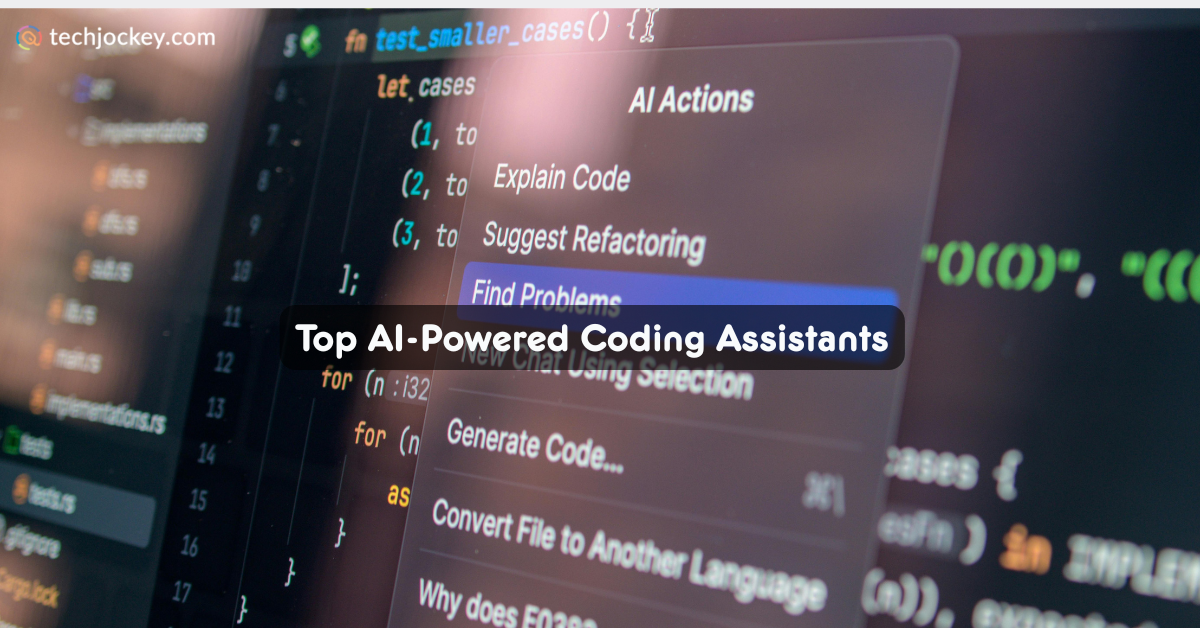
When coding, building apps isn’t your only job. As a developer, you have to look into fixing bugs, write the same lines of code over and over again, and often figure out why something isn’t working when it should. That’s exactly where the AI-powered coding assistant has changed the game altogether.
Instead of taking care of everything on your own, you now get smart code assistants to assist you while coding. They can suggest code, catch mistakes, explain concepts, and help you code faster. In doing so, these do not intend to replace developers, but to make coding easy and a lot more efficient for all.
Let’s look at the top 7 AI-powered coding assistant solutions available in the market today. This, so the developer in you spends less time troubleshooting and more time building, one app at a time.
An AI coding assistant is a software development tool designed to help programmers write, understand, and improve code using AI. Using it, developers can generate code, receive real-time suggestions, detect errors, and simplify their workflow.
Modern code assistants, in fact, go far beyond basic autocomplete. They can understand the context of a project, suggest entire functions, explain complex code, identify bugs, create tests, and even generate documentation. They also support multiple programming languages and integrate directly into popular development environments, making coding faster and more organized.
AI-powered coding assistants and AI code generators might, at first, look like the same thing. For both use AI to help developers write code. However, the real difference between the two lies in how they support the development process.
An AI code generator is programmed to create code from a prompt. All you need to do is to describe a function, feature, or task, and the tool generates the corresponding code. It focuses on speeding up code creation and reducing the manual efforts involved in the process.
An AI-powered coding assistant, on the contrary, not only generates code but also provides real-time suggestions, finds bugs, explains unfamiliar code, recommends optimizations, writes tests, and assists with documentation. It supports developers throughout the software development lifecycle.
| Feature | AI-Powered Coding Assistant | AI Code Generator |
|---|---|---|
| Primary Purpose | Assist throughout development | Generate code from prompts |
| Code Generation | Yes | Yes |
| Real-Time Code Suggestions | Yes | Limited |
| Bug Detection & Debugging | Yes | Usually No |
| Code Explanation | Yes | Limited |
| Documentation Support | Yes | Rare |
| Testing Assistance | Yes | Limited |
| Workflow Integration | Continuous support | Task-based support |
Here’s a quick comparison of AI-powered coding assistants and AI code generators to help you choose the right tool for your projects.
| AI-Powered Coding Tool | Why Developers Choose It | Learning Curve | Best For |
|---|---|---|---|
| GitHub Copilot | Familiar, reliable, and easy to adopt | Low | Everyday coding assistance |
| Claude Code | Excellent at understanding context and solving tough problems | Medium | Large codebases and complex tasks |
| Cursor | Built specifically for AI-powered development | Low-Medium | AI-native coding experience |
| Warp AI | Makes terminal work faster and more approachable | Low | Command-line productivity |
| Tabnine | Keeps code private while offering AI assistance | Low | Enterprise security needs |
| Gemini Code Assist | Works well within Google Cloud environments | Medium | Cloud-focused projects |
| Devin Desktop | Functions like an AI software engineer that can plan, code, debug, and complete tasks independently | Medium-High | Autonomous coding workflows |
Some of the leading AI code assistants are listed below for your convenience…
Let’s delve deeper into their functioning to understand the tools better…
GitHub Copilot is a renowned AI-powered coding assistant developed by GitHub and Microsoft. It helps developers write code faster with real-time suggestions, code completion, and automated code generation directly inside their preferred IDEs.
As one of the most widely used code assistants, it can generate functions, explain code, and support multiple programming languages. Its smooth GitHub integration makes it a valuable tool for developers looking to improve productivity.
Key Features of GitHub Copilot:
GitHub Copilot
Starting Price
$ 3.67
Pro and cons of GitHub Copilot:
Pros
Cons
GitHub Copilot Pricing & Plans:
| Plan | Price |
|---|---|
| For Individuals | |
| Free | USD 0 |
| Pro | USD 10/user/month |
| Pro+ | USD 39/user/month |
| Max | USD 100/user/month |
| For Businesses | |
| Business | USD 19/user/month |
| Enterprise | USD 39/user/month |
Claude Code is an advanced AI coding assistant designed to help developers tackle complex programming tasks through natural language interactions. Unlike basic AI code generators, it can understand large codebases, explain intricate logic, assist with debugging, and suggest improvements across multiple files.
Developers often use Claude Code as a collaborative coding partner for solving difficult problems and accelerating software development.
Key Features of Claude Code:
Claude AI
Starting Price
$ 20.00
Pro and cons of Claude Code:
Pros
Cons
Claude Code Pricing & Plans:
| Plan | Price |
|---|---|
| Individual | |
| Pro | USD 20/month |
| Max 5X | USD 100/month |
| Max 20X | USD 200/month |
| Team & Enterprise | |
| Team | USD 25/seat/month (for teams of 5 to 150) |
| Enterprise | Price on request |
Cursor is an AI-first code editor built specifically for modern developers who want AI deeply integrated into their workflow. This AI-powered coding assistant offers intelligent code generation, real-time suggestions, debugging support, and codebase-aware assistance.
It combines the capabilities of an AI coding assistant and AI for code generation tools, making coding faster and highly productive.
Key Features of Cursor:
Cursor
Starting Price
$ 20.00
Pro and cons of Cursor:
Pros
Cons
Cursor Pricing & Plans:
| Plan | Price |
|---|---|
| Hobby | |
| Hobby | USD 0 |
| Individual | |
| Pro | USD 20/month |
| Pro+ | USD 60/month |
| Ultra | USD 200/month |
| Teams | |
| Standard | USD 40/user/month |
| Premium | USD 120/user/month |
| Enterprise | |
| Enterprise | Price on request |
Warp AI is an AI-powered terminal that helps developers work more efficiently from the command line. Instead of searching for commands online, users can ask questions in plain English and get instant suggestions.
While it isn’t a traditional code writer AI, it helps automate tasks, troubleshoot errors, and simplify terminal workflows. It is a great choice for developers who spend a lot of time working in the command line.
Key Features of Warp AI:
Pro and cons of Warp AI:
Pros
Cons
Warp AI Pricing & Plans:
| Plan | Price |
|---|---|
| Free | USD 0 |
| Build | USD 20/month |
| Max | USD 200/month |
| Business | USD 50/month |
| Enterprise | Price on request |
Tabnine is an AI-powered coding assistant that focuses on privacy, security, and personalized code suggestions. It helps developers write code faster with intelligent completions while keeping sensitive code protected.
Unlike some cloud-based AI code generators, the tool offers local deployment options for organizations with strict security requirements. It is a popular choice for businesses and teams that want AI support without compromising data privacy.
Key Features of Tabnine:
Tabnine
Starting Price
$ 39.00
Pro and cons of Tabnine:
Pros
Cons
Tabnine Pricing & Plans:
| Plan | Price |
|---|---|
| Tabnine Code Assistant | USD 39/user/month |
| The Tabnine Code Assistant Platform | USD 59/user/month |
Gemini Code Assist is Google’s AI coding assistant built to help developers write, debug, and improve code more efficiently. It offers code suggestions, explanations, testing support, and code generation directly within development environments.
Owing to its integration with Google Cloud, it is particularly useful for cloud-based projects. Developers can use it as both an AI-powered coding assistant and a tool for AI for code generation.
Key Features of Gemini Code Assist:
Google Gemini
Starting Price
₹ 399.00 excl. GST
Pro and cons of Gemini Code Assist:
Pros
Cons
Gemini Code Assist Pricing & Plans:
| Plan | Price |
|---|---|
| Gemini Code Assist Standard | USD 22.80/user/month |
| Gemini Code Assist Enterprise | USD 54/user/month |
Devin Desktop is an AI-powered coding assistant designed to function more like an AI software engineer than a traditional coding tool. It can plan tasks, write code, debug issues, run tests, and manage development workflows from a single workspace.
Its agent-driven approach makes it ideal for developers and teams looking to automate larger parts of the software development process and boost productivity.
Key Features of Devin Desktop:
Pro and cons of Devin Desktop:
Pros
Cons
Devin Desktop Pricing & Plans:
| Plan | Price |
|---|---|
| Free | USD 0 |
| Pro | USD 20/month |
| Max | USD 200/month |
| Team | USD 80/month |
| Enterprise | Price on request |
Conclusion
After all, coding should have more to do with building something, rather than wasting time on tasks that a tool can handle best. This is why more and more programmers today are adding an AI-powered coding assistant to their tech toolkit.
You should do the same. Just select one from those listed above and let the Techjockey team handle the rest! Call now!
Educational institutions struggle every day with scattered applicant inquiries across digital channels. Delayed counselor responses… Read More
Real estate site tour management often poses significant operational challenge! This rings especially true… Read More
Keeping employees safe is not just legal requirement. It is also essential for smooth… Read More
Building software requires time, efforts, and money in equal measure. But if the same software… Read More
If AI tools have become part of your daily work, chances are you already… Read More
Every business needs data to run efficiently. Developers need it to test applications. Analysts need… Read More


