 USA
USA UAE
UAESmall Business
Designed for startups and growing businesses


See More




Brand: Quick Heal
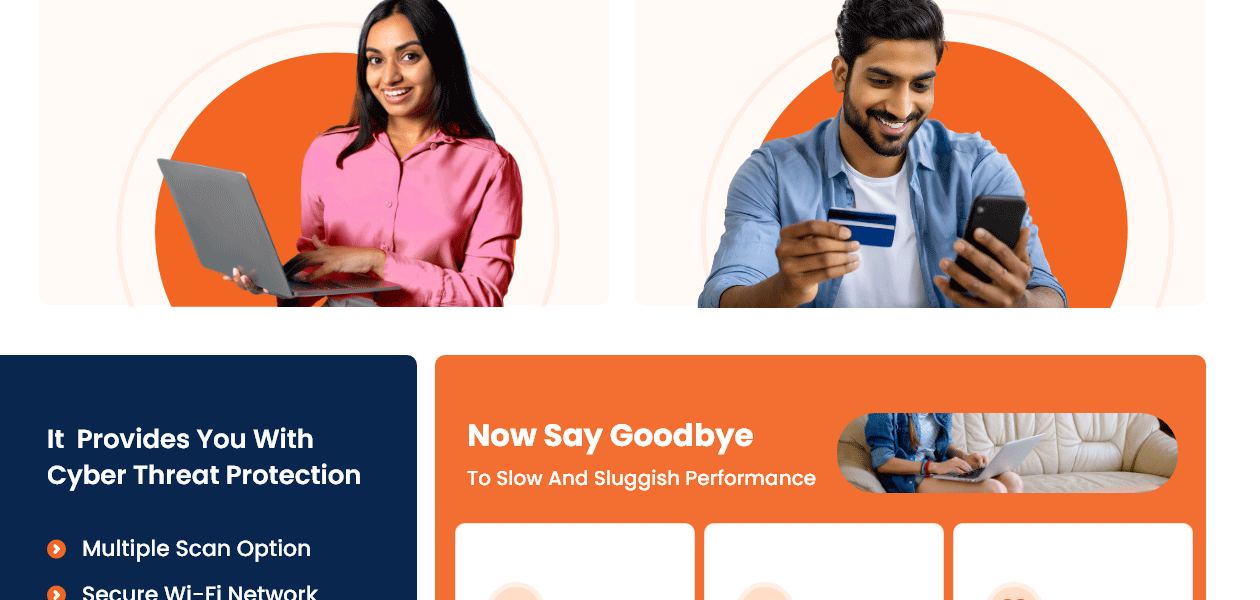
A comprehensive solution with antivirus protection and robust anti-theft features to safeguard your personal data and privacy while ensuring seamless performance.
See MoreHave you used Quick Heal Total Security for Android before?
Share your insights for better experience
View plans
 Save upto 18%, Get GST Invoice on your business purchase T&C Buy Now & Pay Later, Check offer on payment page.
 Brand: Quick Heal
Founded Year: 1993
Quick Heal Technologies Limited is one of the leading providers of IT Security and Data Protection Solutions with a strong footprint in India and an evolving global presence. Incorporated in the year 1995, we are an all-round player in cybersecurity with presence in B2B, B2G and B2C segments.
Core Protection
 Real-Time Threat Detection On-Demand & Scheduled Scanning Multi-Layered Malware Detection Threat Removal and Quarantine Rootkit Detection & Removal Exploit Prevention Behavioral Analysis Heuristic Analysis Anti-Spyware USB Protection
 Internet & Network Security
Email Protection Ad Blocker Web Protection & URL Filtering Wi-Fi Security Firewall Protection IDS / IPS Protection Anti-Spam Filters Advanced Threat Protection
Ransomware Protection Application Whitelisting Behavioral Ransomware Protection File Rollback Data Protection and Privacy
Webcam Protection Privacy Control Dark Web Monitoring Anti-Phishing & Identity Protection Browser Privacy Tools Data Shredder Data Leak Prevention Data Encryption VPN (Virtual Private Network) Device Performance and Optimization
Battery Saver Network Performance Monitor System Optimization Tools Disk Cleanup and Junk File Removal Startup Manager Game Mode Family and Parental Controls
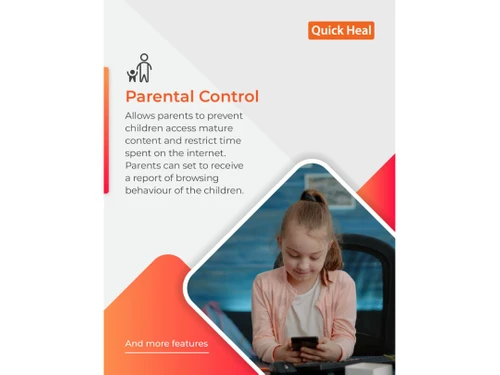
Parental Control Activity Reports Content Filtering App Monitoring Geo-Fencing and Location Tracking Backup and Data Recovery
Automatic Backup Cloud Backup System Restore Options Administrative Features
Compliance & Reporting Remote Management Console User-Friendly Dashboard Alerts & Notifications
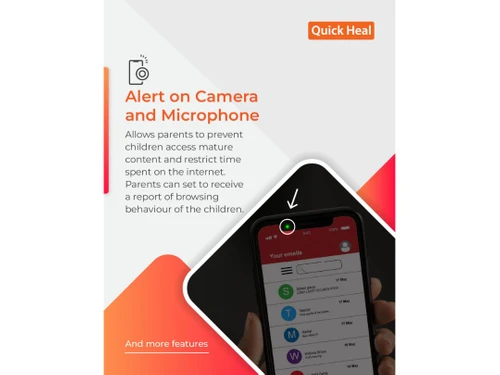
Real-Time Threat Alerts Suspicious Activity Alerts Scan Results Notifications Ransomware Detection Alerts Phishing and Malicious Website Warnings Webcam and Microphone Access Warnings Network Security Alerts Customizable Notifications Real-Time Updates Location and Geo-Fencing Alerts 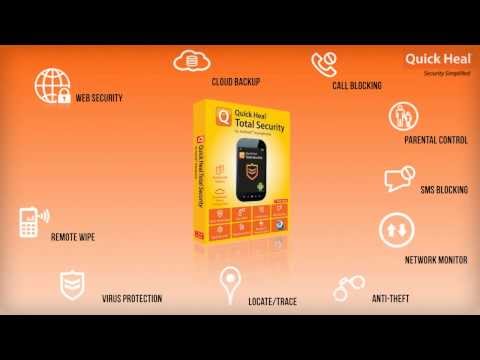

Watch the demo video to explore key features, real workflows, and how the software fits your business needs.
 Android
  Mobile
  Perpetual
Small Business
Designed for startups and growing businesses
Medium Business
Built for business growth and flexibility
Enterprises
Designed for complex and large-scale business needs
4.7
Out of 5

Overall Rating
Based on
3 Verified Reviews
Rating Breakdown
75% Recommend this Product
Add Review


Quick Heal Total Security for Android
₹ 127.00 excl. GST
Desktop
Mobile
Web based
On Premises
Windows
Mac OS

Quick Heal AntiVirus Pro
₹ 311
Desktop
Mobile
Web based
On Premises
Windows
Mac OS

Quick Heal Total Security
₹ 709
Desktop
Mobile
Web based
On Premises
Windows
Mac OS

Quick Heal AntiVirus for Server
₹ 959
Desktop
Mobile
Web based
On Premises
Windows
Mac OS

Quick Heal Internet Security
₹ 715
Desktop
Mobile
Web based
On Premises
Windows
Mac OS

Mcafee Antivirus
₹ 271
Desktop
Mobile
Web based
On Premises
Windows
Mac OS

Kaspersky Plus
₹ 259
Desktop
Mobile
Web based
On Premises
Windows
Mac OS

SystMade Total Security
₹ 549
Desktop
Mobile
Web based
On Premises
Windows
Mac OS

Bitdefender Premium Security
Price On Request
Desktop
Mobile
Web based
On Premises
Windows
Mac OS

Net Protector Total Security for Linux
₹ 850
Desktop
Mobile
Web based
On Premises
Windows
Mac OS

AVG Ultimate
₹ 302
Desktop
Mobile
Web based
On Premises
Windows
Mac OS
(0) Product(s) selected
Starting Price:
₹709 /Year ₹1,909
Starting Price:
₹549 ₹1,849
Starting Price:
₹2,999
Starting Price:
₹850 /User
Starting Price:
₹302 /Month

Starting Price:
₹1,515 /Month

Starting Price:
₹1,950 /Year

Starting Price:
₹799 /Year

Starting Price:
₹800 /Year

Starting Price:
₹279 /Year ₹1,299

Starting Price:
₹2,570 /PC/Year



Quick Heal Total Security for Android app is available for Android devices.
Quick Heal Total Security for Android pricing starts at Rs.121/user/annum.
Quick Heal Total Security for Android is typically used by almost everyone to keep their data and identity safe.
Quick Heal Total Security for Android helps in safeguarding your mobile devices and protects your devices’ data against any cyber-attacks. Apart from that, it prevents your device from being accessed by unauthorized individuals.
Quick Heal Mobile Security being a robust antivirus protection solution for Android phones, it safeguards your phone against any malware, ransomware, spyware, and other threats.
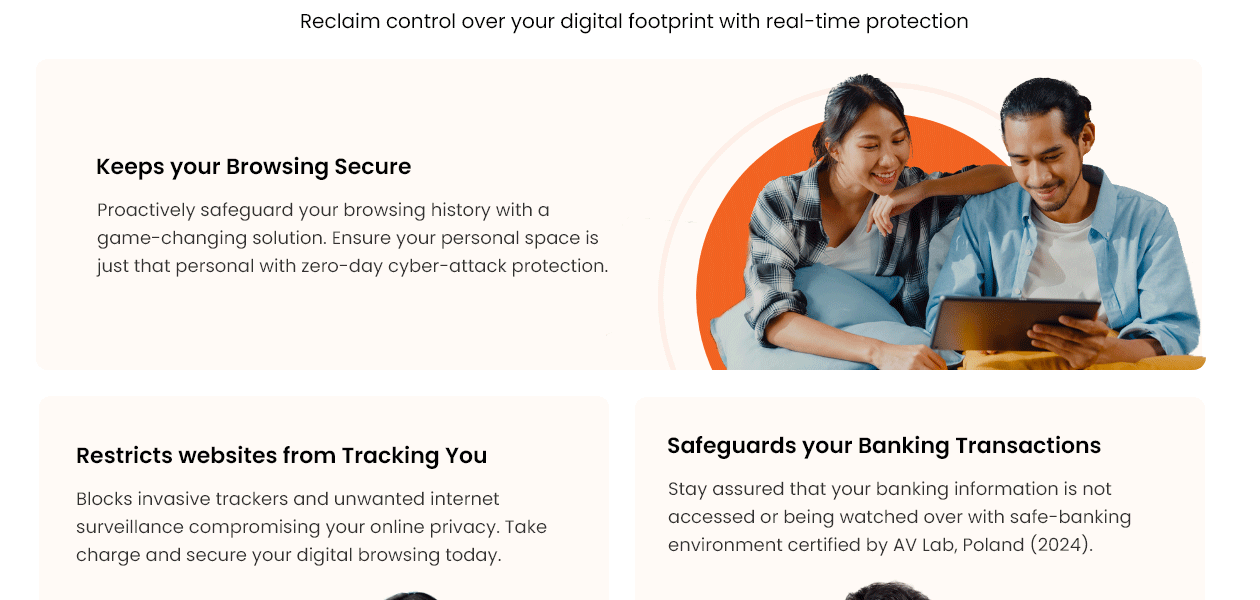
Offers complete protection to your Android mobiles from malware, viruses, harmful apps, etc. For kids’ usage: This product offers parental control and browsing protection and blocks hackers and unauthorized access to ensure the online safety of kids.
Quick Heal Total Security ensures comprehensive protection for your Android mobile devices from malware, viruses, and potentially harmful applications. It also offers parental control and secure browsing features, guarding against unauthorized access and potential online threats to ensure kids' safety.
First, insert the Quick Heal antivirus CD/DVD into the DVD drive, then proceed by clicking on the Install option and follow the prompts displayed on the screen for further instructions.
To activate Quick Heal Total Security, navigate to Start, then Programs, and select Quick Heal antivirus. Once opened, proceed to Activate Quick Heal antivirus. Enter the 20-digit Product Key on the Registration Wizard and follow the subsequent steps that display on your screen to successfully activate your product.
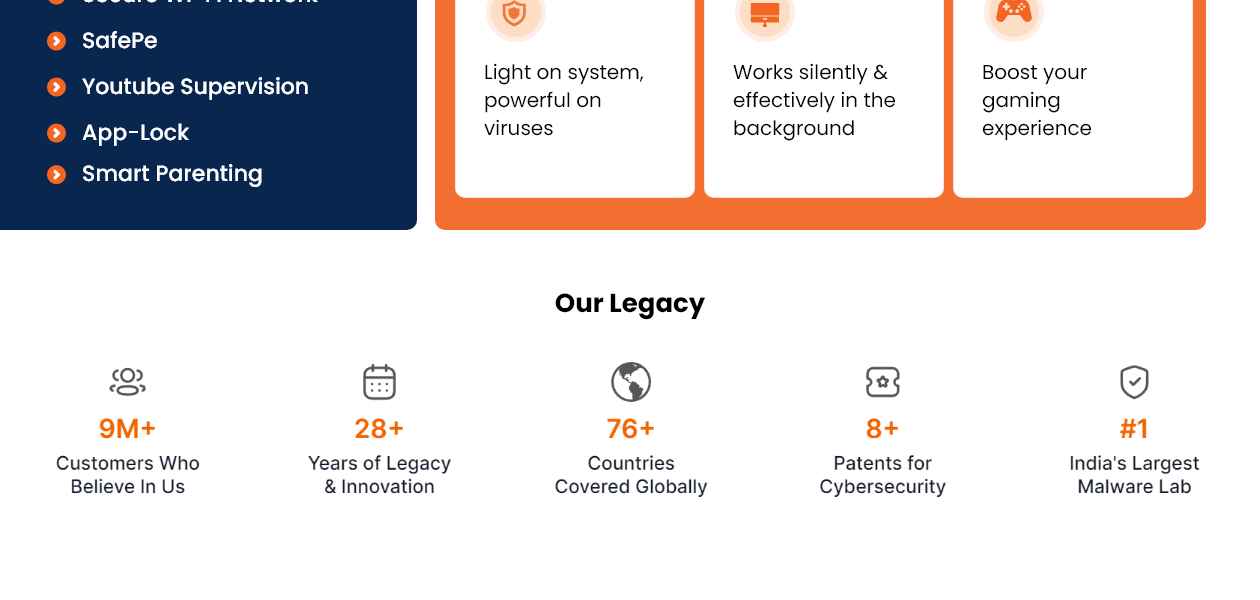
Quick Heal Total Security incorporates a VPN functionality that encrypts your internet traffic, offering privacy and security while using public Wi-Fi networks.
20,000+ Software Listed
Best Price Guranteed
Free Expert Consultation
2M+ Happy Customers
Terms and Condtions

Users with registered businesses can purchase goods from merchants on the platform to satisfy their business needs. Users are not permitted to utilize any products acquired through the platform for resale, advertising, business, or further distribution.
For each purchase made, users will receive a Tax Invoice (or 'GST invoice') that includes specific details such as:
the GSTIN of the user associated with their registered business, and
the specified Entity Name for their business.
It should be noted that not all products are eligible for GST Invoice. Only the products displayed by participating sellers with the 'GST-based Invoice Available' callout on the product description page would qualify.
Certain goods and services are not eligible to get a GST Invoice, including items with VAS, i.e., Value Added Services (e.g., Total Mobile Protection/Assured Buyback) and those involving an exchange offer at the time of purchase.
Users must ensure the accuracy of the GSTIN, and business entity name provided for the GST Invoice. Requests for corrections into GST Invoice would not be accommodated by Techjockey.com or any Seller, and any issues arising from user-provided information are the sole responsibility of users.
Techjockey.com is not liable for the GST Invoice or any associated input tax credit. To efficiently claim an input tax credit, users should select the registered place of business address as per the GST authority's data and follow the provisions of the GST Act and rules.
To claim an input tax credit, the delivery and billing addresses must match. Furthermore, input tax credits will not be granted if the delivery address and GSTIN on the invoice are from different states. In case of incorrect GST details provided during the order placement, the order will be canceled automatically.



