USA
USA UAE
UAESmall Business
Designed for startups and growing businesses


See More


Brand: Realty Redefined
RQube is a comprehensive real estate ERP platform for Builders/ Developers to help them manage all their organisational data on one platforms. Each module of this Real Estate ERP relates to a step in the workflow like managing a database, assigning your resources for activities, following up on your...
See MoreHave you used RQube before?
Share your insights for better experience
Looking for The Right Pricing?
Share your requirements and get a plan built around your business.
Price Available on Request
Get personalised RQube pricing that fits your needs. Our team will connect with you.
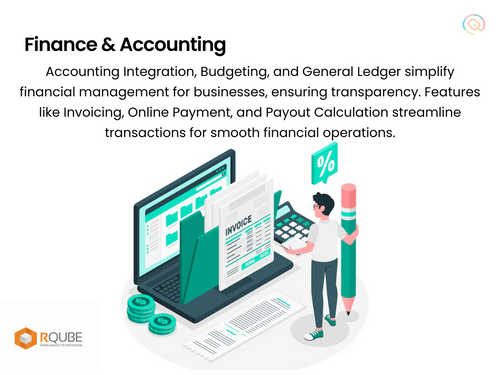
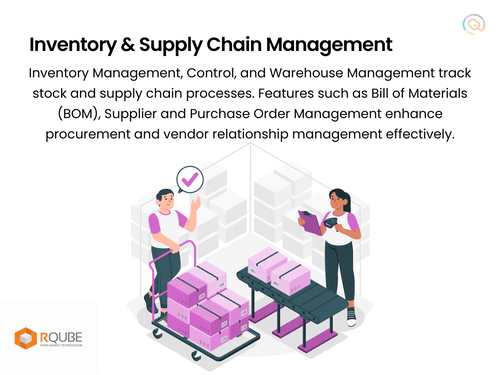
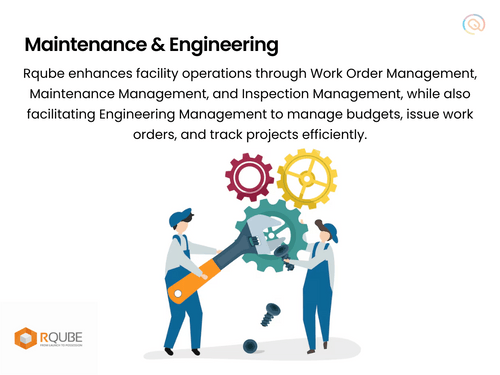
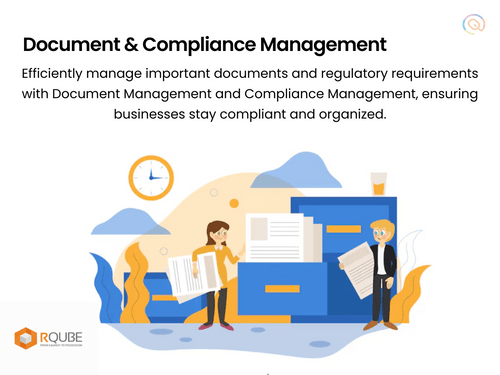
 Property Management Lease Management Tenant Portal Maintenance Management Accounting Integration Reporting And Analytics Document Management Budgeting And Forecasting Marketing Tools Quotation & Estimates Vendor Management Compliance Management Bill Of Materials (BOM) Inspection Management Inventory Management Warehouse Management Automated Workflows Work Order Management Lead Management Booking Management Purchase Management Engineering Management Payout Calculation Facility
  Windows
  Desktop
  Cloud-Based
  Perpetual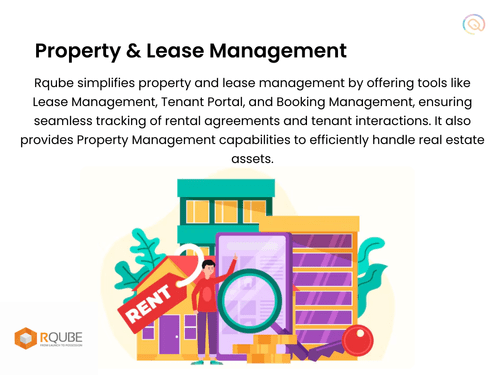
Small Business
Designed for startups and growing businesses
Medium Business
Built for business growth and flexibility
Enterprises
Designed for complex and large-scale business needs
4.1
Out of 5

Overall Rating
Based on
5 Verified Ratings
Rating Breakdown
88% Recommend this Product
Add ReviewThis product has no reviews yet. Be the first to leave your feedback.
Add Review
RQube
Price On Request
Desktop
Mobile
Web based
On Premises
Windows
Mac OS

Astral Construction ERP
Price On Request
Desktop
Mobile
Web based
On Premises
Windows
Mac OS
CivitBUILD
₹ 2000
Desktop
Mobile
Web based
On Premises
Windows
Mac OS

NYGGS Construction ERP
Price On Request
Desktop
Mobile
Web based
On Premises
Windows
Mac OS

RedSky ERP
Price On Request
Desktop
Mobile
Web based
On Premises
Windows
Mac OS

Tactive Construction ERP
Price On Request
Desktop
Mobile
Web based
On Premises
Windows
Mac OS

Highrise ERP
Price On Request
Desktop
Mobile
Web based
On Premises
Windows
Mac OS

NEWSTAR
Price On Request
Desktop
Mobile
Web based
On Premises
Windows
Mac OS

Bharti Softtech Construction ERP
₹ 2500
Desktop
Mobile
Web based
On Premises
Windows
Mac OS

Bhoomi ERP
Price On Request
Desktop
Mobile
Web based
On Premises
Windows
Mac OS

eCMS
Price On Request
Desktop
Mobile
Web based
On Premises
Windows
Mac OS
(0) Product(s) selected
Available
Price on Request
Available
Price on Request
Available
Price on Request
Available
Price on Request
Available
Price on Request
Available
Price on Request

Available
Price on Request
Available
Price on Request

Available
Price on Request
Available
Price on Request

Available
Price on Request
Real estate agent software provides a robust platform to completely manage end to end execution of their sales process. Real estate developers need a system that can automate the entire sales process allowing them to expedite the sales of their projects and boost profits. With RSquare, the real estate agents can: Create their inventory Define the payment structure for bookings in the inventory Open the inventory for sale Track leads from several sources Manage brokers Manage bookings Track payments with interest calculation in case of delayed payments Generate professional reports including Demand letters Flat quotations Allotment letters Possession letters Flat cancellation letters Flat cancellation letters with profit Payment receipts
Property Management Software is the backbone of any real estate organization. Especially in today’s competitive climate in the real estate sector, every company must take full advantage of all the sources of information to collate real estate inventory information from the market and should be organized effectively. The property management software will help you Maintain all your residential/commercial lease and outright properties Manage the property portfolio by Entering all the property details with photographs and videos Tracking inspections that happen on the property Track the communication that has happened on the property Track lease agreement expiry in case of leased properties Keep a track of payments (receivable & payable) reducing paperwork Email / SMS the property and requirement information from the property management software to your contact and investor groups.
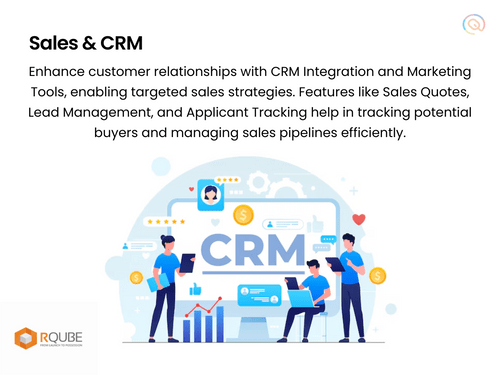
Customer Relationship Management (CRM) is all about managing the relationships you have with your customers – including potential customers. CRM combines business processes, people, and technology to achieve this single goal; getting and keeping satisfied customers. It’s an overall strategy to help you learn more about your customers and their behavior so that you can develop stronger, lasting relationships that will benefit both you and your customers. It’s become almost impossible to build and run a successful business without a strong focus on CRM. To manage the relationships with customers, a business needs to collect the right information about every customer and organize that information to enable proper analysis and action. This information has to be updated regularly, and make it accessible to employees so that they can provide relevant information to the customers.
Customer Relationship Management systems enable companies to achieve the following objectives: Streamlined real estate sales and marketing processes Higher sales and marketing productivity Added cross-selling and up-selling opportunities Improved customer service, loyalty, and retention Higher number of deals Better profiling and targeting Reduced expenses Higher overall profitability
20,000+ Software Listed
Best Price Guranteed
Free Expert Consultation
2M+ Happy Customers
Terms and Condtions

Users with registered businesses can purchase goods from merchants on the platform to satisfy their business needs. Users are not permitted to utilize any products acquired through the platform for resale, advertising, business, or further distribution.
For each purchase made, users will receive a Tax Invoice (or 'GST invoice') that includes specific details such as:
the GSTIN of the user associated with their registered business, and
the specified Entity Name for their business.
It should be noted that not all products are eligible for GST Invoice. Only the products displayed by participating sellers with the 'GST-based Invoice Available' callout on the product description page would qualify.
Certain goods and services are not eligible to get a GST Invoice, including items with VAS, i.e., Value Added Services (e.g., Total Mobile Protection/Assured Buyback) and those involving an exchange offer at the time of purchase.
Users must ensure the accuracy of the GSTIN, and business entity name provided for the GST Invoice. Requests for corrections into GST Invoice would not be accommodated by Techjockey.com or any Seller, and any issues arising from user-provided information are the sole responsibility of users.
Techjockey.com is not liable for the GST Invoice or any associated input tax credit. To efficiently claim an input tax credit, users should select the registered place of business address as per the GST authority's data and follow the provisions of the GST Act and rules.
To claim an input tax credit, the delivery and billing addresses must match. Furthermore, input tax credits will not be granted if the delivery address and GSTIN on the invoice are from different states. In case of incorrect GST details provided during the order placement, the order will be canceled automatically.